

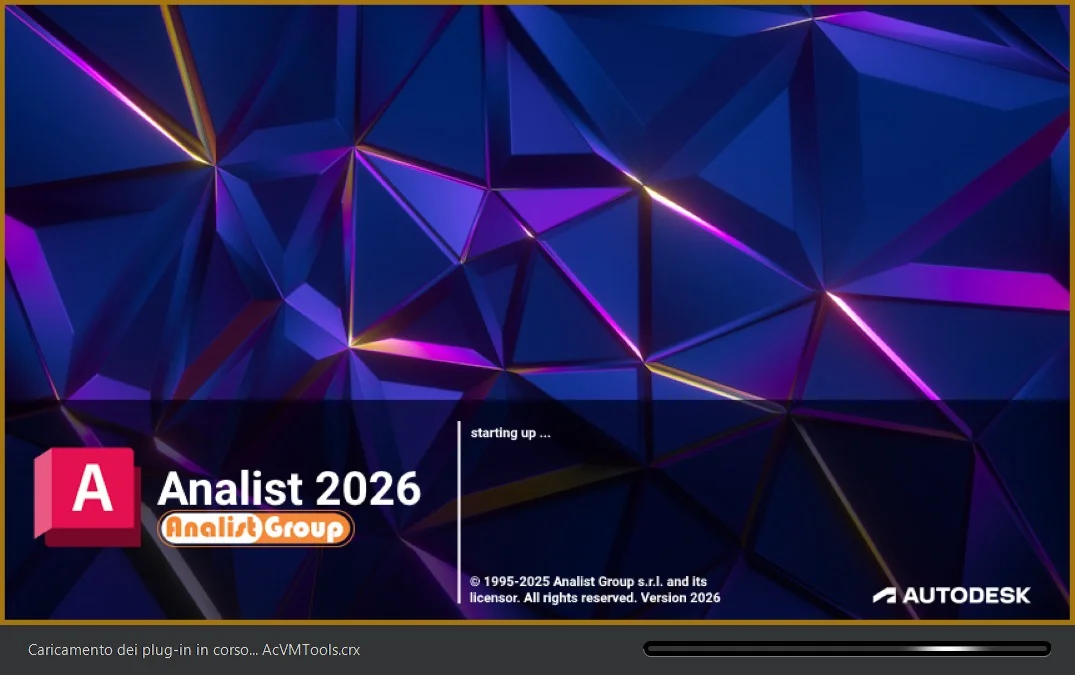
Overview of Analist 2026 Survey Software
Table of Contents
In the rapidly evolving landscape of data collection and market research, Survey Software – Analist 2026 stands out as a robust solution for organizations seeking actionable insights. Unlike basic polling tools, Analist 2026 is designed for advanced questionnaire logic, real-time analytics, and enterprise-grade security. Whether you are conducting customer satisfaction (CSAT) surveys, employee Net Promoter Score (NPS) tracking, or academic research, this version introduces a streamlined interface to reduce friction for respondents while increasing data accuracy for researchers.
This software operates as a cross-platform compatible system, supporting Windows, macOS, and Linux environments via a cloud-native architecture. By leveraging semantic NLP (Natural Language Processing) for open-ended responses, Analist 2026 helps businesses move beyond multiple-choice questions to truly understand user sentiment.
Key Features of Analist 2026
Analist 2026 differentiates itself through a mix of AI-driven automation and granular control. Below are the core functionalities that define this survey platform.
Advanced Question Logic & Branching
-
Skip Logic: Direct respondents to relevant questions based on previous answers.
-
Loop & Merge: Repeat a set of questions for multiple entities (e.g., “Rate each product you purchased”).
-
Randomization: Reduce bias by randomizing answer choices or question order.
Offline Data Collection Mode
Unlike web-only tools, Analist 2026 allows field researchers to collect responses without an internet connection. Data syncs automatically once connectivity is restored, ensuring no loss of submissions in remote areas.
Real-Time Sentiment Analysis Dashboard
The software integrates AI to tag open-ended text responses as Positive, Neutral, or Negative. This allows researchers to flag urgent negative feedback immediately without waiting for manual review.
White-Label Branding
Remove the software’s default logo and colors. Add your corporate CSS, custom domain (e.g., survey.yourcompany.com), and SSL certificates to maintain brand trust.
What’s New in the Latest Version (2026 Release)
The 2026 update focuses on security and generative AI integration. If you are upgrading from Analist 2024, these changes will improve your workflow:
-
Generative AI Question Drafting: Type a topic (e.g., “Remote work satisfaction”), and the AI generates 5 validated question types (Likert, multiple-choice, open-ended) based on psychometric standards.
-
GDPR & CCPA Compliance Wizard: A step-by-step checklist that scans your survey for illegal data collection points (e.g., hidden tracking pixels) and auto-generates a compliant privacy policy.
-
Responsive Mobile Engine: Previously, mobile surveys had formatting errors. The 2026 engine ensures that matrix tables and sliders are fully touch-optimized with zero horizontal scrolling.
-
API Rate Limit Expansion: The API now supports up to 10,000 calls per minute for enterprise users, enabling real-time CRM integration.
System Requirements
To run Survey Software – Analist 2026 efficiently, ensure your hardware and OS meet these specifications.
For Desktop Application (Windows/macOS)
-
OS: Windows 11/10 (64-bit) or macOS Ventura (13.0) or later.
-
Processor: Intel Core i5 (11th gen) or Apple M1/M2 (or equivalent AMD Ryzen 5).
-
RAM: Minimum 8 GB (16 GB recommended for large datasets over 10,000 responses).
-
Storage: 2 GB available SSD space for caching.
-
Browser: Chrome 120+, Firefox 115+, or Edge 120+ for dashboard access.
For Cloud/Web Access
-
No local installation required.
-
Stable internet connection (2 Mbps upload/download for real-time sync).
-
Modern browser with JavaScript and cookies enabled.
Installation Guide
Follow these steps to deploy Analist 2026 legally and securely. Note: You must have a valid license key or subscription to proceed.
Step 1: Download the Installer
-
Visit the official Analist portal.
-
Navigate to “Downloads” > “Analist 2026.”
-
Select your OS (Windows .exe or macOS .dmg).
Step 2: Run the Setup
-
Windows: Right-click the installer and select “Run as Administrator” to avoid permission errors.
-
macOS: Drag the Analist icon into the Applications folder.
Step 3: License Activation
-
Launch the software.
-
Enter your 25-character license key (provided via email upon purchase).
-
Do not attempt to use unauthorized activation tools; these often contain malware and violate compliance terms.
Step 4: Initial Configuration
-
Choose your data region (US, EU, or Asia) for GDPR compliance.
-
Connect your storage (local drive or cloud bucket like AWS S3).
How to Use the Software (Practical Workflow)
Mastering Analist 2026 requires understanding the four-phase lifecycle of a survey.
Phase 1 – Drafting
-
Click New Project > Blank Survey or AI Template.
-
Write your first question in the WYSIWYG editor.
-
Use the “Logic Map” view to visualize branching paths.
Phase 2 – Distribution
-
Email Invites: Use the SMTP relay to send personalized links.
-
QR Codes: Generate static QR codes for physical flyers.
-
Web Embed: Copy/paste the JavaScript snippet into your website’s HTML.
Phase 3 – Monitoring
-
Open the Live Dashboard to watch responses arrive in real-time.
-
Set Alert Rules (e.g., “Email me if a respondent rates support as 1/5”).
Phase 4 – Analysis
-
Export data to SPSS, Excel (XLSX), or CSV.
-
Use the built-in Cross-Tabulation tool to compare demographics (e.g., Age vs. Satisfaction).
Best Use Cases for Analist 2026
This software is not a one-size-fits-all tool; it excels in specific scenarios where data integrity is critical.
-
Academic Research: University professors use the “Randomized Response Technique” to ask sensitive questions without identifying individual students.
-
Healthcare Patient Feedback: The HIPAA-ready module ensures that protected health information (PHI) is encrypted both in transit and at rest.
-
Product Development (Beta Testing): Tech companies use the “Bug Report” template, which automatically captures browser user-agent strings and console logs.
-
Employee Exit Interviews: Anonymization features strip metadata (timestamps, IP addresses) to ensure honest feedback from departing staff.
Advantages and Limitations
Every software stack has trade-offs. Here is an objective evaluation of Analist 2026.
Advantages (Pros)
-
High Security: AES-256 encryption for data at rest; SOC 2 Type II certified.
-
Offline Functionality: Unique among competitors like Google Forms or Typeform.
-
No Cap on Questions: Free versions of other tools limit you to 10 questions; Analist allows up to 200 per survey.
Limitations (Cons)
-
Steep Learning Curve: The advanced logic (loop & merge) requires watching 2–3 tutorial videos. Beginners may feel overwhelmed.
-
Price Point: Starts at $79/month per user, whereas basic alternatives cost $20/month.
-
Slow Support: Email tickets take 24 hours for Standard plan users; 24/7 phone support is only available on Enterprise.
Alternatives to Analist 2026
If Analist does not fit your budget or technical comfort, consider these legitimate competitors.
| Software | Best For | Key Difference from Analist 2026 | Starting Price |
|---|---|---|---|
| Qualtrics CoreXM | Large enterprises with complex research | More advanced text iQ (AI analysis) but lacks offline mode | $1,500/year |
| SurveyMonkey Enterprise | Quick team polls & basic CRM | Much easier to use, but zero logic customization | $35/user/month |
| Jotform | Form building (not pure surveys) | Better payment integration (Stripe/PayPal), but poor reporting | $34/month |
| LimeSurvey | Budget-conscious researchers | Open-source (free), but requires self-hosting and technical maintenance | Free (self-hosted) |
Frequently Asked Questions (FAQ)
Q1: Is Analist 2026 compatible with my existing CRM?
Yes. Analist 2026 supports native integrations via Zapier and Make.com, plus direct API webhooks for Salesforce, HubSpot, and Microsoft Dynamics 365.
Q2: Can I migrate my surveys from Google Forms to Analist 2026?
Absolutely. The software includes an Import Wizard that reads Google Forms exported JSON files and converts them into Analist’s native logic structure, preserving most skip patterns.
Q3: Does the software work offline on an iPad?
Yes, but only through the dedicated iOS app (available on the App Store). The web browser version requires an internet connection. Offline responses sync when the device reconnects to Wi-Fi.
Q4: How does the free trial limit data collection?
The 14-day free trial allows 100 responses per survey and includes all Pro features. Once the trial ends, surveys become view-only. You do not need to provide credit card details for the trial.
Q5: Is my data used to train the AI models?
No. By default, Analist 2026 operates under a zero-retention policy for AI training. Your survey responses are only used to generate your specific reports. You must opt-in to a “data donation” program if you want to help improve the software.
Q6: What file formats are supported for exporting statistical analysis?
You can export data as SPSS (.sav), R (.rdata), Excel (.xlsx), CSV, and JSON. For visualizations, export charts as PNG, SVG, or PDF.
Final Thoughts
Survey Software – Analist 2026 is a powerful, enterprise-ready tool designed for researchers who cannot compromise on data quality or offline accessibility. While the pricing and learning curve may deter casual users, its AI-assisted drafting, robust security (GDPR/HIPAA), and real-time sentiment analysis provide exceptional value for universities, healthcare providers, and large corporations.
Our Paid Service
“We do not sell or provide any software. We only offer professional support services. If any software on your system is not working properly, or you are facing installation errors, crashes, or any other technical issue — just contact us. We will help you fix the problem quickly and remotely via AnyDesk. No software will be provided from our side — only expert troubleshooting and support.”