
Overview of INSUL v10.0.7
Table of Contents
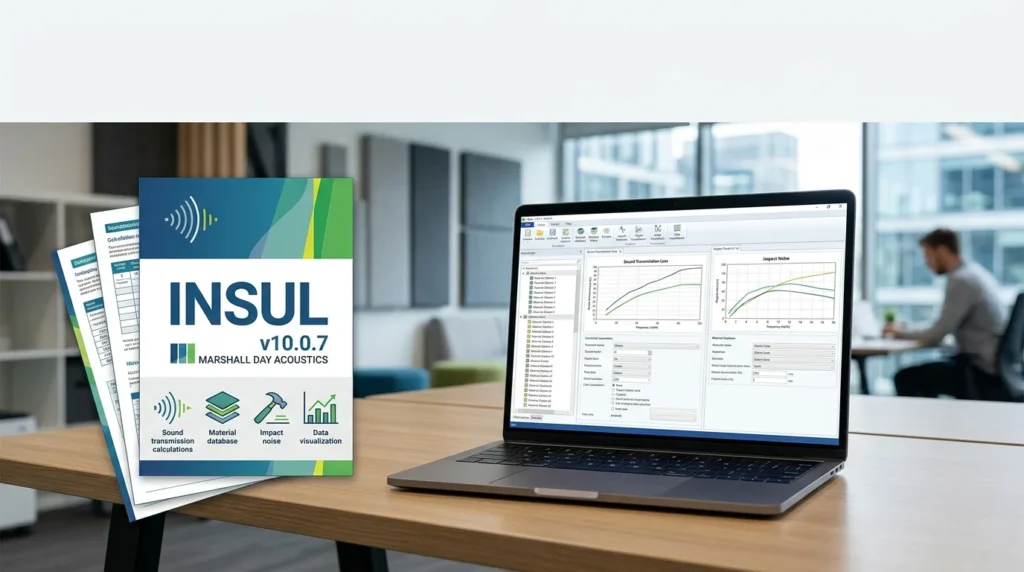
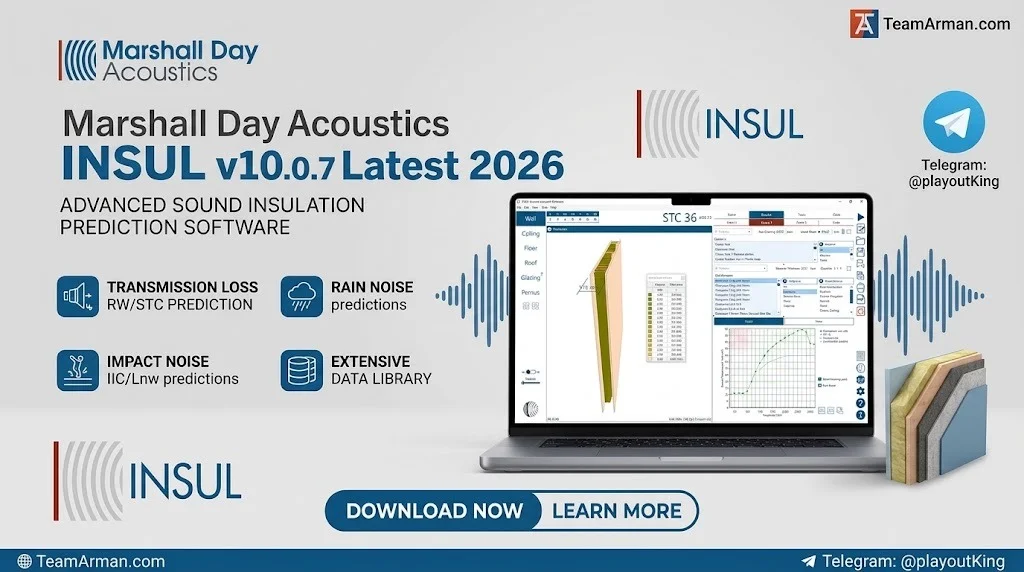
Marshall Day Acoustics INSUL v10.0.7 is a specialized software tool for predicting the sound insulation performance of building elements, including walls, floors, roofs, ceilings, and windows. Developed by Marshall Day Acoustics, a New Zealand-based acoustics consultancy, INSUL uses physics-based models to estimate transmission loss (TL), weighted sound reduction index (Rw), sound transmission class (STC), and impact sound ratings (IIC/LnTw) in third-octave bands. The software has been available for over 15 years and is widely used by acoustic consultants, architects, and product manufacturers to evaluate construction assemblies before laboratory testing.
INSUL v10.0.7, released in November 2025, refines calculation algorithms and integrates new CDM Stravitec floating floor and ceiling configurations into its materials database, improving prediction accuracy for both heavyweight and lightweight construction systems.
Key Features
Physics-Based Prediction Engine
INSUL models materials using elastic plate theory and the mass-spring-mass model, with allowances for thick panel effects and complex partition behavior. This allows users to predict the acoustic performance of assemblies that have not been physically tested.
Multi-Element Support
The software covers a broad range of building elements:
-
Walls (single, double, triple, and quadruple leaf)
-
Floors and ceilings (airborne and impact sound)
-
Windows and glazing systems
-
Roofs (including rain noise prediction)
Material and Construction Databases
INSUL includes built-in databases for materials, absorbers, floor coverings, glazing materials, and sheetmetal profiles, compiled from multiple countries. Users can also enter custom material properties such as density, Young’s modulus, and loss factor.
Third-Octave Band Analysis
Rather than providing only single-number ratings, INSUL outputs transmission loss at each third-octave band from 100 Hz to 3150 Hz, which is essential for assessing low-frequency performance in mechanical equipment or music-related applications.
Auralisation and Export Options
INSUL includes an auralisation feature for listening to predicted insulation performance and offers export compatibility with SoundPLAN, CadnaB, and SonArchitect.
What’s New in INSUL v10.0.7
The v10.0.7 release, dated 6 November 2025, focuses on calculation accuracy and material integration:
-
Refined calculation algorithms for improved prediction reliability across diverse construction types
-
CDM Stravitec floating floor and ceiling configurations added to the materials database as frames and floor covers
-
Expanded lightweight floor support, including Stravifloor Channel-M30 and M50 elastomeric pad systems, and Stravifloor Mat continuous-support systems
-
Enhanced timber construction modelling, supported by extensive testing campaigns from CDM Stravitec
These additions allow specifiers to predict acoustic performance for configurations that have not been physically tested, reducing the need for expensive laboratory evaluations during feasibility studies.
System Requirements
INSUL v10 is available for both Windows and macOS platforms.
Windows
-
Operating system: Windows 10 or Windows 11
-
Processor: x64 architecture (Intel)
-
Screen resolution: 1366 x 768 or higher recommended
-
Licence: HASP key required for full functionality
macOS
-
Apple Silicon (ARM): Native ARM version available
-
Intel Macs: Intel-compatible version available
-
macOS compatibility: Up to macOS 26 (Tahoe)
-
Screen resolution: 1366 x 768 or higher recommended
Licence Notes
Trial licences are available for both Windows and macOS. The trial licencing procedure depends on the operating system, and users must specify their platform when requesting a trial.
Installation Guide
Windows Installation
-
Download the INSUL v10.0.7 installer (MSI file) from the official INSUL website.
-
Run the installer and follow the on-screen prompts.
-
Install the HASP key drivers for licence authentication.
-
Insert your HASP key or apply your trial licence.
-
Launch INSUL and verify the installation by checking the version number under Help > About.
macOS Installation
-
Download the appropriate DMG file for your processor type (ARM or Intel).
-
Open the DMG and drag INSUL to your Applications folder.
-
Install HASP drivers if prompted.
-
Apply your licence and launch the application.
How to Use INSUL
INSUL’s workflow is structured around construction tabs and material layers.
Step 1: Select Construction Type
From the main interface, choose the appropriate tab: Wall, Floor, Ceiling, Window, or Roof. Each tab presents a form tailored to that element type.
Step 2: Define Material Layers
Enter material type, thickness, and density for each layer. INSUL’s material database provides pre-loaded options, or you can input custom properties.
Step 3: Configure Frame and Cavity Settings
For double-panel or cavity walls, select the frame type that describes the connection between panels. Specify cavity width and insulation fill.
Step 4: Run Calculation
Initiate the calculation by clicking the gear-wheel button on the toolbar or pressing Ctrl+C. INSUL computes the transmission loss spectrum and derives STC and Rw ratings.
Step 5: Review and Compare
Examine the third-octave band results and single-number ratings. Use the comparison feature to evaluate alternative constructions side by side.
Best Use Cases
Acoustic Consulting
Consultants use INSUL to assess partition performance during design development, evaluate proprietary systems, and verify compliance with building code requirements for airborne and impact sound insulation.
Product Development
Manufacturers can model new materials and systems before committing to laboratory testing, accelerating product development cycles.
Architectural Specification
Architects and specifiers use INSUL to select appropriate wall, floor, and ceiling assemblies for projects where acoustic performance is critical, such as residential buildings, hotels, schools, and healthcare facilities.
Research and Education
INSUL’s physics-based approach and detailed output make it suitable for academic research on sound transmission and for teaching acoustics principles.
Advantages and Limitations
Advantages
-
Predicts non-standard assemblies from physical properties before laboratory testing exists
-
Fast parametric studies for comparing design variations
-
Third-octave band detail supports low-frequency design considerations
-
Multi-platform support (Windows and macOS, including Apple Silicon)
-
Established accuracy — reliably predicts STC values within 3 dB for most constructions
Limitations
-
Flanking transmission is modelled in a separate module and must be assessed independently
-
Prediction uncertainty increases for complex or novel assemblies
-
Not a substitute for measurement — laboratory testing remains the gold standard for performance verification
Alternatives to INSUL
AcousPlan
AcousPlan takes a database-driven approach, offering 52 tested wall and floor assemblies with laboratory-measured STC and Rw values. Unlike INSUL’s physics-based prediction, AcousPlan relies entirely on validated test data.
Acoulatis
Acoulatis is an online calculation tool focused on sound insulation prediction for ceilings, floors, and walls, with particular emphasis on cross-laminated timber (CLT) structures.
Calculatis (Stora Enso)
Calculatis is a CLT-specific software tool offered by Stora Enso for sound insulation calculations in timber construction.
Frequently Asked Questions
What is INSUL used for?
INSUL is used to predict the airborne and impact sound insulation performance of walls, floors, ceilings, roofs, and windows. Acoustic consultants, architects, and product manufacturers use it to evaluate construction assemblies and specify appropriate systems.
How accurate is INSUL?
Comparisons with test data indicate that INSUL reliably predicts STC values to within 3 dB for most constructions. However, it is not a substitute for laboratory measurement.
Does INSUL run on Mac?
Yes. INSUL version 10 supports both Intel Macs and Apple Silicon (ARM) Macs, with compatibility up to macOS 26 (Tahoe).
Can INSUL predict impact sound insulation?
Yes. INSUL can predict impact sound ratings (IIC/LnTw) for floors, in addition to airborne sound insulation.
What is new in INSUL v10.0.7?
INSUL v10.0.7 includes refined calculation algorithms and new CDM Stravitec floating floor and ceiling configurations integrated into the materials database, improving predictions for timber and lightweight construction systems.
Is a trial version available?
Yes. Trial licences are available for both Windows and macOS. Contact your local distributor to request a trial licence.
Can I import my own material data into INSUL?
Yes. INSUL allows users to enter custom material properties, including density, Young’s modulus, and loss factor, for materials not in the built-in library.
Does INSUL model flanking transmission?
Flanking transmission is modelled in a separate INSUL module. The main prediction engine focuses on direct transmission through the partition.
Final Thoughts
Marshall Day Acoustics INSUL v10.0.7 remains a leading tool for physics-based sound insulation prediction. Its ability to model novel constructions, provide third-octave band detail, and integrate with acoustic design workflows makes it an essential resource for acoustic consultants and building specifiers. The v10.0.7 update strengthens its capabilities for lightweight and timber construction, reflecting ongoing development driven by real-world testing data. For professionals who need to predict acoustic performance before laboratory validation, INSUL offers a reliable and efficient solution.