
Overview of the Software
Table of Contents
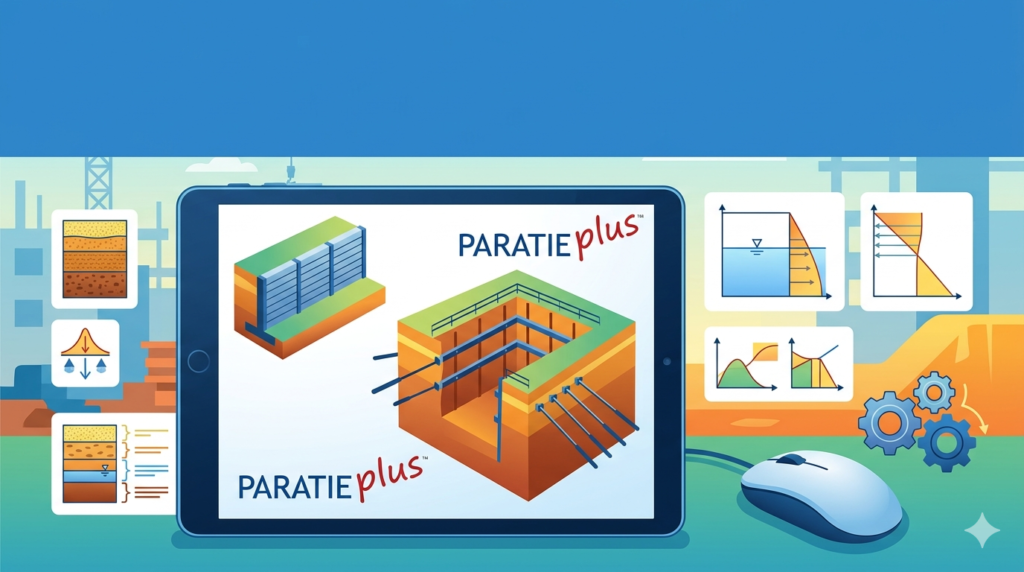
Ce.A.S. s.r.l. ParatiePlus v26.0.1 is a specialized geotechnical engineering software application used for the analysis and design of retaining walls, sheet pile walls, and deep excavation support systems. Developed by the Italian firm Ce.A.S. s.r.l., this tool is widely adopted by civil and geotechnical engineers for both temporary and permanent works.
The software employs advanced numerical methods, including the finite element method (FEM) and limit equilibrium analysis, to model complex soil-structure interaction. Unlike basic spreadsheet calculations, ParatiePlus enables professionals to simulate multi-strutted excavations, tieback anchors, and non-linear soil behavior. This latest version, v26.0.1, introduces refined algorithms for earthquake loading and improved compatibility with modern Windows environments.
For engineers requiring Eurocode 7, ACI, or CEN technical compliance, ParatiePlus provides a robust, legally safe solution that replaces manual calculations with validated, auditable outputs.
Key Features
ParatiePlus v26.0.1 offers a comprehensive set of features tailored to retaining structure engineering:
-
Multi-Method Analysis – Perform analyses using the subgrade reaction method (Winkler model), the finite element method (FEM), or limit equilibrium approaches.
-
Complex Soil Stratigraphy – Model up to 50 distinct soil layers with customizable parameters (cohesion, friction angle, unit weight, modulus of elasticity).
-
Support System Simulation – Design multi-level struts, tiebacks, soil nails, and inclined anchors with pre-stressing options.
-
Water Table & Seepage – Include hydrostatic and hydrodynamic water pressures, plus steady-state seepage effects.
-
Seismic Analysis – NEW in v26.0.1: Pseudo-static seismic coefficients following Eurocode 8 and IBC 2021.
-
Construction Stage Simulation – Model sequential excavation, support installation, and load changes over up to 30 stages.
-
Reinforced Concrete Design – Generate bending moment and shear force diagrams to design concrete capping beams or reinforced retaining walls.
-
Reporting & CAD Export – Automatically produce detailed calculation reports and export cross-sections to DXF format.
What’s New in the Latest Version (v26.0.1)
Version 26.0.1, released in late 2024, focuses on workflow efficiency and code compliance:
-
Enhanced Eurocode 7 (Geotechnical Design) – Updated partial factors and design approaches DA1, DA2, and DA3.
-
Improved FEM Kernel – 15% faster convergence for large models with up to 1,500 finite elements.
-
Graphical Input Interface – New drag-and-drop geometry editor for wall profiles and soil layers.
-
Custom Report Builder – Engineers can now select specific charts, tables, and input data for client-ready PDFs.
-
Windows 11 Optimization – Full compatibility with 64-bit architectures and high-DPI displays.
No installation keys, cracks, or activation bypass procedures are provided or required; the software operates via a legitimate commercial license from Ce.A.S. s.r.l.
System Requirements
Before installing ParatiePlus v26.0.1, ensure your workstation meets these specifications:
| Component | Minimum Requirement | Recommended |
|---|---|---|
| OS | Windows 10 Pro (64-bit) | Windows 11 Pro (64-bit) |
| CPU | Intel Core i5 (8th gen) / AMD Ryzen 5 | Intel Core i7 / AMD Ryzen 7 |
| RAM | 8 GB | 16 GB or more |
| Storage | 500 MB for software + 1 GB for projects | NVMe SSD with 5 GB free |
| Display | 1920 x 1080 | 1920 x 1080 or higher |
| Additional | USB port for hardware key (HASP) | PDF reader for reports |
Installation Guide
Legitimate installation of ParatiePlus v26.0.1 requires a valid license purchased directly from Ce.A.S. s.r.l. or an authorized distributor. Follow these steps:
-
Obtain License – Purchase a single-user, network, or educational license from the official Ce.A.S. website.
-
Download Installer – Log into your customer account and download
ParatiePlus_v26.0.1_Setup.exe. -
Run as Administrator – Right-click the installer and select Run as Administrator.
-
Accept License Agreement – Read and accept the End User License Agreement (EULA).
-
Choose Installation Path – Default is
C:\Program Files\CeAS\ParatiePlus26\. Modify only if necessary. -
Install Hardware Drivers – If using a USB dongle (HASP), allow the installer to install Sentinel drivers.
-
Activate License – Launch the software and enter the 25-character license key (provided via email).
-
Restart – Reboot your computer to complete driver integration.
How to Use the Software
Creating Your First Project
-
Launch ParatiePlus and click New Project.
-
Define units (kN, m, or lb, ft for imperial legacy support).
-
Select analysis method (recommended: FEM for complex soils; Winkler for simple cantilever walls).
Defining Soil Layers
-
Input layer thickness, saturated unit weight, angle of shearing resistance (φ′), effective cohesion (c′), and Young’s modulus (E_ref).
-
Use the built-in soil database for typical values (clay, sand, gravel, rock).
Configuring the Retaining Wall
-
Choose wall type: sheet pile, soldier pile, diaphragm wall, or concrete cantilever.
-
Enter embedment depth, wall stiffness (EI), and allowable stresses.
-
For anchored walls: specify anchor inclination, bond length, and preload force.
Running Analysis & Interpreting Results
-
Click Analyze – the solver computes bending moments, shear forces, displacements, and anchor loads.
-
Review failure envelopes (deflection vs. depth) and factor of safety against basal heave or sliding.
-
Optimize by adjusting wall thickness or strut locations.
Best Use Cases
ParatiePlus v26.0.1 excels in specific geotechnical scenarios:
| Use Case | Why ParatiePlus |
|---|---|
| Urban deep excavations (e.g., basement construction) | Multi-strut staging prevents adjacent building settlement |
| Bridge abutment retaining walls | Handles high surcharge loads from traffic |
| Waterfront sheet pile walls | Models tidal variations and wave pressure |
| Temporary shoring for tunnels | Simulates progressive excavation with soil nailing |
| Landslide remediation walls | Performs slope stability coupling with retaining structures |
Real-world example: A contractor in Milan used ParatiePlus v26.0.1 to design a 12-meter-deep excavation for an underground parking garage adjacent to a historic building. By modeling three strut levels and pre-stressing anchors, wall deflection was limited to 15 mm – well within code limits.
Advantages and Limitations
Advantages
-
Industry-specific – Designed solely for retaining walls, unlike general FEA tools (e.g., Abaqus).
-
Fast parametric studies – Modify wall depth or strut spacing and re-run analysis in seconds.
-
Code compliance – Integrates Eurocode 7, BS 8002, and ACI 318 automatically.
-
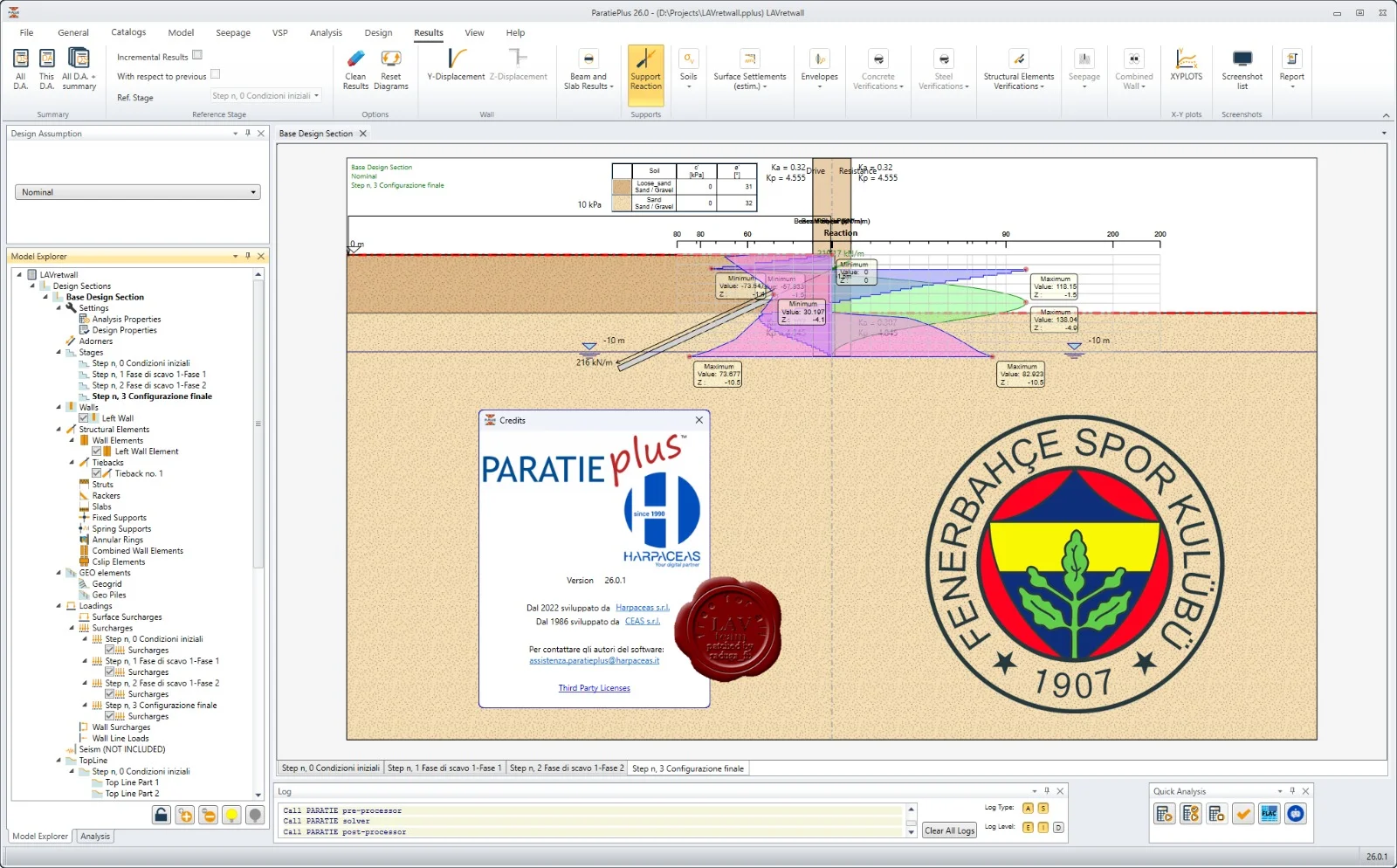
Detailed graphical output – Bending moment diagrams color-coded by construction stage.
-
Low learning curve – Engineers familiar with simple beam theory can become proficient in 2–3 days.
Limitations
-
No 3D modeling – Limited to 2D plane strain analysis. For corners or complex geometry, use Plaxis 3D or MIDAS GTS NX.
-
Price point – Commercial licenses start at €1,950 (single user), which may exceed smaller firms’ budgets.
-
No soil-structure-interaction (SSI) time history – Seismic analysis is pseudo-static only; non-linear dynamic response requires FLAC or OpenSees.
-
Windows-only – No native macOS or Linux versions.
Alternatives to the Software
For engineers evaluating retaining wall design software, consider these legitimate alternatives:
| Software | Developer | Key Difference | License Type |
|---|---|---|---|
| DeepEX | Deep Excavation LLC | Includes 3D visualization + shoring design | Subscription or perpetual |
| PLAXIS 2D | Bentley Systems | Full continuum FEM, but steeper learning curve | Annual rental |
| Wallap | Geocentrix | Free for basic cantilever walls; paid for anchored walls | Freemium / commercial |
| CivilFEM | ANSYS | Advanced concrete-reinforced design integration | Premium commercial |
Frequently Asked Questions
1. Is ParatiePlus v26.0.1 compatible with AutoCAD?
Yes. You can export geometry to DXF format and import DXF profiles as wall lines. However, there is no live link.
2. Can I perform a seismic analysis with ParatiePlus?
Yes, version 26.0.1 includes pseudo-static seismic coefficients per Eurocode 8 and IBC 2021. For liquefaction-induced lateral spreading, you will need additional software.
3. What file formats does the software support for importing soil data?
ParatiePlus imports CSV and TXT files for soil layer tables and export results to Excel (XLSX) and PDF.
4. Does Ce.A.S. s.r.l. offer a free trial or educational license?
Yes. A 30-day fully functional trial is available for academic institutions and professional verification. Contact Ce.A.S. directly – no cracks or illegal activations are required.
5. How does ParatiePlus handle groundwater flow?
It calculates hydrostatic pressures and permits steady-state seepage using a simplified flow net. For transient consolidation, use Plaxis.
6. Can I design combined sheet pile and concrete walls?
Yes. Define a composite wall section with different material properties for each segment.
7. Is training available for new users?
Ce.A.S. provides on-demand video tutorials, a 200-page PDF manual, and paid remote training sessions (€300/half day).
8. Does the software require an internet connection?
Only for license activation and updates. Offline use with a hardware USB key is fully supported.
Final Thoughts
Ce.A.S. s.r.l. ParatiePlus v26.0.1 remains a benchmark tool for geotechnical engineers specializing in retaining structures and deep excavations. Its combination of intuitive workflow, Eurocode compliance, and rapid FEM analysis makes it superior to generic structural software. While it lacks full 3D capabilities, its focused feature set reduces complexity and saves valuable design time.
For engineering firms managing urban excavation projects, tieback walls, or waterfront sheet piles, ParatiePlus v26.0.1 delivers trustworthy, auditable results. Always purchase licenses directly from Ce.A.S. s.r.l. to receive official updates, technical support, and legally compliant software.
Our Paid Service
“We do not sell or provide any software. We only offer professional support services. If any software on your system is not working properly, or you are facing installation errors, crashes, or any other technical issue — just contact us. We will help you fix the problem quickly and remotely via AnyDesk. No software will be provided from our side — only expert troubleshooting and support.”