
Overview of the Software
Table of Contents
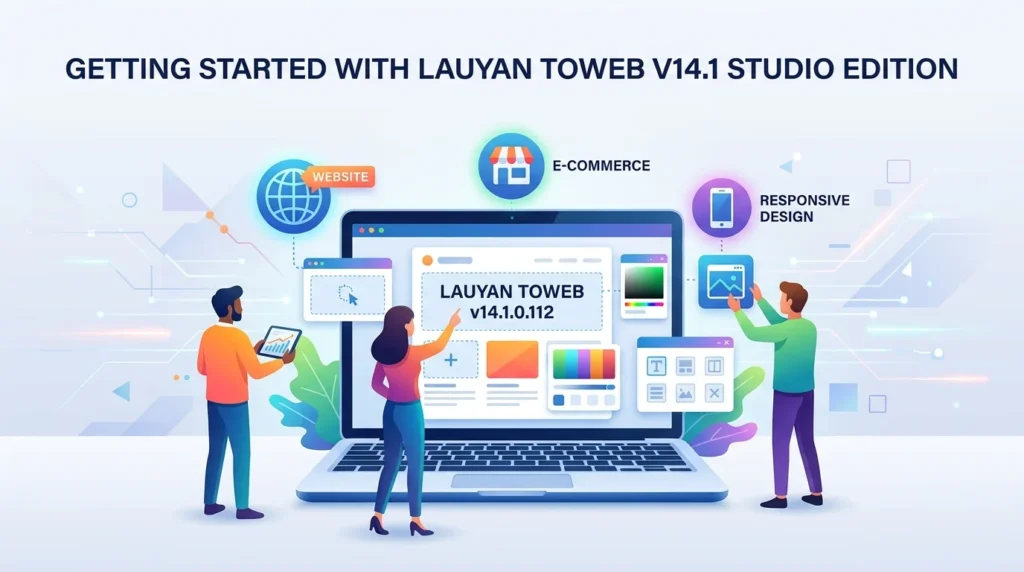
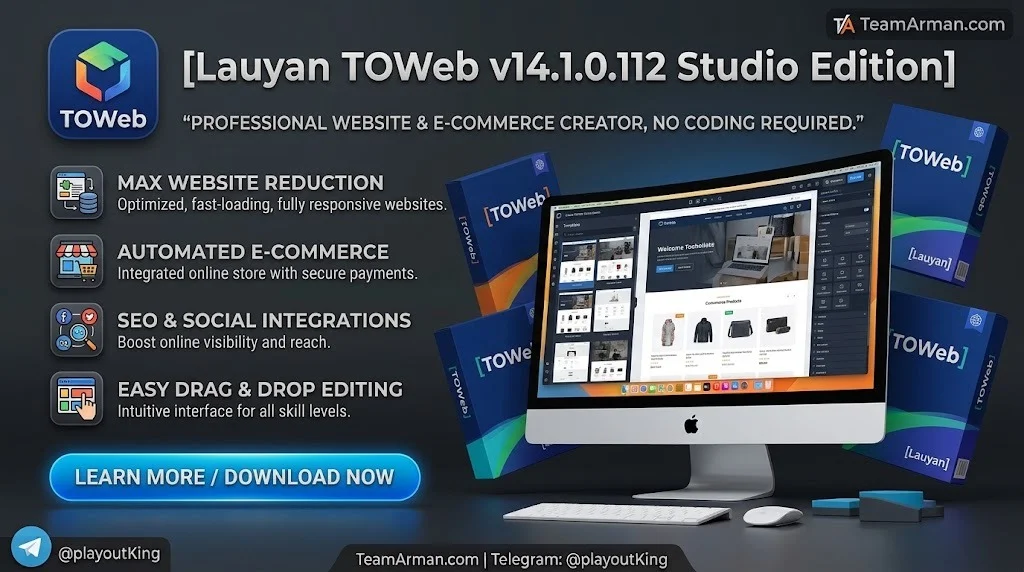
Lauyan TOWeb v14.1.0.112 Studio Edition is a desktop-based WYSIWYG website creation software developed by Lauyan Software, a French company that has been producing web authoring tools for over two decades. The software enables users to build modern, responsive websites and online stores without writing any code, combining HTML5, CSS3, and JavaScript technologies with a Responsive Web Design (RWD) approach.
Unlike cloud-based website builders that charge recurring monthly fees, TOWeb operates as a one-time purchase application that runs entirely on your local machine. This makes it particularly appealing for freelancers, small business owners, educators, and web designers who want full control over their projects without subscription commitments.
The Studio Edition sits at the top of the TOWeb licensing hierarchy. It includes every feature of the e-Commerce edition while removing the five-website limit imposed on lower tiers. Additionally, it supports multi-instance operation, allowing you to open several TOWeb windows simultaneously to edit or publish multiple websites at the same time—a significant workflow advantage for professional web designers managing client projects.
TOWeb has accumulated more than 2 million downloads over its 20-year history, establishing a solid track record in the desktop website builder category. Version 14 represents a major architectural update, introducing integrated artificial intelligence, an online booking system, and numerous SEO enhancements that modernize the platform for current web standards.
Key Features
TOWeb v14.1.0.112 Studio Edition packs a comprehensive feature set designed to handle everything from simple landing pages to full-featured e-commerce stores. Understanding these capabilities is essential for evaluating whether the software fits your workflow.
Drag-and-Drop Visual Editor
The core editing experience in TOWeb revolves around a live preview WYSIWYG interface. You browse and edit your site naturally, adding and editing content directly within the pages as they appear in their final form. The software supports pictures, forms, photo galleries, Google Maps, YouTube and HTML5 videos, polls, and more. A complete CSS3-based theme editor lets you customize gradients, drop shadows, rounded edges, and virtually every visual element by simply clicking on it and adjusting its style in real time.
Responsive Design Engine
TOWeb generates responsive websites that adapt automatically to smartphones, tablets, laptops, desktops, and televisions. The v14 release introduced an improved 12-column flexbox grid system that provides pixel-perfect control across all device breakpoints. This ensures your site delivers a consistent user experience regardless of how visitors access it.
Integrated E-Commerce System
The Studio Edition includes TOWeb’s complete e-commerce engine. You can create product catalogs, add a shopping cart with a full checkout experience, manage orders, configure shipping and taxes, and accept payments through multiple gateways including PayPal, Stripe, Ogone, Skrill, WorldPay, and others. Digital product sales (ebooks, photos, music) are also supported. Version 14.04 added a complete invoicing system integrated into the e-commerce back office, enabling automatic generation of numbered invoices and one-click delivery to customers.
Built-In SEO Tools
TOWeb generates W3C-compliant HTML5 files with a strong focus on search engine optimization. The SEO toolkit includes keyword-rich filenames, page-level META title and description editing, ALT tags for images, XML sitemap generation with priority and update frequency configuration, Google Analytics and Google Site Verification integration, and a site optimizer that identifies errors and missing information before publication. Version 14.03 added automatic canonical tag generation to help prevent duplicate content issues, and automatic alternate link generation in accordance with Google’s recommendations.
AI Content Generation
Version 14 introduced an integrated AI agent that operates directly within the editing interface. You can ask it to generate text content, create images for your pages, translate content into other languages, correct or rephrase existing text, and complete partially written sections. The AI button appears when creating new paragraphs or hovering over existing ones, making it accessible without disrupting your workflow.
Online Booking System
TOWeb 14 includes a native online booking system that requires no external plugins or subscriptions. The booking widget supports time-slot bookings, full-day or multi-day reservations, and services linked to specific resources such as rooms, equipment, or staff. Version 14.01 added iCal/ICS synchronization, allowing you to connect the booking system to external platforms like Airbnb or Booking.com to prevent double bookings.
Multilingual Website Support
TOWeb makes creating multilingual websites straightforward. You can define a main language, add additional languages, and edit content separately for each. The software supports right-to-left languages like Arabic and Hebrew, and includes an automatic translation module using Microsoft Bing Translator.
Publishing Flexibility
The included FTP publishing module supports FTP, SFTP, and FTPS protocols. You can publish to any web hosting provider, export your site locally for offline distribution or CD creation, and change hosting providers at any time without losing your work.
What’s New in the Latest Version
Version 14.1.0.112 builds upon a series of iterative updates that have progressively modernized the software. Here are the most significant additions:
-
AI Image Generation: Beyond text generation, the AI agent can now create photos and images directly within your pages, eliminating the need for stock photo subscriptions.
-
Integrated Invoicing System: The e-commerce back office now supports automatic invoice generation with company setup, numbered invoices, and one-click customer delivery.
-
Progressive Blog Loading: Blog content can now load progressively (e.g., 10 or 20 articles at a time) for faster page display and improved user experience.
-
Canonical Tag Automation: TOWeb automatically adds canonical tags to indicate the official version of each page to Google, reducing duplicate content risks.
-
iCal/ICS Calendar Synchronization: The booking system now connects with external calendars from Airbnb, Booking.com, and similar platforms.
-
175 New Google Fonts: Expanded typography options for greater design flexibility.
-
WELLORA Template: A new flagship template demonstrating modern design patterns, including a Mega Menu example.
-
OpenSSL 1.1.1 Upgrade: The FTP publishing module now uses a more secure and modern encryption library.
System Requirements
Before installing TOWeb v14.1.0.112 Studio Edition, verify that your system meets the following specifications:
Windows:
-
Operating System: Windows 7, 8, 10, or 11 (32-bit and 64-bit versions)
-
Processor: 1.5 GHz dual-core minimum (2.0 GHz recommended)
-
RAM: 4 GB minimum (8 GB recommended for large e-commerce projects)
-
Hard Disk Space: 500 MB for installation plus additional space for project files
-
Display: 1280 x 768 or higher resolution
-
Internet Connection: Required for publishing and accessing online features
macOS:
-
Operating System: macOS 13 (Ventura) or later
-
Installation: Drag the TOWeb icon into the Applications folder after downloading
Linux/Ubuntu:
-
Requires Wine version 1.6 or higher
-
Right-click the installation file and open it under Wine
The software is available for Windows and Mac platforms, with Linux compatibility provided through the Wine compatibility layer. A stable internet connection is necessary for license activation, AI features, and publishing your website to a web host.
Installation Guide
Installing TOWeb v14 Studio Edition follows a straightforward procedure. Here are the steps:
-
Download the Official Installer: Visit the official Lauyan Software download page and download the latest version 14.x installer for your operating system. Avoid third-party download sites to ensure you receive a clean, unmodified installation package.
-
Run the Installer: Double-click the downloaded file to start the installation wizard. On Windows, you may need to right-click and select “Run as administrator” if you encounter permission issues.
-
Accept the License Agreement: Review and accept the end-user license agreement to proceed.
-
Choose Installation Location: Select the destination folder for TOWeb. The default location is recommended for most users.
-
Select Installation Type: Choose “Full Installation” to include all templates, modules, and resources.
-
Complete Installation: Wait for the installation process to finish (typically 2–3 minutes). Shortcuts will be created on your desktop and in the Start menu.
-
Enter Your License Key: After installation, TOWeb runs in Standard (free) mode. If you purchased a Studio Edition license, you will receive a registration key by email. Copy the entire key, restart TOWeb, and paste it when prompted. The software will validate your license and unlock all Studio Edition features.
-
Check for Updates: Upon first launch, allow TOWeb to check for and download any available updates. Minor version updates (14.xx) are free for licensed users.
How to Use the Software
TOWeb follows a logical, step-by-step workflow that guides you from project creation to publication. Here is an overview of the typical process:
Step 1: Choose a Project Type
When starting a new project, select from options such as blank responsive site, online store, blog, portfolio, or restaurant menu site. This determines the initial structure and available modules.
Step 2: Select a Template
TOWeb includes dozens of professional templates across various categories. Choose one that matches your project’s purpose, or start from scratch and build your own theme. The WELLORA template showcases the latest design capabilities.
Step 3: Customize the Design
Use the CSS3-based theme editor to adjust colors, fonts, spacing, and visual styles. All changes appear in the live preview immediately. You can customize individual elements by clicking on them and adjusting their properties.
Step 4: Add and Edit Content
Switch to content editing mode and populate your pages with text, images, videos, forms, and other elements. The WYSIWYG interface displays content as it will appear on the live site. Use the AI agent to generate or refine content as needed.
Step 5: Configure SEO Settings
Navigate to each page’s SEO settings to customize the META title, description, and URL. Add ALT tags to images, configure your XML sitemap preferences, and run the site optimizer to identify any issues before publishing.
Step 6: Set Up E-Commerce (if applicable)
If your project includes an online store, configure product catalogs, payment gateways, shipping options, taxes, and the new invoicing system through the e-commerce module.
Step 7: Publish Your Website
Use the integrated FTP publishing module to upload your site to your web hosting provider. TOWeb supports FTP, SFTP, and FTPS protocols. After publication, you can automatically submit your sitemap to Google and Bing.
Best Use Cases
TOWeb v14 Studio Edition excels in several scenarios:
Freelance Web Designers: The unlimited website licensing and multi-instance support make it ideal for professionals managing multiple client projects. You can open several TOWeb windows simultaneously to work on different sites in parallel.
Small Business Owners: Create a professional online presence without hiring a developer. The integrated e-commerce system handles product catalogs, payments, and order management. The booking system suits service-based businesses like salons, consultants, and rental properties.
Educators and Non-Profits: The one-time purchase model eliminates recurring subscription costs, making TOWeb an affordable option for organizations with limited budgets. The multilingual support helps serve diverse communities.
Personal Projects: Build blogs, portfolios, or informational websites without technical expertise. The AI content generation feature helps users who struggle with writing, and the template library provides a professional starting point.
Advantages and Limitations
Advantages
-
One-Time Purchase: No monthly or annual subscription fees. Your license is valid for life.
-
Offline Operation: Work without an internet connection and publish when ready. Your data stays on your computer.
-
No Coding Required: The WYSIWYG editor and template system make web design accessible to beginners.
-
Integrated E-Commerce: A complete online store solution without third-party plugins or recurring fees.
-
Native Booking System: Built-in appointment and reservation management with iCal synchronization.
-
Strong SEO Foundation: Generates clean, W3C-compliant HTML5 with comprehensive SEO tools.
-
AI-Assisted Content Creation: Generate text and images without additional subscriptions or API keys.
-
Publish Anywhere: Full FTP/SFTP/FTPS support means you are not locked into a specific hosting provider.
Limitations
-
Desktop-Bound Workflow: The software must be installed on each computer you use. There is no web-based version for editing from multiple devices.
-
Learning Curve: While designed for beginners, new users may need time to become familiar with the interface and feature set.
-
Template Selection: The built-in template library, while functional, is smaller than those offered by some cloud-based competitors.
-
Advanced Customization: Users with HTML/CSS expertise may find the customization options more limited than coding directly or using a tool like Pinegrow.
-
Platform Dependency: TOWeb is proprietary software. Your website projects are stored in TOWeb’s proprietary format, though the published output is standard HTML/CSS/JavaScript.
Alternatives to the Software
Several other website builders and design tools occupy similar market space. Here is how they compare:
Adobe Dreamweaver: A professional-grade web authoring tool that combines visual design with direct code editing. It offers more advanced customization but has a steeper learning curve and requires a subscription. Best suited for developers who want both visual and code-level control.
Pinegrow Web Editor: A desktop application that provides visual editing alongside direct HTML, CSS, and JavaScript access. It supports Bootstrap, Foundation, and WordPress frameworks. Pinegrow appeals to developers who want more control than TOWeb offers but still value a visual interface.
WebAcappella: A template-based website builder similar to TOWeb in its beginner-friendly approach. It offers drag-and-drop functionality and responsive design but generates HTML code that reviewers describe as “overloaded and time-consuming to revise”.
RocketCake: A free desktop website designer for creating responsive websites. It supports HTML5, CSS, JavaScript, PHP, and ASP, making it more developer-oriented than TOWeb. However, it lacks the integrated e-commerce and booking systems found in TOWeb.
Ucraft, Yola, and WebWave: Cloud-based website builders that offer drag-and-drop interfaces, e-commerce features, and SEO tools. These are subscription-based and require an internet connection, but they offer browser-based editing from any device.
Frequently Asked Questions
Is Lauyan TOWeb v14.1.0.112 Studio Edition a free download?
TOWeb offers a free Standard edition with limited features (one website, 50 MB size limit, and advertisements). The Studio Edition is a paid license at €399, which unlocks unlimited websites, removes advertisements, and includes all e-commerce and professional features. The free version is suitable for evaluation purposes, but commercial and multi-site projects require a paid license.
Can I create an online store with TOWeb Studio Edition?
Yes. The Studio Edition includes the full e-commerce module, which supports product catalogs, shopping cart functionality, multiple payment gateways (PayPal, Stripe, Ogone, Skrill, WorldPay, and others), order management, shipping configuration, tax settings, and the new automatic invoicing system introduced in version 14.04.
Does TOWeb require an internet connection to work?
No. TOWeb is a desktop application that runs entirely on your computer. You can design, edit, and preview your website offline. An internet connection is only required for publishing your site, activating your license, and using the AI content generation features.
How does TOWeb handle SEO?
TOWeb generates W3C-compliant HTML5 code with a comprehensive SEO toolkit. Features include editable META titles and descriptions, keyword-rich filenames, ALT tags for images, XML sitemap generation, automatic canonical tags, alternate link generation, Google Analytics integration, and a site optimizer that flags issues before publication.
Can I use TOWeb to build multilingual websites?
Yes. TOWeb supports multilingual websites with separate content for each language. It supports right-to-left languages like Arabic and Hebrew, and includes an automatic translation module powered by Microsoft Bing Translator.
What is the difference between the Studio Edition and other TOWeb licenses?
The Studio Edition includes every feature of the e-Commerce edition but removes the five-website limit, allowing you to manage an unlimited number of websites. It also supports multi-instance operation, meaning you can open multiple TOWeb windows simultaneously to work on different projects.
How do I get support for TOWeb?
Licensed users receive priority technical support via email through TOWeb’s integrated support form. The software also includes a downloadable PDF user manual, and minor version updates (14.xx) are provided free of charge without time limits.
Is TOWeb compatible with my hosting provider?
TOWeb publishes via FTP, SFTP, and FTPS protocols, which are supported by virtually all web hosting providers. You can also export your website locally and upload it using any third-party FTP client, giving you complete flexibility in choosing your hosting environment.
Final Thoughts
Lauyan TOWeb v14.1.0.112 Studio Edition represents a mature, feature-rich desktop website builder that fills a specific niche in the web development ecosystem. Its one-time purchase model, offline operation, and complete absence of subscription fees make it a compelling alternative to cloud-based platforms for users who value ownership and control over their tools.
The Studio Edition’s unlimited website licensing and multi-instance support position it as a practical choice for freelance web designers and agencies managing multiple client projects. The integrated e-commerce system, native booking functionality, and AI-assisted content generation provide substantial value without requiring additional paid services.
However, potential users should weigh the desktop-bound workflow against the convenience of cloud-based alternatives. If you need to edit your website from multiple devices or prefer browser-based tools, a SaaS platform may better suit your needs. But if you prioritize offline work, one-time pricing, and direct control over your published files, TOWeb v14 Studio Edition delivers a capable and proven solution.
For businesses and individuals seeking a legally licensed, subscription-free website creation tool with strong SEO foundations and comprehensive e-commerce capabilities, TOWeb v14.1.0.112 Studio Edition merits serious consideration. The free Standard edition provides a risk-free way to evaluate the software before committing to a purchase.
Our Paid Service
“We do not sell or provide any software. We only offer professional support services. If any software on your system is not working properly, or you are facing installation errors, crashes, or any other technical issue — just contact us. We will help you fix the problem quickly and remotely via AnyDesk. No software will be provided from our side — only expert troubleshooting and support.”