
Overview of Cesbo Astra
Table of Contents
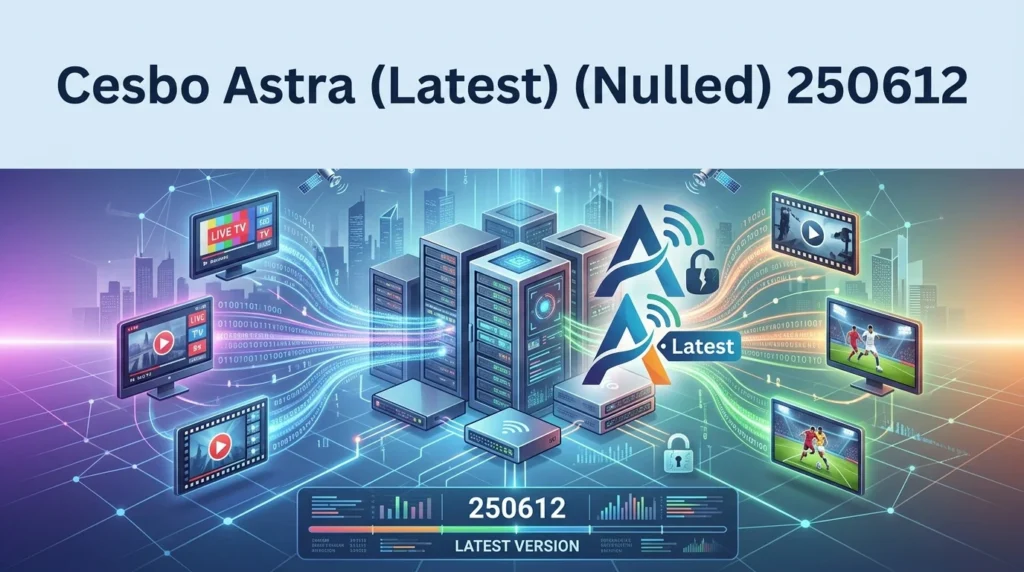
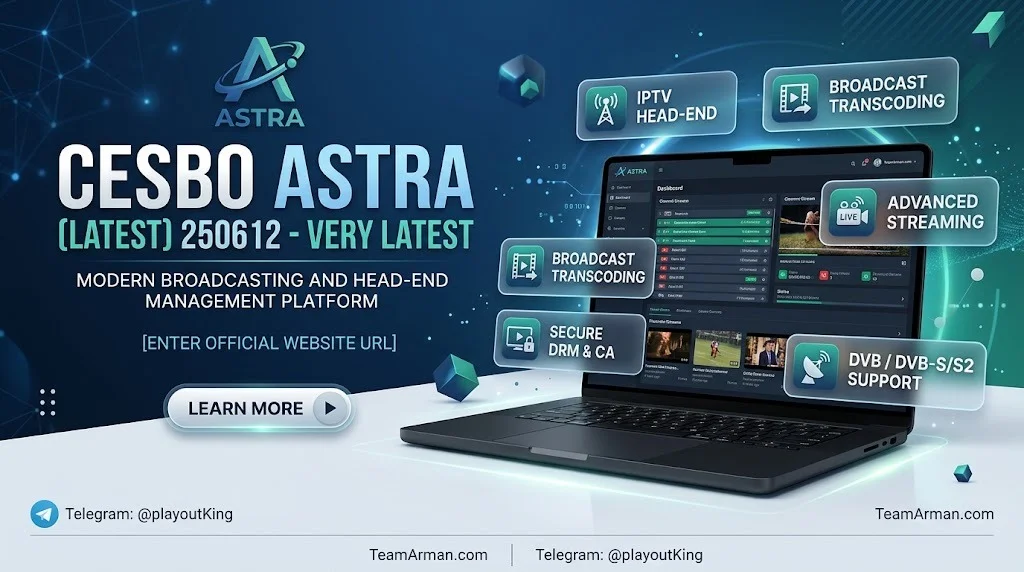
Cesbo Astra is a server-side software application designed specifically for Linux environments. It functions as a headend television station, allowing operators to build customized digital broadcasting services. The software receives content from multiple sources and delivers it reliably to viewers across various distribution networks.
What Is Cesbo Astra?
Astra serves as a media multiplexer and streaming server. It operates at the transport stream level, meaning it processes and delivers content without altering the original video and audio streams. This approach preserves signal integrity and ensures compatibility with existing broadcast infrastructure.
Who Uses Cesbo Astra?
The software targets professional broadcast operations:
-
Cable, satellite, and terrestrial TV operators seeking to modernize their distribution infrastructure.
-
IPTV and OTT service providers requiring reliable stream processing and delivery.
-
Content delivery networks (CDNs) managing high-volume video traffic.
-
Hotels, hospitals, and enterprises operating internal television services for guests or patients.
Developer and Licensing
Cesbo Astra is developed by Cesbo OÜ, an Estonian company specializing in broadcast software solutions. The software operates under a proprietary license model. A valid license is required to launch Astra on your server, with options including a free demo license or a paid subscription available directly from the official Cesbo website.
Key Features of Cesbo Astra
Cesbo Astra provides a comprehensive suite of broadcasting tools designed for professional media operations.
Input Source Support
Astra accepts signals from virtually any source relevant to modern broadcasting:
-
DVB and ISDB-T standards for satellite, cable, and terrestrial reception.
-
HLS and HTTP MPEG-TS streams from web-based sources.
-
UDP and RTP multicast streams over IP networks.
-
SRT protocol in both caller and listener modes.
-
RTSP streams from IP cameras.
MPEG-TS Processing Capabilities
The software performs advanced transport stream manipulation:
-
MPEG-TS demultiplexing to extract individual channels from multi-program transport streams.
-
Stream filtering and remapping for precise content control.
-
Descrambling via DVB-CI with Conditional Access Modules.
-
Stream analysis for monitoring and diagnostics.
-
Stream redundancy with automatic failover to backup sources.
Distribution and Output Options
Astra prepares and delivers content across multiple network types:
-
MPEG-TS multiplexing for cable, terrestrial, and satellite networks.
-
DVB Simulcrypt encryption for conditional access systems.
-
HLS and HTTP MPEG-TS streaming with access authentication.
-
UDP Multicast delivery over IP networks.
-
SRT protocol in listener or caller modes.
Web Interface and Monitoring
The software includes a responsive web-based control interface:
-
Real-time dashboard displaying status updates for all streams and DVB adapters.
-
Quick search functionality for streams and adapters.
-
Session management showing all active HTTP/HLS client connections.
-
Customizable interface themes with grouping, ordering, and filtering options.
Integration and Automation
Astra connects with existing infrastructure and monitoring tools:
-
Zabbix, Grafana, and InfluxDB integration for enterprise monitoring.
-
REST API for automation and system integration.
-
Lua scripting for custom functionality and workflow automation.
What’s New in Cesbo Astra 250612
The 250612 release, dated June 12, 2025, is the latest stable version available. While the official changelog does not detail specific feature additions for this build, the version numbering follows Cesbo’s date-based convention, indicating ongoing maintenance and refinement of the platform.
Previous versions in the release timeline include:
-
250221 (February 21, 2025)
-
241024 (October 24, 2024)
-
240403 (April 3, 2024)
-
230719 (July 19, 2023)
Users upgrading from earlier builds should consult the official documentation for migration notes and compatibility information.
System Requirements for Cesbo Astra
Astra is designed for Linux server environments with modest hardware demands.
Minimum Requirements
-
CPU: Intel or AMD x86 64-bit processor.
-
Operating System: Any 64-bit Linux distribution. Ubuntu 22.04 LTS is recommended for stability and long-term support.
-
Internet Connection: Required for periodic license validation through Cesbo’s license servers (ls1.cesbo.com, ls2.cesbo.com, ls3.cesbo.com).
Recommended Configuration
-
Fedora 42 is suggested by the developer for optimal compatibility.
-
Sufficient storage for stream buffering and logging.
-
Stable, high-bandwidth network connectivity for professional deployments.
Supported Platforms
The core Astra application is cross-platform in design, with historical support for OS X, Linux (any distribution), BSD, and Windows. However, the current professional version is optimized for Linux server deployment.
Installation Guide for Cesbo Astra
Installing Astra is a straightforward process requiring basic Linux command-line familiarity.
Step 1: Download the Binary File
Open your server console and download the Astra binary from the official CDN. The latest version is always available at the official download URL.
Step 2: Set Execute Permissions
After downloading, apply execute permissions to the binary file to allow it to run on your system.
Step 3: Obtain and Install a License
A valid license is mandatory to launch Astra. You may obtain a free demo license or purchase a subscription through the official Cesbo website. Follow the installation instructions provided in the license email.
Step 4: Register the Systemd Service
Register Astra as a system service using the systemd command. This registers the service with the name “astra” and management port 8000.
Step 5: Start the Service and Enable Autorun
Launch the Astra service and configure it to start automatically on system boot. This ensures your broadcasting infrastructure remains operational after server restarts.
Step 6: Optimize System Performance
Use the System Tune script provided by Cesbo to automatically configure network parameters, CPU power modes, and other performance-critical settings.
Step 7: Access the Web Interface
Open a web browser (Edge, Chrome, Safari, or Firefox) and navigate to http://your-server-address:8000. The default login and password are both set to “admin.” Change the default password immediately to prevent unauthorized access.
How to Use Cesbo Astra
Once installed and licensed, Astra provides a comprehensive workflow for broadcast operations.
Configuring Input Sources
Navigate to the web interface and add your input sources. Astra supports DVB adapters, HLS streams, UDP multicast, SRT, and RTSP inputs. Configure each source according to the signal type and network parameters.
Processing and Preparing Channels
Use the MPEG-TS processing tools to demultiplex transport streams, filter unwanted content, remap PIDs, and descramble encrypted signals where necessary. The dashboard provides real-time visibility into the status of each stream and adapter.
Setting Up Outputs
Configure output streams for your target distribution networks. Options include MPEG-TS for traditional broadcast, HLS for web delivery, UDP multicast for IP networks, and SRT for reliable point-to-point transmission.
Monitoring and Maintenance
Integrate Astra with Zabbix, Grafana, or InfluxDB for comprehensive monitoring. Use the API for automation tasks and Lua scripts to extend functionality. Regularly check session logs and adapter status through the web interface.
Best Use Cases for Cesbo Astra
Astra excels in professional broadcast scenarios requiring reliability and flexibility.
Cable and Satellite Headends
Replace or augment traditional hardware headends with software-based processing. Astra handles DVB-S, DVB-S2, DVB-C, and DVB-T signals with descrambling via DVB-CI.
IPTV and OTT Platforms
Deliver television services over IP networks using UDP multicast, HLS, or SRT. The software supports authentication for HLS streams and provides scalable delivery for subscriber-based services.
Content Distribution Networks
Use Astra as a stream processor within larger CDN architectures. The API and monitoring integrations enable seamless operation within automated infrastructure.
Enterprise and Hospitality TV
Hotels, hospitals, and similar organizations can deploy Astra to provide customized television services to guests or patients. The software supports internal distribution over existing network infrastructure.
Advantages and Limitations of Cesbo Astra
Advantages
-
Comprehensive format support: Handles DVB, ISDB-T, HLS, SRT, UDP, RTP, and RTSP inputs.
-
Professional-grade processing: MPEG-TS demultiplexing, descrambling, and redundancy features.
-
Web-based management: Accessible from any modern browser.
-
Enterprise integration: Native support for Zabbix, Grafana, InfluxDB, and REST API.
-
Active development: Regular releases with the latest from June 2025.
Limitations
-
Linux-only for professional use: The current version targets Linux server environments.
-
License required: A valid subscription or demo license is mandatory to operate.
-
Technical expertise needed: Configuration requires familiarity with broadcast standards and Linux administration.
-
No native Windows GUI: Management is performed through the web interface.
Alternatives to Cesbo Astra
Several competing solutions exist in the broadcast and IPTV server space.
TVHeadend
An open-source TV streaming server and recorder for Linux, supporting DVB and IPTV inputs. TVHeadend offers a web interface and integrates with Kodi and other media players. It is free but may require more manual configuration for complex broadcast workflows.
ErsatzTV
A modern IPTV server designed for creating custom streaming channels from local media libraries. ErsatzTV focuses on scheduled programming rather than live signal processing, making it suitable for different use cases.
FFmpeg-Based Solutions
Custom solutions built on FFmpeg can handle many stream processing tasks. However, they lack the integrated web interface, monitoring, and redundancy features that Astra provides out of the box.
Commercial Headend Software
Other commercial options exist for professional broadcast operations, often with higher licensing costs and different feature sets. Astra’s competitive advantage lies in its balance of professional capabilities and reasonable pricing.
Frequently Asked Questions About Cesbo Astra
What is Cesbo Astra used for?
Cesbo Astra is a professional IPTV and media server software for Linux. It receives TV signals from satellite, cable, terrestrial, and IP sources, processes them using MPEG-TS tools, and delivers content to viewers across various networks.
Is Cesbo Astra free to use?
No. While a free demo license is available, operating Astra requires a valid license. Subscriptions can be purchased through the official Cesbo website.
What operating system does Cesbo Astra require?
Astra runs on any 64-bit Linux distribution. Ubuntu 22.04 LTS and Fedora 42 are recommended by the developer.
Can I run Cesbo Astra on Windows?
The core software has historical cross-platform support, but the current professional version is optimized for Linux server deployment.
What is the latest version of Cesbo Astra?
The latest version is 250612, released on June 12, 2025. It is available for download from the official Cesbo CDN.
Does Cesbo Astra support HLS streaming?
Yes. Astra supports HLS and HTTP MPEG-TS streaming with access authentication, making it suitable for OTT and web-based delivery.
How do I monitor Cesbo Astra?
Astra integrates natively with Zabbix, Grafana, and InfluxDB. It also provides a web-based dashboard for real-time monitoring of streams and adapters.
Can I automate tasks in Cesbo Astra?
Yes. The software includes a REST API and supports Lua scripting for custom automation and workflow integration.
Final Thoughts on Cesbo Astra 250612
Cesbo Astra 250612 represents a mature, professional-grade solution for IPTV and broadcast operations. Its comprehensive input support, robust MPEG-TS processing, and enterprise integration capabilities make it a compelling choice for operators seeking a software-based headend solution.
The software’s Linux-native design and licensing model target serious professional deployments rather than casual users. For organizations requiring reliable stream processing with web-based management and automation capabilities, Astra delivers a well-rounded feature set.
As with any professional broadcasting software, users should obtain proper licensing and maintain current versions to ensure security, compliance, and access to ongoing support. The official Cesbo website provides licensing options, documentation, and technical resources for evaluation and deployment.
Our Paid Service