
Overview of SteelX Industrial 1.6.2
Table of Contents
SteelX Industrial serves as a productivity bridge for professionals who work with Autodesk Advance Steel but require functionality beyond its native toolkit. Since Autodesk placed Advance Steel into maintenance mode in 2023—meaning no new features are being developed—third-party solutions like SteelX Industrial have become essential for teams seeking modern BIM features and workflow efficiencies.
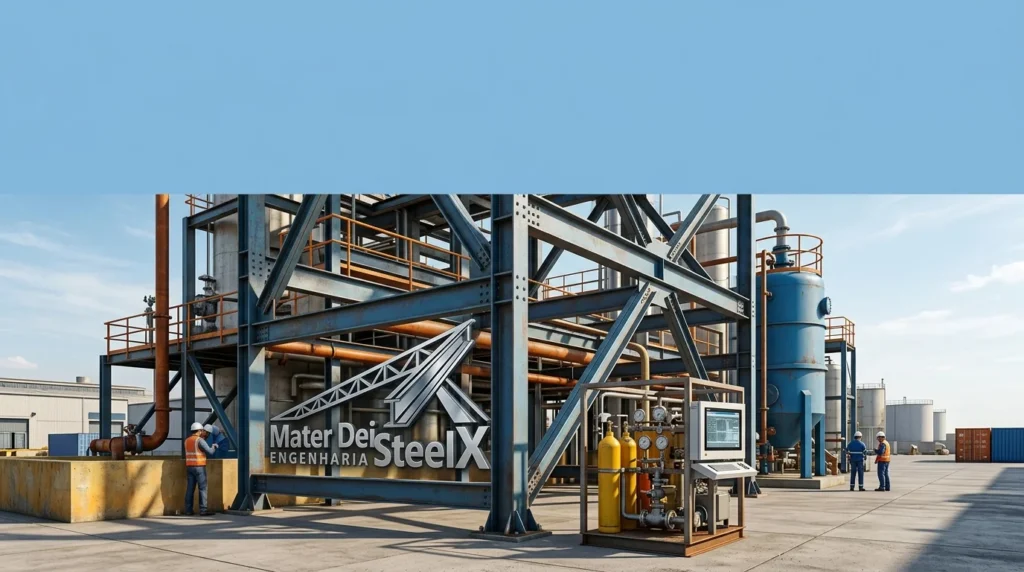
The plugin integrates directly into the Advance Steel environment, operating within the familiar AutoCAD-based interface while adding specialized industrial steel components and automated processes. It targets professionals in industries such as industrial plant construction, pipe rack and equipment support design, platform and walkway fabrication, ladder and handrail detailing, and structural steel for process plants.
The developer, Mater Dei Engenharia, is a Brazilian engineering company that specializes in steel structure solutions. SteelX Industrial represents their flagship software product for the international steel detailing community.
Key Features of SteelX Industrial 1.6.2
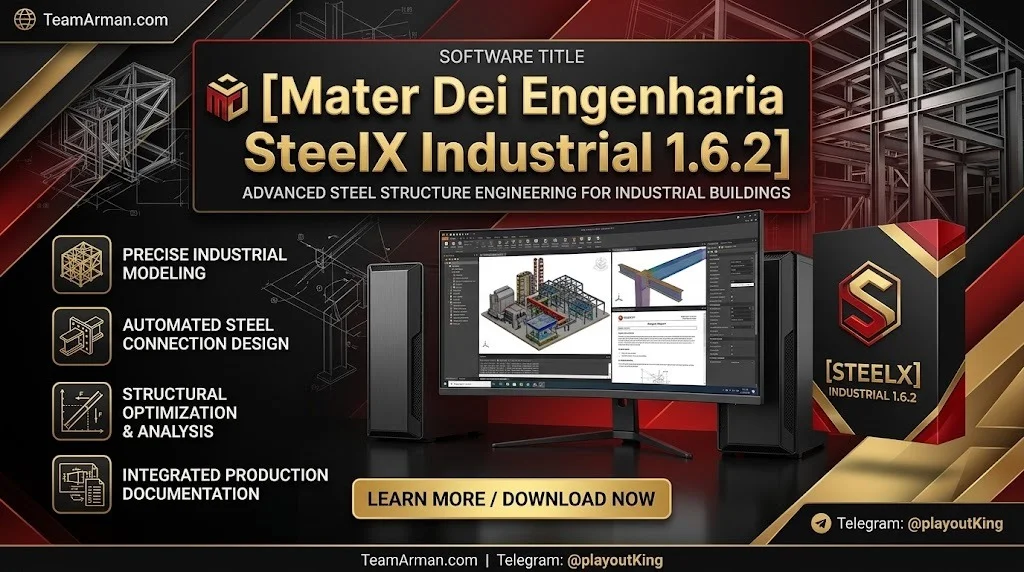
SteelX Industrial 1.6.2 delivers a comprehensive set of features designed to streamline industrial steel detailing and fabrication workflows. Below are the primary capabilities that distinguish this plugin from standard Advance Steel functionality.
Advanced IFC Export with BIM Properties
One of the plugin’s standout capabilities is its comprehensive IFC export functionality. SteelX Industrial supports both IFC4 and IFC2x3 formats, enabling seamless data exchange with other BIM platforms. The export process preserves full 3D geometry accuracy, color coding by layer for visual clarity, BIM properties embedded per element, and assembly grouping—beams, plates, and fasteners linked together. This ensures that steel models exported from Advance Steel remain fully usable in Autodesk Revit, Navisworks, and BIM 360 environments.
Advanced Work Packaging (AWP) Integration
SteelX Industrial incorporates built-in AWP capabilities, a project management methodology increasingly adopted in large-scale industrial construction. The plugin allows users to assign Construction Work Areas (CWA), Construction Work Packages (CWP), and Installation Work Packages (IWP) directly to model elements. These assignments are carried through to the IFC export, enabling better project planning, scheduling, and on-site coordination.
Industrial Component Libraries
The plugin provides extensive libraries of company-standard and industry-standard components specifically tailored for industrial steel structures. These include pipe racks and support structures, equipment platforms and walkways, staircases, ladders, and handrail systems, and structural steel connections typical in process plants.
Automated Detailing and Documentation
SteelX Industrial automates time-consuming detailing tasks through intelligent connection macros for industrial assemblies, automatic numbering and part identification, faster generation of fabrication drawings, and Bills of Materials (BOM) production. These automations significantly reduce manual effort and minimize the risk of human error in repetitive detailing tasks.
Custom Macros and Standards Compliance
The plugin supports custom macros that enable firms to enforce their detailing standards consistently. This ensures that all outputs—drawings, BOMs, and CNC data—comply with company or regional requirements without manual intervention.
What’s New in SteelX Industrial 1.6.2
Version 1.6.2 represents a significant update to the SteelX Industrial plugin, building upon the improvements introduced in previous releases. The latest version delivers key enhancements for Autodesk Advance Steel users.
Full Compatibility with Advance Steel 2024–2027
The latest version has been optimized for Autodesk Advance Steel versions 2024 through 2027, ensuring stable performance and full integration with the supported releases of the host platform.
Enhanced IFC Export Performance
Version 1.6.2 introduces improved export algorithms that handle larger models more efficiently, reducing processing time for complex industrial steel structures.
Expanded Component Library
The update adds new industrial component types and connection macros based on user feedback, expanding the plugin’s utility for pipe rack and equipment support design.
Improved AWP Data Handling
Work packaging data management has been refined, making it easier to assign and track CWA, CWP, and IWP assignments across large project teams.
Bug Fixes and Stability Improvements
The release includes numerous fixes addressing issues reported in previous versions, ensuring a more stable and reliable user experience.
System Requirements
To run SteelX Industrial 1.6.2 effectively, your system must meet the following requirements:
Operating System
-
Windows 10 (64-bit) or Windows 11 (64-bit)
Host Application
-
Autodesk Advance Steel 2024, 2025, 2026, or 2027
Hardware Requirements
-
Processor: Intel Core i5 or equivalent (minimum); Intel Core i7 or better recommended
-
RAM: 8 GB minimum; 16 GB or more recommended for large industrial models
-
Graphics: DirectX 11 compatible graphics card with dedicated memory
-
Storage: Sufficient disk space for Advance Steel and plugin installation
Additional Requirements
-
Autodesk Advance Steel must be installed and properly licensed
-
Administrator privileges for installation
Installation Guide
Installing SteelX Industrial 1.6.2 requires a valid installation of Autodesk Advance Steel. Follow these steps:
-
Obtain the installer from the official Mater Dei Engenharia distribution portal or an authorized reseller.
-
Close all Autodesk applications before running the installer.
-
Run the SteelX Industrial installer as an administrator.
-
Follow the on-screen prompts to select your Advance Steel installation.
-
Complete the installation and restart your computer if prompted.
-
Launch Autodesk Advance Steel and verify that the SteelX Industrial ribbon or toolbar appears within the interface.
For enterprise deployments, consult with Mater Dei Engenharia for volume licensing options and silent installation instructions.
How to Use SteelX Industrial
SteelX Industrial integrates into the Advance Steel environment, so users who are familiar with Advance Steel will find the plugin’s interface intuitive. The following steps outline a typical workflow:
-
Open Autodesk Advance Steel and load or create a structural model.
-
Access SteelX Industrial tools from the dedicated ribbon or menu.
-
Insert industrial components from the component libraries using drag-and-drop or command-based insertion.
-
Apply connection macros to automate the creation of typical industrial steel connections.
-
Assign AWP data by selecting model elements and assigning CWA, CWP, or IWP classifications.
-
Run automated detailing to generate drawings, BOMs, and numbering.
-
Export to IFC using the enhanced export function, selecting IFC4 or IFC2x3 format and ensuring assembly grouping is enabled.
-
Review outputs in Revit, Navisworks, or BIM 360 as needed.
Best Use Cases
SteelX Industrial 1.6.2 is designed for specific industrial steel detailing scenarios:
Industrial Plant Construction
The plugin provides specialized components and workflows for process plants, including equipment supports and pipe racks.
Pipe Rack and Equipment Support Design
Dedicated libraries and macros accelerate the modeling of complex pipe rack configurations and equipment support structures.
Platform and Walkway Fabrication
The plugin includes standard components for industrial platforms, walkways, and access structures.
Ladder and Handrail Detailing
Automated tools streamline the creation of ladders, handrails, and safety systems.
Structural Steel for Process Plants
The combination of AWP integration and IFC export makes SteelX Industrial suitable for large-scale process plant projects requiring coordination with multiple disciplines.
Advantages and Limitations
Advantages
-
Fills capability gaps left by Advance Steel’s maintenance mode
-
Industrial-specific focus with components tailored to industrial projects
-
Advanced IFC export with full BIM property preservation
-
AWP integration supports modern project management methodologies
-
Automated detailing reduces manual effort and errors
-
Custom macros enable firm-specific standards enforcement
Limitations
-
Requires Advance Steel as a host application
-
Limited to Windows operating systems
-
Learning curve for users unfamiliar with industrial steel detailing workflows
-
Language support may be primarily English and Portuguese
Alternatives to SteelX Industrial
Several alternatives exist for professionals seeking similar functionality:
Graitec PowerPack for Advance Steel
A comprehensive add-in that extends Advance Steel with enhanced tools for structural design and detailing. It includes structure designers for industrial buildings and multi-storey buildings.
Tekla Structures
A standalone BIM software for steel detailing that offers comprehensive modeling, detailing, and fabrication capabilities. It is widely used in the industry but represents a different ecosystem from Advance Steel.
SDS/2
A specialized steel detailing software with a focus on connection design and automated fabrication output.
Autodesk Advance Steel (Standalone)
The base software provides core steel detailing capabilities but lacks the industrial-specific features and modern BIM export options that SteelX Industrial adds.
Frequently Asked Questions
What is SteelX Industrial 1.6.2?
SteelX Industrial 1.6.2 is a third-party add-on for Autodesk Advance Steel developed by Mater Dei Engenharia. It extends Advance Steel’s capabilities for industrial steel structures with specialized component libraries, automated detailing, AWP integration, and advanced IFC export.
Which versions of Advance Steel are compatible with SteelX Industrial 1.6.2?
The plugin works with Autodesk Advance Steel 2024 through 2027.
Does SteelX Industrial work without Autodesk Advance Steel?
No. SteelX Industrial is a plugin that requires Autodesk Advance Steel to be installed and licensed as a host application.
What file formats does SteelX Industrial support for export?
The plugin supports IFC4 and IFC2x3 export formats, with full 3D geometry, BIM properties, and assembly grouping.
What is Advanced Work Packaging (AWP) in SteelX Industrial?
AWP is a project management methodology that involves assigning Construction Work Areas (CWA), Construction Work Packages (CWP), and Installation Work Packages (IWP) to model elements. SteelX Industrial carries these assignments through to IFC export for better project coordination.
Can SteelX Industrial be used for general structural steel projects?
While the plugin can technically be used for general projects, it is specifically optimized for industrial steel structures such as plants, pipe racks, and equipment supports.
Is there a free trial of SteelX Industrial?
For information about trial versions or licensing options, contact Mater Dei Engenharia directly or visit their official website.
How does SteelX Industrial handle custom company standards?
The plugin supports custom macros that allow firms to enforce their detailing standards consistently across all outputs, including drawings, BOMs, and CNC data.
Final Thoughts
Mater Dei Engenharia SteelX Industrial 1.6.2 addresses a critical gap in the steel detailing software market. Since Autodesk placed Advance Steel into maintenance mode, professionals have needed a reliable way to add modern BIM capabilities to their existing workflows. SteelX Industrial delivers this through industrial-specific component libraries, advanced IFC export, AWP integration, and automated detailing features.
For structural engineers and steel detailers working on industrial projects, SteelX Industrial 1.6.2 represents a practical investment that enhances productivity and ensures compatibility with modern BIM collaboration platforms like Revit, Navisworks, and BIM 360. Its focused feature set and industrial specialization make it a valuable tool for teams that have standardized on Autodesk Advance Steel but require capabilities beyond what the base software provides.
Professionals interested in SteelX Industrial should contact Mater Dei Engenharia or authorized resellers to discuss licensing options and evaluate the plugin against their specific project requirements.
Our Paid Service
“We do not sell or provide any software. We only offer professional support services. If any software on your system is not working properly, or you are facing installation errors, crashes, or any other technical issue — just contact us. We will help you fix the problem quickly and remotely via AnyDesk. No software will be provided from our side — only expert troubleshooting and support.”