
Overview of Falcon Google Search Scraper Pro
Table of Contents
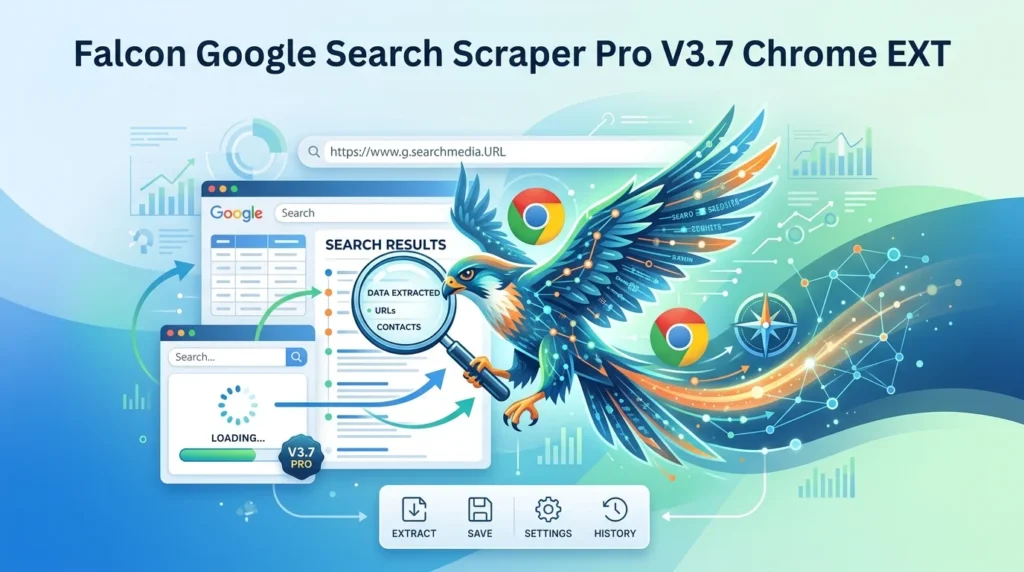
Falcon Google Search Scraper Pro sits in the category of browser-based SERP extraction tools. Unlike API-first solutions that require development resources, this extension operates entirely within Chrome, leveraging your existing browser session to capture search engine results pages as they appear in real time. The tool is designed for users who value accessibility over enterprise-scale infrastructure.
The extension targets a specific pain point in the SEO workflow: the tedious, error-prone process of manually collecting search results. Instead of copying titles, URLs, and snippets one by one, Falcon automates the extraction and formats the output for immediate use in spreadsheets, databases, or reporting dashboards.
This Chrome extension falls under the broader umbrella of Google search scraping tools, a category that includes both browser extensions and API-based services. Browser extensions like Falcon offer a lower barrier to entry, while APIs typically provide greater scalability and reliability for high-volume operations.
Key Features of Falcon Google Search Scraper Pro V3.7
Automated SERP Extraction
The core function of Falcon Google Search Scraper Pro is automated extraction of Google search results. The extension captures organic listings, including titles, URLs, and meta descriptions, directly from the search results page. This eliminates manual data entry and reduces the risk of transcription errors.
Multi-Page Scraping Support
Falcon supports scraping across multiple pages of Google search results. Users can configure the extension to navigate through pagination automatically, collecting data from page one through the specified depth. This is essential for comprehensive keyword research where top-ten results alone do not provide sufficient competitive intelligence.
Structured Data Export
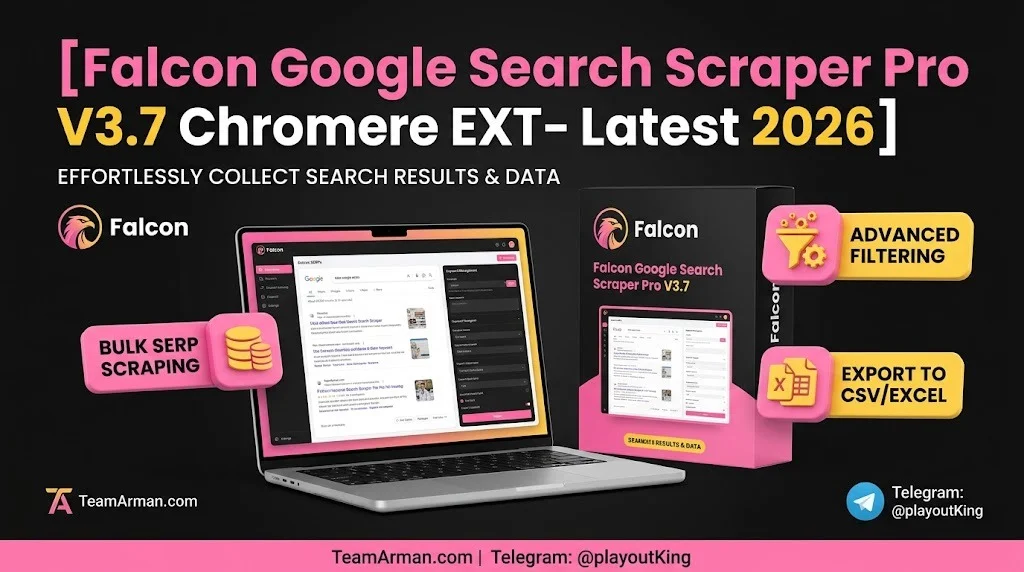
The extension exports collected data in structured formats. CSV export is standard, allowing seamless integration with Microsoft Excel, Google Sheets, and other spreadsheet applications. JSON export is also available for developers and data analysts who need to feed the data into custom pipelines or databases.
CAPTCHA Handling
Google employs various mechanisms to detect and block automated scraping activity. Falcon Google Search Scraper Pro includes CAPTCHA detection that pauses the scraping process when a challenge appears, allowing the user to solve it manually before the operation resumes. This human-in-the-loop approach balances automation with compliance.
Country-Specific Search
For international SEO campaigns, the extension supports country-specific search configurations. Users can target local Google domains to capture region-specific search results, which is critical for businesses operating in multiple markets.
Background Operation
Falcon runs in the background, meaning the scraping process continues even when the extension popup is closed. This allows users to work on other tasks while the tool collects data, improving overall productivity.
What’s New in Falcon Google Search Scraper Pro V3.7
The V3.7 release introduces several refinements to the scraping engine and user interface.
-
Enhanced Data Extraction Depth: The scraper now captures additional SERP elements including featured snippets and People Also Ask questions, providing a more complete picture of the search results page.
-
Improved CAPTCHA Detection: The detection algorithm has been updated to recognize a broader range of challenge types, reducing interruptions during long scraping sessions.
-
Faster Export Processing: Export operations have been optimized to handle larger datasets without memory issues.
-
Refined Pagination Logic: The extension more accurately follows Google’s pagination structure, reducing missed pages during multi-page scrapes.
-
Updated Privacy Compliance: The extension now includes clearer disclosures about data handling, aligning with Chrome Web Store policies.
System Requirements
Falcon Google Search Scraper Pro is a Chrome extension and requires the following:
-
Browser: Google Chrome (version 90 or later recommended)
-
Operating System: Windows, macOS, or Linux (wherever Chrome is supported)
-
Memory: At least 4 GB RAM recommended for large scraping sessions
-
Storage: Minimal local storage for extension installation and temporary data caching
-
Network: Stable internet connection with access to Google search domains
-
Google Account: A standard Google account is required for browser functionality, though the extension itself does not require special permissions
The extension does not require Python, Node.js, or any external runtime environment. It operates entirely within the Chrome browser.
Installation Guide
Installing Falcon Google Search Scraper Pro follows the standard Chrome extension installation process.
-
Open the Chrome Web Store: Navigate to the Chrome Web Store in your Google Chrome browser.
-
Search for the Extension: Enter “Falcon Google Search Scraper Pro” in the search bar.
-
Verify the Developer: Confirm the extension is published by the legitimate developer. Check the number of users, ratings, and recent updates.
-
Click “Add to Chrome”: Press the “Add to Chrome” button.
-
Confirm Permissions: Review the permissions requested by the extension. Falcon requires access to the current tab and data on pages you visit to function.
-
Pin the Extension: Click the puzzle piece icon in the Chrome toolbar and pin Falcon for easy access.
-
Initial Configuration: Open the extension popup and configure your default export preferences (CSV or JSON) and scraping depth.
After installation, the Falcon icon appears in the Chrome toolbar. Clicking it opens the control panel where you configure and start scraping operations.
How to Use Falcon Google Search Scraper Pro
Step 1: Perform a Google Search
Navigate to Google and enter your target keyword. The extension auto-detects when you are on a Google search results page.
Step 2: Open the Extension
Click the Falcon icon in the Chrome toolbar. The control panel displays detected search parameters and configuration options.
Step 3: Configure Scraping Parameters
-
Pages to Scrape: Set the number of result pages to collect (typically 1–10 for most SEO research).
-
Export Format: Choose CSV for spreadsheet analysis or JSON for programmatic processing.
-
Country Target: Select the Google domain for region-specific results if needed.
Step 4: Start the Scrape
Click “Start Scraping.” The extension begins navigating through result pages, extracting data from each page. Progress indicators show pages completed and records collected.
Step 5: Handle CAPTCHAs
If Google presents a CAPTCHA challenge, the extension pauses and displays a notification. Solve the CAPTCHA in the browser window, and the scraping resumes automatically.
Step 6: Export and Analyze
When scraping completes, click “Export” to download the data. The CSV or JSON file contains structured fields including title, URL, snippet, and position data.
Best Use Cases for Falcon Google Search Scraper Pro
SEO Keyword Research
SEO specialists use SERP scrapers to analyze which pages rank for target keywords. Falcon automates this process, allowing researchers to collect ranking data across dozens of keywords in a fraction of the time manual collection would require.
Competitor Ranking Analysis
By scraping search results for competitor brand names and target keywords, marketers can track which competitors dominate specific SERPs and identify content gaps or ranking opportunities.
Content Gap Identification
Analyzing the titles and snippets from ranking pages reveals the topics, formats, and angles that Google rewards for specific queries. This insight informs content strategy and editorial planning.
Local SEO Research
For local businesses, scraping region-specific Google results helps identify which local competitors appear in the map pack and organic results, informing local SEO priorities.
Market Research and Lead Generation
The LeadStal Chrome extension demonstrates how SERP data can be used for lead generation by extracting business contact information from search results. Researchers and sales teams use similar techniques for market analysis.
Academic and Data Research
Researchers studying search engine behavior, information retrieval, or online marketing trends use scraped SERP data as a primary data source for quantitative analysis.
Advantages and Limitations
Advantages
-
No Coding Required: Falcon operates entirely through the Chrome interface, making it accessible to non-technical users.
-
Cost-Effective Entry Point: Browser extensions typically cost less than API subscriptions, making them suitable for individual practitioners and small teams.
-
Real-Time Data: Extracts results as they appear in the browser, capturing current SERP layouts including dynamic elements.
-
Session-Based Access: Uses your existing Google session, which can reduce (though not eliminate) detection issues compared to headless scraping.
Limitations
-
Scale Constraints: Browser extensions are not designed for massive, continuous scraping operations. API solutions like Bright Data, Oxylabs, and SerpApi are better suited for enterprise-scale data collection. Benchmark tests show these APIs deliver superior stability and data richness for high-volume needs.
-
CAPTCHA Dependency: While Falcon handles CAPTCHA detection, it requires manual solving, which limits unattended operation.
-
Speed Limitations: Multi-page scraping with delays to avoid detection is inherently slower than API-based extraction.
-
Browser Dependency: The extension only works within Chrome and requires the browser to remain open during scraping.
-
Terms of Service Considerations: Users are responsible for ensuring their scraping activities comply with Google’s Terms of Service and applicable laws.
Alternatives to Falcon Google Search Scraper Pro
SerpLift – Google SERP Scraper
SerpLift is a competing Chrome extension offering similar functionality. It supports scraping from All and News tabs, up to 20 pages, with CAPTCHA detection and CSV export. The extension includes country-specific search across 16 countries and auto-detects search queries from the current Google page.
Google Results Collector
Google Results Collector takes a different approach, automatically collecting search results as you browse Google normally. It exports to CSV with smart deduplication and multi-query support, storing all data locally in the browser for privacy.
Apify Google Search Scraper
Apify provides a cloud-based SERP scraping solution with pricing from $4.99 per 1,000 results. It supports built-in CAPTCHA handling, headful and headless browser execution, and proxy support for seamless Google data extraction at scale.
Bright Data SERP API
Bright Data is positioned as the most powerful SERP scraping solution, returning 220+ data fields in benchmark tests—roughly twice the industry average. It includes a built-in proxy network for massive scale and global coverage targeting any country or city.
SerpApi
SerpApi is recognized as one of the fastest SERP API solutions, with median response times significantly lower than competitors. It parses SERP structures across multiple search engines and offers separate plans for different volume tiers.
OpenSERP
OpenSERP is a free, open-source alternative for users who prefer self-hosted solutions. It provides a SERP API and CLI for Google, Yandex, Baidu, Bing, DuckDuckGo, and Ecosia, with Docker-ready deployment and JSON output formats.
Frequently Asked Questions
Is Falcon Google Search Scraper Pro free?
Falcon Google Search Scraper Pro is a Chrome extension available through the Chrome Web Store. Pricing may vary depending on the developer’s current model. Check the Chrome Web Store listing for the most current pricing information.
Is it legal to scrape Google search results?
Scraping publicly available search results is generally not illegal, but it may violate Google’s Terms of Service. Users should review Google’s policies and applicable laws in their jurisdiction. The extension is a tool; responsibility for compliant use rests with the user.
Can Falcon Google Search Scraper Pro bypass CAPTCHAs automatically?
No. The extension detects CAPTCHAs and pauses scraping, allowing the user to solve the challenge manually. It does not claim to bypass Google’s security measures.
How many pages can I scrape at once?
The extension supports multi-page scraping, though the practical limit depends on system resources and Google’s detection thresholds. For most SEO research, scraping 1–5 pages per keyword is sufficient.
Does Falcon work with Google’s “People Also Ask” and featured snippets?
The V3.7 release enhanced data extraction to capture additional SERP elements including featured snippets and People Also Ask questions. Users should verify current extraction capabilities in the extension’s documentation.
What export formats does Falcon support?
Falcon supports CSV and JSON export formats. CSV is suitable for spreadsheet analysis, while JSON is better for programmatic data processing.
Can I use Falcon for local SEO research?
Yes. The extension supports country-specific search configurations, allowing users to target local Google domains for region-specific results.
What are the alternatives if I need higher scraping volume?
For high-volume or enterprise-scale scraping, API-based solutions like Bright Data, Oxylabs, SerpApi, or Apify are more appropriate. These services offer dedicated infrastructure, proxy networks, and higher reliability than browser extensions.
Final Thoughts
Falcon Google Search Scraper Pro V3.7 fills a valuable niche in the SEO toolkit. It bridges the gap between manual SERP data collection and enterprise-grade API solutions, offering a middle ground for practitioners who need automation without the complexity of API integration. The extension’s strengths lie in its accessibility, structured export capabilities, and browser-native operation.
For individual SEO professionals, content strategists, and small teams, Falcon provides a practical solution for keyword research, competitor analysis, and SERP monitoring. The V3.7 improvements to data extraction depth and CAPTCHA handling make it a more reliable tool for regular research workflows.
However, users with large-scale data requirements should evaluate API-based alternatives. The stability, speed, and data richness of dedicated SERP APIs remain unmatched for high-volume operations. The choice between a browser extension and an API ultimately depends on your scraping volume, technical resources, and budget.
Whichever tool you choose, responsible scraping practices are essential. Respect rate limits, comply with terms of service, and use extracted data ethically. When implemented thoughtfully, SERP scraping tools like Falcon Google Search Scraper Pro become powerful assets for data-driven SEO decision-making.
Disclosure: This article is for informational purposes only. Falcon Google Search Scraper Pro is a third-party Chrome extension. Users should verify the extension’s current features, pricing, and privacy practices directly on the Chrome Web Store before installation. Always comply with applicable laws and platform terms of service when collecting search engine data.
Our Paid Service
“We do not sell or provide any software. We only offer professional support services. If any software on your system is not working properly, or you are facing installation errors, crashes, or any other technical issue — just contact us. We will help you fix the problem quickly and remotely via AnyDesk. No software will be provided from our side — only expert troubleshooting and support.”