
Overview of ZebraDesigner Professional 3
Table of Contents
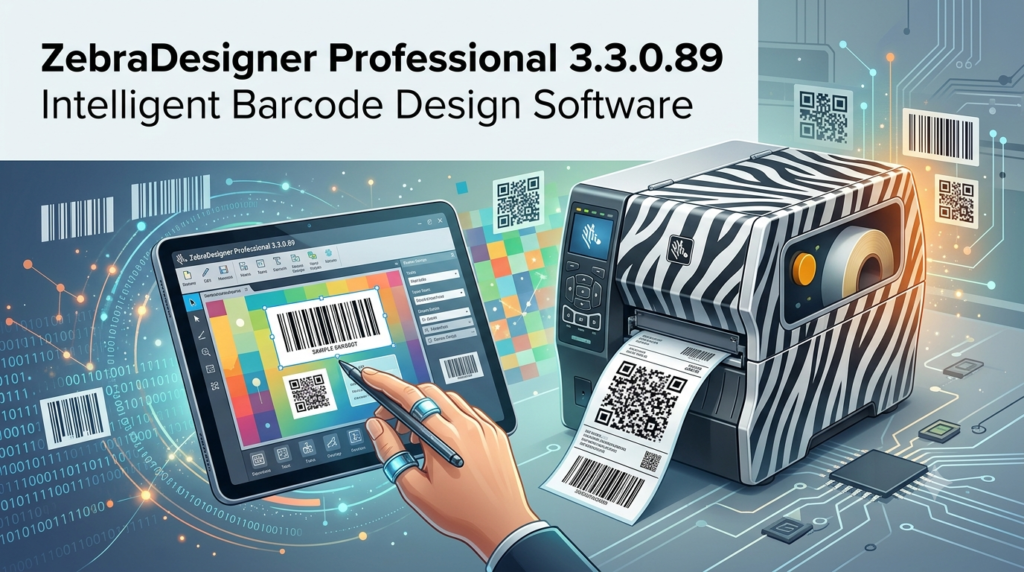
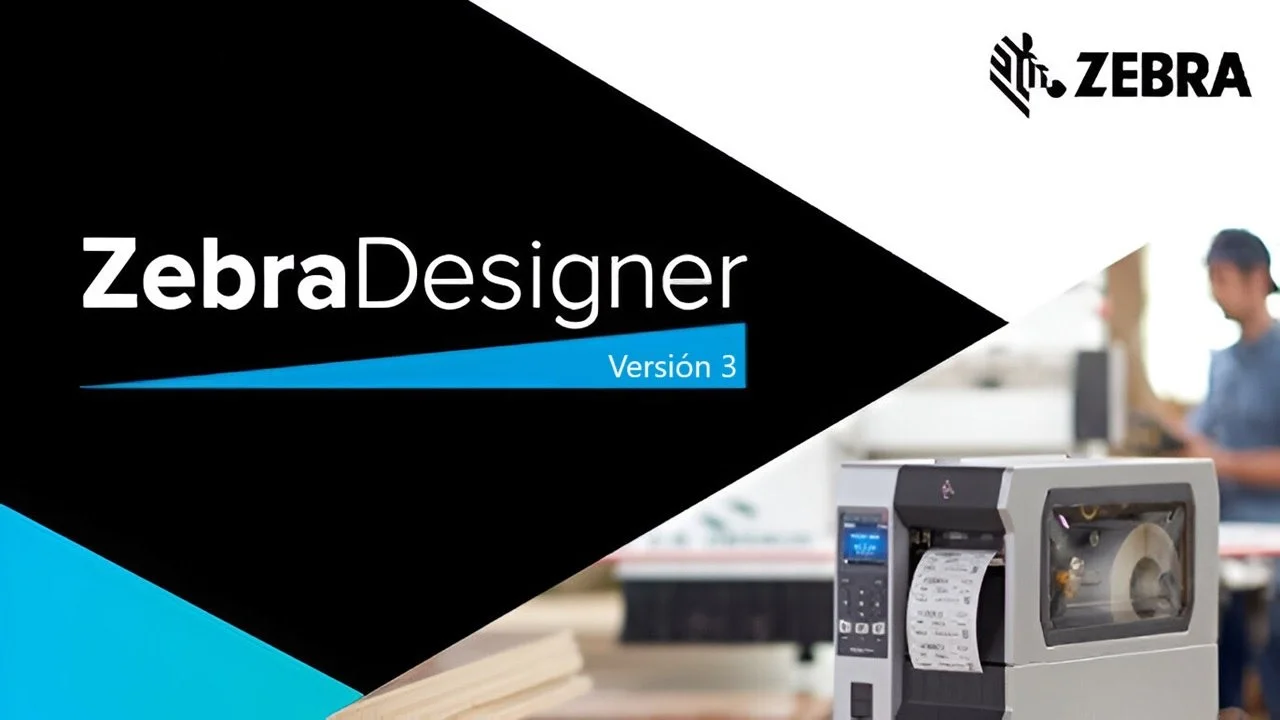
ZebraDesigner Professional 3 is an enterprise-grade barcode label design software developed by Zebra Technologies, a global leader in printing solutions founded in 1969 and headquartered in Illinois, USA. This professional label design software enables businesses of all sizes—from small enterprises to large-scale organizations—to create, edit, and print professional labels, tags, and receipts with remarkable ease and precision.
What sets ZebraDesigner Professional 3 apart is its integration within Zebra’s Print DNA software suite, offering a Windows-based WYSIWYG interface that requires minimal training or technical expertise. The software supports over 100 linear and 2D barcode symbologies, including UPC, EAN, QR Code, Data Matrix, and GS1-128, making it a comprehensive solution for industries such as retail, manufacturing, transportation, logistics, healthcare, and government.
Whether you are designing simple shipping labels or complex RFID-enabled tracking tags, ZebraDesigner Professional 3 provides the advanced tools needed to meet evolving industry standards and compliance requirements.
Key Features
Advanced Barcode Design Capabilities
ZebraDesigner Professional 3 supports a wide range of barcode symbologies to address diverse labeling needs:
-
Linear barcode support includes UPC-A, UPC-E, EAN-13, EAN-8, Code 128, Code 39, Interleaved 2 of 5, Codabar, and ITF-14, among others
-
2D barcode capabilities for QR Code, Data Matrix, GS1-DataMatrix, and PDF417
-
Specialty barcode design for wristbands, chemical drum labels, and GS1-128 barcodes with pre-defined Application Identifiers (AIs)
Database Connectivity and Variable Data
A standout feature of ZebraDesigner Professional 3 is its robust database connectivity, enabling users to import variable data from multiple sources:
-
Connect directly to Microsoft Excel spreadsheets, Microsoft Access databases, and text files
-
Use ODBC to connect to enterprise databases including SQL Server and Oracle
-
Batch printing capabilities allow you to print hundreds of unique labels using imported data
-
Sequential numbering for generating serialized barcodes and inventory tags
RFID Label Design and Encoding
For businesses requiring advanced tracking solutions, ZebraDesigner Professional 3 offers comprehensive RFID support:
-
Design and encode RFID labels directly within the software
-
Program and print both High Frequency (HF) and Ultra High Frequency (UHF) smart labels
-
Seamless integration with Zebra’s RFID-enabled printers ensures accurate encoding
Native Printer Integration
The software provides seamless compatibility with Zebra barcode printers:
-
Native integration eliminates the need for additional print drivers
-
Supports over 200 Zebra printer models
-
Print using inkjet, laser, direct thermal, or thermal transfer printers
VB Scripting and Data Manipulation
For users requiring custom label designs, the software includes:
-
Simple VB scripting for advanced label customization
-
Data manipulation and concatenation capabilities
-
Formula support for dynamic label content
Multi-language Interface
ZebraDesigner Professional 3 supports 20 international languages, making it suitable for global operations.
What’s New in Version 3.3.0.89
License System Migration
The most significant update in ZebraDesigner Professional 3.3.x is the migration to a new license management system. As of 2025, Zebra Technologies has transitioned from the legacy Revenera/Nalpeiron platform to the Thales Sentinel license management system.
Key changes include:
-
Version 3.3.x and above require a new Customer ID + 32-bit License Key combination
-
The legacy 18-digit license numbers starting with “3467” are no longer supported for new activations
-
Existing activated legacy licenses will continue working through December 31, 2025, but PC transfers or reinstallations will require the new license format
-
All new orders after September 29, 2025, are automatically issued Thales Sentinel licenses
Version 3.3.0.89 Specific Updates
The 3.3.0.89 release includes a corrected license activation detection mechanism, ensuring smoother validation of the new Sentinel-based licenses.
Compatibility with Version 2 Files
Version 3.3.x maintains backward compatibility, allowing users to open and edit label files created in ZebraDesigner version 2.
System Requirements
Operating System Support
ZebraDesigner Professional 3 runs on the following Windows operating systems (32-bit or 64-bit):
-
Windows 10 Desktop editions
-
Windows 11 Desktop editions
-
Windows Server 2016
-
Windows Server 2019
-
Windows Server 2022
-
Windows Server 2025
Hardware Requirements
| Component | Minimum Requirement |
|---|---|
| Processor | Intel or compatible x86 family processor |
| RAM | 2 GB |
| Storage | 1 GB available disk space |
| Display | 1366 x 768 resolution or higher |
Software Prerequisites
-
Microsoft .NET Framework v. 4.7.2 or higher
-
ZDesigner Windows printer driver v. 10.6.x.x or higher recommended (v. 8.6 or higher minimum)
Installation Guide
Downloading the Software
ZebraDesigner Professional 3 can be downloaded from the official Zebra Support website. The installer file contains both the free Essentials edition and the Professional edition.
Important Note: The latest downloadable version as of recent releases is 3.2.2.649, with version 3.3.0.89 available for existing license holders through official channels.
Installation Steps
-
Download the installer from the official ZebraDesigner 3 software support page
-
Run the executable (
zebradesigner3-322649.exeor later version) -
Follow the on-screen instructions to complete installation
-
Launch the application – it will initially run as the free Essentials edition
Activating Professional Edition
There are two ways to access Professional edition features:
-
30-Day Trial: Select “Start Professional 30-day trial” during launch to access all Professional features free for 30 days
-
License Purchase: Buy a one-time activation license key from Zebra or an authorized partner
After the trial period expires, the software reverts to the Essentials (free) edition.
Important License Migration Note
If you are migrating from an older version, be aware that:
-
Legacy licenses (starting with 3467) cannot be activated on version 3.3.x
-
You must obtain a new Customer ID and License Key from Zebra or your distributor
-
The legacy Revenera/Flexera servers will be completely shut down by December 31, 2025
How to Use the Software
Getting Started
ZebraDesigner Professional 3 features a Microsoft Office-style interface that makes label design accessible even for users without prior barcode experience.
Basic workflow:
-
Create a new label – Select a template or start from a blank canvas
-
Add design elements – Insert text boxes, barcodes, images, shapes, and lines
-
Configure barcode properties – Choose symbology, size, and data source
-
Connect to data sources – Import variable data from Excel, Access, or text files
-
Preview and print – Verify the label design and print directly to your Zebra printer
Database Connectivity Setup
Connecting to external data sources is a core strength of the Professional edition:
Step-by-step process:
-
Create your database (e.g., Excel spreadsheet) with columns containing your data fields
-
Open ZebraDesigner Pro v3 and create a new label
-
Navigate to “Data” and select your data source (e.g., “Excel”)
-
Browse and select your file
-
Choose fields you want to use from your database
-
Configure printing options – specify whether to print one label per record or multiple copies based on a database field
-
Design your label – Map database fields to text objects or barcodes
-
Print – The software will generate labels for each record in your database
Note: The software does not automatically sync with database changes. If you modify your data source, click “Edit Database” to resynchronize.
Using the GS1-128 Barcode Wizard
The GS1-128 barcode wizard simplifies compliance labeling with over 100 predefined Application Identifiers (AIs):
-
Launch the GS1-128 wizard from the barcode creation menu
-
Select the appropriate Application Identifiers for your application
-
Enter the required data values
-
The wizard automatically generates the correctly formatted barcode
Best Use Cases
Retail and Inventory Management
-
Product labeling – Create UPC/EAN barcodes for retail packaging
-
Price tags and shelf labels – Design and print shelf tags with variable pricing data
-
Inventory tracking – Generate serialized barcodes for stock management
-
Returns processing – Create return labels with tracking information
Manufacturing and Warehousing
-
Asset tracking – Design durable asset tags with QR codes or Data Matrix symbols
-
Shipping labels – Create GS1-128 logistics labels with automated data population
-
Compliance labeling – Meet industry standards such as AIAG, Odette, and VDA labels
-
Work-in-progress tracking – Generate batch and lot codes from database connectivity
Transportation and Logistics
-
RFID-enabled tracking – Design and encode RFID labels for automated inventory management
-
Shipping and receiving – Create SSCC-18 serial shipping container codes
-
Pallet labeling – Generate GS1-128 labels with application identifiers for logistics chains
Healthcare
-
Patient wristbands – Design durable wristbands with barcodes for patient identification
-
Specimen labeling – Create chemical drum labels with barcode identifiers
-
Asset tracking – Label medical equipment with unique identification codes
Government and Compliance
-
Government-mandated labeling – Create compliant labels for regulated industries
-
Secure identification – Design ID badges and tracking labels with barcode security features
Advantages and Limitations
Advantages
| Feature | Benefit |
|---|---|
| Native Zebra printer integration | No additional drivers needed; seamless compatibility with Zebra printers |
| Comprehensive database support | Connect to Excel, Access, SQL Server, Oracle, and more for variable data printing |
| RFID encoding capabilities | Design and print RFID-enabled labels directly within the software |
| Cost-effective licensing | One-time purchase with no recurring subscription fees |
| Wide symbology support | Over 100 barcode types including 2D and specialty barcodes |
| Trial-to-free transition | 30-day trial automatically converts to free Essentials version |
| Backward compatibility | Opens labels created in ZebraDesigner version 2 |
| Multi-language interface | 20 languages supported for global operations |
| VB scripting | Custom automation and data manipulation capabilities |
Limitations
| Aspect | Limitation |
|---|---|
| Platform restriction | Windows-only; no native macOS or Linux support |
| Ecosystem dependency | Best performance and integration with Zebra printers; may require additional configuration for non-Zebra printers |
| Database sync limitation | Does not automatically sync with database changes; requires manual resynchronization |
| Learning curve | Advanced features (VB scripting, RFID encoding) require technical expertise |
| License migration required | Legacy license holders must migrate to new Thales Sentinel system |
| Version 2 end-of-life | Version 2 licenses cannot be activated or transferred after 2021 |
Alternatives to ZebraDesigner Professional 3
For businesses evaluating different barcode software solutions, several alternatives exist in the market:
BarTender by Seagull
BarTender is widely regarded as the most comprehensive barcode label design software available, used by over 250,000 companies worldwide.
Key strengths:
-
Extensive integration with business systems (ERP, WMS)
-
Centralized label management and printing automation
-
Powerful design tools with regulatory compliance support
Pricing: Starting at $327 one-time payment
TEKLYNX CODESOFT
CODESOFT is an enterprise-level RFID and barcode label design software with robust integration capabilities.
Key strengths:
-
Native printer drivers for over 4,000 printers
-
Enterprise-level database integration (SQL, Oracle)
-
Compliance with GS1 and other standards
Pricing: Starting at $492 one-time payment
Loftware Cloud
Loftware Cloud offers a modern cloud-based approach to label design and printing.
Key strengths:
-
Cloud-based deployment; no IT infrastructure required
-
Designed for rapid deployment and scalability
-
Remote workforce support
Pricing: Starting at $245 one-time per user
EASYLABEL
EASYLABEL emphasizes ease of use with comprehensive features.
Key strengths:
-
User-friendly interface
-
RFID wizard for smart label programming
-
Multi-user and terminal server versions available
Pricing: Starting at $245 one-time payment
Comparison Table
| Software | Starting Price | Platform | RFID Support | Database Connectivity | Best For |
|---|---|---|---|---|---|
| ZebraDesigner Professional 3 | One-time license | Windows | ✅ | Excel, Access, ODBC | Zebra printer users |
| BarTender | $327 | Windows | ✅ | Extensive ERP/WMS | Enterprise supply chains |
| CODESOFT | $492 | Windows | ✅ | SQL, Oracle | Manufacturing enterprises |
| Loftware Cloud | $245/user | Cloud-based | ✅ | Cloud integration | Distributed operations |
| EASYLABEL | $245 | Windows | ✅ | Multiple databases | Small to medium businesses |
Frequently Asked Questions
Q1: What is the difference between ZebraDesigner Essentials and Professional 3?
ZebraDesigner Essentials is the free version that provides basic WYSIWYG label design capabilities. ZebraDesigner Professional 3 adds advanced features including database connectivity, RFID label design and encoding, VB scripting for custom automation, data manipulation and concatenation, and integration with multiple data sources such as Excel, Access, and ODBC-compliant databases.
Q2: How do I activate the 30-day trial of ZebraDesigner Professional 3?
Download and install the ZebraDesigner 3 software from the official Zebra support page. The application initially runs as the free Essentials edition. During launch, you will see the option to “Start Professional 30-day trial” – select this to access all Professional features free for 30 days. After the trial expires, the software reverts to the Essentials edition automatically.
Q3: My license key starts with 3467 – why won’t it work with version 3.3.x?
Zebra Technologies migrated to a new license management system (Thales Sentinel) in 2025. Legacy license keys starting with “3467” are no longer supported for new activations on version 3.3.x and above. You must obtain a new Customer ID and 32-bit License Key from Zebra or your authorized distributor. Existing activated legacy licenses will continue working on current installations through December 31, 2025, but PC transfers or reinstallations require the new license format.
Q4: Can I open labels created in ZebraDesigner version 2 with version 3?
Yes. ZebraDesigner version 3 maintains backward compatibility with label files created in version 2. You can open, edit, and print your existing label templates without needing to recreate them from scratch.
Q5: What barcode types does ZebraDesigner Professional 3 support?
ZebraDesigner Professional 3 supports over 100 linear and 2D barcode symbologies. Linear barcodes include UPC-A, UPC-E, EAN-13, EAN-8, Code 128, Code 39, Interleaved 2 of 5, Codabar, ITF-14, Code 93, Code 11, and MSI. 2D barcodes include QR Code, Data Matrix, GS1-DataMatrix, PDF417, and GS1-128 with Application Identifiers.
Q6: How do I connect ZebraDesigner Professional 3 to an Excel database?
Open ZebraDesigner Pro v3 and create a new label. Navigate to “Data” and select “Excel” as your data source. Browse and select your Excel file, then choose the fields you want to use. Configure printing options and design your label by mapping database fields to text or barcode objects. Remember that the software does not automatically sync with database changes – click “Edit Database” to resynchronize after modifications.
Q7: Is ZebraDesigner Professional 3 available for macOS or Linux?
No. ZebraDesigner 3 is designed for Windows operating systems only. It runs on Windows 10, Windows 11, and Windows Server editions (2016, 2019, 2022, and 2025). For macOS users, alternatives such as iBarcoder or Label LIVE are available.
Q8: What are the system requirements for ZebraDesigner Professional 3?
The software requires Windows 10/11 Desktop or Windows Server 2016/2019/2022/2025, an Intel or compatible x86 processor, 2 GB RAM, 1 GB available disk space, a 1366 x 768 or higher resolution display, Microsoft .NET Framework v.4.7.2, and ZDesigner Windows printer driver v.8.6 or higher (v.10.6.x.x recommended).
Final Thoughts
ZebraDesigner Professional 3 stands as a robust and versatile label design solution, particularly for organizations already invested in the Zebra printing ecosystem. Its native printer integration, comprehensive database connectivity, and RFID encoding capabilities make it a powerful tool for businesses requiring professional barcode and label solutions.
The recent license system migration to Thales Sentinel represents a significant change for existing users, but ensures ongoing security and support for the software. Version 3.3.0.89 brings the corrected license activation detection that smooths this transition for new installs.
For businesses seeking a cost-effective labeling solution, the 30-day trial provides a risk-free opportunity to evaluate the Professional features. And if you decide not to purchase, the software continues running as the free Essentials edition – a rare and valuable offering in the enterprise software space.
While alternatives like BarTender and CODESOFT offer broader enterprise integration and platform support, ZebraDesigner Professional 3 remains the preferred choice for Zebra printer users seeking a powerful, native-labeling solution with one-time licensing and no recurring fees.
Our Paid Service
“We do not sell or provide any software. We only offer professional support services. If any software on your system is not working properly, or you are facing installation errors, crashes, or any other technical issue — just contact us. We will help you fix the problem quickly and remotely via AnyDesk. No software will be provided from our side — only expert troubleshooting and support.”