
Overview of vTask 3.0 and Kente 1.0
Table of Contents
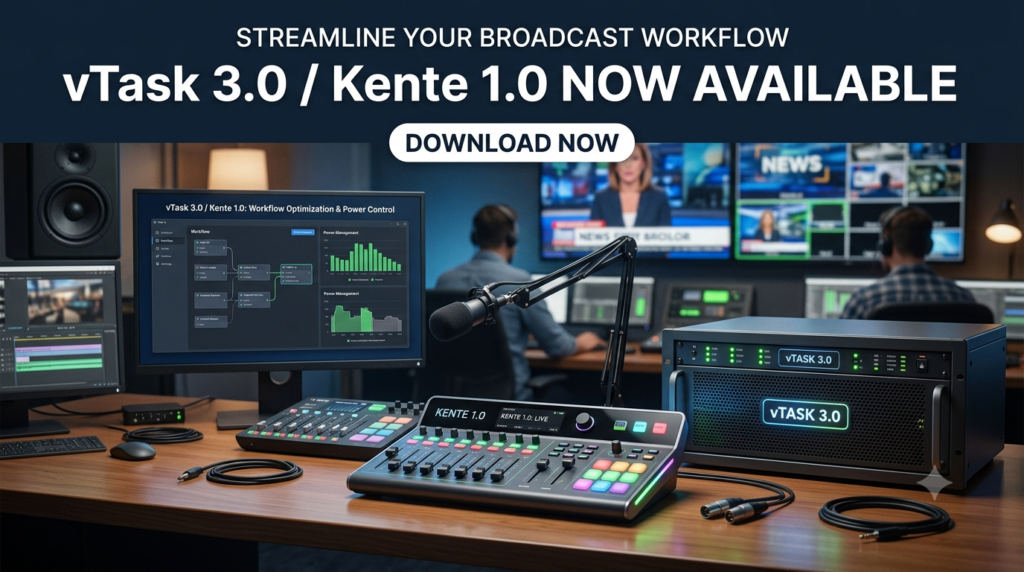
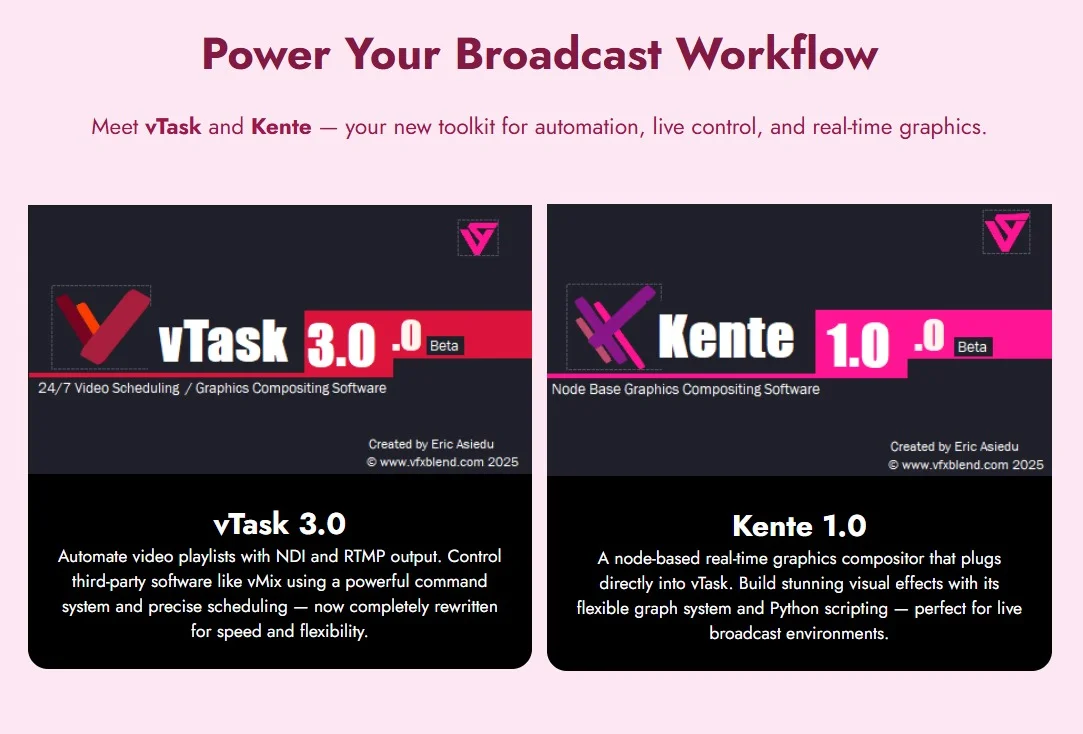
vTask 3.0 and Kente 1.0 represent a significant leap forward in broadcast automation and real-time graphics compositing. This integrated software suite is designed for modern production environments, offering a powerful, node-based approach to automating playlists, creating stunning visual effects, and managing live broadcasts with remarkable precision. It combines the robust automation capabilities of vTask with the real-time, node-based compositing power of Kente, making it an essential solution for video professionals.
The software excels in environments requiring precise scheduling and seamless playback. Whether you are managing a complex broadcast schedule, creating dynamic graphics for a live stream, or integrating with other tools like vMix through NDI and RTMP, vTask / Kente provides the flexibility and control needed to deliver professional-grade results. The platform has been completely rewritten for superior performance, offering a responsive and stable foundation for both creative and technical workflows.
Key Features of vTask 3.0 / Kente 1.0
The software is packed with features designed to streamline broadcast and production processes:
-
Real-Time Node-Based Compositing: Kente’s core is a graph-based engine that allows for complete control over visual elements, transitions, and effects in real-time.
-
Advanced Broadcast Automation: vTask automates complex playlists, scheduling, and playback for video, audio, and streaming workflows.
-
Python Scripting: Both vTask and Kente support Python scripting, enabling users to create highly customized workflows and extend the software’s functionality.
-
Versatile Output Modes: Seamlessly output to NDI, RTMP, and via an API, allowing for easy integration into any broadcast ecosystem.
-
Dynamic Graphics and Titling: Create professional on-screen overlays, titles, and animations with real-time text updates using dynamic prefixes and timers.
-
Intuitive User Interface: A clean, color-coded interface with dual viewers for preview and output makes the editing and production process efficient and user-friendly.
-
Multi-Item Batch Editing: Edit, duplicate, and modify multiple items simultaneously, saving significant time on large-scale projects.
-
Seamless Third-Party Integration: Built for compatibility with industry-standard tools like vMix.
What’s New in the Latest Version (vTask 3.0 / Kente 1.0)
This latest update marks a major milestone for the software, representing a complete rewrite for enhanced performance and stability. This overhaul is designed to meet the demands of modern, data-heavy productions. While the exact update log from the developer is not listed in the source material, the “complete rewrite” for performance and the seamless integration of its key features highlight a focus on delivering a more powerful and reliable production suite.
System Requirements
Before installing vTask 3.0 / Kente 1.0, it is crucial to ensure your system meets the minimum requirements for optimal performance. While exact specifications may vary, these are the general guidelines:
-
Operating System: Windows 10 (64-bit) or newer.
-
Processor: Intel Core i5 or equivalent (i7 or higher recommended for complex projects).
-
RAM: 8 GB minimum (16 GB or more recommended for heavy compositing and live workflows).
-
Graphics Card: A dedicated graphics card with DX11 support and at least 2 GB of VRAM.
-
Network: A high-speed network connection is required for NDI and RTMP streaming.
Installation Guide for vTask 3.0 / Kente 1.0
Installing the software is a straightforward process.
-
Download the Installer: Obtain the official installer file for vTask 3.0 / Kente 1.0 from a trusted source or direct from the software developer.
-
Run as Administrator: Right-click the installer file and select “Run as administrator” to ensure all necessary components are installed correctly.
-
Follow the On-Screen Instructions: The installation wizard will guide you through the process. Accept the license agreement and choose the destination folder for the software.
-
Complete the Installation: Click “Install” to begin the installation. Once the process is finished, click “Finish” to close the wizard.
-
Launch the Application: You can now launch the vTask 3.0 or Kente 1.0 application from your desktop shortcut or Start Menu.
How to Use the Software
Getting Started with vTask’s Interface
The vTask 3.0 user interface is designed for quick and intuitive editing. The viewer is split into two main panels:
-
Left Viewer: This panel allows you to preview, trim, and scrub through individual media items using the playhead, range selector, and in/out points.
-
Right Viewer: This panel displays the live output of your playlist, showing exactly what will be broadcast.
A color-coded timeline helps visualize media segments. For instance, an orange box, brown rectangle, and yellow circles clearly mark in/out points and clip durations. Simply drag and drop items to adjust their position in the timeline.
Project Organization and Workflow
Managing a project in vTask is simple and robust.
-
Building a Playlist: You can add a variety of items to your playlist, including: Media (video and audio files), Programs (which act as nested sub-playlists), Inputs (for external sources), Loops (to repeat a sequence), and Commands (to trigger actions).
-
Automation: This structure allows for powerful automation. For example, you can create a program for commercial breaks and then loop it using “From Row” and “Count” parameters for seamless repetition.
Flexible Output Modes
Adjusting your output is done via the bottom tab controls. You can switch between:
-
NDI (Network Device Interface) for local network streaming.
-
RTMP (Real-Time Messaging Protocol) for streaming to platforms like YouTube or Facebook Live.
-
API for sending playback commands to other software.
The settings menu allows you to fine-tune parameters like volume gain, IP address, and port for managing connections.
Dynamic Titling and Timing
The titler function is a standout feature for professional broadcasts. You can set custom messages like “Now Playing” or “Upcoming” that update on-screen in real-time. The system uses prefixes and precise timing in milliseconds to manage transitions, ensuring professional-grade results.
Introduction to Kente’s Node-Based Compositing
Kente 1.0 uses a node-based compositor to build and manage complex graphics.
-
The Workspace: The Kente workspace is comprised of interconnected nodes in a graph layout. The Inspector panel displays attributes for any selected node, allowing you to rename, delete, or duplicate it. The Switchboard provides an overview of ports and connections.
-
Nested Graphs: For complex projects, Kente allows you to create nested graphs. A Root Graph acts as the main container, and you can drag, rename, or double-click nodes to navigate within them using the breadcrumb menu. This system enables modular and reusable components.
-
Adding External .graph Files: You can add custom nodes by placing
.graphfiles in the appropriate directories withinVfxblend. This allows for quick integration and modular project design without needing to restart the software.
Best Use Cases for vTask 3.0 / Kente 1.0
The software is suited for a variety of professional and creative applications:
-
Live Event Broadcasting: Manage cameras, graphics, and playlists for concerts, conferences, and sports events with real-time precision.
-
Corporate Video Production: Automate internal communications, create professional training videos, and manage complex corporate AV setups.
-
Streaming and Online Content Creation: Integrate with vMix and other tools to stream to platforms like YouTube and Facebook, complete with dynamic graphics and overlays.
-
Digital Signage: Create and manage dynamic playlists for digital signage networks, scheduling content with precision.
Advantages and Limitations
Advantages:
-
Powerful Integration: The combination of vTask’s automation and Kente’s real-time compositing is a unique and powerful offering.
-
Extreme Flexibility: Python scripting and node-based design allow for limitless customization.
-
Seamless Connectivity: Native support for NDI, RTMP, API, and integration with vMix ensures it fits into any workflow.
-
Professional-Grade Output: Suitable for demanding live broadcast environments.
Limitations:
-
Learning Curve: The depth of features, especially the node-based compositor and scripting, can have a steep learning curve for new users.
-
Hardware Requirements: To leverage its full potential, a powerful computer with a dedicated graphics card and ample RAM is essential.
Alternatives to vTask 3.0 / Kente 1.0
While vTask 3.0 / Kente 1.0 is a powerful integrated solution, other tools may better suit specific needs.
| Alternative | Primary Focus | Best For |
|---|---|---|
| vMix | Live Production & Switching | A single integrated solution for live switching, streaming, and recording. |
| OBS Studio | Streaming & Recording | A free and open-source tool for live streaming and video recording. |
| CasparCG | Broadcast Graphics & Playout | A professional, open-source software for playout and graphics. |
| Wirecast | Live Streaming & Switching | A robust alternative for multi-camera switching and streaming. |
| Vizrt / Chyron | High-End Graphics | Enterprise-level 3D graphics and broadcast production solutions. |
Frequently Asked Questions
1. Is vTask 3.0 / Kente 1.0 compatible with vMix?
Yes, the software is designed to seamlessly integrate with vMix and other third-party tools via NDI and API connections.
2. What are the key system requirements for the software?
The software requires a Windows 10 64-bit or newer system, an Intel Core i5 or better processor, a minimum of 8GB of RAM, and a dedicated graphics card.
3. What output formats does the software support?
You can output via NDI (Network Device Interface), RTMP (Real-Time Messaging Protocol), and an advanced API for controlling playback.
4. Can I create custom nodes in Kente?
Yes. By placing .graph files in the appropriate directories within the Vfxblend folder, they will appear as custom nodes in the Browser.
5. Does the software support scripting?
Yes, both vTask and Kente support Python scripting, which allows for advanced customization of workflows and automation.
6. What is the “Switchboard” in Kente?
The Switchboard is a panel within Kente that provides a visual overview of all active ports and connections, helping you manage the flow of data between nodes.
Final Thoughts
vTask 3.0 / Kente 1.0 stands out as a sophisticated and robust solution for professionals in the broadcast and media production space. Its unique combination of smart automation and real-time, node-based compositing provides a level of control and creativity that is hard to match. While there is a learning curve, the power and flexibility unlocked by its Python scripting, seamless integration capabilities, and intuitive interface make it an invaluable asset for any production environment.
If you are a video editor, broadcaster, or creative professional looking to elevate your workflow with advanced automation and visual effects, vTask 3.0 / Kente 1.0 is a tool well worth exploring. Its performance-centric rewrite ensures it’s ready for the most demanding projects.