
Overview of Summa GoProduce Flatbed Edition
Table of Contents
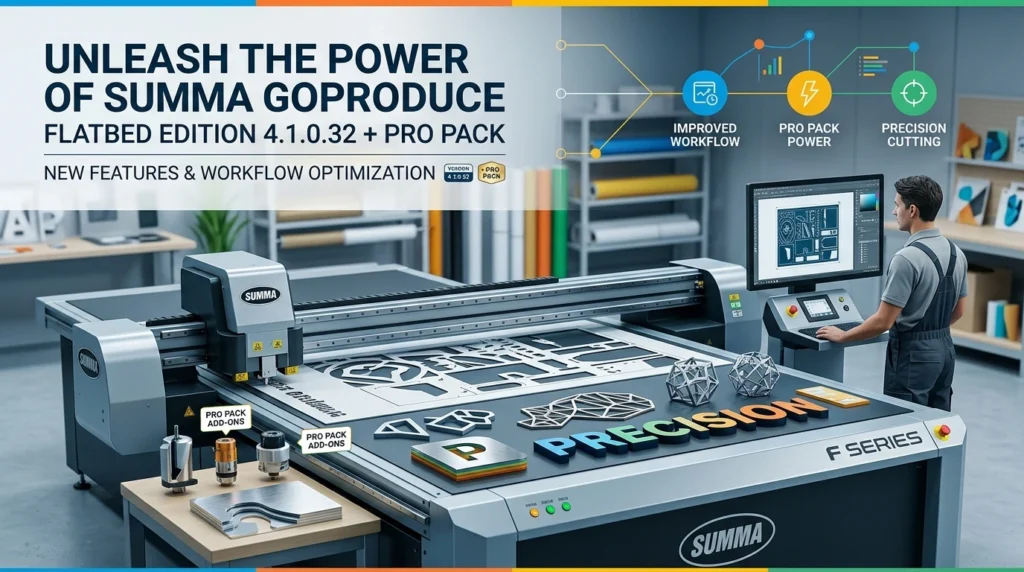
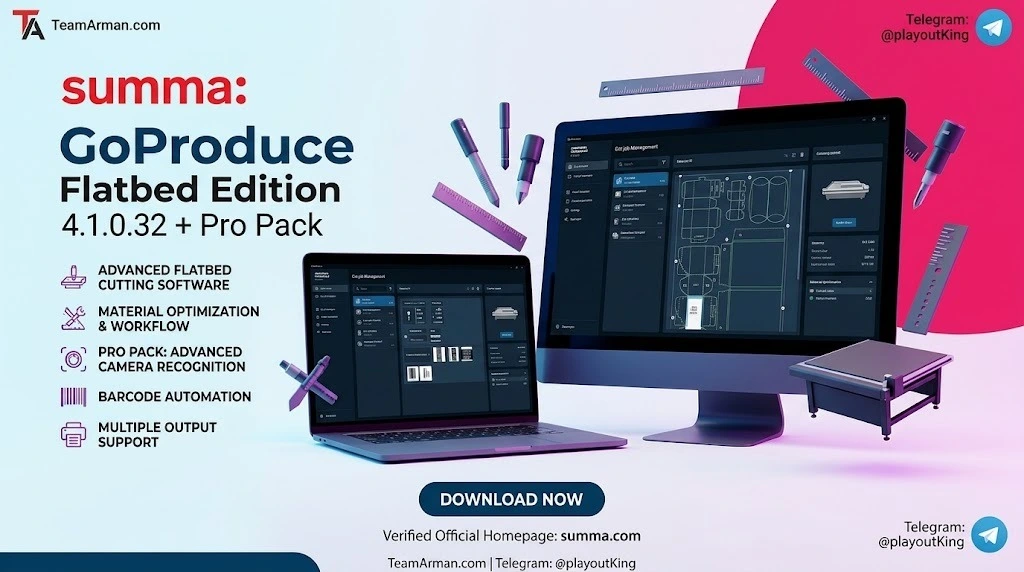
Summa GoProduce Flatbed Edition is a Windows-based production software designed to integrate Summa’s F Series flatbed cutters into a complete digital finishing workflow. As the first software module within Summa’s GoSuite platform, GoProduce was originally released in 2019 and has since evolved through multiple major iterations, with version 4.1.0.32 representing the latest evolution of this production-grade tool.
The software functions as the central link between the design station, RIP station, printers, and cutting devices. Once the workflow is configured, macros automate the production process, significantly reducing operator intervention and minimizing table downtime between jobs. This makes GoProduce an essential tool for businesses running high-volume print-and-cut operations on Summa F Series flatbed cutters.
The Pro Pack is an optional license upgrade that unlocks advanced automation features including barcode-driven workflows, hot folder support, and Twin X workflow capabilities. Together, GoProduce Flatbed Edition 4.1.0.32 and the Pro Pack form a comprehensive production automation package for professional digital cutting environments.
Key Features of GoProduce Flatbed Edition
Core Production Features
Material Manager
The Material Manager provides a comprehensive library of over 400 materials including PVC, acrylics, foamboard, honeycomb, paper, and vinyl. Each material entry includes optimized cutting parameters that can be used immediately or customized to match specific production requirements. Users can also add new materials manually to expand the library.
Customizable Action Sets
Action sets allow users to create and save sequences of operations that automate repetitive production tasks. The software includes standard predefined action sets, and users can create custom sets tailored to their specific workflow needs.
Mark Recognition and Camera Profiles
The software supports camera-based mark recognition for accurate print-and-cut alignment. Standard camera profiles are installed automatically, and the Pro Pack enables additional barcode recognition capabilities.
Print & Cut Compensation Modes
Multiple compensation modes ensure precise cutting alignment on printed materials, compensating for media distortion and printer variations.
Backside Cutting
The software supports cutting the unprinted backside of materials, which is particularly valuable for packaging applications where the tool must not damage the printed design.
Sorting and Cutting Path Optimization
The sorting function optimizes tool paths to reduce unnecessary movement, making the cutting process more efficient and increasing overall output speed.
Advanced Routing Capabilities
Version 4.x introduced significant enhancements to routing operations. The software now supports automatic detection of drill hole placeholders and lead-in/lead-out for milling paths. These features allow routing operations to start and end outside of the finished shape, preserving edge quality on materials such as wood, acrylics, and plastics.
Connected Media Handling
GoProduce integrates with peripheral equipment through Summa’s GoConnect software integration, creating efficient automated workflows that connect the flatbed cutter with feeders, roll-up systems, and other production equipment.
What’s New in Version 4.1.0.32
Version 4.1.0.32 represents the fourth major iteration of GoProduce Flatbed Edition. Key developments in the V4 series include:
-
Enhanced 64-bit Architecture: The software runs faster with improved memory management for handling complex, large-format cutting jobs more efficiently.
-
V-Series Device Support: Added support for V-series flatbed cutters with automatic device detection and monitoring capabilities.
-
GoConnect Integration: The GoConnect feature, which can be activated via a separate license, enables seamless integration with peripheral production equipment.
-
Expanded File Format Support: The Pro Pack adds support for additional file formats, improving compatibility with various design and RIP software outputs.
-
Improved Logging Features: Enhanced diagnostic logging for better technical support and troubleshooting.
-
PDF Export: When the Pro Pack is active, jobs can be exported in PDF format for documentation and archival purposes.
System Requirements
To run Summa GoProduce Flatbed Edition 4.1.0.32 effectively, your system should meet the following specifications:
Minimum Requirements
-
Operating System: Windows 10 Professional or Enterprise (64-bit) with the latest updates and Service Pack
-
Processor: Intel Core i5 (8th generation) or equivalent
-
RAM: 8 GB
-
Storage: 500 GB available disk space (at least 5 GB free for software installation and operation)
-
Display: Standard monitor with recommended resolution for production environments
-
Internet Connection: Recommended for online activation and software updates
Recommended Specifications
-
Operating System: Windows 11 Professional or Enterprise (64-bit)
-
Processor: Intel Core i7, Xeon, or AMD Ryzen 7
-
RAM: 16 GB or more
-
Storage: 512 GB NVMe SSD for faster job loading and processing
-
GPU: Dedicated graphics card (NVIDIA Quadro recommended) for complex visual operations
Important Note: Before downloading or installing the latest GoProduce software, verify that your GoProduce license key is compatible with the version you intend to install. V3 license keys can be upgraded to V4, but V2 or V1 license keys will not work with V4. Upgrade keys are available through authorized dealers.
Installation Guide
Step 1: Preparation
Ensure the installation program is located in a directory where no other versions of the installer are present. It is recommended to install GoProduce on a computer with an active internet connection to enable automatic online activation and facilitate future servicing.
Step 2: Run the Installer
Double-click the installation program to begin the setup. Follow the on-screen instructions to complete the installation. The default installation directory is recommended, though it can be changed if needed.
Step 3: Install Additional Components
During installation, a separate window will appear to install additional components required for the program to run. Some components install automatically, while others require user interaction. Click the highlighted button (Install, Next, Finish, or Close) when prompted.
Step 4: Activation
After installation, launch the software and click Activate. Follow the on-screen instructions to complete the online activation procedure. You can then activate or try the optional software programs, including the Pro Pack, by clicking the corresponding buttons.
For computers in high-security environments without internet access, an offline activation procedure is available. A QR code will appear on screen that can be scanned with a smartphone to obtain the necessary computer key.
Step 5: Pro Pack Activation
The Pro Pack can be activated as a 30-day free trial during setup by registering your product. Full activation requires a purchased license key from an authorized Summa dealer.
How to Use GoProduce Flatbed Edition
Basic Workflow
-
Import a Job: Load a job containing registration marks and, if applicable, a barcode onto the conveyor. Import the corresponding cutting file into the GoProduce software.
-
Configure Material Settings: Use the Material Manager to select the appropriate material and thickness. The software will apply the associated cutting parameters automatically.
-
Set Camera Profiles: For print-and-cut applications, configure the camera profile to recognize registration marks. Adjust camera parameters as needed to ensure reliable mark detection.
-
Define Action Sets: Choose from predefined action sets or create custom sets that match your production workflow. Standard action sets include import file, clean-up design, barcode workflow, and output to roll.
-
Optimize Cutting Path: Use the sorting function to optimize the cutting path for maximum efficiency.
-
Execute the Job: Send the job to the flatbed cutter. The software manages the cutting process, including mark recognition and tool path execution.
Working with Layers and Tools
The Layer Window allows users to manage materials, methods, and tool parameters. Users can set materials, camera profiles, and methods/tool parameters on a per-layer basis, providing fine-grained control over the cutting process.
Pro Pack Workflows
With the Pro Pack activated, users gain access to advanced workflows:
-
Barcode Workflow: The barcode functionality reads printed barcodes and automatically identifies the job to obtain the necessary cutting data from the computer, eliminating manual job selection errors.
-
Hot Folder Support: The system monitors designated folders and automatically processes jobs placed into them, enabling unattended production.
-
Twin X Workflow: Enables simultaneous operation of two independent working areas for parallel job processing.
Best Use Cases
Print-and-Cut Production
GoProduce excels in print-and-cut workflows where printed graphics require precise contour cutting. The mark recognition system ensures accurate alignment between printed designs and cutting paths.
Packaging and Prototyping
The backside cutting capability makes GoProduce ideal for packaging applications where the tool must not damage printed surfaces. The software supports cutting packages with printed exteriors while cutting from the unprinted backside.
Signage and Display Manufacturing
With support for over 400 materials including PVC, acrylics, foamboard, and vinyl, GoProduce is well-suited for producing signage, point-of-purchase displays, and exhibition graphics.
Routing Operations
The advanced routing capabilities, including automatic drill hole detection and lead-in/lead-out paths, make GoProduce effective for cutting wood, acrylics, and plastics with precision.
High-Volume Production Environments
The automation features, particularly when combined with the Pro Pack’s barcode workflow and hot folder support, enable continuous production with minimal operator intervention.
Advantages and Limitations
Advantages
-
Comprehensive Material Library: Over 400 pre-configured materials save setup time and reduce trial-and-error.
-
Powerful Automation: Macros and action sets significantly reduce operator handling between jobs.
-
Pro Pack Extensibility: The optional Pro Pack unlocks barcode workflows, hot folder support, and Twin X capabilities for advanced automation.
-
User-Friendly Interface: The intuitive interface allows new users to become productive quickly.
-
Regular Updates: Summa consistently releases updates with new features and improvements.
-
64-bit Performance: The V4 architecture handles complex jobs more efficiently than earlier versions.
Limitations
-
Windows Only: GoProduce is exclusively a Windows-based application and does not run on macOS or Linux.
-
Hardware Dependency: The software is designed specifically for Summa F Series flatbed cutters and is not compatible with other manufacturers’ equipment.
-
License Limitations: A valid license key is required for full functionality, and upgrade keys may be needed when moving from older versions.
-
Learning Curve: While the interface is user-friendly, mastering the full range of features, particularly custom action sets and advanced routing parameters, requires time and practice.
-
Internet Requirement: Online activation is recommended, though offline activation is possible for secure environments.
Alternatives to GoProduce Flatbed Edition
Summa GoSign
For users with Summa roll cutters rather than flatbed models, GoSign offers similar functionality in a package designed for roll-fed cutting systems. It supports direct cutting from Adobe Illustrator or CorelDRAW, with camera recognition and material profiles.
Caldera
Caldera is a popular RIP software option that integrates with Summa flatbed cutters. Many Summa users pair Caldera for RIP functions with GoProduce for cutting operations, creating a complete production workflow.
Onyx
Onyx is a widely used RIP solution that supports Summa flatbed cutters. It offers a clean workflow and is commonly used in environments where barcode-driven production is required. However, note that the GoProduce Pro Pack would still be needed to enable barcode workflow on the Summa hardware.
OptiScout
OptiScout is an alternative production software that some Summa F Series users have adopted. It can replace Caldera and GoProduce in certain workflows, though users should verify compatibility with their specific cutter model and production requirements.
Frequently Asked Questions
What is the difference between GoProduce Flatbed Edition and GoProduce Laser Edition?
GoProduce Flatbed Edition is designed for Summa F Series flatbed cutters, while GoProduce Laser Edition is tailored for Summa L Series laser cutters. The Flatbed Edition focuses on knife cutting, routing, and print-and-cut applications, while the Laser Edition manages laser cutting workflows.
Do I need the Pro Pack to use barcode functionality?
Yes. Barcode functionality is a Pro Pack feature. The standard GoProduce Flatbed Edition does not include barcode reading capabilities. The Pro Pack also adds hot folder support and Twin X workflow.
Can I try GoProduce before purchasing?
Yes. Summa offers a free 30-day trial of both GoProduce and the Pro Pack. You can register during setup to activate the trial.
Which Windows versions are supported?
GoProduce Flatbed Edition 4.1.0.32 supports Windows 10 Professional/Enterprise and Windows 11 Professional/Enterprise (64-bit) with the latest updates and Service Packs.
Can I upgrade from an older version of GoProduce?
V3 license keys can be upgraded to V4 using upgrade keys available from authorized dealers. V2 and V1 license keys will not work with V4 and require a new license purchase.
Does GoProduce work offline?
Yes, an offline activation procedure is available for computers without internet access. A QR code is generated that can be scanned with a smartphone to complete activation.
What file formats does GoProduce support?
GoProduce supports standard cutting file formats including SGPJ (GoProduce job files). The Pro Pack adds additional file format support for increased compatibility with design and RIP software.
Can GoProduce control multiple cutters simultaneously?
The Twin X workflow, available with the Pro Pack, enables parallel operation of two independent working areas. This is designed for increased throughput rather than independent control of separate machines.
Final Thoughts
Summa GoProduce Flatbed Edition 4.1.0.32 with Pro Pack represents a mature, production-ready software solution for Summa F Series flatbed cutter operators. The combination of a comprehensive material library, powerful automation features, and the optional Pro Pack’s advanced workflows makes it a compelling choice for businesses seeking to maximize the productivity of their flatbed cutting equipment.
The software’s evolution from version 1.x through the current 4.x series demonstrates Summa’s ongoing commitment to the platform. Features such as 64-bit performance, connected media handling, and advanced routing capabilities address real production challenges faced by professional cutting operations.
While the software is Windows-only and requires a Summa flatbed cutter, these limitations are inherent to its purpose as an equipment-specific production tool. For organizations already invested in Summa’s F Series ecosystem, GoProduce Flatbed Edition represents the definitive software solution for unlocking the full potential of their cutting equipment.
Our Paid Service
“We do not sell or provide any software. We only offer professional support services. If any software on your system is not working properly, or you are facing installation errors, crashes, or any other technical issue — just contact us. We will help you fix the problem quickly and remotely via AnyDesk. No software will be provided from our side — only expert troubleshooting and support.”