Overview of the Software
Table of Contents
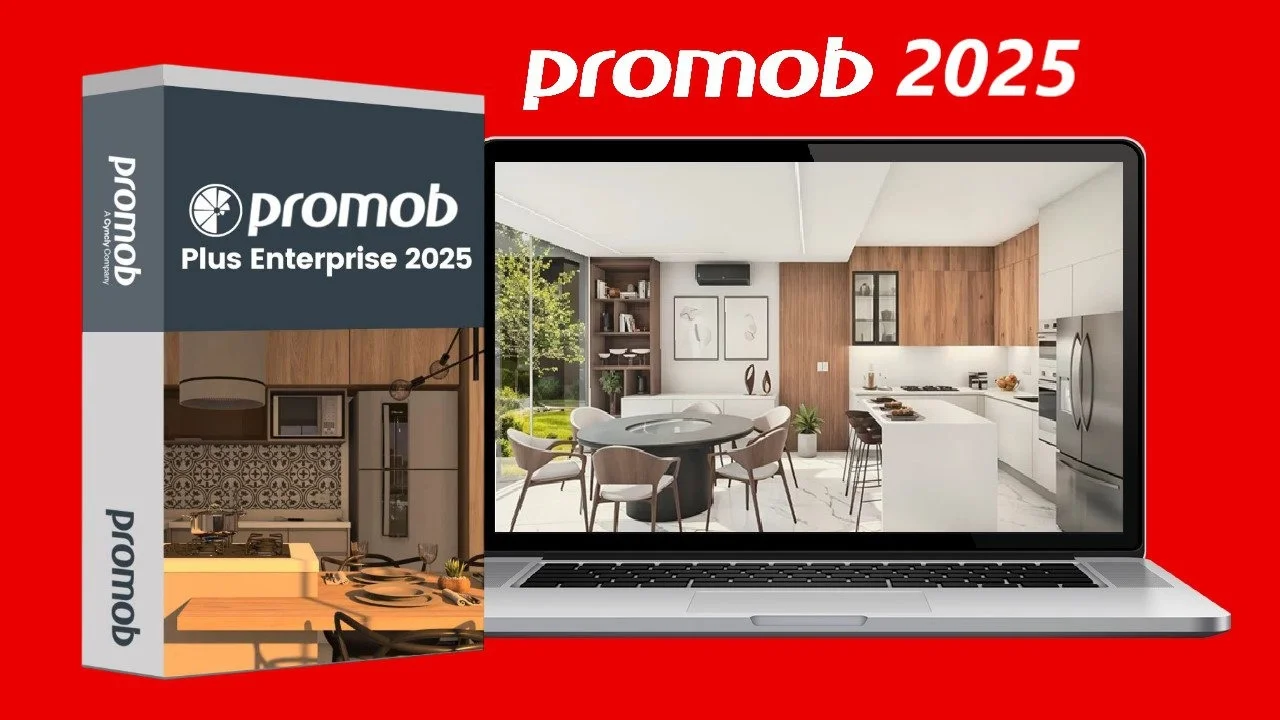
Promob Plus Enterprise is a specialized version of the Promob Plus software suite. It is tailored for growing businesses, such as custom cabinet shops and modular furniture factories, that require tight integration between sales, design, and the factory floor .
Unlike standard design tools, this software functions as a centralized digital hub. It enables teams to manage client data, create detailed 3D projects, visualize spaces with AI-powered realism, and automatically generate cutting lists and machine instructions for production . This ensures that the design and manufacturing data are synchronized, minimizing errors and reducing waste. The platform’s capabilities align with modern industrial digitalization strategies, moving businesses away from manual, error-prone processes .
Key Features
Design and Project Creation
-
Integrated Design Environment: Create complete 3D room environments with walls, floors, ceilings, and customizable architectural elements .
-
Cabinet Builder and Dimension Configurator: Use specialized modules to build cabinets and define standard product lines. This system uses variables to manage standard measurements across projects, ensuring consistency and speeding up the design process by eliminating the need to change dimensions module by module .
-
Automatic Pagination (Revest): An intelligent tool for applying coverings and finishes to projects with precision.
-
Decore Online and Libraries: Access cloud-based libraries featuring thousands of items from leading brands, keeping designs current and realistic with materials, textures, and decorative objects .
Visualization and Presentation
-
Real Scene 2.0 Rendering: An integrated tool with 2020 technology and Artificial Intelligence, delivering ultra-realistic images with precise lighting. Users can generate photorealistic 360° views and virtual reality experiences from over 5,300 finish options .
-
High-Quality Presentations: Create professional presentations and visual experiences that help accelerate project approval and sales closure .
Manufacturing and Production
-
Cut Pro (Included Cutting Plan): This module automatically calculates the most efficient cutting layout for one or multiple projects. It optimizes the use of material sheets, reduces waste, and supports reusing leftovers .
-
CNC and Machine Integration: The software exports cutting plans and technical files directly to CNC machines and edge banders. This integration automates a critical step in the factory, reducing transcription errors .
-
Automatic Technical Label Printing: The system generates detailed labels for each piece. These labels include assembly instructions, customer identification, and edge banding information, improving traceability and shop floor efficiency .
Business and Collaboration
-
Online Budget (Orçamento Online): Create, edit, and update prices and margins directly within the system without the need for importing or exporting price tables. For Enterprise users, changes made to margins on one license are automatically synced across all others on the same account, ensuring consistency across teams and units .
-
Cloud Backup and Synchronization: All projects are saved online, ensuring security and availability on any machine linked to the account. The system automatically syncs changes, versions, and technical data .
-
Integrated Client Management: Organize client data and projects, facilitating tracking of conversion rates and sales opportunities .
What’s New in Version 2025 v5.81.24.12
While specific patch notes for version 2025 v5.81.24.12 are not detailed in public summaries, this version builds upon the established Promob Plus Enterprise 2025 release. The key enhancements in this product line include:
-
AI-Enhanced Rendering (Real Scene 2.0): The integration of artificial intelligence for faster and more accurate rendering has been a major milestone for generating high-impact, photorealistic presentations .
-
Enhanced Cloud Integration: The platform relies on robust online budgeting, cloud backup, and cloud-based library access to enable collaboration and flexibility for design teams .
-
Streamlined CNC Workflow: The integration of the Cut Pro module and its automation of machine-ready file export, including label printing, solidifies the Enterprise version as a key tool for Industry 4.0 in furniture manufacturing .
System Requirements
To ensure optimal performance, your system should meet the following requirements.
| Component | Minimum Requirement |
|---|---|
| Operating System | Windows 10 or 11 (64-bit recommended) |
| Processor | Intel Core i5 or equivalent |
| RAM | 8 GB (16 GB or more recommended for rendering) |
| Graphics Card | Dedicated GPU with support for DirectX and OpenGL (NVIDIA GeForce series recommended) |
| Storage Space | 20 GB of free space (SSD recommended for better performance) |
| Internet | A stable internet connection is required for cloud backup, budget syncing, and library access . |
Installation Guide
The installation process for Promob Plus Enterprise is managed through the official Promob Downloader. Here is a step-by-step guide:
-
Download the Installer: Use the official Promob Downloader provided after purchasing the software or receiving your license details .
-
Run the Installer: Launch the downloaded file to begin the installation.
-
Accept EULA: Read and accept the End-User License Agreement.
-
Choose Installation Folder: The default path is usually
C:\Arquivos de programas. You can change this if you prefer . -
Wait for Installation: The setup will copy all necessary files to your system .
-
Create Shortcuts: Select which shortcuts to create for easy access .
-
Finish: Once the installation is complete, you can start the application .
-
First Login: Log in with your Cyncly account credentials to activate the software, access cloud projects, and synchronize your configurations.
How to Use the Software
-
Login: Open the application and log in with your Cyncly account. This step is crucial for synchronizing your work and accessing cloud features.
-
Create or Import a Project:
-
New Project: Start from scratch by building a 3D environment and adding furniture.
-
Import: The software supports importing
.skpfiles from SketchUp. To ensure successful import, you must properly configure the tags (layers) in your SketchUp file for walls, floor, ceiling, and decoration items. The entities must be rectangular and well-defined for proper conversion .
-
-
Design the Room:
-
Create the room layout (walls, floor, ceiling).
-
Use the “Cabinet Builder” or “Dimension Configurator” to add furniture and set standard dimensions like height and depth .
-
Customize the design with doors, handles, and hardware.
-
-
Apply Finishes:
-
Use the “Revest” tool to apply coverings and finishes.
-
Browse the cloud-based “Decore Online” libraries to add realistic materials and decorative items .
-
-
Generate Budget:
-
Access the budget tool to see the cost and apply pre-set margins. For Enterprise, these margins are synced online across all licenses .
-
-
Present and Render:
-
Use “Real Scene 2.0” to generate photorealistic renders and 360° visualizations. This is a critical step for client presentations and securing approvals .
-
-
Prepare for Production:
-
Once the project is approved, open the “Cut Pro” module. It will automatically calculate the optimal cutting plan, generate CNC code, and allow you to print labels for workshop assembly .
-
Best Use Cases
-
Custom Cabinetry and Furniture: For businesses that manufacture custom kitchens, wardrobes, closets, and office furniture .
-
Modular Furniture Factories: For factories that require a repeatable, standardized manufacturing process for a line of products .
-
Design-Build Firms: For companies that handle both the design and production of their projects.
-
Interior Designers: For designers who need to create high-quality renders and professional presentations for clients .
Advantages and Limitations
| Advantages | Limitations |
|---|---|
| Streamlined Workflow: Seamlessly integrates design, budgeting, and manufacturing . | Learning Curve: The platform’s breadth of features can present a learning curve for new users, although it is designed for intuitive operation . |
| Error Reduction: Automatic budget and CNC code generation eliminates manual data entry errors . | Internet Dependency: Requires a stable internet connection for core features like cloud backup and online budgeting . |
| Professional Visuals: AI-powered rendering engine creates realistic presentations that help close sales . | Hardware Requirements: Rendering and large project management can be demanding on system hardware. |
| Efficiency: Automated processes lead to faster project completion and optimized material usage . | Cost: As a professional-grade solution with advanced manufacturing features, it represents a significant investment. |
Alternatives to the Software
While Promob Plus Enterprise is a robust solution, other platforms cater to different needs:
-
Promob Plus Professional: This version shares the design, rendering, and cloud features with Enterprise but does not include the Cut Pro module for CNC integration. It is ideal for designers and showrooms not involved in automated manufacturing .
-
SketchUp: A popular general-purpose 3D modeling tool used for early-stage conceptual design. It lacks Promob’s specialized furniture features and automated manufacturing integration .
-
SolidWorks: A professional parametric CAD software used for detailed product design and engineering. It is more complex and general-purpose, not specialized for cabinet design and automated woodworking.
-
AutoCAD: A robust 2D and 3D CAD software used widely for architectural plans and technical drawings. It is not optimized for automated furniture manufacturing workflows.
Frequently Asked Questions
What is the difference between Promob Plus Professional and Promob Plus Enterprise?
The key differentiator is the “Cut Pro” module and advanced CNC integration included in the Enterprise version. Plus Professional focuses on design, rendering, and budgeting. Enterprise extends this to manufacturing by automating the generation of cutting plans and machine code .
Is an internet connection required to use Promob Plus Enterprise?
Yes, a stable internet connection is required for many core functions. This includes cloud backup and synchronization, accessing Decore Online libraries, and using the Online Budget feature which syncs margins across an account .
Can I import files from SketchUp into Promob Plus Enterprise?
Yes. The software supports importing .skp (SketchUp) files. For a successful import, the file must follow specific rules: layers (tags) must be correctly named and match Promob’s layers (Walls, Floor, etc.), and the geometry must be well-defined .
Does the software include a tool for generating cutting plans?
Yes. The Cut Pro module is a standard feature of the Promob Plus Enterprise edition. It automatically calculates the optimal layout of pieces on a material sheet for one or multiple projects .
How does the software help with material optimization?
The Cut Pro tool actively optimizes material usage by calculating the most efficient way to cut pieces from a standard board. It also allows for the reuse of leftover material (sobras), significantly reducing waste and production costs .
Final Thoughts
Promob Plus Enterprise 2025 v5.81.24.12 stands out as a powerful, integrated solution for the modern furniture industry. It effectively combines high-end visualization tools with practical, automated manufacturing capabilities. By using a single platform, businesses can eliminate silos between design, sales, and the factory, leading to greater efficiency, reduced errors, and enhanced customer experiences. For professionals looking to advance their operations into a more streamlined, data-driven future, Promob Plus Enterprise offers a robust and comprehensive toolkit.
Our Paid Service