
Overview of Lawo R3LAY VRX8 Virtual Radio Mixer
Table of Contents
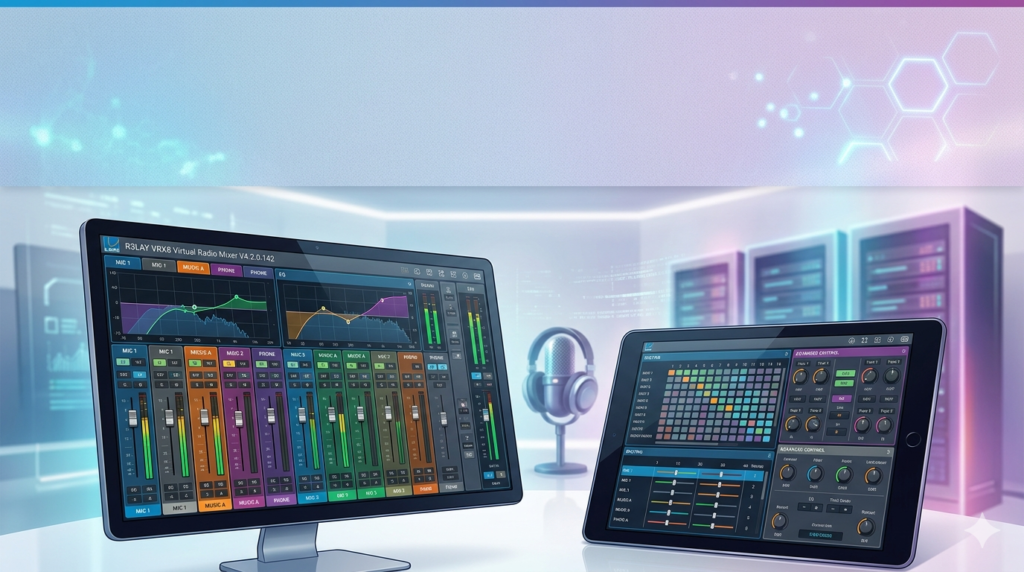
R3LAY VRX8 is part of Lawo’s R3LAY virtual radio software suite, which virtualizes traditional broadcast studio tools. This 8-fader, 24-input mixer runs entirely on software, eliminating the need for dedicated hardware mixing consoles.
Unlike hardware mixers that require significant physical infrastructure, R3LAY VRX8 works on powerful off-the-shelf PCs and laptops. It operates both as a standalone application and within virtual machines hosted on cloud-based servers, making it ideal for broadcasters transitioning to virtualized workflows.
The software supports all non-proprietary audio interface drivers including ASIO, WDM, WASAPI, and MME. This allows simultaneous mixing of audio from multiple sources—microphones, software applications, and network streams—that Windows typically restricts to single-device access.
Key Features of R3LAY VRX8 V4.2.0.142
8-Channel Stereo Mixing with 24 Input Sources
The core of R3LAY VRX8 is its 8-channel stereo mixer, supporting up to 24 audio sources prepared in Admin mode. Each channel strip includes:
-
Fader for level control
-
Input metering
-
On/off button
-
Assignment icons for programme, record, or PFL bus
-
Settings pop-up for processing adjustments
Advanced Audio Processing Suite
Professional broadcast processing tools are built directly into the software:
-
Lawo AutoMix – hands-free program mixing that automatically balances multiple live speakers
-
AutoGain – one-touch microphone input calibration
-
VST plugin hosting – supports third-party plugins for VoIP, codec integration, and stream encoding
-
EQ and compression – built-in processing for each channel
Flexible Bus Architecture
Users can assign channels to:
-
Stereo programme bus (primary output)
-
Secondary stereo bus (record or conference mode)
-
N-1 (mix-minus) output for up to 4 audio sources – essential for phone-in and contributor feeds
Snapshot and User Key System
-
8 snapshots for saving and recalling complete mixer setups
-
16 user keys providing quick access to functions like cough switch, monitor DIM, talk to N-1, and GPIO commands
Dual View and Mode Operation
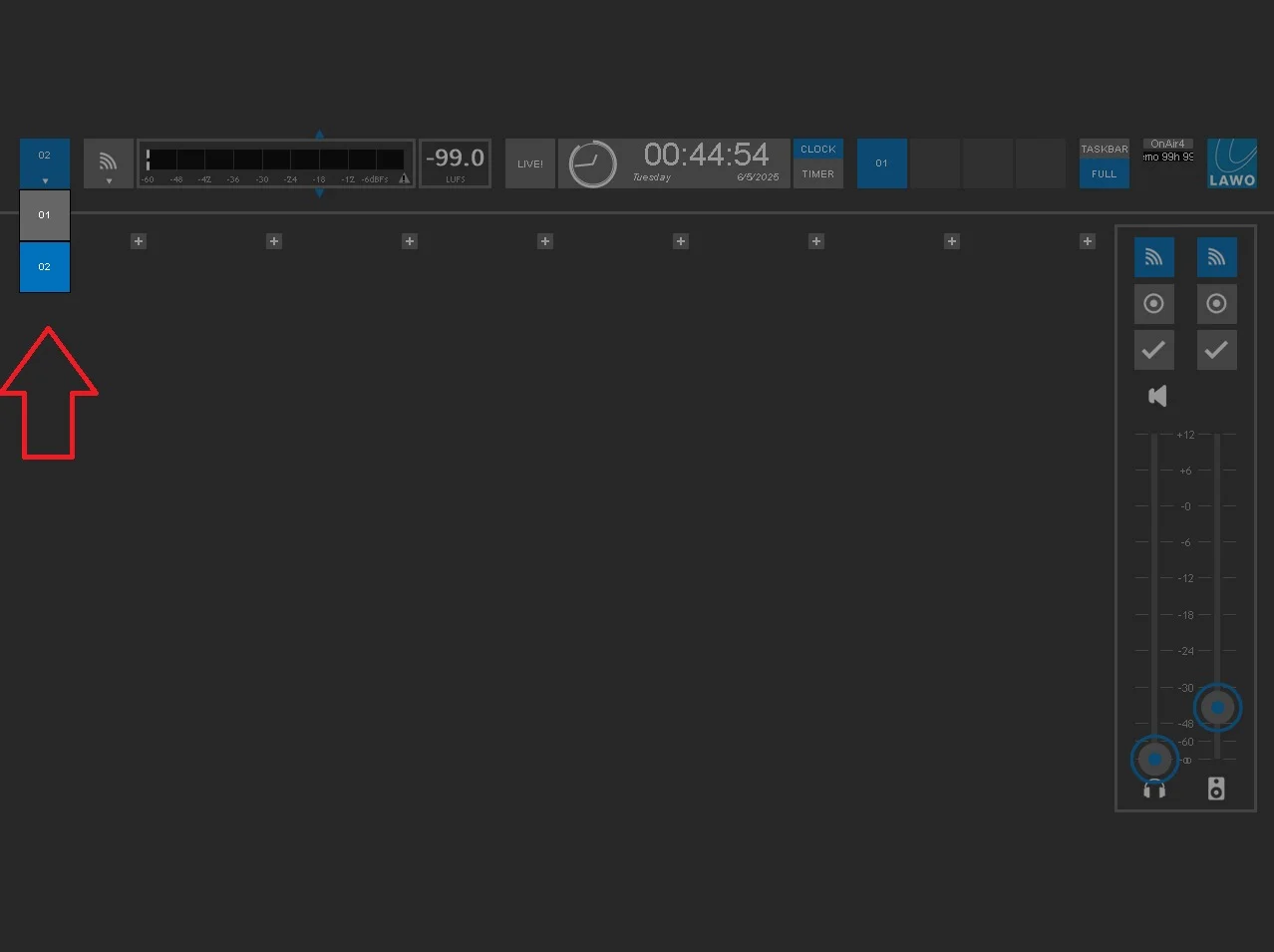
The interface supports both Fullscreen and Taskbar views. Taskbar mode keeps essential mixer controls accessible while working in other applications.
User Mode provides day-to-day mixing control, while Admin Mode (password-protected) handles source preparation, bus outputs, snapshots, and global settings.
RAVENNA / AES67 Network Integration
R3LAY VRX8 natively supports RAVENNA and AES67 networking standards. This enables sending and receiving audio streams across IP networks, connecting to Lawo hardware like the OnAir4 interface, and integrating with other AoIP-compatible equipment.
What’s New in Lawo R3LAY VRX8 Version 4.2.0.142
The V4.2.0.142 release, dated February 28, 2025, brings important stability improvements:
Critical fixes in V4.2.0.142:
-
Windows 11 24H2 compatibility – resolved misleading popup “Driver could not be found or missing” after system updates
-
Crash prevention – fixed potential crashes when handling large amounts of EmBER+ traffic
-
Improved Virtual Patch Bay – new default Ember+ Sink Source Matrix
Version history context:
-
V4.2.0.162 (November 2025) – subsequent update
-
V4.2.0.142 (February 2025) – current stable release
-
V4.2.0.106 (July 2023) – previous major release
Optimization for virtual machines – version 4.2 introduced behind-the-scenes optimizations for running within VMWare Server 6.6 and other virtualized environments.
System Requirements for R3LAY VRX8
Before installing, ensure your system meets these specifications:
Recommended Hardware
| Component | Requirement |
|---|---|
| Processor | Intel Core i5 or i7 quad-core CPU (minimum 10,000 benchmark points) |
| Memory | 8 GB RAM (minimum 2 GB) |
| Storage | 2 GB available disk space |
| Network | Gigabit Ethernet LAN (preferably PTP-aware) |
| Graphics | Dedicated graphics card recommended for improved performance |
Supported Operating Systems
-
Windows 10 (recommended)
-
Windows 7, 8, 8.1
-
Windows Server 2012 R2
-
Windows 11 (supported with V4.2.0.142 fix)
Network Protocols Supported
-
RAVENNA / AES67
-
ST 2110-30
-
EmBER+ (open-source control protocol)
-
SIP (Session Initiation Protocol) for unicast streams
How to Install Lawo R3LAY VRX8 V4.2.0.142
Step 1: Download the Software
-
Navigate to the Lawo Download Center
-
Log in to your Lawo account (registration required if new)
-
Navigate to
/30_virtual_radio/R3LAY_VRX8 -
Download the latest installation software (filename begins with
LawoR3LAYVRX8Setup) -
Download the latest User Guide and Software Licensing Quickstart PDFs
Step 2: Run the Installer
-
Extract the setup software from the ZIP file
-
Double-click to launch the installer
-
During installation, select:
-
Licensing – installs CodeMeter Runtime (WIBU Systems AG) required for license activation
-
Additional icons – creates desktop shortcut
-
Step 3: Register the Software
-
After installation, open the CodeMeter Runtime Kit
-
Enter your License Key (provided with purchase)
-
Select the appropriate license type
-
Follow the on-screen instructions to complete activation
Without registration, the software runs only in Demo mode.
Step 4: Connect Hardware
If using a Lawo OnAir4 interface:
-
Connect the OnAir4 to your PC via Ethernet cable
-
Power on the OnAir4 and wait for configuration (approximately 2 minutes)
-
The status display near the Lawo logo should appear blue (license active) or black (IP configuration needed)
IP troubleshooting: If the status display appears black, ensure your PC and OnAir4 are on the same IP subnet. The OnAir4 factory IP is 192.168.110.251 with subnet 255.255.255.255.
How to Use R3LAY VRX8 Virtual Radio Mixer
Admin Mode Configuration
The Admin Mode is where you prepare your audio sources and system settings:
-
Click the Lawo logo to enter Config Mode
-
Navigate through configuration tabs:
-
General – startup options, sample rate, VST effects path
-
Audio – soundcard driver types (ASIO, WASAPI, WDM, MME)
-
RAVENNA – global streaming options
-
Patch – add/remove audio hardware and software devices
-
Adding Audio Sources
Hardware inputs (microphones, interfaces):
-
Enter Config Mode and select the Inputs section
-
Name the input source
-
Choose the appropriate hardware input (e.g., OnAir4 Mic1)
-
Verify input level on the adjacent meter
-
Click the “+” button at the desired fader position and select your source
Software applications (Skype, VLC, etc.):
-
Open the third-party application
-
Select R3LAY WDM Driver as its audio output
-
Return to R3LAY and enter Config Mode
-
Define a new source and select the corresponding WDM Driver as input
User Mode Operation
Once sources are configured, the mixer operates in User Mode:
-
Use faders to control each channel level
-
Assign channels to programme, record, or PFL buses
-
Monitor via headphone or speaker outputs
-
Save snapshots for different show formats
Advanced Configuration Options
-
Ember+ integration – control faders and GPIO via external devices
-
ASIO Direct Monitoring – route ASIO input directly to headphone output for zero-latency artist monitoring
-
VST plugin hosting – add third-party processing plugins to individual channels
Best Use Cases for Lawo R3LAY VRX8
In-Studio Broadcast Production
R3LAY VRX8 excels as a primary studio mixer where its AES67 compliance allows operators to mix local and networked audio streams, sending ready-for-air program output directly.
Mobile Broadcast and Remote Production
Installed on a laptop with a Lawo OnAir4 interface, R3LAY VRX8 creates a complete grab-and-go mobile broadcast kit. This setup is perfect for:
-
Field reporting and OB (Outside Broadcast)
-
Sports commentary
-
Emergency broadcast situations
Podcast Production
The software’s AutoMix and AutoGain features simplify multi-person podcast recording, automatically balancing levels without constant manual adjustment.
Cloud-Based Radio Studios
With version 4.2 optimized for virtual machines, broadcasters can deploy R3LAY VRX8 on cloud servers, connecting remote talent through software codecs and streaming apps. R3LAY represents the “last piece of the puzzle” for fully virtualized radio production.
Journalism and Edit Bays
Journalists can record their own microphone while simultaneously capturing interviewee audio through chat software – something normally impossible in Windows due to single-device audio restrictions.
Advantages and Limitations of R3LAY VRX8
Advantages
| Benefit | Description |
|---|---|
| Cost-effective | Eliminates dedicated hardware mixing consoles |
| Portable | Runs on laptops for field production |
| Flexible | Mixes audio from hardware, software, and network sources simultaneously |
| Virtualization-ready | Optimized for VM deployment and cloud workflows |
| Broadcast-quality | Professional processing including AutoMix, AutoGain, and VST hosting |
| Network-integrated | Native RAVENNA/AES67 support |
Limitations
| Limitation | Consideration |
|---|---|
| License required | Full functionality requires purchased license; demo mode limitations apply |
| Hardware dependency | Optimal performance requires suitable audio interface (e.g., OnAir4) |
| Windows-only | Currently supports Windows operating systems only |
| System intensive | Requires capable hardware (i5/i7, 8GB RAM) for reliable performance |
| Learning curve | Professional-grade software requires training for full utilization |
Alternatives to R3LAY VRX8 Virtual Radio Mixer
Comparison Overview
| Alternative | Key Differentiator | Best For |
|---|---|---|
| R3LAY VRX4 | 4-fader, 12-input version | Smaller setups, budget-conscious users |
| R3LAY VPB | Virtual Patch Bay – routing hub | Managing complex audio routing between applications |
| Hardware broadcast consoles | Physical controls, tactile feedback | Studios preferring traditional workflows |
| Other software mixers | Varying feature sets | Specific niche requirements |
The R3LAY family includes complementary tools:
-
R3LAY VPB (Virtual Patch Bay) – central routing hub for all audio streams on a Windows computer
-
R3LAY VSC (Virtual Sound Card) – 8×8 RAVENNA/AES67 sound card replacement
-
R3LAY AoIP Stream Monitor – inspection and monitoring tool for AES67 networks
Frequently Asked Questions About Lawo R3LAY VRX8
What is Lawo R3LAY VRX8 and what does it do?
R3LAY VRX8 is a software-based virtual radio mixer that provides 8-channel stereo mixing with 24 input sources. It runs on Windows PCs and serves as a complete broadcast mixing console replacement. Professional features include AutoMix, AutoGain, VST plugin hosting, and RAVENNA/AES67 network audio support.
What are the system requirements for R3LAY VRX8 V4.2.0.142?
Your system should have an Intel Core i5 or i7 quad-core CPU with minimum 10,000 benchmark points, 8GB RAM, 2GB storage, and a Gigabit Ethernet port. Windows 10 is recommended, and Windows 11 is supported with the V4.2.0.142 update.
How do I get the latest version of R3LAY VRX8?
Download the latest version from the Lawo Download Center at www.lawo.com. You’ll need a registered Lawo account. The software is available under the /30_virtual_radio/R3LAY_VRX8 path.
Can R3LAY VRX8 run in a virtual machine?
Yes. Version 4.2 and later are optimized for deployment in Virtual Machines hosted on cloud-based servers, specifically tested in VMWare Server 6.6 environments.
Does R3LAY VRX8 support third-party plugins?
Yes, R3LAY VRX8 can host third-party VST plugins for VoIP, codec integration, stream encoding, and additional processing. You can specify the VST Effects path in Global Settings.
How does R3LAY VRX8 differ from R3LAY VRX4?
R3LAY VRX8 is an 8-fader mixer supporting up to 24 inputs, featuring a redesigned user interface, AutoMix, AutoGain, and VST plugin hosting. R3LAY VRX4 is a smaller 4-fader, 12-input version for simpler setups.
Is R3LAY VRX8 compatible with macOS?
R3LAY VRX8 is currently a Windows-only software application. It runs on Windows 7, 8, 8.1, 10, and Windows 11 operating systems.
Final Thoughts on Lawo R3LAY VRX8 V4.2.0.142
Lawo R3LAY VRX8 represents a significant shift in broadcast production, enabling professional-quality radio mixing without proprietary hardware investments. The V4.2.0.142 update reinforces this value by addressing Windows 11 compatibility and improving stability for broadcasters using Ember+ control networks.
For broadcasters considering virtualized workflows, R3LAY VRX8 provides a proven, professional-grade solution backed by Lawo’s broadcast engineering expertise. Its combination of comprehensive mixing features, network audio support, and virtualization readiness makes it a compelling choice for modern radio production environments.
The software’s ability to run on standard PCs and in virtual machines positions it well for future broadcast infrastructure where flexibility and cost-efficiency are increasingly important. Whether for in-studio production, remote broadcasting, or cloud-based radio operations, R3LAY VRX8 delivers the professional features broadcasters require in a software-native package.
Our Paid Service
“We do not sell or provide any software. We only offer professional support services. If any software on your system is not working properly, or you are facing installation errors, crashes, or any other technical issue — just contact us. We will help you fix the problem quickly and remotely via AnyDesk. No software will be provided from our side — only expert troubleshooting and support.”