
Overview of iBwave Design
Table of Contents
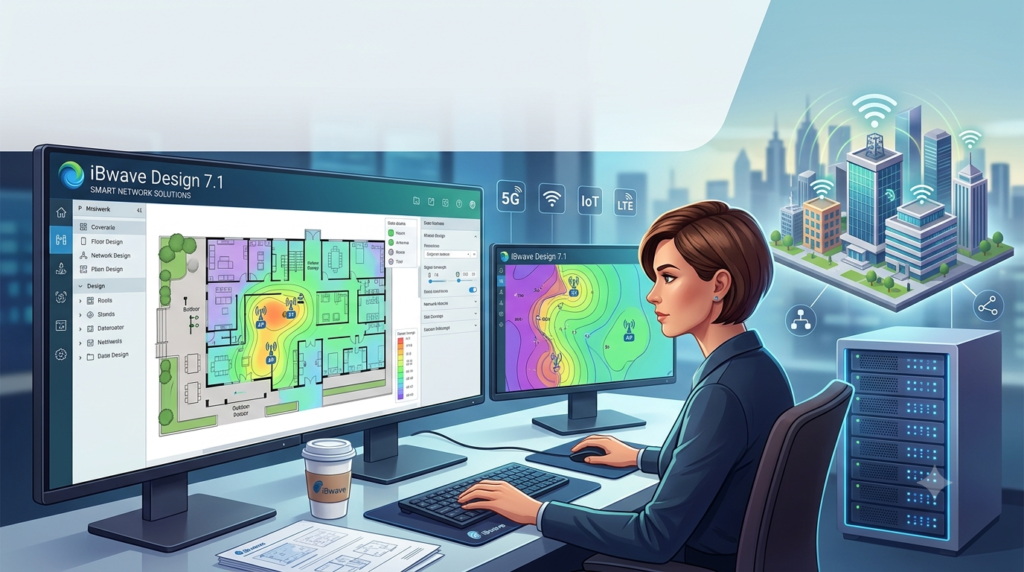
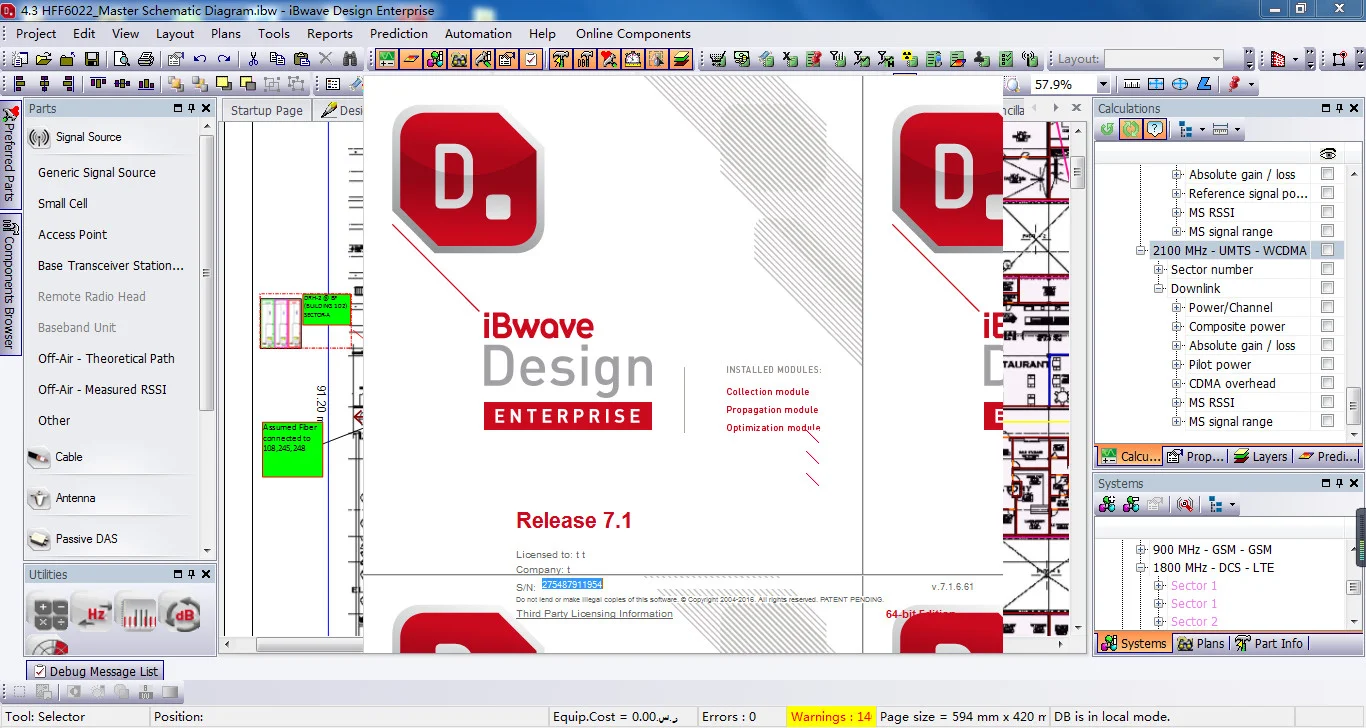
iBwave Design is a comprehensive software suite engineered to address the complexities of designing indoor wireless networks. It serves as a single, integrated platform that allows engineers and network planners to import floor plans, model buildings in 3D, select from an extensive component database, and simulate network coverage and capacity before any physical deployment occurs . By enabling detailed modeling of RF propagation within complex indoor environments, the software helps eliminate guesswork and reduces the risk of costly post-installation changes .
The tool is trusted by over 3,000 companies globally and has been used to deliver more than 100,000 in-building wireless networks . Its primary value lies in its ability to automate and simplify the design process, cutting project design time and costs significantly.
Key Features of iBwave Design 7.1
iBwave Design 7.1 is feature-rich and designed to handle every aspect of in-building network design.
HetNet Design with an Extensive Component Database
The software supports the design of Heterogeneous Networks (HetNets), integrating technologies such as:
-
Active and Passive DAS
-
Wi-Fi (all generations through 7)
-
Small Cells
-
Public Safety Networks
-
5G, LTE, LTE Advanced, CBRS, IoT, and LoRa
Central to this capability is the built-in component database, which contains over 40,000 parts from more than 300 manufacturers . This database includes detailed technical specifications for antennas, cables, splitters, amplifiers, and other network components.
Advanced 3D Modeling and Simulation
iBwave Design features a powerful built-in 3D modeler that allows users to:
-
Model multiple buildings and multi-layered floor plans.
-
Import floor plans from various formats like CAD, PDF, and image files.
-
Visualize the placement of components and cable routing in three dimensions .
This 3D environment enhances design accuracy and is crucial for wowing customers with clear visual representations of proposed networks.
Comprehensive RF Propagation and Capacity Analysis
Before deployment, users can validate network performance using the advanced RF propagation engine. This feature provides:
-
Precise 3D coverage maps for key performance indicators like RSSI, RSRP, and SNIR .
-
Capacity analysis to simulate traffic demands on the network and ensure it meets user needs.
-
Modeling of body loss for high-density venues such as stadiums and arenas .
Automated Reporting and Documentation
The software automates the creation of essential project documents, including:
-
Equipment lists and cost details (Bill of Materials).
-
Link budget reports.
-
Antenna and cable routing reports.
-
Compliance reports based on user-defined pass/fail criteria .
This automation saves significant time and ensures project consistency.
Integration with External Tools
iBwave Design integrates with third-party collection tools and outdoor planning software, enabling users to:
-
Import RF measurements from leading collection tools.
-
Consider macro-network interference and leakage .
What’s New in the Latest Version (7.1)
While specific details on version 7.1 are not exhaustive, the iBwave product suite is continuously evolving. Recent developments focus on hardware acceleration and cloud connectivity.
A key advancement is the introduction of CUDA-accelerated prediction for RF simulations. As of version 22 (a significant milestone after 7.1), iBwave has optimized its prediction engine to leverage NVIDIA GPU acceleration . This enhancement promises predictions that are up to two times faster than previous versions when using a compatible NVIDIA graphics card (such as the 4000-series consumer-grade cards or A40/A100 cloud cards) . This suggests a continuous trend towards leveraging powerful hardware to speed up complex simulations, improving user experience for engineers working on large-scale projects.
System Requirements
To run iBwave Design 7.1 efficiently, your system must meet specific hardware recommendations. While the software can operate on standard machines, a “Recommended” system is essential for optimally executing complex designs over large venues with numerous transmitters .
| Component | Recommended Specification |
|---|---|
| Operating System | Windows (specific versions not cited, but likely latest Windows 10/11 Pro) |
| Processor (CPU) | High-performance multi-core processor |
| Memory (RAM) | 16 GB or higher (requirements scale with project size) |
| Graphics Card (GPU) | NVIDIA 4000-series or higher for CUDA acceleration |
| Storage | SSD for faster project loading and saving |
The need for powerful NVIDIA GPUs is particularly important for users who want to benefit from the faster RF prediction speeds, which can significantly reduce project turnaround times for complex designs .
Installation Guide
While specific installation steps can vary based on licensing, the general process involves these steps:
-
Purchase a License: Acquire a valid license for iBwave Design 7.1 from iBwave or an authorized reseller. Licensing options are available for individual designers, teams, and enterprise solutions .
-
Download the Installer: Log in to your iBwave account and download the official installation file for iBwave Design 7.1 from the iBwave website.
-
Run the Installer: Execute the downloaded file and follow the on-screen instructions. You may need to accept the license agreement and choose an installation directory.
-
Activate the Software: Upon launching the software for the first time, use your license key or sign in to your account to activate it.
-
Check for Updates: Ensure you have the latest patches and component database updates installed for optimal performance.
How to Use iBwave Design
The workflow in iBwave Design follows a logical progression from project setup to final reporting.
1. Project Creation
Start by creating a new project and defining its core properties. This includes setting the project name, specifying the technologies to be used (e.g., 5G, LTE, Wi-Fi), and configuring general preferences .
2. Building Modeling
A critical step is modeling the physical environment:
-
Import Floor Plans: Import architectural plans in .dwg, .dxf, .jpeg, or .pdf formats .
-
Define Materials: Assign materials to walls, floors, and ceilings (e.g., drywall, concrete, glass). Material selection is crucial for accurate RF propagation modeling .
-
Set Building Properties: Configure building height, floor count, and other structural details.
3. Network Design
With the building modeled, you can begin designing the network:
-
Place Components: Drag and drop components like antennas, access points, and cabling from the database onto the floor plan .
-
Add Systems: Define wireless systems (e.g., a DAS system for 5G) and connect components logically.
-
Cable Routing: Map out cable paths between components, with automatic length calculations.
4. Simulation and Validation
Run simulations to test your design before deployment:
-
RF Predictions: Generate coverage maps to visualize signal strength, signal quality, and data rates .
-
Capacity Analysis: Simulate network load under peak traffic conditions.
-
Network Validation: Use the built-in error checking tool to identify and fix design flaws (e.g., poor power balancing, incorrect connectors) .
5. Documentation and Reporting
Automatically generate key project deliverables:
-
Bill of Materials: Get a detailed equipment list with cost details .
-
Compliance Report: Validate that the design meets required performance standards.
-
Customized Reports: Add annotations and branding to create professional, client-ready proposals .
Best Use Cases for iBwave Design
The software’s primary use is in designing high-performance in-building wireless networks for large and complex venues. Key use cases include:
-
Enterprise Buildings: Designing DAS, small cells, and Wi-Fi networks for office towers and corporate campuses.
-
Large Venues: Simulating coverage for stadiums and arenas, ensuring capacity for tens of thousands of users .
-
Transportation Hubs: Planning networks for airports, subway systems, and train stations.
-
Public Safety: Designing compliant, reliable emergency communication systems within buildings .
-
Private Networks: Planning and deploying Private LTE and 5G networks for industrial and enterprise needs .
Advantages and Limitations
Advantages
-
Industry Standard: It is the most widely used software for in-building design, making it easier to collaborate and find skilled engineers.
-
Comprehensive Database: The extensive component database reduces the need to manually enter equipment specs.
-
Accuracy: Its advanced 3D modeling and propagation engine lead to highly accurate designs.
-
Automation: Automated reporting and calculations significantly reduce project completion time.
-
Multi-Technology Support: Seamlessly designs converged Wi-Fi, cellular, and public safety networks in one project .
Limitations
-
Learning Curve: The software is complex and requires training to use effectively. iBwave offers certification programs for this reason .
-
Cost: It is a premium solution, and the investment may be high for small firms or individual consultants.
-
Hardware Requirements: To run complex simulations quickly, a powerful workstation with a high-end NVIDIA GPU is recommended.
Alternatives to iBwave Design
While iBwave is a market leader, several other tools are used for in-building network planning. They are often more specialized or offer different approaches.
| Software | Key Focus | Best For |
|---|---|---|
| Ranplan In-Building | 3D modeling and simulation with high precision ray-tracing . | Users who need highly accurate ray-tracing models for complex multi-floor environments. |
| Atoll In-Building (Forsk) | Integrated indoor and outdoor network planning . | Operators who need to plan both indoor and outdoor networks within a single ecosystem. |
| EDX In-Building | Detailed building modeling with specific propagation models for Wi-Fi and LTE . | Engineers who need detailed control over material properties and propagation models. |
| Ericsson Indoor Planner | A web-based tool specifically for Ericsson’s small cell portfolio . | Organizations deploying Ericsson small cells looking for an easy-to-use, vendor-specific tool. |
| Indoor RadioPlanner | A simpler, more user-friendly interface . | Users who want an easy-to-learn tool with straightforward modeling capabilities. |
Frequently Asked Questions
What is iBwave Design used for?
iBwave Design is the premier software solution used for designing, simulating, and optimizing in-building wireless networks, including DAS, small cells, 5G, LTE, and Wi-Fi systems .
What are the system requirements for iBwave Design 7.1?
While basic requirements exist, iBwave recommends powerful hardware, especially a high-performance NVIDIA GPU (like the 4000 series) to benefit from CUDA-accelerated RF predictions for large projects .
How do I learn how to use iBwave Design?
iBwave offers an official certification program and various training courses, ranging from in-building fundamentals to specialized topics like stadium design and 5G New Radio .
Is there a free trial or version of iBwave Design?
A free trial is not mentioned in the provided information. iBwave Design is a premium enterprise-grade software with paid licensing options for individuals, teams, and enterprises.
What are the best alternatives to iBwave Design?
Popular alternatives include Ranplan In-Building for high-fidelity ray-tracing, Atoll In-Building for integrated indoor/outdoor planning, and Ericsson Indoor Planner for vendors using Ericsson equipment .
Final Thoughts
iBwave Design remains the cornerstone software for professionals tasked with designing modern in-building wireless networks. Its extensive feature set, vast component database, and continuous innovation—including support for CUDA-accelerated processing—make it an indispensable tool for ensuring network reliability and performance.
While it comes with a steep learning curve and significant cost, for organizations and engineers dedicated to delivering high-quality in-building coverage, iBwave Design 7.1 is the definitive solution that can streamline complex projects, reduce costs, and ensure first-time-right deployments.
Our Paid Service
“We do not sell or provide any software. We only offer professional support services. If any software on your system is not working properly, or you are facing installation errors, crashes, or any other technical issue — just contact us. We will help you fix the problem quickly and remotely via AnyDesk. No software will be provided from our side — only expert troubleshooting and support.”