
Overview of CyberLink Director Suite 2027
Table of Contents
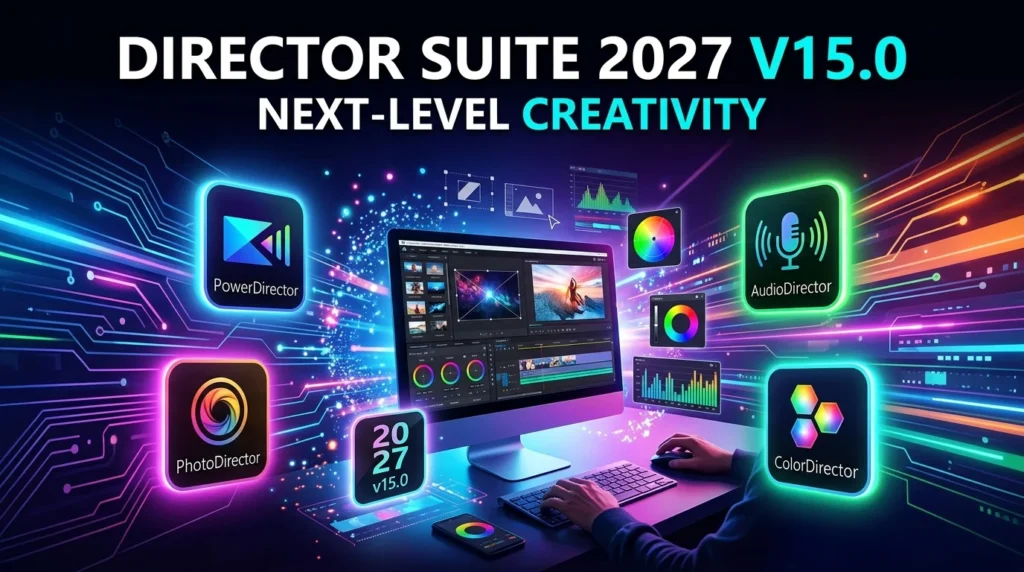
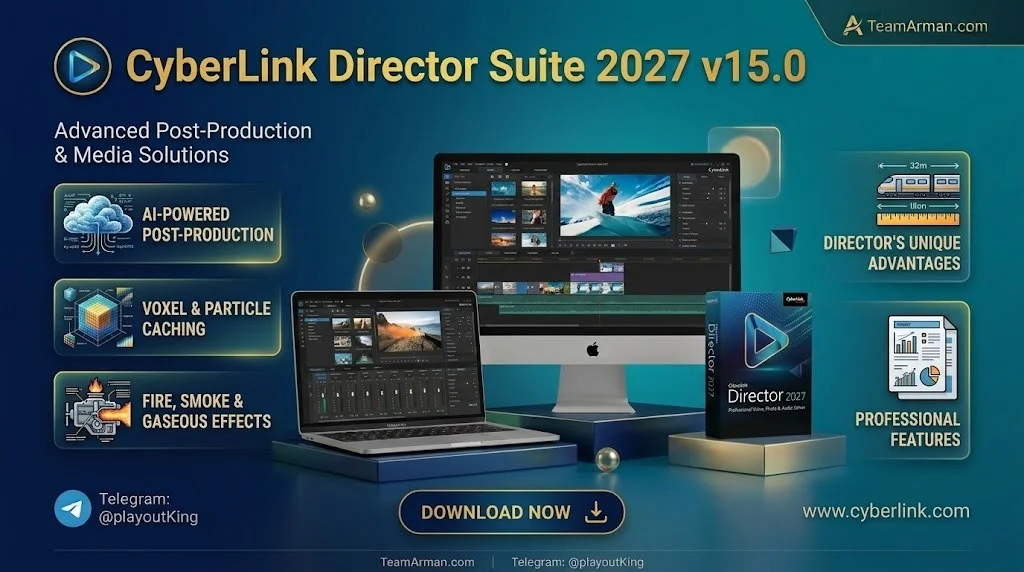
CyberLink Director Suite 2027 is a bundled software collection developed by CyberLink Corp., a Taiwanese multimedia and AI software company with decades of experience in creative tools. The suite combines four flagship applications that share a unified design language and interoperate through a round-trip workflow, allowing users to move projects between video, photo, audio, and color editing without exporting and re-importing files manually.
The suite is available for Microsoft Windows and is distributed through both perpetual license options and the Director Suite 365 subscription model. Version 15.0 represents the 2027 release cycle, which places artificial intelligence at the very core of the creative process—not as an add-on feature, but as an integrated assistant that understands user intent and executes multi-step operations.
The four applications included in the suite are:
-
PowerDirector 2027: Video editing software for cutting, trimming, compositing, and exporting video projects up to 4K and beyond.
-
PhotoDirector 2027: Photo editing and management tool with RAW support for over 1,400 camera models.
-
AudioDirector 2027: Audio editing, restoration, podcast production, and mixing application.
-
ColorDirector 2027: Dedicated color grading and visual effects tool for video footage.
Together, these tools cover the full spectrum of post-production work, from initial media organization to final export.
Key Features of CyberLink Director Suite 2027
Director Suite 2027 introduces a wide range of capabilities designed to accelerate creative workflows. Below are the standout features organized by application.
PowerDirector 2027 — AI-Powered Video Editing
PowerDirector 2027 is the video editing component of the suite, and it receives the most substantial updates in this release.
-
AI Agent (Agentic Editor): This is the flagship feature of the 2027 edition. Users can issue natural-language commands such as “make a Reels video” and the AI will organize footage, perform edits, and assemble a complete draft automatically. It can also remove objects from scenes, apply filters, add transitions and effects, and generate subtitles through conversational instructions.
-
AI Voice Translator with Lip Sync: This feature translates spoken dialogue into other languages, clones the original voice, and synchronizes lip movements to match the translated audio, enabling natural multilingual content creation.
-
AI Music and Sound Generators: Creators can generate original background music and sound effects directly within the editing timeline.
-
AI Video Generator and Text-to-Image with Facial Reference: These generative tools allow users to create video clips and images from text prompts while maintaining facial consistency across generated content.
-
Text-Based Editing: Edit video by editing the transcript. Trim, rearrange, and remove segments by working with the text version of the spoken content.
-
AI Object Mask and AI Frame Interpolation: Create precise masks around moving objects and generate smooth slow-motion footage up to 240 FPS.
-
Screen Recording and Auto Edit Instant Video Creator: Capture screen activity and automatically generate polished video drafts from raw footage.
PhotoDirector 2027 — Intelligent Photo Editing
PhotoDirector 2027 extends the suite’s AI capabilities to still photography.
-
Edit by Chat (Conversational Editing): Users can describe desired edits in plain language—such as beautifying a portrait, changing the visual style, or adding text—and the AI executes the changes without requiring complex layer management.
-
AI Object Removal and Batch Editing: Remove unwanted elements from photos and apply consistent adjustments across entire photo sets simultaneously.
-
Image Generation with Layout Control and Face Swap: Generative AI tools for creating new imagery and swapping faces in photos.
-
AI Image-to-Video with Auto Sound Effects: Convert still images into dynamic video clips with automatically generated sound design.
-
RAW Support for 1,400+ Cameras: Broad compatibility with professional camera RAW file formats for advanced image processing.
AudioDirector 2027 — Professional Audio Production
AudioDirector 2027 brings broadcast-quality audio tools to the suite.
-
AI Music Generator (Lyric to Song): Input text descriptions or lyrics, and the AI generates original music that matches the creative brief.
-
Podcast Studio: An all-in-one environment for recording, editing, and producing podcast episodes.
-
Text-Based Audio Editing: Convert speech to transcripts and edit audio by manipulating the text, making trimming and arranging audio significantly easier.
-
AI Speech Enhancement: Automatically clean up and enhance spoken audio for professional clarity.
ColorDirector 2027 — Advanced Color Grading
ColorDirector 2027 provides dedicated tools for color correction and visual effects.
-
Object Tracking Effect: Apply color grades and effects to moving subjects with high precision, now supporting Body Effects imported from PowerDirector.
-
Integrated PowerDirector Effects: Select video effects from PowerDirector are now directly available within ColorDirector, ensuring visual consistency across the suite.
What’s New in CyberLink Director Suite 2027 v15.0
The 2027 release introduces several generation-defining changes compared to previous versions:
-
AI Agent Workflow Integration: The most significant change is the introduction of AI Agents that understand intent and perform multi-step creative tasks, rather than requiring users to manually operate individual features.
-
AI PC Local Processing: The suite now supports on-device AI processing for supported hardware, allowing creators to leverage local GPU and NPU resources for faster AI computations without relying on cloud services.
-
Over 10 New Generative AI Features: Across PowerDirector and PhotoDirector, more than ten new generative AI functions and model updates have been added, expanding the creative possibilities for video and image generation.
-
Promeo Agent Integration: The Promeo marketing content platform now includes its own AI agent, extending the suite’s capabilities into commercial content creation for brands and businesses.
-
Enhanced Cross-Application Workflow: Effects and assets from PowerDirector are now more deeply integrated into ColorDirector, reducing friction when moving between editing and color grading tasks.
System Requirements for CyberLink Director Suite 2027
Before installing Director Suite 2027, ensure your computer meets the following minimum specifications. Meeting or exceeding these requirements will ensure stable performance, especially when utilizing AI-powered features.
Operating System
-
Microsoft Windows 11 or Windows 10 (64-bit only)
-
Windows 11 Arm64 is supported
-
Windows 11 or 10 is required for AI features and NVIDIA Audio/Video Denoise
Processor (CPU)
-
Intel: Intel Core i-series (6th generation) and above
-
AMD: AMD Phenom II and above
-
For AI features: Intel Core i7-4770 (Haswell) or AMD A8-7670K / Ryzen 3 1200 and above
Graphics Processor (GPU)
-
Standard video editing: 128 MB VGA VRAM or higher
-
360-degree video: DirectX 11 compatible GPU
-
AI Plugin: 2 GB VGA VRAM or higher
-
NVIDIA Audio/Video Denoise and Room Echo Removal: NVIDIA GeForce RTX 2060, Quadro RTX 3000, TITAN RTX, or higher
Memory (RAM)
-
4 GB required
-
8 GB or above recommended for AI style transfer
-
8 GB or higher required for NVIDIA Audio/Video Denoise and Room Echo Removal
Hard Disk Space
-
10 GB of available space
Additional Requirements
-
Burning device: Required for disc burning purposes
-
Sound card: Windows-compatible sound card
-
Internet connection: Required for software installation, activation, subscription validation, plug-in downloads, and access to DirectorZone services
-
Screen resolution: 1024 x 768, 16-bit color or above
Supported Languages
English, French, German, Italian, Spanish (European), Chinese Simplified, Chinese Traditional, Japanese, and Korean
Note: One subscription plan is for single (1) PC use at a time only.
Installation Guide for CyberLink Director Suite 2027
Installing Director Suite 2027 is a straightforward process. Follow these steps to get up and running:
-
Purchase or subscribe: Obtain Director Suite 2027 through the official CyberLink website or an authorized retailer. You can choose between a perpetual license or a Director Suite 365 subscription.
-
Download the installer: Log in to your CyberLink member account and download the Director Suite 2027 installer package.
-
Run the installer: Double-click the downloaded executable file. If prompted by User Account Control, click “Yes” to allow the installer to make changes.
-
Accept the license agreement: Read and accept the end-user license agreement to proceed.
-
Choose installation location: Select the destination folder for the software or use the default path.
-
Select components: Choose which applications to install. All four applications—PowerDirector, PhotoDirector, AudioDirector, and ColorDirector—are included, but you can deselect any you do not need.
-
Complete the installation: Click “Install” and wait for the process to finish. Depending on your system speed, this may take several minutes.
-
Activate the software: Launch any of the applications and sign in with your CyberLink account to activate your license. An internet connection is required for activation.
How to Use CyberLink Director Suite 2027
Director Suite 2027 is designed to be accessible to beginners while offering depth for professionals. Here is a general workflow to help you get started.
Step 1: Organize Your Media
Begin by importing your video clips, photos, and audio files into the respective applications. PowerDirector and PhotoDirector both include media libraries that help you organize assets by project.
Step 2: Edit Video in PowerDirector
Import your footage into PowerDirector. You can use the AI Agent to generate a rough cut by describing your desired outcome, or edit manually using the timeline. Apply transitions, effects, and titles as needed. Use Text-Based Editing to quickly remove unwanted segments by editing the transcript.
Step 3: Refine Photos in PhotoDirector
For projects involving still images, open PhotoDirector. Use Edit by Chat to describe adjustments in natural language, or apply manual adjustments using the comprehensive toolset. Batch editing is available for processing multiple photos efficiently.
Step 4: Process Audio in AudioDirector
Clean up dialogue, add background music, or produce a podcast episode in AudioDirector. Use AI Speech Enhancement to improve clarity and Text-Based Editing to arrange audio segments by manipulating the transcript.
Step 5: Grade Color in ColorDirector
For projects that require precise color work, send your video to ColorDirector. Apply color grades, use the Object Tracking Effect to target specific subjects, and ensure visual consistency across scenes.
Step 6: Export and Share
Once your project is complete, export it from PowerDirector in your desired format and resolution. The suite supports common delivery formats for YouTube, social media, and professional distribution.
Best Use Cases for CyberLink Director Suite 2027
Director Suite 2027 is versatile enough to serve a wide range of creative professionals and enthusiasts. Here are some of the most common scenarios where the suite excels.
YouTube and Social Media Content Creation
Content creators who produce videos for YouTube, TikTok, Instagram Reels, and similar platforms will find the AI Agent and Auto Edit features particularly valuable. Describing a video concept in natural language and receiving a complete draft dramatically reduces production time.
Professional Video Editing and Post-Production
Freelance video editors and small production studios can use the suite as a cost-effective alternative to subscription-based tools. The combination of PowerDirector for editing and ColorDirector for grading provides a complete post-production pipeline.
Photography and Photo Retouching
Photographers who need to process large volumes of images will benefit from PhotoDirector’s batch editing, RAW support, and AI-powered enhancement tools. The Face Swap and Image Generation features open creative possibilities beyond traditional retouching.
Podcast and Audio Production
Independent podcasters and audio creators can use AudioDirector’s Podcast Studio, AI Music Generator, and speech enhancement tools to produce broadcast-quality audio without investing in separate audio editing software.
Marketing and Brand Content
Small businesses and marketing teams can leverage Promeo Agent and the suite’s content generation tools to create promotional videos, social media graphics, and branded visual assets.
Advantages and Limitations of CyberLink Director Suite 2027
Advantages
-
All-in-one workflow: Four professional applications in a single package with seamless integration between them.
-
AI Agent technology: Natural-language commands reduce the learning curve and accelerate repetitive tasks.
-
Cost-effective alternative: Offers professional-grade tools at a fraction of the cost of competing subscription suites.
-
Broad RAW support: PhotoDirector supports over 1,400 camera models, making it suitable for professional photographers.
-
AI PC local processing: Supports on-device AI computation for improved privacy and performance on compatible hardware.
-
Multi-language support: Interface and features are available in nine languages.
Limitations
-
Windows only: The suite does not offer a native macOS version, limiting its audience compared to cross-platform alternatives.
-
Professional depth: While powerful, some reviewers note that the suite does not reach the industry-standard quality of dedicated professional tools in every discipline.
-
Hardware requirements for AI: Many advanced AI features require specific hardware, such as NVIDIA RTX GPUs, which may not be available on all systems.
-
Single-PC licensing: Subscription plans restrict usage to one PC at a time, which may be limiting for teams or users with multiple devices.
Alternatives to CyberLink Director Suite 2027
Several competing products offer similar capabilities. The table below provides a high-level comparison.
| Feature / Product | CyberLink Director Suite 2027 | Adobe Creative Cloud Pro | DaVinci Resolve Studio | Corel VideoStudio |
|---|---|---|---|---|
| Primary Focus | All-in-one video, photo, audio, color | Professional creative ecosystem | Professional color and editing | Consumer video editing |
| Platform | Windows only | Windows and macOS | Windows, macOS, Linux | Windows and macOS |
| Pricing Model | Perpetual or subscription | Subscription only | One-time purchase | One-time purchase |
| AI Agent / Copilot | Yes (AI Agent) | Limited (Sensei AI) | No | No |
| Video Editing | PowerDirector 2027 | Premiere Pro | DaVinci Resolve | VideoStudio |
| Photo Editing | PhotoDirector 2027 | Photoshop / Lightroom | Limited | Photo impact |
| Audio Editing | AudioDirector 2027 | Audition | Fairlight | Audio tools |
| Color Grading | ColorDirector 2027 | SpeedGrade (discontinued) | DaVinci Resolve (industry standard) | Basic color tools |
| RAW Support | 1,400+ cameras | Extensive | Limited for photos | Moderate |
Adobe Creative Cloud remains the industry standard for professional creative work, offering deeper control and a broader ecosystem of applications. However, its subscription cost is significantly higher, and the learning curve is steeper. Director Suite 2027 positions itself as a faster, more accessible, and more affordable alternative for creators who prioritize efficiency and AI-assisted workflows.
DaVinci Resolve Studio is a strong competitor for professional color grading and video editing, and it is available as a one-time purchase. However, it lacks the integrated photo editing and audio production tools found in Director Suite.
Frequently Asked Questions About CyberLink Director Suite 2027
What is CyberLink Director Suite 2027?
CyberLink Director Suite 2027 is an all-in-one multimedia post-production software package that combines PowerDirector 2027 (video editing), PhotoDirector 2027 (photo editing), AudioDirector 2027 (audio production), and ColorDirector 2027 (color grading) into a single integrated workflow.
What are the system requirements for Director Suite 2027?
The suite requires Windows 11 or Windows 10 (64-bit), an Intel Core i-series 6th generation or AMD Phenom II processor, 4 GB of RAM (8 GB recommended for AI features), and 10 GB of free disk space. A DirectX 11 compatible GPU is recommended, and NVIDIA RTX 2060 or higher is required for advanced AI denoising features.
Is CyberLink Director Suite 2027 a good alternative to Adobe Creative Cloud?
Yes, for many creators. Director Suite 2027 offers a more affordable pricing model, faster AI-driven workflows, and a simpler learning curve. However, it may not match Adobe’s depth for highly specialized professional work.
Does Director Suite 2027 support macOS?
No. CyberLink Director Suite 2027 is available exclusively for Microsoft Windows.
What is the AI Agent in PowerDirector 2027?
The AI Agent (Agentic Editor) is a conversational assistant that understands natural-language commands. You can ask it to create a video from your footage, remove objects, apply effects, and generate subtitles without manually operating each feature.
Can I use Director Suite 2027 for commercial projects?
Yes. The software is licensed for both personal and commercial use. However, you should review the specific license terms for any generative AI content you create, as usage rights may vary depending on the content source.
How much does CyberLink Director Suite 2027 cost?
Pricing varies by region and license type. CyberLink offers both perpetual licenses and the Director Suite 365 subscription. The subscription includes cloud storage, premium content libraries, and regular feature updates.
Is there a free trial available?
CyberLink typically offers free trial versions of its individual applications and the Director Suite. Visit the official CyberLink website to check current trial availability.
Final Thoughts on CyberLink Director Suite 2027 v15.0
CyberLink Director Suite 2027 v15.0 represents a meaningful evolution in creative software. By embedding AI Agents into the core of its workflow and expanding generative AI capabilities across video, photo, and audio, CyberLink has positioned the suite as a practical, efficient, and affordable option for creators who want professional results without the complexity and cost of industry-standard alternatives.
The suite’s greatest strength is its integration. Having video editing, photo retouching, audio production, and color grading in one package with a consistent interface is a significant productivity advantage. The AI Agent technology, while still evolving, offers a genuine glimpse into the future of human-AI collaborative creation.
For Windows users who prioritize speed, simplicity, and value, CyberLink Director Suite 2027 is a compelling choice. Professionals who require the absolute highest level of granular control may still prefer dedicated tools, but for the vast majority of content creators, Director Suite 2027 delivers the capabilities needed to produce high-quality work efficiently.
Our Paid Service