
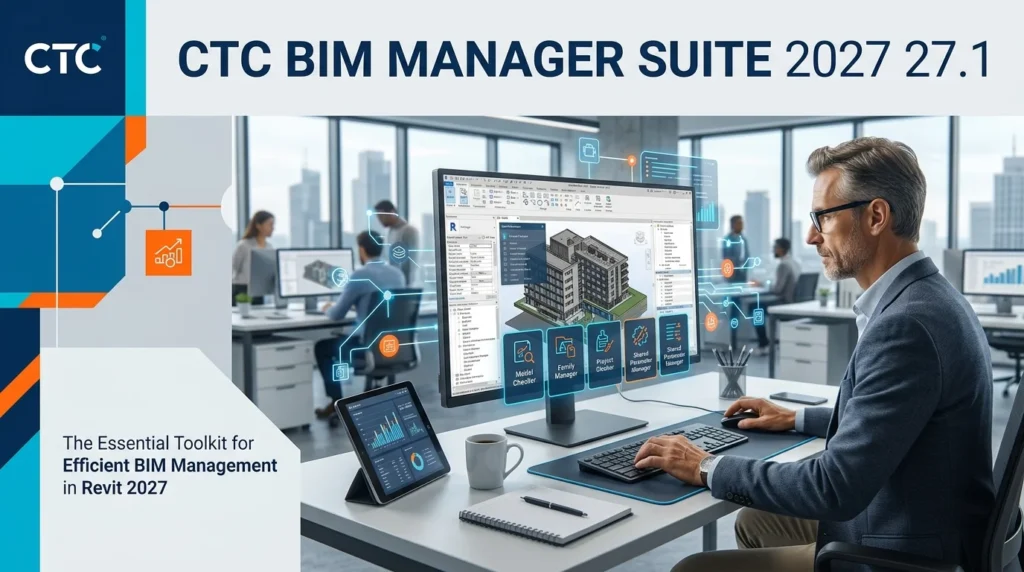


Overview of CTC BIM Manager Suite 2027
Table of Contents
The CTC BIM Manager Suite is a collection of productivity-enhancing tools designed specifically for Autodesk Revit environments. It addresses the critical challenges of BIM management by automating data-intensive processes and facilitating compliance with project-specific standards. This software is not a design tool; rather, it is a data management and quality assurance powerhouse.
Developed by CTC Software, the suite is the result of years of experience in the AEC (Architecture, Engineering, and Construction) industry. It provides a centralized interface for managing a project’s digital information, ensuring that data is consistent, accurate, and accessible to all stakeholders. The 2027 release introduces significant enhancements in 3D design integration and interoperability, solidifying its position as an indispensable asset for modern BIM teams.
Key Features of CTC BIM Manager Suite 2027
The suite comprises several modules, each designed to address a specific facet of BIM management. These features help optimize workflows, reduce manual errors, and save substantial time.
-
Data Extraction and Reporting: The software enables users to extract, organize, and export model data to formats like Microsoft Excel. This is essential for creating comprehensive schedules, material takeoffs, and asset registers.
-
Parameter Management: It allows for sophisticated parameter manipulation, including global renaming, data population, and the validation of parameter values across multiple Revit projects.
-
Compliance and Quality Control: This feature automates the checking of model geometry and data against pre-defined standards like COBie (Construction Operations Building Information Exchange) or organizational BIM Execution Plans (BEP).
-
Batch Processing and Automation: Users can run tools across multiple Revit files simultaneously, drastically reducing the time required for project-wide updates.
-
Seamless Autodesk Revit Integration: The software integrates directly into the Autodesk Revit environment, functioning as an intuitive add-in that feels native to the platform.
What’s New in the Latest Version (2027/27.1)
The latest iteration, version 27.1, brings substantial upgrades to enhance user experience and system performance.
-
Revit 2027 Compatibility: The suite is fully optimized for the newest Autodesk Revit 2027 release, ensuring seamless integration and access to the latest Revit APIs.
-
Enhanced 3D Design Integration: Improved tools for linking and validating 3D data with external asset management systems provide a more robust and connected workflow.
-
Improved User Interface: The software features a more intuitive dashboard and tool navigation, which helps new users quickly become proficient.
-
Faster Data Processing: Significant performance optimizations have been made for large-scale data extraction and compliance checking, resulting in faster processing times for complex models.
System Requirements for Installation
Before installing the software, it is crucial to verify that your hardware and operating system meet the necessary requirements for optimal performance.
| Component | Minimum Requirement | Recommended Specification |
|---|---|---|
| Operating System | Windows 10 (64-bit) | Windows 11 (64-bit) |
| Architecture | 64-bit | 64-bit |
| RAM | 8 GB | 16 GB or more |
| Hard Disk Space | 5 GB of free space | SSD with 5+ GB free space |
| Supported Software | Autodesk Revit 2024-2027 | Autodesk Revit 2027 |
| Processor | 2.5 GHz or faster | Multi-core processor for batch processing |
| .NET Framework | .NET Framework 4.8 | .NET Framework 4.8 or later |
Installation Guide
Installing the CTC BIM Manager Suite 2027 is a straightforward process. However, it is recommended to close all other applications, especially Autodesk Revit, before beginning.
-
Obtain the Installer: Download the official installation file from the developer’s website or your organization’s software portal.
-
Run the Installer: Right-click the downloaded
.exefile and select “Run as administrator” to ensure proper permissions. -
Accept the License Agreement: Read through the End-User License Agreement (EULA) and click “I Agree” to proceed.
-
Select Installation Location: Choose the default installation path or browse to select a custom folder.
-
Select Revit Versions: The installer will detect compatible Revit installations. Select the versions (e.g., 2025, 2026, 2027) for which you want to install the add-in.
-
Begin Installation: Click “Install” and wait for the process to complete.
-
Launch and Activate: Once installed, launch Revit. You will find the CTC BIM Manager tab. Enter your license key to activate the full version.
How to Use the CTC BIM Manager Suite
The suite is designed as a user-friendly add-in within Autodesk Revit. Here is a general workflow for using its primary functionalities.
-
Accessing the Suite: Open a Revit project file. Navigate to the new “CTC BIM Manager” tab on the Revit ribbon.
-
Selecting a Tool: Choose from the suite of available tools, such as “Data Tools” for extraction or “Compliance Manager” for standards checking.
-
Configuring Tool Settings: Each tool provides a dialog box to define specific parameters. For example, in the Data Tools, you can select which parameters to extract. In the Compliance Manager, you can load a specific standards file or BEP.
-
Running the Process: Click the “Execute” or “Run” button. For data extraction, a preview window often appears, allowing you to verify the output before finalizing.
-
Reviewing Output: The results are typically displayed in a new window or exported to your chosen format, such as an Excel spreadsheet or a text report, providing clear and actionable data.
Best Use Cases
The CTC BIM Manager Suite 2027 is an asset across various project phases and roles.
-
Project Setup and Standards Enforcement: During project initiation, it ensures that all model templates contain the correct parameters, units, and data standards.
-
Pre-Construction Coordination: For MEP and structural coordination, the tool can check for clashes and validate data consistency between different disciplines.
-
Asset Management and Handover: For facility managers, the software simplifies the creation of detailed asset registers and COBie-compliant data for seamless building handover.
-
Data Quality Assurance: BIM managers can run routine checks to identify and correct non-compliant elements, ensuring model integrity and data reliability for team members.
Advantages and Limitations
This software provides significant advantages for any BIM team but also has certain limitations to consider.
Advantages:
-
Massive Time Savings: Automation of repetitive tasks frees up BIM managers to focus on strategic planning and problem-solving.
-
Enhanced Data Integrity: Automated checking ensures that data is consistent and compliant, reducing errors in downstream processes.
-
Scalability: Batch processing capabilities allow for efficient management of large-scale projects with multiple Revit files.
-
Flexible Reporting: The ability to export to Microsoft Excel makes it easy to share and analyze model data with the wider project team.
Limitations:
-
Learning Curve: New users may require a short period of training to fully utilize all features effectively.
-
Cost: It is a premium software with a licensing cost, making it more suitable for medium-to-large enterprises and dedicated BIM teams.
-
Autodesk Revit Dependency: The tool requires Autodesk Revit to function and does not operate as a standalone application.
Alternatives to CTC BIM Manager Suite
While a leading solution, several other software options cater to BIM data management and quality assurance.
| Software | Focus Area | Key Differentiator |
|---|---|---|
| Autodesk Revit Model Checker (Built-in) | Standards compliance within Revit | A free, native tool for basic model checking. |
| BIM Track | Clash detection and issue resolution | Centralized platform for communication and coordination, with a strong focus on online collaboration. |
| dRofus | Data management and program/room planning | Excellent for asset management and linking model data to owner requirements. |
| Autodesk BIM 360 (Docs/Model Coordination) | Cloud-based project collaboration | Offers a cloud-based solution for model coordination, review, and file sharing. |
When considering a BIM software alternative, it’s essential to evaluate the specific size of your team, the complexity of your projects, and your budget. For comprehensive data and project management needs, the CTC BIM Manager Suite often presents the best balance of advanced features and native Revit integration.
Frequently Asked Questions
Q: What is the primary purpose of CTC BIM Manager Suite?
A: It is a comprehensive BIM management tool designed to automate data extraction, compliance checking, and quality control within Autodesk Revit. It helps ensure data integrity and adherence to BIM standards across a project.
Q: Which Autodesk Revit versions are compatible with the 2027 release?
A: The 2027 version is compatible with Autodesk Revit 2024, 2025, 2026, and 2027. It is fully optimized for the latest Revit 2027.
Q: Is CTC BIM Manager Suite a standalone application?
A: No, it is an add-in that integrates directly into the Autodesk Revit interface. It requires a licensed version of Revit to be installed to function.
Q: Can I try the software before purchasing it?
A: Yes, the developer typically offers a free trial period, allowing users to test the full functionality of the suite before committing to a purchase.
Q: What types of reports can the software generate?
A: It can generate a wide array of reports and data exports, including detailed schedules, material quantity takeoffs, COBie deliverables, and custom parameter data exports to Microsoft Excel.
Q: How does the suite improve project efficiency?
A: By automating time-consuming tasks like data cleanup, parameter updates, and compliance checks, it allows project teams to focus on more critical design and coordination activities.
Final Thoughts
The CTC BIM Manager Suite 2027 stands as a critical asset for any BIM workflow. The software empowers professionals to enforce data quality, streamline reporting, and ensure compliance, which are essential for the successful delivery of modern projects. Its robust toolkit, combined with its deep integration with Autodesk Revit, makes it a top-tier solution for teams looking to minimize errors and maximize the value of their BIM data. For BIM managers and coordinators aiming to elevate their data management capabilities, this suite offers a powerful and indispensable edge.
Our Paid Service
“We do not sell or provide any software. We only offer professional support services. If any software on your system is not working properly, or you are facing installation errors, crashes, or any other technical issue — just contact us. We will help you fix the problem quickly and remotely via AnyDesk. No software will be provided from our side — only expert troubleshooting and support.”


