

Overview of the Software
Table of Contents
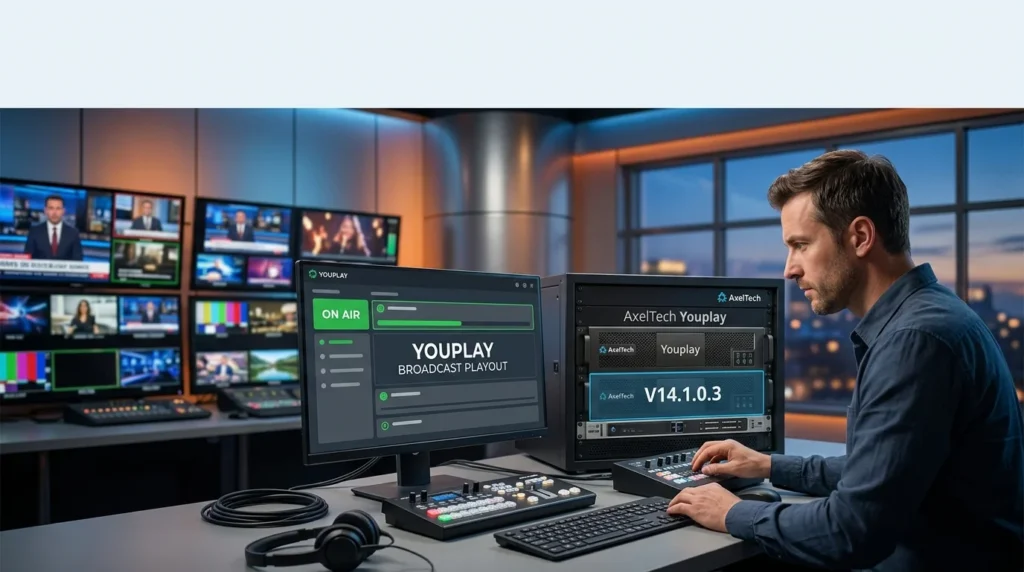
AxelTech Youplay is a professional-grade software application designed for video playout and broadcast automation. It serves as a complete software solution for managing and playing out video content, graphics, and advertisements in a broadcast environment. It functions as a sophisticated playout server, allowing users to create complex playlists, schedule events, and manage live broadcasts with a high degree of control. This tool is a cornerstone of modern broadcast IT, offering a cost-effective and scalable alternative to traditional, hardware-based systems. It is a robust and versatile engine for television broadcasting, webcasting, and digital signage.
Key Features of AxelTech Youplay
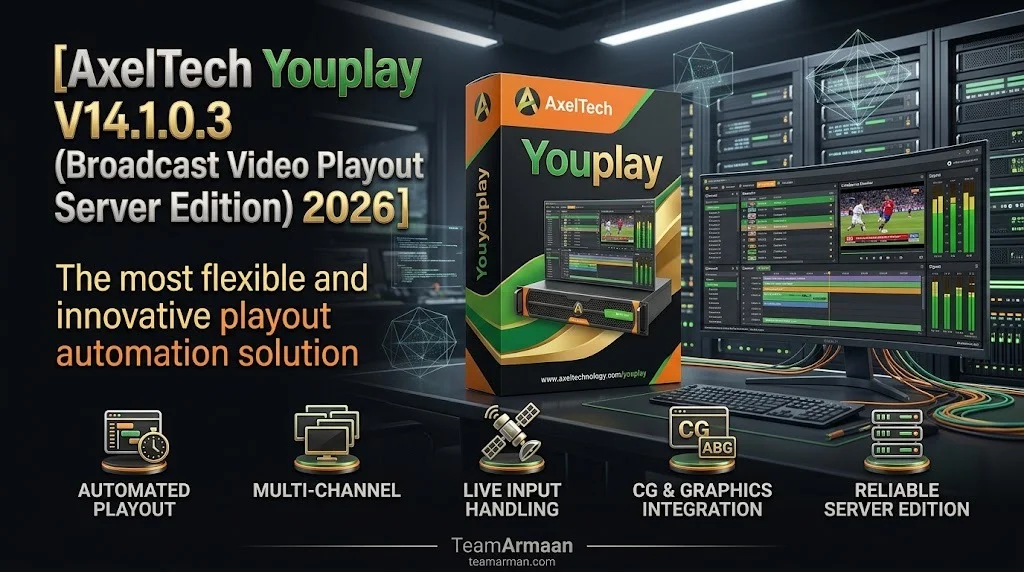
AxelTech Youplay V14.1.0.3 is packed with features to meet the demands of professional broadcasting.
-
Advanced Playout Engine: The core playout software is optimized for stability and performance, ensuring smooth, uninterrupted playback. It can handle multiple video formats, codecs, and resolutions simultaneously.
-
Integrated Graphics and Titling: The software boasts a powerful built-in graphics engine. You can overlay logos, create lower-thirds (L3s), and insert complex animated titles directly within the playlist, eliminating the need for external character generators.
-
Comprehensive Automation: Broadcast automation is at its heart. The software supports advanced scheduling, automated event triggers, and seamless transitions between different content sources, which dramatically reduces the chance of human error.
-
Multi-Format Support: It supports a vast array of industry-standard video file formats, including:
-
MP4, AVI, MOV, and MXF (OP1a).
-
Codecs like H.264, H.265 (HEVC), and ProRes for high-quality video delivery.
-
-
Audio Management: Offers full control over audio routing, levels, and mixing, including support for multi-channel audio (Dolby Digital, PCM).
-
Live Input Integration: You can seamlessly switch to live video inputs from cameras or other sources, making it a key component for news production and live events.
-
Reliability and Redundancy: Features are designed for high-availability broadcast environments, including support for redundant servers and failover mechanisms.
User Interface & Workflow
The interface is designed for both efficiency and ease of use. A clear playlist management view allows operators to drag and drop media, adjust timings, and set transitions with precision. A live program view and preview monitor allow for smooth, broadcast-standard operations.
What’s New in the Latest Version (V14.1.0.3)
AxelTech Youplay V14.1.0.3 is not just a maintenance release; it introduces significant enhancements that improve workflow and expand its capabilities. It represents a significant step forward in playout server technology.
-
Enhanced HTML5 Graphics Rendering: This update introduces a more modern and efficient HTML5 graphics engine. This allows for more dynamic and interactive overlays, as well as improved compatibility with new web-based design tools for broadcast graphics, significantly boosting broadcast automation capabilities.
-
Optimized H.265 Playback Performance: The latest version boasts optimized decoding and playback for the H.265 (HEVC) codec, ensuring smoother and more efficient playback of 4K and UHD content without overloading system resources.
-
Improved Audio Processor: A new audio processing module provides better loudness normalization and a more precise audio mixer, helping broadcasters meet strict audio compliance standards.
-
User Interface Refinements: The interface has been polished for a more intuitive experience. Key functions are more accessible, and the playlist editing tools have been refined to make complex timeline operations much simpler.
-
Enhanced API Support: The Application Programming Interface (API) has been expanded and improved, allowing for tighter integration with third-party automation systems, traffic systems, and MAM (Media Asset Management) solutions.
-
Expanded Live Input Support: Compatibility with a wider range of video capture cards and IP video sources has been added, facilitating the integration of modern IP-based and SDI broadcast infrastructure.
System Requirements
To ensure optimal performance with AxelTech Youplay V14.1.0.3, your system should meet the following specifications.
Minimum Requirements
-
Operating System: Windows 10 Pro (64-bit) or Windows Server 2019.
-
Processor: Intel Core i7 (6th generation or newer) or an equivalent Xeon processor.
-
RAM: 8 GB (DDR4).
-
Storage: 256 GB SSD for the OS and Application; a high-speed RAID array for media storage is highly recommended.
-
Graphics Card: A dedicated GPU with 2GB of VRAM that supports DirectX 11 (e.g., NVIDIA Quadro series).
-
Network: Gigabit Ethernet.
Recommended Requirements
-
Operating System: Windows 11 Pro (64-bit) or Windows Server 2022.
-
Processor: Intel Xeon Silver or Gold, or a high-end Core i9 processor.
-
RAM: 16 GB or more (DDR4/DDR5).
-
Storage: 512 GB NVMe SSD for OS/Application, plus a high-performance RAID 5 or RAID 10 storage array for media, providing high read/write speeds for multiple streams.
-
Graphics Card: A professional-grade GPU with 4GB+ VRAM (e.g., NVIDIA Quadro RTX 4000 or equivalent) for advanced graphics rendering and support for 4K playout.
-
Network: Dual 10GbE network adapters for media streaming and control redundancy.
Installation Guide
Installing AxelTech Youplay is a straightforward process, but proper planning ensures a stable broadcast environment. This guide outlines the typical steps for a fresh installation.
-
System Preparation: Ensure your Windows operating system is fully updated with the latest drivers for your hardware, particularly for your video capture cards and GPU.
-
Run the Installer: Download the AxelTech Youplay V14.1.0.3 installation package from the official AxelTech distribution channel. Run the installer as an administrator.
-
License Activation: Upon the first launch, the software will prompt for a license key. Enter the valid activation key provided by AxelTech. This will unlock the software for its intended operation.
-
Configure Hardware: Navigate to the settings panel to select your video and audio output devices. Configure the video capture cards for live inputs and assign audio routing channels.
-
Set Up Media Storage: Define the root path for your media library. This is where the software will index and access all your video files, graphics, and audio assets.
-
Initial Testing: After configuration, import a test playlist to verify that video and audio are outputting correctly and that graphics overlays function as expected.
How to Use the Software
Whether you’re managing a 24/7 channel or producing live events, mastering the AxelTech Youplay workflow is essential. Here’s a breakdown of the core functions for daily operations.
-
Step 1: Create a Playlist.
-
Open the Playlist Editor.
-
Click “Add File” or simply drag and drop media files from your library into the playlist window. The software supports batch importing, allowing you to add multiple files at once.
-
The playlist will show key details for each clip, such as duration, codec, and audio channels.
-
-
Step 2: Edit and Schedule.
-
Ordering: Arrange your clips in the desired order. The software provides drag-and-drop functionality for easy re-sequencing.
-
Transitions: Right-click between clips to set the transition type. Options include Cut, Fade, and Wipe.
-
Schedule: For automated playout, you can set a “Start Time” or “Start at” property for individual items, ensuring your programming runs precisely on schedule.
-
-
Step 3: Add Graphics and Overlays.
-
In the playlist, you can insert a “Graphics” element.
-
Select a pre-designed template (e.g., a “Lower Third” or “Full Screen Bug”).
-
You can then customize the text and visual properties directly in the software’s graphics editor.
-
The software allows you to preview these overlays before they go live.
-
-
Step 4: Manage Live Inputs.
-
In the “Live” section of the interface, you will see all your configured live video inputs.
-
To switch to a live source, you can either:
-
Drag and Drop: Drag a live source item from the library directly into the playlist at the desired point.
-
Transition Button: Use the “Take” or “Auto” button on the preview bus to transition to the selected live source instantly or with a pre-defined transition.
-
-
-
Step 5: Monitor and Control.
-
Preview: See what is coming up next before it goes on air.
-
Program: Monitor the live output.
-
Control: Use the play, pause, stop, and next buttons for manual control. The “Auto” mode will automatically run through the entire playlist.
-
Best Use Cases
The versatility of this software makes it applicable across a wide range of broadcasting and content creation scenarios.
For Broadcasters
AxelTech Youplay is a direct replacement for expensive hardware playout servers. It is ideal for television stations needing to run a 24/7 lineup of shows, commercials, and news programming. Its core strength lies in its reliability, making it a trusted tool for broadcast automation.
For Webcasters
Online streaming platforms and OTT service providers can leverage the software for 24/7 channel creation. Its ability to integrate live sources with a playlist is perfect for creating a seamless, broadcast-quality video streaming experience for online audiences.
For Sports and Event Production
For live sports and entertainment production, the ability to instantly switch between camera feeds, instant replays, and prepared video packages is critical. This software delivers a single, powerful tool for operators to manage the entire show.
For Digital Signage
The software’s capability to playout a loop of HD video, images, and text overlays makes it an excellent fit for high-end digital signage applications, such as those in retail, corporate lobbies, and stadiums.
Advantages and Limitations
As with any professional tool, AxelTech Youplay has strengths and potential drawbacks depending on the scale of the operation.
Advantages
-
Professional-Grade Output: Delivers broadcast-standard video and audio output with high stability and reliability.
-
Cost-Effective: Compared to traditional hardware playout systems, this playout server offers a significant reduction in cost while providing more flexibility.
-
Powerful Automation: A sophisticated automation engine that can handle complex schedules and run an entire broadcast channel with minimal human intervention.
-
All-in-One Solution: Combines playout, graphics, and audio management into a single, integrated software package.
Limitations
-
Hardware Dependency: Performance is heavily reliant on the underlying hardware. A powerful, stable PC with professional-grade components is essential for mission-critical use.
-
Learning Curve: While the UI is intuitive, mastering all advanced features, automation, and scripting may require a significant time investment.
-
Licensing: As a professional, commercial software, its cost may be prohibitive for small-scale, independent creators.
Alternatives to the Software
While AxelTech Youplay is a top-tier solution, other playout software options are available that cater to different needs and budgets. The choice often depends on the scale of the operation and the required level of automation.
| Software | Best For | Key Feature | Platform |
|---|---|---|---|
| vMix | Live events and webcasting | Excellent live mixing and production features, highly intuitive UI. | Windows |
| OBS Studio | Free, basic streaming and recording | Open-source, highly customizable for a wide range of tasks. | Windows, macOS, Linux |
| PlayBox Neo | 24/7 broadcast TV playout | Feature-rich automation and channel branding, strong playout reliability. | Windows |
| Telestream Wirecast | Live streaming and production | User-friendly live production tools with excellent multi-platform streaming support. | Windows, macOS |
Frequently Asked Questions
What is a video playout server?
A video playout server is a specialized computer system that stores, plays, and manages video content for broadcast. It ensures smooth, scheduled playback of programs, commercials, and graphics for television or streaming channels.
Is AxelTech Youplay compatible with all video formats?
The software is designed with broad multi-format support. It natively supports major formats like MP4, AVI, MOV, and MXF, using codecs such as H.264, H.265, and ProRes. For a complete list, it’s best to check the official specification sheet.
Can I integrate this with my existing traffic system?
Yes. AxelTech Youplay V14.1.0.3 features an enhanced API that allows for robust integration with external traffic, scheduling, and MAM systems. This allows for automated playlist generation and reporting.
Does it support 4K and UHD content?
Yes. The software supports UHD and 4K video resolutions, particularly with its improved H.265 (HEVC) codec performance in the latest update, making it suitable for modern broadcast standards.
Is there a trial version available?
Yes, AxelTech typically offers a time-limited trial version of the playout server software for evaluation. This allows users to test its functionality and compatibility before making a purchase decision.
How is the software licensed?
AxelTech Youplay uses a license-based activation system. This license is typically tied to the hardware (e.g., a security dongle or via a hardware ID) to ensure compliance. A valid license is required to run the software beyond the trial period.
Final Thoughts
AxelTech Youplay V14.1.0.3 stands as a powerful and professional solution in the world of broadcast software. Its blend of high-end features, robust broadcast automation, and continuous development makes it a reliable choice for broadcasters, webcasters, and event producers. The latest update enhances its capabilities with improved graphics rendering and high-efficiency codec support, ensuring it remains a relevant tool in the evolving landscape of content creation and distribution.
While it requires a significant investment and a capable hardware platform, the software delivers a clear return on investment through its operational efficiency, stability, and all-in-one functionality. For professionals seeking a dependable and feature-rich broadcast video playout server, AxelTech Youplay V14.1.0.3 is an excellent choice.
Our Paid Service
“We do not sell or provide any software. We only offer professional support services. If any software on your system is not working properly, or you are facing installation errors, crashes, or any other technical issue — just contact us. We will help you fix the problem quickly and remotely via AnyDesk. No software will be provided from our side — only expert troubleshooting and support.”


