
Overview of Autorox
Table of Contents
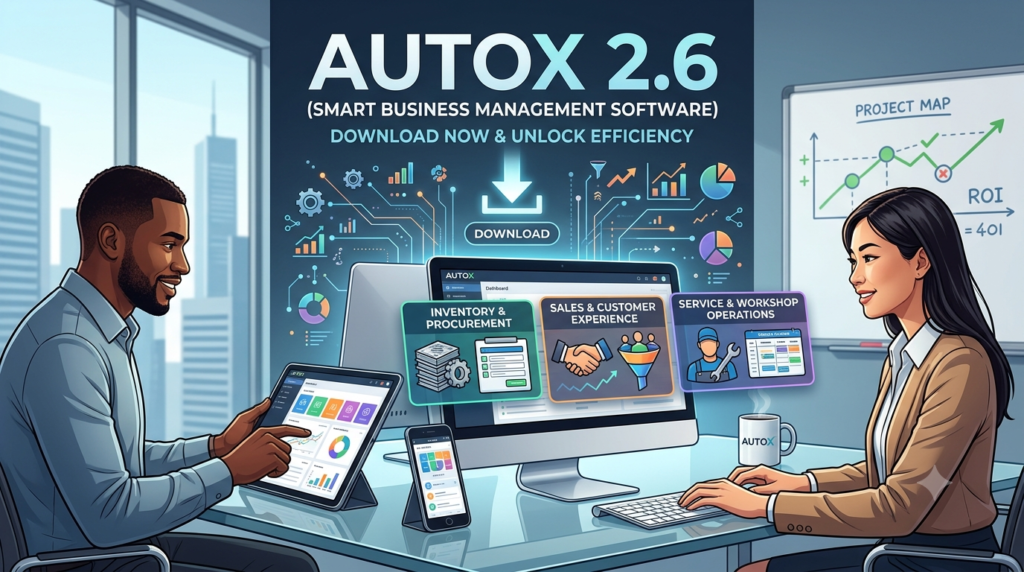
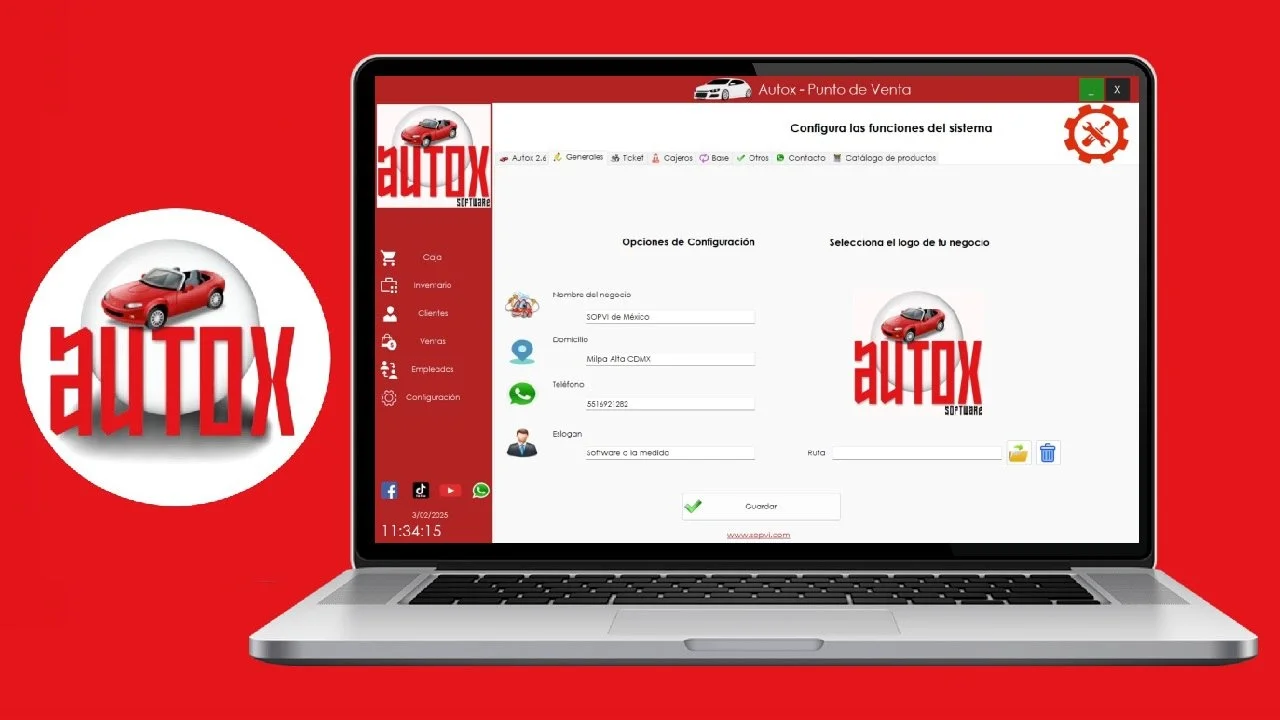
Autorox is a cloud-based garage management software built specifically for auto repair workshops, multi-outlet chains, fleets, insurers, and spare parts suppliers. With a strong presence in the automotive industry, it has been trusted by businesses for over 15 years. The software is highly rated by users, with an overall score of 4.8 out of 5 across 63 reviews on platforms like SoftwareAdvice and Capterra.
What sets Autorox apart is its blend of operational tools and customer engagement capabilities. It combines backend management—such as inventory tracking and billing—with a Customer Engagement Platform (CEP). This platform enables features like automated service alerts, appointment scheduling, and exclusive customer offers to improve retention.
Who Uses Autorox?
-
Independent auto repair workshops
-
Multi-outlet chains
-
Fleet operators
-
Insurers
-
Spare parts suppliers
Key Features of Autorox 2.6
The latest version of Autorox includes a robust set of features that simplify workshop management:
1. Customer Engagement Platform (CEP)
-
Automated service alerts and reminders via SMS and WhatsApp.
-
Appointment scheduling and status updates for customers.
-
Tools to send exclusive offers and maintain communication history.
2. Stock Inventory Management
-
Simple and effective inventory tracking system.
-
Monitor stock levels and track parts usage.
-
Generate reports to analyze inventory movement and operational efficiency.
3. Estimation and Billing
-
Quick and easy estimation for repair jobs.
-
Streamlined invoicing with proper GST and HSN code support.
-
Pre-invoice previews for insurance vehicles (available in upcoming update).
4. Reporting and Analytics
-
Comprehensive reports on garage operations, stock, and financials.
-
Corporate reporting dashboard for multi-outlet performance monitoring.
-
Track vehicle history and billing data.
5. White-labeling & Custom Branding
-
Option to white-label the software for professional branding.
-
Custom app development for deeper customer integration.
6. Multi-Platform Access
-
Access the system via mobile app or laptop for flexibility.
-
Cloud-based, enabling remote management from any location.
What’s New in Autorox 2.6
The latest version of Autorox introduces several enhancements based on user feedback:
-
Improved Reporting: Enhanced report generation for vehicle history and inventory tracking.
-
Better Billing for Insurance Vehicles: Users have requested pre-invoice separation for insurance claims—this is being addressed in the upcoming updates.
-
Customer Communication Upgrades: The Customer Engagement Platform now includes more integration options for automated alerts.
-
Usability Tweaks: The interface remains simple and intuitive, but new users will find even easier navigation and setup.
System Requirements for Autorox 2.6
Autorox is a cloud-based solution, so the system requirements are minimal. However, here’s what you need for an optimal experience:
| Requirement | Details |
|---|---|
| Platform | Cloud-based (web browser), mobile app (Android/iOS) |
| Internet Connection | Stable broadband or mobile data |
| Supported Browsers | Google Chrome, Mozilla Firefox, Safari, Edge |
| Mobile Compatibility | iOS and Android devices |
| Data Backup | Automatic cloud backups |
Installation Guide for Autorox 2.6
Installing and setting up Autorox is straightforward due to its cloud-based nature. Follow these steps:
Step 1: Sign Up
-
Visit the official Autorox website or contact their sales team.
-
Choose a subscription plan (free version or paid tier is available).
Step 2: Create Your Account
-
Provide your workshop details, contact information, and business type.
Step 3: Configure Your Workspace
-
Set up your inventory (parts, suppliers, pricing).
-
Add employee profiles and assign roles.
-
Customize invoicing templates with your logo and branding.
Step 4: Integration
-
Sync the software with your existing customer database, if applicable.
-
Enable SMS and WhatsApp integration for automated alerts.
Step 5: Training and Onboarding
-
Use the intuitive interface to explore features.
-
Access training materials or customer support if needed.
How to Use Autorox: A Beginner’s Guide
1. Managing Inventory
-
Navigate to the Inventory module.
-
Add new parts with details like name, SKU, supplier, and price.
-
Track stock levels in real-time and set low-stock alerts.
2. Creating Estimates and Invoices
-
Go to the Estimates section and select a customer.
-
Add parts and labor costs.
-
Generate a professional estimate and share it with the customer.
-
Convert estimates to invoices upon approval.
3. Customer Engagement
-
Use the CEP dashboard to send service reminders.
-
Schedule appointments and send SMS/WhatsApp confirmations.
4. Reporting
-
Access the Reports dashboard to view key metrics.
-
Generate reports on inventory usage, revenue, and workshop performance.
Best Use Cases for Autorox 2.6
1. Independent Auto Repair Shops
Independents benefit from easy-to-use tools for billing, inventory, and customer management. The intuitive design helps new staff get up to speed quickly.
2. Multi-Outlet Chains
Autorox’s corporate reporting dashboard allows chain owners to monitor performance across all locations from a single platform.
3. Fleet Operators
Fleet managers can use the software to schedule maintenance, track vehicle history, and manage parts inventory efficiently.
4. Spare Parts Suppliers
Inventory management features help suppliers track stock and process orders quickly.
Advantages and Limitations of Autorox
Advantages
-
User-friendly Interface: Rated highly for ease of use; even novices can navigate it easily.
-
Excellent Customer Support: Users consistently praise responsive and helpful support teams.
-
Comprehensive Reporting: Detailed reports help businesses track performance and make informed decisions.
-
Customer Engagement Built-in: Automated alerts and appointment scheduling improve retention.
-
Multi-Platform Access: Use it from your phone, tablet, or desktop.
Limitations
-
SMS Costs: Some users feel SMS notifications could be included in the subscription.
-
Insurance Billing: Pre-invoice separation for insurance vehicles is not yet available (but is being developed).
-
White-labeling: Some users have requested a fully white-labeled customer app.
Alternatives to Autorox
If you’re considering other garage management or business software, here are some alternatives:
| Software | Best For | Key Features | Starting Price |
|---|---|---|---|
| SAYAARA | Workshops seeking cost-effective alternatives | Similar billing and inventory management | Varies |
| Odoo | Comprehensive business management | Open-source, modular ERP, CRM, POS | Free version available |
| Averox Business Management | All-in-one business management | CRM, accounting, eSigning, inventory | Varies |
| AutoBooom DMS | Dealership management | DMS for auto dealers | |
| TTN Garage | Garage-specific tools | Workshop management |
For a more business-wide approach, Odoo offers a broad suite of applications, while SAYAARA is often compared to Autorox for its pricing and functionality.
Frequently Asked Questions
1. What is Autorox 2.6 used for?
Autorox 2.6 is garage management software designed for auto repair workshops. It helps with inventory management, billing, customer engagement, and reporting.
2. Is Autorox available on mobile?
Yes. You can access Autorox via mobile app on Android and iOS devices, or via a web browser on a laptop.
3. How much does Autorox cost?
Autorox offers a free version and a paid subscription starting at $899 per year. They also provide a free trial for new users.
4. Is Autorox cloud-based?
Yes. Autorox is fully cloud-based, allowing you to manage your workshop from anywhere with an internet connection.
5. Does Autorox support GST and HSN codes?
Yes. The software supports GST and HSN codes for appropriate invoicing and tax compliance.
6. What kind of customer support does Autorox offer?
Customers consistently rate Autorox’s support highly. They offer responsive webmail support and have been praised for resolving issues quickly.
Final Thoughts
Autorox 2.6 is a powerful, versatile, and user-friendly garage management software that meets the needs of modern auto repair workshops. Whether you run a small independent shop or manage a multi-location chain, its combination of operational efficiency tools and customer engagement features can help you save time, improve service, and grow your business. With a strong reputation for ease of use and excellent customer support, Autorox is a reliable choice for workshops looking to digitize and optimize their operations.
Our Paid Service
“We do not sell or provide any software. We only offer professional support services. If any software on your system is not working properly, or you are facing installation errors, crashes, or any other technical issue — just contact us. We will help you fix the problem quickly and remotely via AnyDesk. No software will be provided from our side — only expert troubleshooting and support.”