
Overview of VEGA Point Cloud Editor
Table of Contents
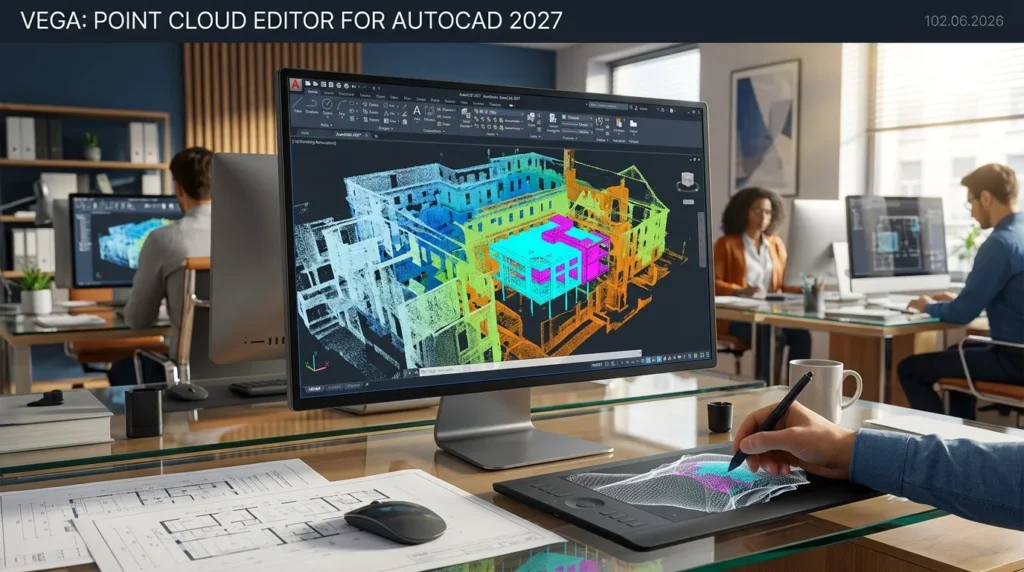
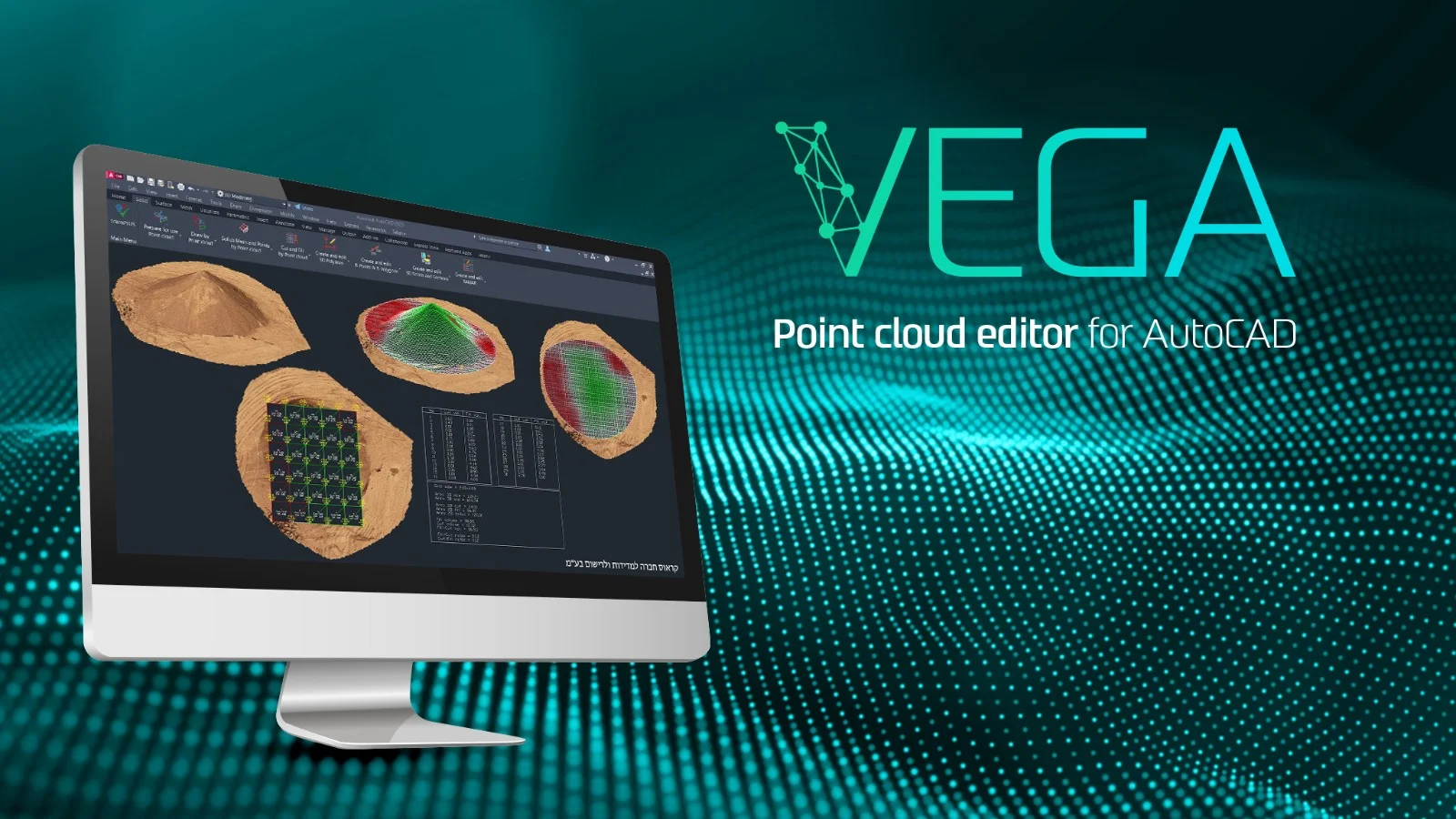
VEGA is developed by TeamCAD from MalamTeam and is available through the Autodesk App Store. Unlike standalone point cloud processing software, VEGA operates as a native add-in for AutoCAD and all AutoCAD-based products, including AutoCAD Architecture, Civil 3D, Map 3D, and Plant 3D. The application is built around three selectable modules, allowing users to choose the feature set that matches their workflow requirements.
The core value proposition of VEGA lies in its ability to automate manual processes that traditionally consume significant time. By working directly with point cloud data inside AutoCAD, users avoid the need to export, convert, or recreate geometry in separate applications. This integration reduces transcription errors and maintains data accuracy from scan to final deliverable.
Key Features
VEGA provides a comprehensive toolkit for point cloud-centric workflows:
-
Dynamic Slicing: Cut through point cloud data interactively to isolate cross-sections, profiles, and elevations for detailed analysis.
-
Digitization Tools: Extract lines, surfaces, and features from point cloud data with precision.
-
Road Mapping: Generate road centerlines, edges, and corridor geometry directly from scan data.
-
Double-Line Creation: Automatically generate parallel lines for curbstones, facades, walls, and similar structures.
-
Cylindrical Section Detection: Identify pipe diameters and determine center points for underground utility mapping.
-
Facade and Layout Drawing: Create extended elevations of walls and facades for architectural documentation.
-
Floor Plan Generation: Extract accurate 2D floor plans from interior point cloud scans.
-
Automatic TIN Generation: Produce triangulated irregular networks (TIN) as a foundation for breakline creation and surface modeling.
-
Civil 3D Surface Creation: Generate Autodesk Civil 3D surfaces directly from point cloud data.
-
Earthwork Calculations: Perform cut-and-fill volume calculations for site grading and excavation planning.
-
Ground Detection and Object Removal: Use automated tools to separate ground surfaces from above-ground objects.
-
Complex 3D Solid Creation: Build irregular 3D solids suitable for preparation before Revit modeling.
-
Linear Section and Profile Tools: Extract longitudinal profiles and linear sections along alignments.
-
Tree Survey Support: Facilitate vegetation surveys through point cloud analysis.
What’s New in Version 102.06.2026
The 102.06.2026 release for AutoCAD 2027 represents a version-specific build designed to align with Autodesk’s 2027 platform. Key improvements include:
-
AutoCAD 2027 Compatibility: Full support for the latest AutoCAD release, ensuring access to current platform features and performance optimizations.
-
Enhanced Algorithm Performance: The cutting-edge algorithms behind VEGA’s editing and digitization tools have been refined for faster processing of large point cloud datasets.
-
Expanded Module Options: The application continues to offer three distinct modules, allowing users to scale their investment according to project complexity and team requirements.
The initial version history indicates that VEGA maintains version-specific builds for each AutoCAD release, ensuring compatibility and stability across different platform versions.
System Requirements
VEGA operates as an AutoCAD add-in, which means AutoCAD must be installed before VEGA can function. The following requirements apply:
| Component | Requirement |
|---|---|
| Operating System | Microsoft Windows (Windows 10 or later recommended) |
| AutoCAD Version | AutoCAD 2021 and higher (including 2027) |
| Compatible Platforms | AutoCAD, AutoCAD Architecture, Civil 3D, Map 3D, Plant 3D |
| Processor | Intel 64-bit CPU, i7-series or equivalent recommended |
| RAM | 16 GB minimum; 32 GB or more recommended for large point clouds |
| Graphics | Dedicated GPU with 4 GB VRAM or higher recommended |
| Storage | SSD recommended for point cloud data processing |
| Download Size | Approximately 24.8 MB |
Note: System requirements for point cloud processing depend heavily on dataset size. Large scans with millions of points benefit significantly from additional RAM and VRAM.
Installation Guide
Installing VEGA follows a straightforward process, though some pre-installation configuration is recommended:
Pre-Installation Steps
-
Set Administrator Permissions: Temporarily grant administrator rights to your Windows account for installation purposes. Revert to standard permissions afterward.
-
Disable User Account Control (UAC): Navigate to UAC settings via the taskbar search, drag the slider to “Never notify,” and reboot your computer.
-
Close All AutoCAD Instances: Ensure no AutoCAD processes are running before beginning installation.
Installation Process
-
Run the EXE installer file that corresponds to your AutoCAD version.
-
Select the “Typical” installation option when prompted.
-
Follow the on-screen instructions until the installation completes.
Activation
-
Open AutoCAD after installation and click any VEGA command.
-
When the activation window appears, click “Register.”
-
Choose between the Trial Version (30 days) or Local License for purchased copies.
-
Complete the required details and submit.
-
License details are typically delivered by email within two business days.
-
Extract the received ZIP file and copy the contents to
C:\VEGA\20XX\Common(where XX corresponds to your AutoCAD version). -
Restart AutoCAD to complete activation.
How to Use VEGA for Point Cloud Workflows
VEGA is designed to fit naturally into existing AutoCAD workflows. Here are the most common usage patterns:
Dynamic Slicing for Cross-Sections
Select the slicing tool, define the area of interest within the point cloud, and VEGA generates a live cross-section that updates as you adjust the slice position. This is particularly useful for extracting profiles of roads, tunnels, and utility corridors.
Digitizing Features from Point Cloud
Using VEGA’s digitization tools, trace lines, curves, and boundaries directly over the point cloud. The software snaps to point cloud geometry, ensuring that extracted features align with the actual scanned surface.
Creating TIN Surfaces and Civil 3D Objects
The automatic TIN generation process converts irregular point cloud data into a triangulated surface. From this surface, users can generate breaklines and export Civil 3D surfaces for further design work. Earthwork calculations build on these surfaces to provide cut-and-fill volumes.
Preparing Models for Revit
VEGA can generate complex and irregular 3D solids from point cloud data. These solids serve as an accurate base for modeling in Revit, bridging the gap between scan data and BIM workflows.
Best Use Cases
VEGA is particularly valuable across several professional domains:
-
Land Surveying: Convert scan data into accurate topographic drawings, boundary lines, and elevation models.
-
Civil Engineering: Extract road profiles, calculate earthwork volumes, and create Civil 3D surfaces for infrastructure projects.
-
Architecture and Historic Preservation: Generate as-built floor plans and facade elevations from scan data of existing structures.
-
Utility Mapping: Detect pipe diameters, center points, and underground infrastructure from point cloud scans.
-
Construction Verification: Compare as-built scans against design models to identify deviations.
-
Tree and Vegetation Surveys: Extract canopy and trunk data for landscaping and environmental assessments.
Advantages and Limitations
Advantages
-
Native AutoCAD Integration: Works inside AutoCAD, eliminating the need to switch between applications.
-
Automated Workflows: Reduces manual digitization time through algorithmic feature extraction.
-
Broad Compatibility: Supports AutoCAD 2021 through 2027 and all AutoCAD-based vertical products.
-
Modular Pricing: Three module options allow teams to select only the features they need.
-
Civil 3D Surface Export: Directly generates surfaces suitable for civil engineering design workflows.
-
Trial Availability: A 30-day trial allows evaluation before purchase.
Limitations
-
AutoCAD Dependency: Requires a valid AutoCAD installation; cannot be used as standalone software.
-
Windows Only: Available exclusively for Microsoft Windows operating systems.
-
Learning Curve: The breadth of tools requires time to master, particularly for users new to point cloud processing.
-
Hardware Demands: Large point cloud datasets require substantial RAM and GPU resources for smooth performance.
-
Version-Specific Builds: Users must ensure they download the installer matching their exact AutoCAD version.
Alternatives to VEGA Point Cloud Editor
Several other tools address point cloud processing, though few offer the same level of direct AutoCAD integration:
| Tool | Type | Key Difference from VEGA |
|---|---|---|
| CloudCompare | Standalone, open source | Powerful but requires export/import workflows; no AutoCAD integration |
| Trimble RealWorks | Standalone, commercial | Comprehensive point cloud suite; separate from CAD environment |
| Leica Cyclone | Standalone, commercial | Industry-standard for scan registration; not integrated with AutoCAD |
| Autodesk ReCap | Autodesk companion | Basic point cloud viewing and cleanup; limited editing and digitization |
| PointCab | Standalone, commercial | Focused on orthophoto and plan generation; separate from CAD workflow |
VEGA’s distinguishing factor is its position as a native AutoCAD add-in. For teams already working within the AutoCAD ecosystem, this integration eliminates the friction of data translation and tool-switching that standalone alternatives require.
Frequently Asked Questions
What is VEGA Point Cloud Editor for AutoCAD?
VEGA is an AutoCAD add-in that enables users to edit, digitize, and model point cloud data directly within the AutoCAD environment. It supports dynamic slicing, feature extraction, TIN surface generation, and Civil 3D surface creation.
Which AutoCAD versions does VEGA support?
VEGA supports AutoCAD 2021 and higher, including the 2027 release. It is compatible with AutoCAD, AutoCAD Architecture, Civil 3D, Map 3D, and Plant 3D.
Is there a free trial available for VEGA?
Yes. VEGA offers a 30-day trial version that allows full access to the application’s features. After the trial period, users can purchase a local license to continue using the software.
Can VEGA create Civil 3D surfaces from point clouds?
Yes. One of VEGA’s core workflows is generating Autodesk Civil 3D surfaces directly from point cloud data. This capability supports earthwork calculations, grading design, and site modeling.
What are the system requirements for VEGA?
VEGA requires a Windows operating system, AutoCAD 2021 or higher, and a 64-bit processor. For optimal performance with large point clouds, 32 GB of RAM and a dedicated GPU with 4 GB or more VRAM are recommended.
How do I install VEGA on my computer?
Close all AutoCAD instances, run the version-specific EXE installer, select “Typical” installation, and follow the prompts. Activation requires registering through AutoCAD and copying license files to the designated VEGA folder.
Can VEGA work with point clouds from any scanner?
VEGA works with standard point cloud formats supported by AutoCAD. The specific scanner brand is less important than the file format compatibility with AutoCAD’s point cloud engine.
Does VEGA replace AutoCAD’s native point cloud tools?
VEGA extends AutoCAD’s native capabilities with specialized editing, digitization, and surface generation tools. It is designed to complement, not replace, AutoCAD’s core point cloud visualization features.
Final Thoughts
The VEGA Point Cloud editor for AutoCAD 2027 (version 102.06.2026) addresses a specific but significant gap in the AEC software ecosystem: the need for professional-grade point cloud editing without leaving the AutoCAD environment. For surveyors, civil engineers, and architects who regularly work with scan data, VEGA’s automated digitization, dynamic slicing, and Civil 3D surface generation capabilities can substantially reduce the time between data capture and usable deliverables.
The 30-day trial provides a risk-free opportunity to evaluate whether VEGA’s workflow improvements justify the investment for your team. Teams already invested in the Autodesk ecosystem will find the native integration particularly valuable, as it eliminates the data translation overhead that standalone point cloud tools require. As point cloud data becomes increasingly central to as-built documentation and infrastructure renewal projects, tools like VEGA that bridge the gap between scan data and CAD/BIM workflows represent a practical step forward for production-focused professionals.
Our Paid Service