
Overview of Hydro GeoAnalyst Plus 14
Table of Contents
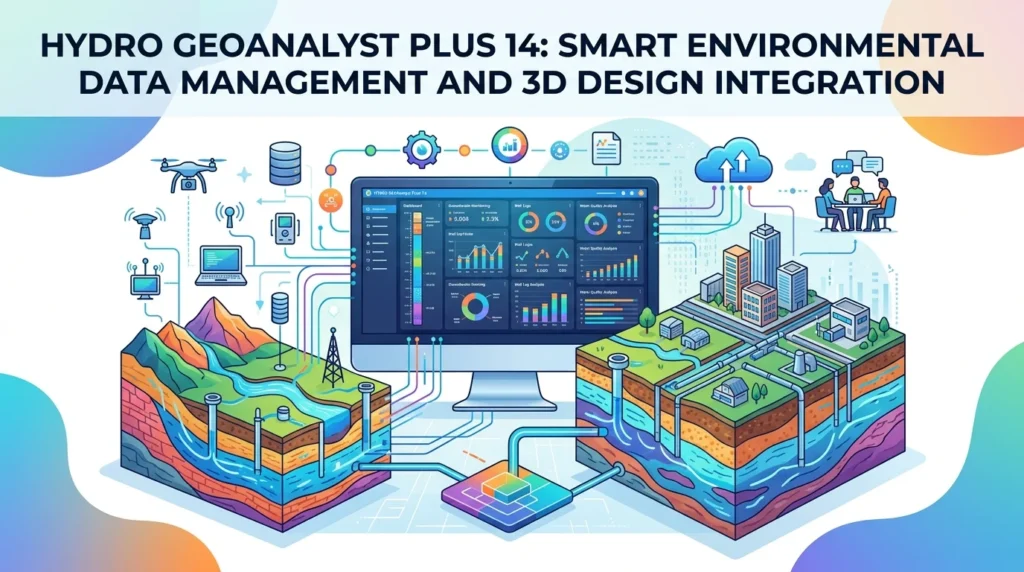
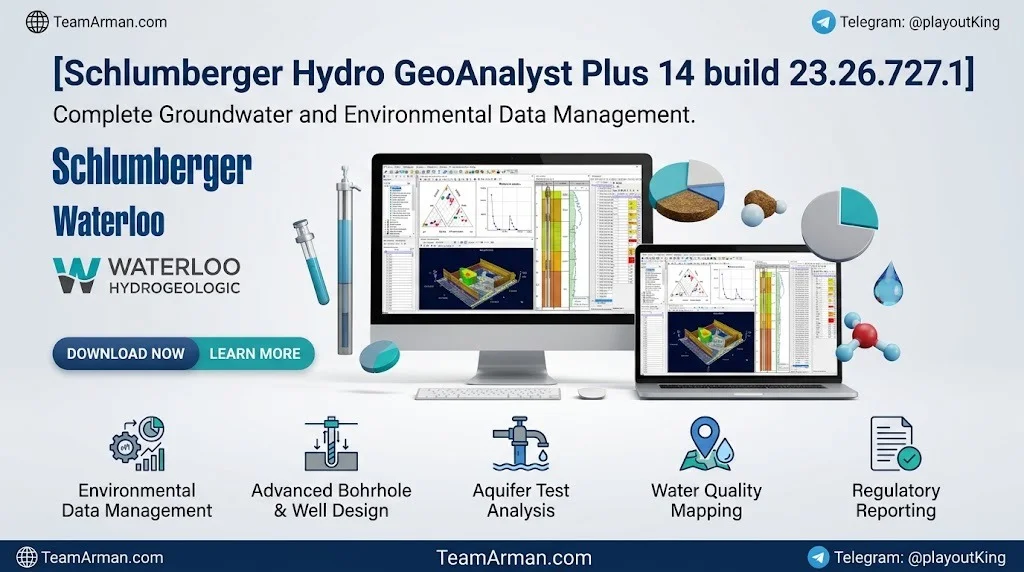
Hydro GeoAnalyst Plus is a comprehensive environmental data management system built for hydrogeologists, geochemists, and environmental engineers. Unlike generic spreadsheet tools, HGA+ stores all project data in a centralized Microsoft SQL Server database, allowing multiple users to collaborate securely while maintaining full data integrity.
The “Plus” edition extends the standard HGA feature set with AquaChem’s geochemical capabilities, a PHREEQC interface, and an R-Console module for statistical computing. Version 14 specifically targets three operational pain points: remote collaboration, high-volume data ingestion, and automated statistical interpretation.
Key Features of Hydro GeoAnalyst Plus 14
Environmental Data Management
-
Centralized SQL database – All borehole logs, water quality samples, lithology records, and monitoring station data reside in one relational structure.
-
Template Manager – Pre-built environmental database templates aligned with common regulatory data models.
-
Query Builder – Drag-and-drop interface for constructing complex SQL queries without writing code.
Geochemistry and Modeling (HGA+ Exclusive)
-
PHREEQC integration – Calculate saturation indices, activities, and basic geochemical models directly from sample data.
-
R-Console – Execute R scripts for custom statistical analysis, visualization, and data transformation.
-
AquaChem geochemical tools – Piper, Durov, Stiff, and Wilcox diagram generation with built-in water quality standards.
Visualization and Reporting
-
Map Manager – GIS-based mapping with interpolation and spatial querying.
-
Cross-Section Editor – Build geological cross-sections from borehole data.
-
3D Scene Viewer – Site conceptual model visualization in three dimensions.
-
Time Series and Scatter Plots – Now with automatic linear regression lines and customizable symbol groups.
What’s New in Hydro GeoAnalyst Plus 14
Cloud Database Support
New HGA projects can store their database in the cloud. Team members with an internet connection can access the same project from any location. Compatible with AWS, Azure, Google Cloud, or a self-hosted web server.
Bulk Data Import
Import multiple data sources in a single operation using one mapping rule. Supports lithology data, sample data, and EDD templates. Incompatible or malformed rows are automatically rejected to support QA/QC workflows.
Trend Analysis Module (HGA+ Only)
The flagship addition to the Plus edition. Perform advanced statistical tests on time-series data:
| Test / Method | Purpose |
|---|---|
| Linear Regression | Slope and intercept estimation |
| Sen’s Slope Estimator | Robust trend magnitude |
| Spearman Rank Correlation | Monotonic trend detection |
| Mann-Kendall Test | Non-parametric trend test |
| Seasonal Mann-Kendall | Trend detection with seasonality |
Results can be exported as spreadsheets or plotted automatically on time-series graphs.
Plotting Upgrades
-
Automatic linear regression lines on scatter and time-series plots.
-
Symbol group switching directly from the plot settings window.
-
Custom line labels and adjustable legend positioning.
Usability Enhancements
-
New Compare Tool for moving or copying data between monitoring stations.
-
Filterable lists in the List Editor module.
-
Improved DateTime assignment interface in data tables.
-
More efficient SQL data storage architecture to reduce object limit errors.
System Requirements
Hydro GeoAnalyst Plus 14 runs on Windows-based workstations. The following minimum and recommended specifications apply:
| Component | Minimum | Recommended |
|---|---|---|
| Operating System | Windows 10 Pro / Enterprise | Windows 11 Pro / Enterprise |
| Processor | 32-bit or 64-bit | 64-bit multi-core |
| RAM | 8 GB | 16 GB or higher |
| Hard Disk | 1 GB free (plus project space) | SSD with 20 GB+ free |
| Database | SQL Server LocalDB 2014 | SQL Server Express 2012+ |
| Additional Software | .NET Framework 4.0+, Visual C++ Redistributable | — |
For cloud database configurations, a stable internet connection and valid credentials for AWS, Azure, Google Cloud, or a self-hosted server are required. Mobile EDD features require an Apple or Android device with Safari or Chrome.
Installation Guide
Hydro GeoAnalyst Plus 14 is commercial software. A valid license from Waterloo Hydrogeologic (SLB) is required for installation and use. Trial licenses are available for evaluation.
Step 1: Verify Eligibility
-
Confirm that your organization holds a current HGA or HGA+ license.
-
Request a trial license from the official Waterloo Hydrogeologic website if evaluating.
Step 2: Download the Installer
-
Log in to the official Waterloo Hydrogeologic customer portal.
-
Navigate to the HGA+ 14 download section.
-
Download the installer package compatible with your Windows edition.
Step 3: Run the Setup
-
Close all other applications.
-
Run the installer as Administrator.
-
Accept the license agreement.
-
Choose the installation directory (default is recommended).
-
Select whether to install SQL Server LocalDB for local projects or configure a connection to an existing SQL Server instance.
Step 4: Activate the License
-
Launch HGA+ after installation.
-
Enter your license key when prompted.
-
For network licenses, configure the license server address provided by your IT administrator.
Step 5: Verify Installation
-
Open a sample project or create a new project using the New Project Wizard.
-
Confirm that the database connection is successful.
-
Check the About dialog to verify build number 23.26.727.1.
How to Use Hydro GeoAnalyst Plus 14
Creating a New Project
-
Launch HGA+ and select File > New Project.
-
Choose Local Database for single-user work or SQL Server for team projects.
-
Select an environmental database template (e.g., EPA Regions 2 & 5).
-
Define station groups, parameters, and sample sets.
Importing Data
-
Single import: Use EDD Workflow or direct table entry.
-
Bulk import: Select Bulk Data Import, map fields once, and select multiple source files.
-
Review the import log for rejected rows and correct format issues.
Running Trend Analysis (HGA+)
-
Open the Trend Analysis module from the HGA+ menu.
-
Select the time-series parameter and monitoring station.
-
Choose one or more statistical tests (Mann-Kendall, Sen’s slope, etc.).
-
Run the analysis.
-
Export results to Excel or generate a trend plot.
Generating Reports
-
Use Sample Reports to export modeled and calculated parameters.
-
Export water quality standards directly to spreadsheet format.
-
Use Print-to-Office templates for formatted Word or Excel deliverables.
Best Use Cases
Groundwater Monitoring Networks
Manage long-term water level and water quality data across multiple wells. Apply Mann-Kendall trend tests to detect declining aquifer conditions.
Contaminated Site Assessment
Store and query analytical results from soil, groundwater, and soil vapor sampling. Generate cross-sections and 3D plume visualizations for regulatory reporting.
Mining and Mineral Exploration
Analyze borehole data from exploration programs. Integrate lithology, assay, and geochemical results into a single database.
Landfill and Remediation Projects
Track leachate chemistry, gas monitoring data, and remediation performance metrics over time. Compare stations using the new Compare Tool.
Regulatory Compliance Reporting
Export water quality standards, sample metadata, and trend statistics for EPA or state-level reporting requirements.
Advantages and Limitations
Advantages
-
Single source of truth – One SQL database eliminates version conflicts and spreadsheet errors.
-
Regulatory alignment – Templates match common environmental data models.
-
Scalability – From a single laptop to a multi-user cloud deployment.
-
Integrated geochemistry – PHREEQC and AquaChem tools avoid data export/import cycles.
-
Reproducible statistics – Trend Analysis module produces auditable, exportable results.
Limitations
-
Windows only – No macOS or Linux native version.
-
SQL knowledge helpful – While the Query Builder abstracts SQL, advanced database administration still requires SQL Server familiarity.
-
License cost – Commercial licensing may be prohibitive for small consultancies.
-
Learning curve – The breadth of modules requires structured training to use effectively.
-
Internet dependency for cloud – Cloud database access requires reliable connectivity.
Alternatives to Hydro GeoAnalyst Plus 14
| Software | Developer | Key Difference |
|---|---|---|
| AquaChem | Waterloo Hydrogeologic | Geochemistry-focused; no full database management |
| EQWin | EarthSoft | Broader environmental data management; different data model |
| AqQA | RockWare | Simpler water quality plotting; no SQL backend |
| GW Vistas | Waterloo Hydrogeologic | Groundwater modeling; not a data management platform |
| Excel + Access | Microsoft | Low-cost but lacks validation, audit trails, and specialized modules |
Hydro GeoAnalyst Plus distinguishes itself by combining database management, geochemical modeling, and statistical trend analysis in one validated platform.
Frequently Asked Questions
What is Hydro GeoAnalyst Plus 14 used for?
It is used to manage, analyze, and report environmental data — particularly groundwater, soil, and geochemical data — for hydrogeology, contamination assessment, and regulatory compliance projects.
Is Hydro GeoAnalyst Plus 14 free?
No. HGA+ is commercial software developed by Waterloo Hydrogeologic (SLB). A paid license is required. Free trial licenses are available for evaluation purposes through official channels.
What is the difference between HGA and HGA+?
HGA+ includes all standard HGA features plus the Trend Analysis module, PHREEQC interface, R-Console, and AquaChem geochemical tools.
Can I store Hydro GeoAnalyst projects in the cloud?
Yes. Version 14 supports cloud database hosting on AWS, Azure, Google Cloud, or a self-hosted web server.
What statistical tests are available in the Trend Analysis module?
Linear regression, Sen’s slope estimator, Spearman rank correlation, Mann-Kendall test, and Seasonal Mann-Kendall test.
Does Hydro GeoAnalyst Plus support mobile data collection?
Yes. The Mobile EDD feature allows field data collection on Apple or Android devices using Safari or Chrome.
What database does Hydro GeoAnalyst Plus use?
It uses Microsoft SQL Server (Express or full editions) for team projects and SQL Server LocalDB for local single-user projects.
Can I export Hydro GeoAnalyst results to Excel?
Yes. Sample reports, modeled parameters, water quality standards, and trend analysis results can all be exported to spreadsheet format.
Final Thoughts
Hydro GeoAnalyst Plus 14 represents a significant step forward for environmental data professionals who need both rigorous data management and advanced analytical capability. The addition of cloud databases makes remote collaboration practical, while the Trend Analysis module brings statistical rigor to time-series interpretation without requiring external software. For organizations already invested in the Waterloo Hydrogeologic ecosystem, HGA+ 14 is a logical upgrade. For new users, the learning curve is real — but the payoff is a centralized, auditable, and scalable environmental data platform.
Important: Hydro GeoAnalyst Plus 14 is licensed commercial software. Always obtain installation packages and license keys through official Waterloo Hydrogeologic (SLB) channels. Trial licenses are available for legitimate evaluation purposes.
Our Paid Service