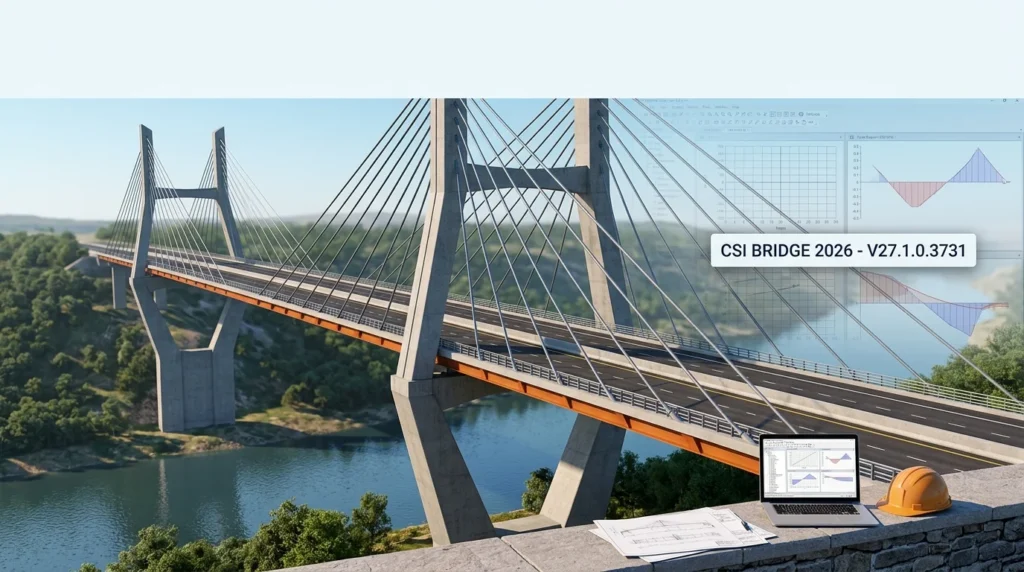

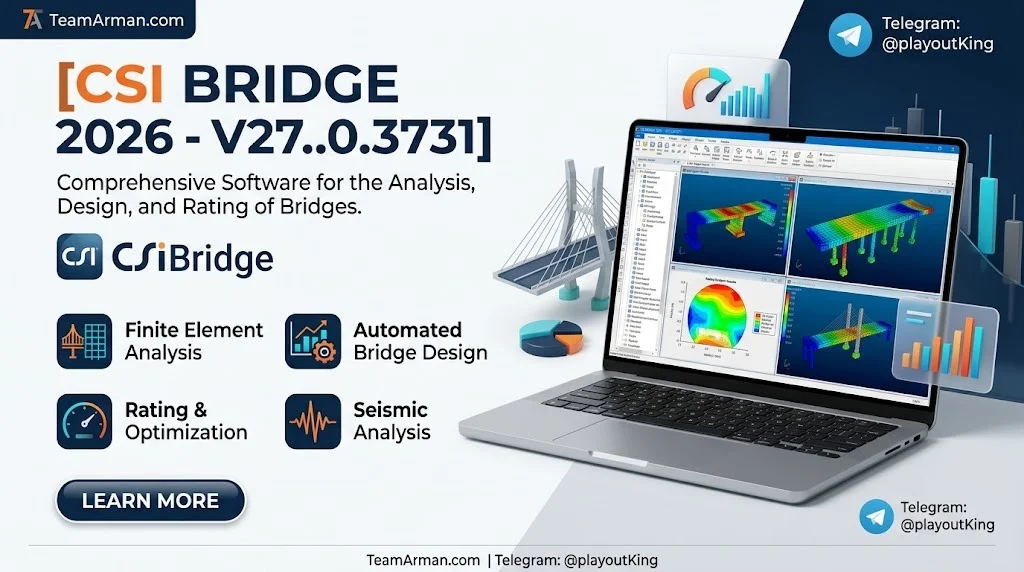
Overview of CSiBridge 2026 V27.1.0.3731
Table of Contents
CSiBridge is a specialized bridge engineering software package built on the SAPFire® analysis engine. It provides an object-based bridge modeler that allows engineers to define bridge layouts, deck sections, abutments, bents, and diaphragms parametrically or manually. The software supports structural analysis, design, and rating across a wide range of bridge types, including steel I-girder, concrete box-girder, super-T girder, and cable-stayed structures.
Version V27.1.0.3731 was released in March 2026 as an intermediate update from v27.0.0. It focuses on concrete frame design code expansion, nonlinear concrete material behavior for solid elements, and bridge modeler refinements. The software remains a leading choice for bridge engineers who require repeatable analysis, consistent outputs, and documentation traceability across design revisions.
Key Features of CSiBridge 2026
CSiBridge 2026 delivers a comprehensive feature set designed for bridge modeling, analysis, and design workflows.
Object-Based Bridge Modeler
The parametric bridge modeler allows engineers to define layout lines, deck sections, and substructure components using intuitive commands. Bridge objects are automatically meshed into a computational model, reducing manual modeling effort and minimizing errors.
SAPFire® Analysis Engine
The core analysis engine supports linear and nonlinear static analysis, modal analysis, response spectrum analysis, time-history analysis, and moving-load analysis. Multi-processor parallel processing is supported to accelerate equation solving for large models.
Moving Load Analysis
Engineers can define vehicle classes, lanes, and moving-load cases to simulate realistic traffic loading conditions. Influence-based moving-load analysis enables efficient assessment of bridge response under vehicle passage.
Design and Rating Codes
CSiBridge includes design and rating capabilities for multiple international codes, including AASHTO LRFD, CSA A23.3, and other regional standards. The v27.0.0 release added bridge rating per the UK CS 454 standard.
Concrete Frame Design
The software supports reinforced concrete frame design with code checks for flexure, shear, and torsion. The v27.1.0 update extends this capability to the Canadian CSA A23.3:2024 code.
Nonlinear Material Models
Advanced material models allow engineers to simulate nonlinear behavior in concrete and steel components. The Faria Concrete Damage Plasticity model introduced in v27.1.0 enables triaxial concrete behavior modeling in solid elements.
Staged Construction Analysis
Staged construction analysis supports the simulation of bridge erection sequences, including precast girder placement and continuity link activation.
Automated Report Generation
Design and rating calculations produce structured reports that document code checks and demand-over-capacity ratios for verification and submittal purposes.
What’s New in CSiBridge V27.1.0.3731
The V27.1.0.3731 release introduces several enhancements and bug fixes that improve modeling accuracy and design workflow efficiency.
CSA A23.3:2024 Concrete Frame Design
The Canadian CSA A23.3:2024 concrete frame design code is now fully supported. Engineers designing reinforced concrete bridge frames for Canadian projects can perform code checks directly within CSiBridge.
Faria Concrete Damage Plasticity Model
A new 3D coupled concrete material model has been added for solid elements. The Faria Concrete Damage Plasticity model simulates triaxial concrete behavior in tension and compression, including the increase of compressive strength under confining stress. A dedicated technical note is available through the software’s documentation resources.
Super-T Girder Diaphragm Enhancement
External concrete solid diaphragms can now be assigned between girders at supports for super-T girder bridge models. Previously, only interior girder diaphragms were available at support locations.
Design and Rating Incident Resolutions
Several incidents related to steel I-girder superstructure design and rating have been resolved, including corrections to slab thickness calculation when present units differ from database units, and web buckling coefficient calculations for negative flexure conditions.
Installation and Licensing Updates
The version number has been updated to v27.1.0 for this intermediate release, with continued support for cloud sign-in licensing and remote licensing for air-gapped workstations.
System Requirements
CSiBridge 2026 requires a 64-bit Windows operating system. The following specifications represent the recommended configuration for optimal performance.
Processor
-
Minimum: Intel Pentium 4 or AMD Athlon 64
-
Recommended: 9th generation Intel Core i5/i7/i9, AMD Ryzen 5/7/9 with Zen 2 architecture, or better
Operating System
-
Microsoft Windows 8.1 or Microsoft Windows 10
-
64-bit processor required
Memory (RAM)
-
Minimum: 8 GB RAM
-
Larger models benefit from increased RAM, as the solvable problem size and solution speed scale with available memory
Storage
-
6 GB required for installation
-
Additional space needed for model files and analysis results
-
Recommended: PCIe Solid State Drive (SSD) with 500 GB or greater capacity
Graphics
-
Minimum: Support for 1024 x 768 resolution and 16-bit color for standard graphics mode (GDI+)
-
Recommended: Discrete graphics card with NVIDIA GPU and 512 MB or more dedicated RAM, compatible with DirectX 11
Licensing
-
Cloud sign-in licensing via system browser
-
Remote licensing available for air-gapped workstations without internet access
-
Internet access required for WEB license activation, renewal, and deactivation
Installation Guide
Installing CSiBridge 2026 follows a standard CSI software installation workflow.
Step 1: Download the Installation Wizard
Download the CSI Installation Wizard from the official CSI website. The wizard manages installation for all CSI products, including CSiBridge, SAP2000, and ETABS.
Step 2: Run the Installer
Run the installation wizard as administrator. Select “Install CSI Software” and choose CSiBridge from the product list.
Step 3: Select License Configuration
Choose the appropriate licensing option for your environment:
-
Network license: The installer automatically detects the license server if you are on the department network. You can also provide the network server IP address manually.
-
Cloud sign-in: Authenticate through your system browser for a streamlined experience.
-
Remote licensing: Available for workstations without internet access.
Step 4: Complete Installation
Follow the on-screen prompts to complete the installation. The software requires approximately 6 GB of disk space.
Step 5: Verify Installation
Launch CSiBridge and verify that the license is properly configured. Check the Help menu for version information to confirm that V27.1.0.3731 is installed.
How to Use CSiBridge 2026
CSiBridge offers both parametric and manual modeling approaches. The following workflow outlines the typical steps for creating and analyzing a bridge model.
Starting a New Model
Use the File > New command to access the New Model form. Choose from available bridge templates, use the Quick Bridge option, or start with a blank model template.
Defining Bridge Components
For parametric modeling, use the Components tab to define material properties, frame properties, link properties, tendon properties, cable properties, and rebar sizes. The Bridge tab provides tools for defining layout lines, deck sections, abutments, bents, and diaphragms.
Manual Modeling (Advanced Tab)
For custom or non-standard bridge configurations, use the Advanced tab to draw elements directly. Define coordinate systems and grids, then draw shell elements, solid elements, or frame elements by snapping to grid intersections. Use the Replicate command to efficiently create repeated elements.
Applying Loads
Define load patterns and load cases through the Loads tab and Analysis tab. For moving-load analysis:
-
Define vehicles through Loads Tab > Vehicles > New
-
Define vehicle classes through Loads Tab > Vehicle Classes > New
-
Create a moving-load case via Analysis Tab > Load Cases > New and set the load-case type to Moving Load
Running Analysis
Use the Analysis tab to define load cases and run analysis. The SAPFire® engine supports linear and nonlinear analysis, including staged construction and time-history analysis.
Design and Rating
Access the Design/Rating tab to define load combinations and perform code-based design checks. Review demand-over-capacity ratios and generate calculation reports for documentation.
Reviewing Results
Use the Home tab to select display options and view analysis results. Bridge force and stress diagrams are obtained through section cuts defined by groups.
Best Use Cases for CSiBridge 2026
CSiBridge is designed for bridge engineers working on a wide range of structural projects.
Steel I-Girder Bridge Design
The software supports superstructure design and rating for steel I-girder bridges, with code checks for flexure, shear, and serviceability.
Concrete Box-Girder Bridge Modeling
Reinforced and prestressed concrete box-girder bridges can be modeled parametrically using the bridge modeler. The Faria Concrete Damage Plasticity model enhances nonlinear analysis of solid concrete elements.
Super-T Girder Bridges
Super-T girder bridge modeling supports external concrete solid diaphragms at supports, enabling accurate representation of girder-to-girder load transfer.
Seismic Analysis
CSiBridge supports seismic analysis using uniform-load, single-mode, and time-history methods for bridge structures.
Staged Construction Simulation
Precast girder bridges with continuity links can be analyzed using staged construction to simulate erection sequences and load application timing.
Bridge Rating and Load Evaluation
The software supports bridge rating per multiple international standards, including AASHTO LRFD and UK CS 454, for load capacity assessment of existing bridges.
Research and Validation Studies
CSiBridge is used in academic and research settings for comparing modeling approaches and validating bridge behavior predictions against experimental data.
Advantages and Limitations
Advantages
-
Comprehensive integration: CSiBridge combines modeling, analysis, design, and rating in a single package, reducing the need for multiple software tools.
-
Parametric bridge modeler: The object-based modeler accelerates model creation for common bridge types.
-
International code support: Design and rating codes for multiple regions are available, including AASHTO, CSA, and UK standards.
-
Nonlinear analysis capabilities: Advanced material models, including the Faria Concrete Damage Plasticity model, support realistic simulation of concrete behavior.
-
Documentation traceability: Structured calculation reports support design verification and submittals.
-
Continuous development: CSI regularly releases updates with new features and resolved incidents.
Limitations
-
Learning curve: The parametric bridge modeler and advanced analysis features require training and experience to use effectively.
-
Hardware requirements: Large models benefit from high RAM and a dedicated GPU, which may require investment in workstation hardware.
-
Code coverage varies: Not all regional design codes are supported; engineers should verify that the required code is included.
-
Manual modeling complexity: Non-standard bridge configurations may require manual modeling through the Advanced tab, which is more time-consuming.
-
Licensing management: Network and cloud licensing require connectivity and administrative setup.
Alternatives to CSiBridge 2026
Several software packages provide bridge analysis and design capabilities. The following alternatives are commonly considered by bridge engineering teams.
OpenBridge Designer
OpenBridge Designer provides an integrated parametric bridge model that feeds analysis-ready and drawing-ready deliverables. It is well suited for teams requiring controlled parametric modeling and drawing generation.
MIDAS Civil
MIDAS Civil is a bridge and civil structural analysis software with modeling automation. It is used for a variety of bridge types and offers comparison points with CSiBridge for prestress loss calculations and other analysis results.
LUSAS Bridge
LUSAS Bridge is a finite element software for bridge analysis, design verification, and construction staging. It fits teams that want model-driven verification with clear model ownership.
Tekla Structures
Tekla Structures is BIM software for detailed bridge modeling, fabrication information, and construction coordination. It supports model-driven detailing outputs with controlled revisions across drawings and schedules.
SOFiSTiK
SOFiSTiK provides structural engineering software for bridge analysis, design, prestressing, and construction stages. It is a vertical specialist tool for detailed bridge engineering workflows.
Autodesk Structural Bridge Design
Autodesk Structural Bridge Design offers bridge analysis and design capabilities for engineers, with integration into the Autodesk ecosystem.
Frequently Asked Questions
What is CSiBridge 2026 V27.1.0.3731?
CSiBridge 2026 V27.1.0.3731 is an intermediate release of CSI’s integrated bridge analysis, design, and rating software. It adds CSA A23.3:2024 concrete frame design, the Faria Concrete Damage Plasticity model, and bridge modeler enhancements for super-T girder diaphragms.
What are the system requirements for CSiBridge 2026?
CSiBridge 2026 requires a 64-bit Windows operating system, minimum 8 GB RAM, 6 GB installation space, and a processor equivalent to Intel Pentium 4 or AMD Athlon 64. Recommended specifications include 9th generation Intel Core i5/i7/i9 or AMD Ryzen 5/7/9, and a discrete NVIDIA GPU with 512 MB or more memory.
How do I install CSiBridge 2026?
Download the CSI Installation Wizard from the official CSI website, run it as administrator, select CSiBridge from the product list, and configure your licensing option (network, cloud sign-in, or remote licensing). Follow the on-screen prompts to complete installation.
What design codes are supported in CSiBridge 2026?
CSiBridge supports design and rating codes including AASHTO LRFD, CSA A23.3:2024, and UK CS 454. Other regional codes may be available depending on the software edition and configuration.
Can CSiBridge perform nonlinear concrete analysis?
Yes. The V27.1.0 release introduces the Faria Concrete Damage Plasticity model for solid elements, which simulates triaxial concrete behavior in tension and compression, including compressive strength increase under confining stress.
How do I perform moving load analysis in CSiBridge?
Define vehicles and vehicle classes through the Loads tab, create a moving-load case through the Analysis tab, and specify the vehicles and lanes assigned to the load case. Influence-based moving-load analysis enables efficient assessment of bridge response.
What is the difference between CSiBridge and SAP2000?
CSiBridge is specifically designed for bridge engineering with a parametric bridge modeler, bridge-specific load definitions, and design/rating code checks. SAP2000 is a general-purpose structural analysis and design program that includes a bridge modeler module in some versions.
Is CSiBridge suitable for seismic analysis of bridges?
Yes. CSiBridge supports seismic analysis using uniform-load, single-mode, and time-history methods, making it suitable for assessing bridge response under earthquake loading.
Final Thoughts
CSiBridge 2026 V27.1.0.3731 represents a focused update that strengthens the software’s concrete design and nonlinear analysis capabilities. The addition of CSA A23.3:2024 concrete frame design and the Faria Concrete Damage Plasticity model expands the toolset available to bridge engineers working on concrete structures. The super-T girder diaphragm enhancement and resolved design/rating incidents improve modeling accuracy and workflow reliability.
For engineering teams already using CSiBridge, updating to V27.1.0.3731 provides tangible benefits for concrete bridge projects and solid element nonlinear analysis. For teams evaluating bridge analysis software, CSiBridge remains a strong contender when repeatable analysis, international code support, and documentation traceability are priorities. As with any specialized engineering software, prospective users should evaluate whether the supported design codes, modeling capabilities, and hardware requirements align with their project needs and workflow.
Our Paid Service
“We do not sell or provide any software. We only offer professional support services. If any software on your system is not working properly, or you are facing installation errors, crashes, or any other technical issue — just contact us. We will help you fix the problem quickly and remotely via AnyDesk. No software will be provided from our side — only expert troubleshooting and support.”