
Overview of Sayatoo SubTitleMaker
Table of Contents
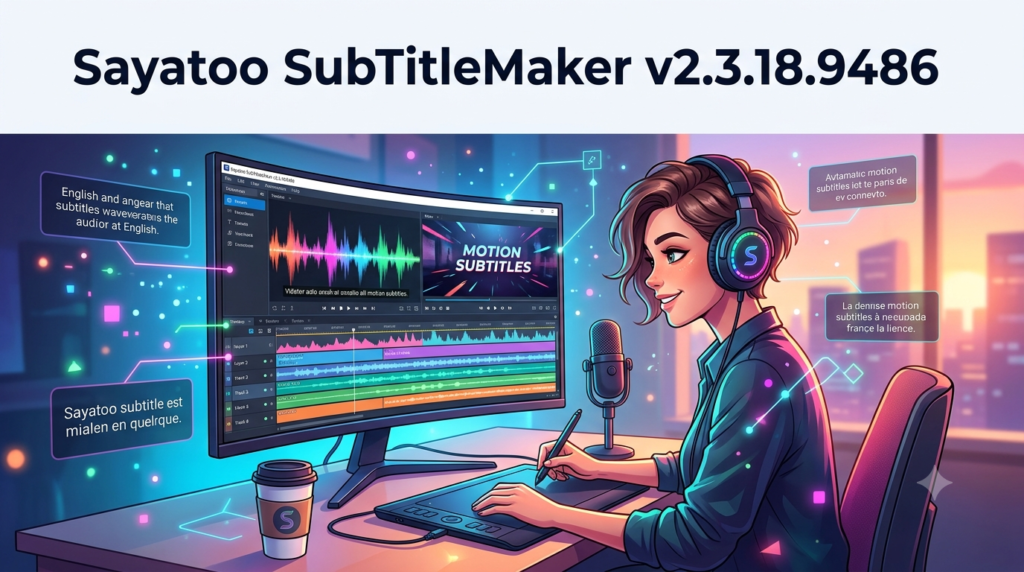
Sayatoo SubTitleMaker is a professional subtitle editing and creation tool designed specifically for video editors, content creators, and multimedia professionals. This powerful subtitle software enables users to create, edit, and synchronize subtitles with video content efficiently. Whether you are producing YouTube videos, educational content, corporate presentations, or film projects, Sayatoo SubTitleMaker streamlines the subtitle creation workflow with its intuitive interface and advanced features.
The software is widely recognized in the video production industry for its precision timing tools and support for multiple subtitle formats. As a dedicated subtitle maker, Sayatoo eliminates the complexities of manual subtitle synchronization while maintaining high accuracy.
Key Features of Sayatoo SubTitleMaker
Sayatoo SubTitleMaker comes equipped with a comprehensive set of features designed to simplify subtitle creation. Below are the standout capabilities that make this subtitle editing software a preferred choice among video professionals.
Advanced Subtitle Synchronization
The software provides frame-accurate timing controls, allowing you to synchronize subtitles precisely with audio and video tracks. This ensures your subtitles match dialogue and on-screen actions without delay.
Multi-Format Subtitle Support
Sayatoo SubTitleMaker supports a wide range of subtitle formats, including:
-
SRT (SubRip Text)
-
ASS (Advanced SubStation Alpha)
-
SSA (SubStation Alpha)
-
TXT (Plain Text)
-
LRC (Lyrics)
-
SMPTE timecode formats
This format flexibility ensures compatibility with most video editing platforms and media players.
Visual Timeline Editing
The built-in visual timeline lets you drag and drop subtitle blocks effortlessly. You can adjust start and end times visually, which reduces errors and speeds up the editing process.
Batch Editing and Automation
For large projects, the batch editing feature is invaluable. You can apply global changes, adjust timing offsets, and modify text styles across multiple subtitle tracks simultaneously.
Customizable Text Styling
The software includes robust text formatting options. You can adjust font styles, sizes, colors, outlines, shadows, and positioning to match your video’s branding or accessibility needs.
Waveform Visualization
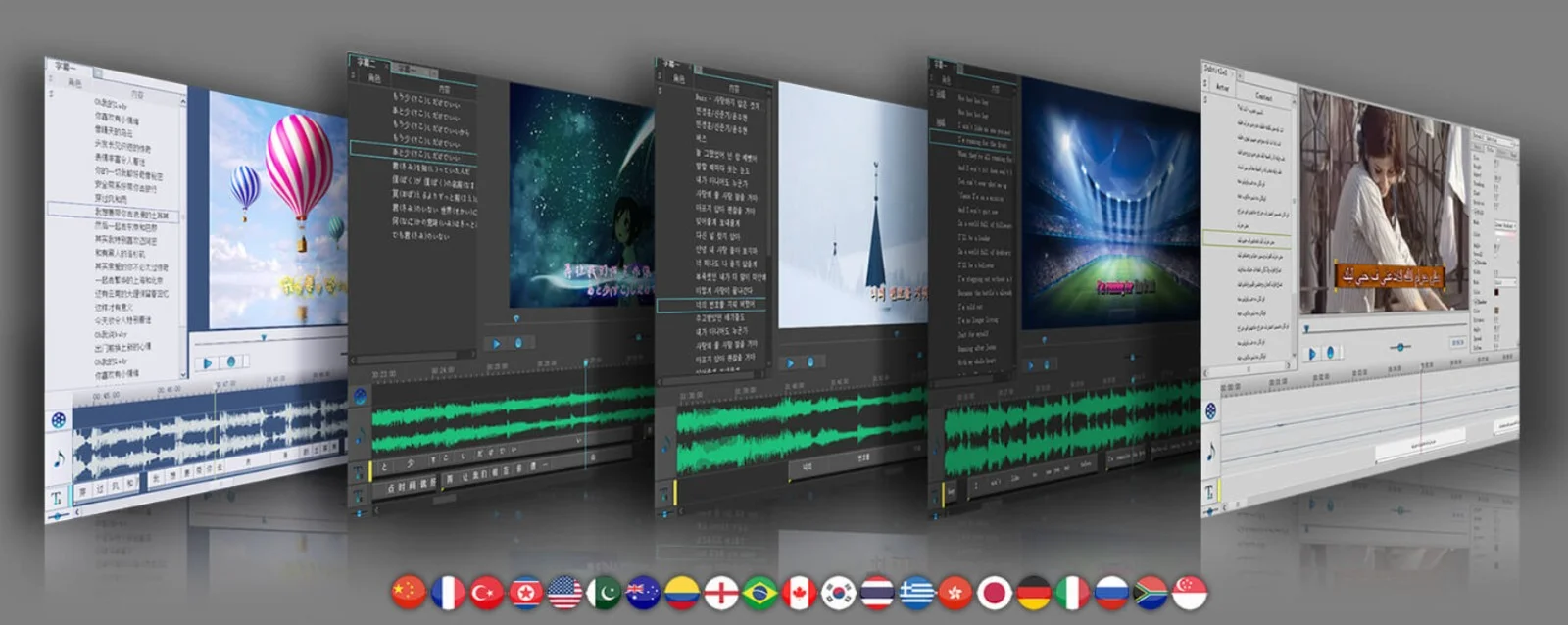
A built-in audio waveform display helps you identify speech patterns and pauses. This visual aid simplifies timing adjustments, making it easier to align subtitles with natural speech rhythms.
Export and Integration
You can export subtitles directly for use in popular video editing software such as Adobe Premiere Pro, Final Cut Pro, DaVinci Resolve, and more.
What’s New in Sayatoo SubTitleMaker Version 2.3.18.9486
The latest version introduces several important improvements designed to enhance performance and usability. Here are the most notable updates:
-
Enhanced Real-Time Rendering: Improved playback performance for smoother previews.
-
Optimized Font Rendering: Better support for Unicode characters and complex scripts.
-
Bug Fixes: Resolved issues related to subtitle alignment and timecode accuracy.
-
Updated User Interface: Refined menus and toolbars for more intuitive navigation.
-
Improved Export Stability: More reliable output across all supported formats.
System Requirements for Sayatoo SubTitleMaker
Before installing Sayatoo SubTitleMaker, ensure your system meets the following hardware and software requirements:
Minimum Specifications
-
Operating System: Windows 7, 8, 10, or 11 (64-bit recommended)
-
Processor: Intel Core i3 or equivalent
-
RAM: 4 GB
-
Storage: 500 MB free disk space
-
Display: 1280 x 720 resolution
Recommended Specifications
-
Operating System: Windows 10/11 (64-bit)
-
Processor: Intel Core i5 or higher
-
RAM: 8 GB or more
-
Storage: 1 GB free SSD space
-
Display: 1920 x 1080 or higher
Installation Guide for Sayatoo SubTitleMaker
Installing Sayatoo SubTitleMaker is straightforward. Follow these steps to set up the software correctly:
-
Download the Installer: Visit the official Sayatoo website to download the latest version.
-
Run the Installer: Double-click the downloaded file to launch the installation wizard.
-
Accept the License Agreement: Read and agree to the terms before proceeding.
-
Select Installation Directory: Choose the destination folder or use the default path.
-
Complete Installation: Follow the on-screen prompts and click “Finish.”
-
Activate the Software: Enter your valid license key to unlock full functionality.
Important: Only download Sayatoo SubTitleMaker from trusted sources to avoid malware or compromised versions. Using legitimate software ensures full features, security updates, and technical support.
How to Use Sayatoo SubTitleMaker
For new users, mastering Sayatoo SubTitleMaker is simple with the right approach. Below is a step-by-step guide to creating your first subtitle project.
Step 1: Launch the Software
Open Sayatoo SubTitleMaker from your desktop or start menu.
Step 2: Import Your Video or Audio File
Click “Import” and select your media file. The software supports common video formats such as MP4, AVI, MOV, and MKV.
Step 3: Load the Timeline
After import, the timeline appears at the bottom of the interface. The audio waveform displays above for reference.
Step 4: Add Subtitle Tracks
Use the “New Subtitle” button to add blank subtitle tracks at desired positions on the timeline.
Step 5: Type or Paste Dialogue
Enter the text for each subtitle segment. Alternatively, paste pre-prepared transcriptions.
Step 6: Adjust Timing
Manually adjust start and end points using the timeline handles. You can also enter precise timecodes in the properties panel.
Step 7: Apply Styling
Customize text appearance using the formatting toolbar. Choose fonts, colors, outlines, and background options.
Step 8: Preview
Play the video with embedded subtitles to check synchronization.
Step 9: Export
Once satisfied, export your subtitles in your preferred format.
Best Use Cases for Sayatoo SubTitleMaker
Sayatoo SubTitleMaker is versatile and suits a range of professional scenarios. Below are some ideal applications.
YouTube Video Subtitling
Creators can add subtitles to improve accessibility and viewer engagement. YouTube’s built-in subtitle system is compatible with SRT and ASS exports.
Educational and E-Learning Content
Educators can produce subtitled lectures to help non-native speakers and hearing-impaired students. Subtitles improve comprehension and retention.
Corporate Video Production
Businesses use subtitles for training videos, promotional materials, and internal communications. Professional subtitles enhance brand image and message clarity.
Film and Post-Production
Independent filmmakers and editing studios rely on subtitle software to create foreign-language subtitles for film festivals and streaming platforms.
Live Event Captioning
Some users repurpose Sayatoo for offline captioning of recorded events such as webinars and conferences.
Advantages and Limitations of Sayatoo SubTitleMaker
Every software tool has its strengths and weaknesses. Below is a balanced evaluation.
Advantages
-
User-friendly interface suitable for beginners and professionals
-
Wide format support, including SRT, ASS, and more
-
Accurate timing tools backed by waveform visualization
-
Batch processing for large projects
-
Lightweight with minimal system resource usage
-
Frequent updates with bug fixes and feature improvements
Limitations
-
Windows only; no native macOS or Linux support
-
Advanced features may require a learning curve
-
Limited direct integration with editing software (export required)
-
No cloud collaboration tools
Alternatives to Sayatoo SubTitleMaker
If Sayatoo SubTitleMaker does not meet your specific needs, several alternatives are available.
| Software | Platform | Key Strength |
|---|---|---|
| Aegisub | Windows, Mac, Linux | Advanced ASS styling and timing |
| Subtitle Edit | Windows, Mac, Linux | Open-source and multi-format support |
| Jubler | Windows, Mac, Linux | Cross-platform and lightweight |
| EaseUS Subtitle Editor | Windows, Mac | Simple interface for beginners |
| Otter.ai | Web-based | AI-powered transcription and subtitling |
Each alternative serves different use cases. Aegisub is preferred for complex styling, while Subtitle Edit is ideal for translation and format conversion.
Frequently Asked Questions About Sayatoo SubTitleMaker
1. Is Sayatoo SubTitleMaker free to use?
No, Sayatoo SubTitleMaker is a paid software. However, a trial version is available for evaluation. A valid license is required for full access.
2. Can I use Sayatoo SubTitleMaker on Mac?
Currently, Sayatoo SubTitleMaker is only available for Windows operating systems. Mac users may consider running it via virtual machines or Boot Camp.
3. What subtitle formats does Sayatoo SubTitleMaker support?
It supports SRT, ASS, SSA, LRC, TXT, and SMPTE timecode formats. These cover most professional and consumer needs.
4. Is it suitable for beginners?
Yes, the interface is straightforward. The learning curve is minimal for basic projects, though advanced features require some exploration.
5. Can I export subtitles with custom styles?
Absolutely. You can customize fonts, sizes, colors, outlines, shadows, and positioning. Styles are preserved in ASS and SSA exports.
6. Does the software support multiple languages?
Yes, Sayatoo SubTitleMaker fully supports Unicode, allowing you to create subtitles in languages such as English, Spanish, Chinese, Arabic, and more.
7. Can I edit existing subtitle files?
Yes, you can import and edit SRT, ASS, and other supported formats. This is useful for re-timing or correcting existing subtitles.
8. Is there technical support available?
Yes, the developer provides technical support via email and a knowledge base on the official website.
Final Thoughts
Sayatoo SubTitleMaker v2.3.18.9486 is a robust subtitle editing software that meets the demands of video creators, educators, and media professionals. Its combination of precision timing, format flexibility, and user-friendly design makes it a strong contender in the subtitle creation market.
For Windows users looking for a reliable subtitle maker, Sayatoo delivers consistent performance, regular updates, and professional-grade results. While it lacks native macOS support and cloud collaboration, its offline capabilities and advanced editing tools still make it an excellent choice.
If you work with video content regularly and need accurate, well-styled subtitles, Sayatoo SubTitleMaker is a worthy investment. Always use the official version to ensure security, feature updates, and full legal compliance.
Our Paid Service
“We do not sell or provide any software. We only offer professional support services. If any software on your system is not working properly, or you are facing installation errors, crashes, or any other technical issue — just contact us. We will help you fix the problem quickly and remotely via AnyDesk. No software will be provided from our side — only expert troubleshooting and support.”