
Overview of the Software
Table of Contents
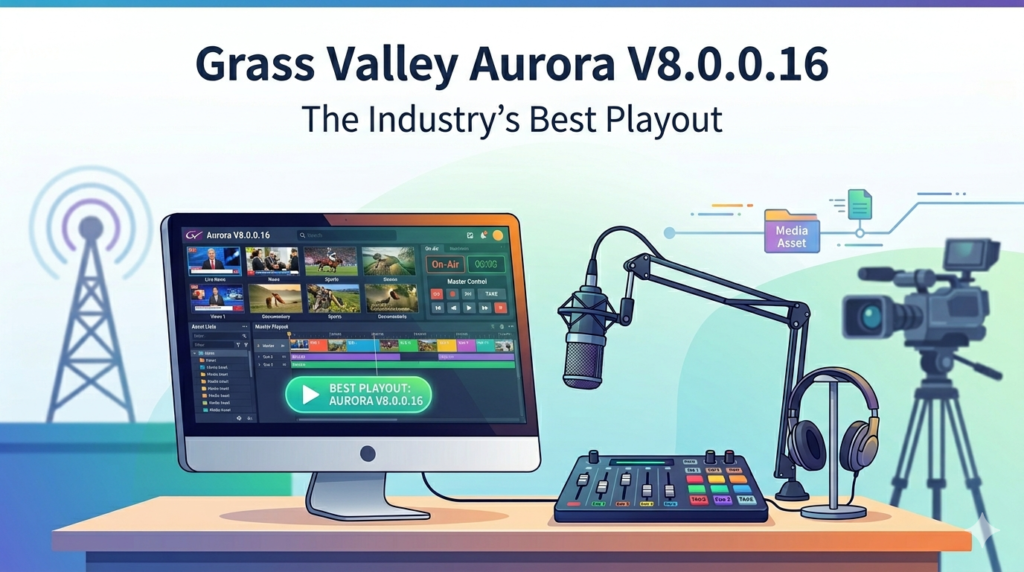
Grass Valley Aurora V8.0.0.16 is a professional playout and newsroom computer system (NRCS) designed for broadcasters requiring seamless integration with Annova OpenMedia. This version enhances MOS protocol support, enabling broadcast engineers and playback operators to manage complex playlists with high reliability.
The software provides dedicated tools for playback operators, allowing efficient clip handling and editing directly through the Aurora Playout user interface. A key operational feature is the Prevent Auto Rescue setting, which grants operators precise control over the first cued item, preventing unwanted automatic actions during live broadcasts. By integrating into the larger Grass Valley media production ecosystem, Aurora V8.0.0.16 ensures robust content production and distribution with full hardware and software management support.
Key Features of Aurora V8.0.0.16
-
MOS Protocol Integration (Version 2.6): Full compatibility with OpenMedia ensures synchronized newsroom operations. The MOS version must match the XMOS Server setting for error-free content management.
-
STRATUS ActiveX Plug-in: Allows operators to add, edit, and search assets using the Source Viewer and Inspector without occupying a playout server channel.
-
STRATUS-ELITE License Support: Required for STRATUS Core Services, enabling smooth access to the database through the SDB Server.
-
Remote Configuration Management: Administrators can remotely configure SDB and XMOS machines across different platforms, improving workflow flexibility.
-
Prevent Auto Rescue Toggle: Gives manual control over the first cued item, reducing unexpected automation in critical playout scenarios.
-
Comprehensive Release Notes: Each update includes detailed documentation to help broadcasters stay current with system enhancements.
What’s New in Version V8.0.0.16
This latest release focuses on stability and deployment efficiency. Key improvements include:
-
SiteConfig Compatibility: Full support for SiteConfig-managed deployments, replacing legacy manual upgrade paths.
-
Windows 7 Optimization: Specific guidance for disabling User Account Control (UAC) to prevent access interruptions during playout.
-
Enhanced STRATUS Control Panel Integration: Simplified account management requiring administrator login consistency across STRATUS, SDB, and XMOS machines.
-
Registry and Performance Fixes: Addressed previous registry conflicts and improved server configuration stability based on user feedback in release notes.
System Requirements
| Component | Minimum Specification |
|---|---|
| Operating System | Windows 7 (with UAC disabled for playout) or Windows 10 Pro |
| Network | Cisco Switch configured to 100BaseT for stability |
| Storage | K2 SAN, NAS (standalone), or Nearline SAN |
| Framework | Microsoft .NET Framework 4 (manual adjustments required on Windows XP) |
| License | STRATUS-ELITE license for Core Services; SDB Server access |
| Additional Software | SiteConfig control point PC for deployment |
Installation Guide (Using SiteConfig)
For a compliant and stable installation, Grass Valley recommends using SiteConfig rather than incremental upgrading.
Preparing for Deployment
-
Ensure all required
.cabfiles (Aurora Playout, PCmonitoring) are accessible on the SiteConfig control point PC. -
If a newer SiteConfig version is available, uninstall the current version via Windows Add/Remove Programs before installing the update.
-
Verify the SiteConfig system description is properly configured.
Organizing Devices into Deployment Groups
-
Aurora Edit workstations – Group with NAS, standalone, or SAN storage.
-
Aurora Playout & Ingest platforms – Structured distribution group.
-
K2 Nearline SAN – Separate group containing K2 Media Servers and related devices.
-
Support components – DSM, IEP, Conform Server, SmartBin Server.
Finalizing the Upgrade
-
Do not access media or run critical operations during the software upgrade (online updates are not supported).
-
Follow the SiteConfig Migration Instructions if previous upgrades were not SiteConfig-managed.
-
Update the system description to include all K2 SAN products before finalizing.
How to Use the Software
Basic Playlist Management
Operators manage the playlist through the Aurora Playout interface. The Prevent Auto Rescue setting should be configured before cueing the first item to define manual control behavior.
Asset Search and Editing with STRATUS
-
Launch the STRATUS ActiveX Plug-in.
-
Use the Source Viewer to browse assets without occupying a server channel.
-
Apply the Inspector tool to edit metadata and clip properties.
-
Search the SDB Server database for existing content.
Remote Configuration (Advanced)
For SDB and XMOS machines:
-
Ensure the administrator login account exists on both the control panel machine and target servers.
-
On Windows XP systems, manual .NET Framework 4 adjustments may be required.
Best Use Cases
-
Live News Production: MOS 2.6 integration with OpenMedia ensures script and playlist synchronization.
-
24/7 Playout Channels: Prevent Auto Rescue setting reduces automated errors during unattended playback.
-
Multi-Station Broadcast Facilities: SiteConfig deployment groups allow simultaneous updates across Aurora Edit, Ingest, and Playout workstations.
-
Post-Production with Final Cut Pro: Using the Grass Valley plug-in (GrassValley.bundle) for MacOS 10.4.x or 10.5.x to streamline editing workflows.
Advantages and Limitations
Advantages
-
Seamless NRCS Integration: Native MOS protocol support reduces third-party middleware costs.
-
Channel Efficiency: STRATUS ActiveX plug-in eliminates the need to dedicate a playout channel for asset browsing.
-
Scalable Deployment: SiteConfig groups support large facilities with K2 SAN and Nearline SAN configurations.
-
Regulatory Compliance: Meets FCC emission standards for commercial broadcast environments.
Limitations
-
Manual UAC Configuration: Windows 7 requires disabling UAC, which may conflict with organizational security policies.
-
Legacy OS Constraints: Windows XP systems need manual .NET Framework 4 adjustments.
-
No Online Updates: Upgrades cannot be performed while the system is actively playing out content.
-
Network Dependency: Requires Cisco switch configuration at 100BaseT to prevent dropped frames on NAS.
Alternatives to the Software
| Software | Key Difference | Best For |
|---|---|---|
| Grass Valley iTX | Integrated playout with built-in graphics | Broadcasters needing all-in-one master control |
| Sony Ci Media Services | Cloud-native, lower upfront hardware costs | Remote production teams |
| Dalet Galaxy | Stronger MAM (Media Asset Management) features | large newsrooms with extensive archives |
| Cinegy Air | Lower-cost software-only playout | Budget-conscious cable channels |
Note: Unlike Aurora V8.0.0.16, many alternatives do not offer native OpenMedia MOS 2.6 integration.
Frequently Asked Questions (FAQ)
Does Grass Valley Aurora V8.0.0.16 work with Windows 11?
Officially, the release notes focus on Windows 7 and 10. Windows 11 is not listed as a supported OS for this version.
Do I need a STRATUS-ELITE license for all installations?
Yes. The STRATUS-ELITE license is required for STRATUS Core Services and SDB Server database access.
Can I use Aurora Playout without a K2 SAN?
Yes. SiteConfig supports NAS and standalone storage, but K2 SAN is recommended for multi-channel environments.
How do I fix dropped frames during multi-layer playback?
Grass Valley recommends manually configuring your Cisco Switch ports to 100BaseT and optimizing bandwidth usage on NAS storage.
Is training available for the Prevent Auto Rescue feature?
Yes. Grass Valley provides documentation in the Aurora Playout User Manual and offers certified operator training.
Does this version support macOS for playback?
No. Aurora Playout is Windows-based. However, the Grass Valley plug-in for Final Cut Pro supports macOS 10.4.x and 10.5.x for editing workflows only.
How do I migrate from an old non-SiteConfig installation?
Follow the SiteConfig Migration Instructions provided in the release notes. Do not attempt incremental upgrades on legacy systems.
Final Thoughts
Grass Valley Aurora V8.0.0.16 remains a reliable, legally compliant choice for broadcasters using Annova OpenMedia. Its MOS 2.6 support, Prevent Auto Rescue safety feature, and STRATUS ActiveX plug-in provide tangible operational benefits.
While the system requires careful network tuning (Cisco 100BaseT) and manual UAC configuration on Windows 7, the stability offered by SiteConfig-managed deployments makes it suitable for 24/7 newsrooms. For facilities already invested in the Grass Valley ecosystem, this version delivers a balanced upgrade focused on deployment efficiency and playlist control—without relying on unauthorized or unsafe software practices.
Our Paid Service
“We do not sell or provide any software. We only offer professional support services. If any software on your system is not working properly, or you are facing installation errors, crashes, or any other technical issue — just contact us. We will help you fix the problem quickly and remotely via AnyDesk. No software will be provided from our side — only expert troubleshooting and support.”