

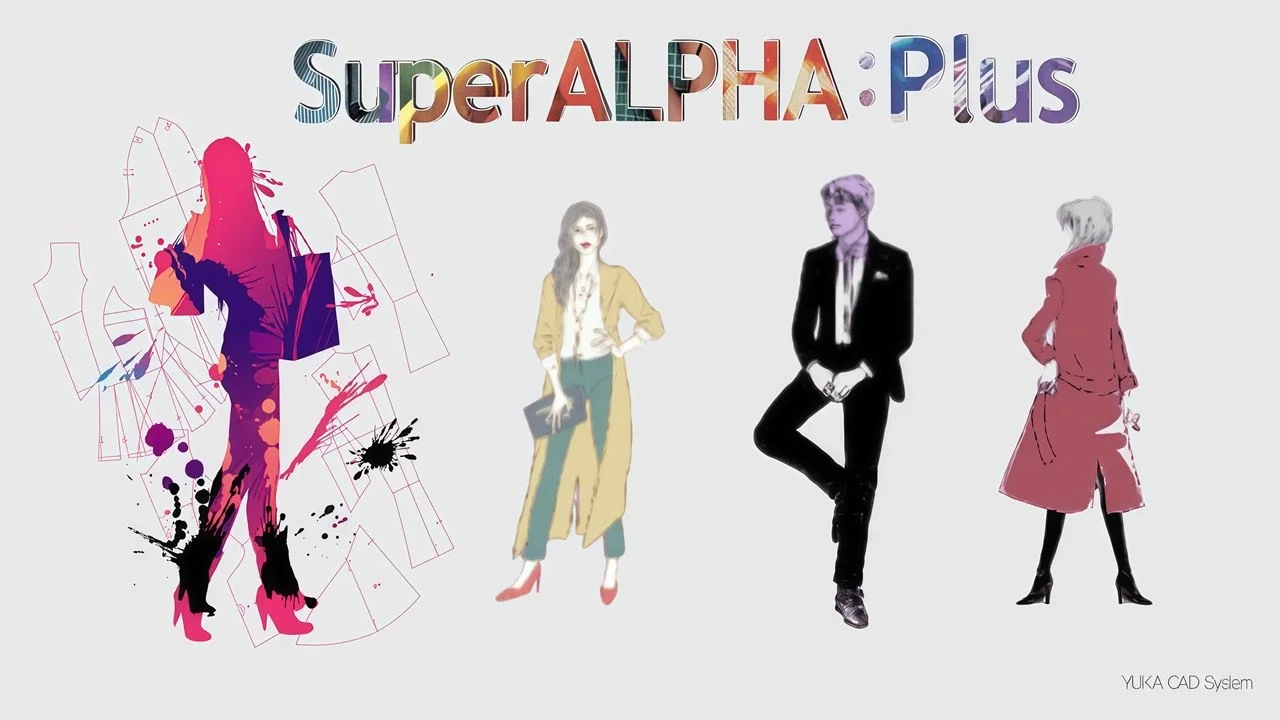
Overview of Yuka SuperAlpha Plus 2.90
Table of Contents
Yuka SuperAlpha Plus 2.90 is a comprehensive CAD system for pattern making that prioritizes what the developers call “expression of sensibility” in garment design . The software is engineered to replicate the logical workflow of a manual pattern maker, making it intuitive for professionals accustomed to traditional methods while offering the speed and precision of digital tools.
The system is structured around three core modules that cover the entire pattern production pipeline: pattern making, grading, and marker making . This integrated approach allows users to move seamlessly from initial design concept to production-ready outputs without switching between different software applications.
The software supports both x86 and x64 system architectures and offers a multi-language interface including English, Korean, Chinese, and Japanese . This multilingual support has contributed to its widespread adoption across the Asian apparel manufacturing industry and beyond.
The Yuka CAD Legacy
The SuperAlpha Plus system represents a significant evolution from the earlier Super Alpha platform. It is one of three notable parametric clothing pattern CAD software systems identified in recent academic research, alongside GRAFIS and Seamly2D . The software’s parametric design methodology—based on entities, constraints, and parameters—enables efficient pattern modification and size customization, which is critical for mass customization in the modern apparel industry .
Key Features of Yuka SuperAlpha Plus 2.90
1. Advanced Pattern-Making Capabilities
The pattern-making module of Yuka SuperAlpha Plus 2.90 is built on a foundation of three-dimensional development drawing methods combined with conventional hand expression techniques . This dual approach ensures pattern production is both accurate and creatively expressive.
Core pattern-making functions include:
-
Numerical input system for quick pattern creation using two original circles as a starting point
-
Dart fold view enabling users to check lines as they would appear when sewn, with simultaneous modification capability
-
Curve menu for storing and reusing frequently used curves
-
PAC Auto Pattern Creation for applying and reusing pattern-making know-how
-
Incision menu with multiple options for creating incision patterns
2. Comprehensive Grading System
Grading—the process of scaling patterns to different sizes—is a critical function for apparel production. Yuka SuperAlpha Plus 2.90 supports multiple grading methods to accommodate different workflow preferences :
-
Improvement method: Simple size-based grade adjustments
-
Point method: Manual-style grading through point value application
-
Section Improvement + Point Method: A hybrid approach combining both techniques
-
Disadvantages Moving method: Precision-oriented grading for tailored garments
-
XY Grading (Point Grading): Body-length and fitting-based grade adjustments
3. Marker Making and Nesting
The marker module in SuperAlpha Plus 2.90 is designed to maximize fabric utilization through efficient pattern layout. It supports manual, automatic, and semiautomatic marker creation, as well as reference marker and pattern matching functions .
A key enhancement in the 2.90 version is the ALPHANEST function, which improves the automatic layout capabilities of the marker system . This helps reduce fabric waste and production costs—a significant consideration for manufacturers. The marker program also integrates with CAM (Computer-Aided Manufacturing) systems for automated cutting .
4. Integration with 3D Fashion Design Software
One of the most valuable features of Yuka SuperAlpha Plus 2.90 is its compatibility with 3D virtual garment software like CLO 3D. The software supports DXF-AAMA and DXF-TIIP export formats, allowing pattern files to be transferred to 3D simulation platforms for virtual prototyping .
This integration capability is particularly important because it enables designers to:
-
Create 2D patterns in Yuka’s intuitive environment
-
Export patterns in industry-standard DXF format
-
Import patterns into 3D software for virtual draping and fit simulation
-
Identify and correct fit issues before physical sample production
5. Bead Embroidery and Decoration Tools
For specialized garment design—particularly wedding dresses and formal wear—the software includes bead embroidery functionality . This feature allows designers to digitally plan bead and embroidery placements, calculate material quantities, and save designs as reusable data for future projects .
What’s New in Yuka SuperAlpha Plus 2.90
Version 2.90 of Yuka SuperAlpha Plus introduces several enhancements that improve workflow efficiency and integration capabilities:
Enhanced DXF Export Options
The 2.90 version provides refined DXF export functionality with improved settings for AAMA and TIIP file formats . Users can now more precisely control which pattern elements are exported, including options to export only cutting lines or to include entire pattern areas with seam allowances.
Improved Pattern Export Verification
A notable upgrade in 2.90 is the enhanced pre-export validation system . Before exporting patterns to other software, the system checks for:
-
Complete closed shapes (ensuring all pattern pieces are properly formed)
-
No intersecting lines within pattern pieces
-
No overlapping pattern areas that could cause export errors
This validation reduces the likelihood of errors when transferring files to 3D software like CLO 3D, saving time on troubleshooting and rework .
Performance Optimizations
While specific performance metrics are not publicly detailed, version 2.90 includes optimizations for both x86 and x64 systems, ensuring stable operation across different hardware configurations .
System Requirements for Yuka SuperAlpha Plus 2.90
| Requirement | Specification |
|---|---|
| Operating System | Windows 10, Windows 11 (compatibility) |
| Architecture | x86 (32-bit) or x64 (64-bit) |
| Language Support | English, Korean, Chinese, Japanese |
| File Formats Supported | DXF (AAMA/TIIP), HPGL, BMP, JPG, EMF, WMF |
Note on Windows 11 Compatibility: Yuka & Alpha has confirmed that SuperAlpha Plus can be used on Windows 11, though official support will follow the Windows 10 extended support timeline. The company recommends migration to their newer “Alpha myu” system for continued long-term support .
Installation Guide for Yuka SuperAlpha Plus 2.90
While specific installation instructions vary based on distribution, the general process follows standard Windows software installation procedures:
Pre-installation Checklist
-
Verify system compatibility – Ensure your Windows system matches the required architecture (x86 or x64)
-
Disable antivirus software temporarily – Some security software may interfere with installation
-
Close other applications – To prevent conflicts during installation
-
Ensure sufficient disk space – The software requires approximately 2-5 GB for full installation
Installation Steps
-
Insert the installation media or run the downloaded installer
-
Follow the on-screen prompts to begin installation
-
Select your preferred language from the available options (English, Korean, Chinese, Japanese)
-
Choose the installation directory or accept the default path
-
Wait for the installation to complete
-
Restart your computer if prompted
Post-installation Configuration
After installation, users should configure key settings for optimal workflow:
-
Backup settings: Enable automatic backup to prevent data loss when overwriting pattern files
-
Display settings: Calibrate “actual size” display for accurate on-screen measurements
-
File path preferences: Set up folder bookmarks for quick access to frequently used directories
How to Use Yuka SuperAlpha Plus 2.90
Getting Started with Pattern Making
The Yuka SuperAlpha Plus 2.90 interface is designed to follow the logical workflow of traditional pattern making. Here’s a basic overview of how to use the software:
1. System Navigation
The interface consists of several key areas :
-
Main menu bar for accessing all functions
-
Toolbars with PLUS Pattern icons for frequently used operations
-
Drawing area for pattern creation
-
Status bar displaying current coordinates and prompts
2. Creating a New Pattern
-
Open the File menu and select “New File”
-
Use the pattern-making menu to input numerical values for two original circles as a starting point
-
Build patterns by connecting elements and checking angles at each step
-
Apply the dart fold view menu to preview how lines will appear in actual garments
3. Saving and Managing Pattern Data
The software offers robust file management capabilities :
-
Save patterns using the File → Save menu option
-
Use the backup feature to maintain previous versions of your patterns
-
Organize patterns using the favorite folder (device distinction) feature
Working with Grading
To perform basic grading operations:
-
Open the pattern you wish to grade
-
Select the appropriate grading method (Improvement, Point, XY, etc.)
-
Apply grade values to create size variations
-
Verify grade accuracy using the measurement table
-
Make adjustments as needed
Exporting Patterns for 3D Integration
One of the most valuable workflows in Yuka SuperAlpha Plus 2.90 is exporting patterns for use in 3D fashion design software :
To export as DXF-AAMA:
-
Ensure all pattern pieces are completely closed and non-intersecting
-
Go to File → EXPORT → TIIP/AAMA Settings (exps)
-
Configure the export settings :
-
Set File Type to AAMA
-
Select “Margins (Cutting Lines) only” or entire area based on needs
-
Set CAD Type to “Etc.”
-
-
Designate the export path and file name
-
Execute the export
-
Verify the export results—check that all patterns show “OK” status, and address any “NG” warnings
Best Use Cases for Yuka SuperAlpha Plus 2.90
1. Professional Fashion Design Studios
Fashion designers use Yuka SuperAlpha Plus 2.90 to create patterns that can be directly integrated with 3D virtual garment software. Academic research has demonstrated this workflow using the software to compare virtual and real garment fit . The software’s ability to produce accurate patterns that translate effectively to 3D environments makes it valuable for designers who want to validate designs before sample production.
2. Mass Customization Manufacturing
The software’s parametric design methodology supports efficient size customization, making it ideal for manufacturers who need to produce garments in multiple sizes . The grading system allows pattern makers to quickly scale patterns up or down, while the marker system optimizes fabric layout for each size run.
3. Educational and Training Institutions
Yuka SuperAlpha Plus 2.90 is commonly used in fashion design education, with dedicated tutorials and training materials available . The software’s logic mirrors manual pattern-making processes, making it an effective teaching tool that builds on students’ existing knowledge.
4. Wedding Dress and Formal Wear Design
The bead embroidery and decoration tools in Yuka SuperAlpha Plus 2.90 are particularly useful for wedding dress designers and formal wear specialists. These features allow designers to plan and cost intricate decorative work with precision, reducing the risk of errors in production .
Advantages and Limitations of Yuka SuperAlpha Plus 2.90
Advantages
| Benefit | Description |
|---|---|
| Intuitive Workflow | Pattern-making logic mirrors manual techniques, reducing the learning curve for experienced pattern makers |
| Comprehensive Features | All-in-one solution covering pattern making, grading, and marker making |
| 3D Integration Ready | Robust DXF export capabilities compatible with CLO 3D and other 3D fashion design software |
| Multi-language Support | Supports English, Korean, Chinese, and Japanese interfaces |
| Advanced Grading Options | Multiple grading methods to accommodate different workflow preferences |
| Production Efficiency | ALPHANEST automatic layout function reduces fabric waste and marker preparation time |
| Industry Recognition | Cited in academic research as a leading parametric CAD system alongside GRAFIS and Seamly2D |
Limitations
| Limitation | Description |
|---|---|
| Limited Future Support | Official support ends with Windows 10 extended support termination; migration to Alpha myu recommended |
| Windows-Only | Software is designed exclusively for Windows operating systems |
| Learning Curve | While intuitive for pattern makers, beginners may still require formal training |
| Niche Focus | Specifically designed for apparel pattern making; limited applicability outside the fashion industry |
| Cost Considerations | As a professional CAD system, the software requires a significant investment |
Alternatives to Yuka SuperAlpha Plus 2.90
SuperALPHA Plus Competitors
The apparel CAD market offers several alternatives to Yuka SuperAlpha Plus, each with different strengths:
| Software | Key Strengths | Primary Use Case |
|---|---|---|
| Alpha myu | Successor to SuperAlpha Plus from Yuka & Alpha; receives active development and support; direct integration with CLO 3D without export steps | Users seeking continued support and modern features from the same developer |
| GRAFIS | Feature-rich parametric CAD system; one of three main P-CAD systems identified in academic research | Professional pattern makers requiring comprehensive features |
| Seamly2D | Open-source option; parametric design focus; free to use | Students, independent designers, and those with budget constraints |
| CLO 3D | Primarily a 3D virtual garment simulation platform; includes pattern-making features | Designers focusing on 3D visualization and virtual sampling |
SuperAlpha Plus vs. Alpha myu
For current SuperAlpha Plus users, the most relevant alternative is Alpha myu, the newer system developed by Yuka & Alpha . Key differences include:
-
Active support: Alpha myu receives ongoing development and will continue to be supported after Windows 10 support ends
-
Direct 3D integration: Alpha myu can transfer patterns directly to CLO 3D without the DXF export/import process
-
Modern interface: Alpha myu features updated user interface and workflows
-
Cost: Migration to Alpha myu requires upgrading license agreements
Frequently Asked Questions
1. Is Yuka SuperAlpha Plus 2.90 compatible with Windows 11?
Yes, Yuka SuperAlpha Plus 2.90 can be used on Windows 11 systems . However, users should be aware that the manufacturer, Yuka & Alpha, has indicated that official support for SuperAlpha Plus will end in line with Windows 10 support . For long-term support, they recommend migrating to the Alpha myu system.
2. Can I use Yuka SuperAlpha Plus 2.90 with CLO 3D?
Yes, Yuka SuperAlpha Plus 2.90 is compatible with CLO 3D. You can export patterns from Yuka as DXF-AAMA or DXF-TIIP files and import them into CLO 3D for 3D virtual garment simulation . Before exporting, ensure all pattern pieces are fully closed shapes and free of intersections to avoid import errors.
3. What languages does Yuka SuperAlpha Plus 2.90 support?
Yuka SuperAlpha Plus 2.90 offers multi-language support with interfaces available in English, Korean, Chinese, and Japanese .
4. What file formats can Yuka SuperAlpha Plus 2.90 export?
The software exports patterns in DXF (AAMA and TIIP) formats, as well as HPGL for plotting, and image formats including BMP, JPG, EMF, and WMF .
5. What are the system requirements for Yuka SuperAlpha Plus 2.90?
The software requires Windows 10 or Windows 11 operating system, supports both x86 (32-bit) and x64 (64-bit) architectures, and has multi-language support .
6. How do I enable the backup feature in Yuka SuperAlpha Plus 2.90?
To enable the backup feature: navigate to File → Environment, click the Backup button at the bottom left, uncheck “Do not backup,” then set the save destination and number of generations to retain. This allows you to revert to previous saved versions if you accidentally overwrite a pattern file .
Final Thoughts
Yuka SuperAlpha Plus 2.90 represents a mature and capable apparel CAD system that bridges traditional pattern-making skills with modern digital production workflows. Its integration capabilities with 3D fashion design software like CLO 3D make it particularly valuable in contemporary fashion design environments where virtual prototyping has become increasingly important.
However, the software is entering a transitional phase. With the impending end of Windows 10 support, Yuka & Alpha has signaled that SuperAlpha Plus will eventually reach the end of its official support lifecycle . Current users should evaluate whether to continue with SuperAlpha Plus, migrate to Alpha myu (the manufacturer’s newer system), or explore alternatives such as GRAFIS or Seamly2D.
For professionals in the apparel industry—whether in design studios, manufacturing facilities, or educational institutions—Yuka SuperAlpha Plus 2.90 remains a solid choice, particularly if the primary workflow involves pattern creation and export to 3D simulation platforms . Its combination of intuitive pattern-making logic, comprehensive grading capabilities, and production-oriented marker making functions provides a complete solution for apparel pattern development.
Our Paid Service
“We do not sell or provide any software. We only offer professional support services. If any software on your system is not working properly, or you are facing installation errors, crashes, or any other technical issue — just contact us. We will help you fix the problem quickly and remotely via AnyDesk. No software will be provided from our side — only expert troubleshooting and support.”