
Overview of the Software
Table of Contents
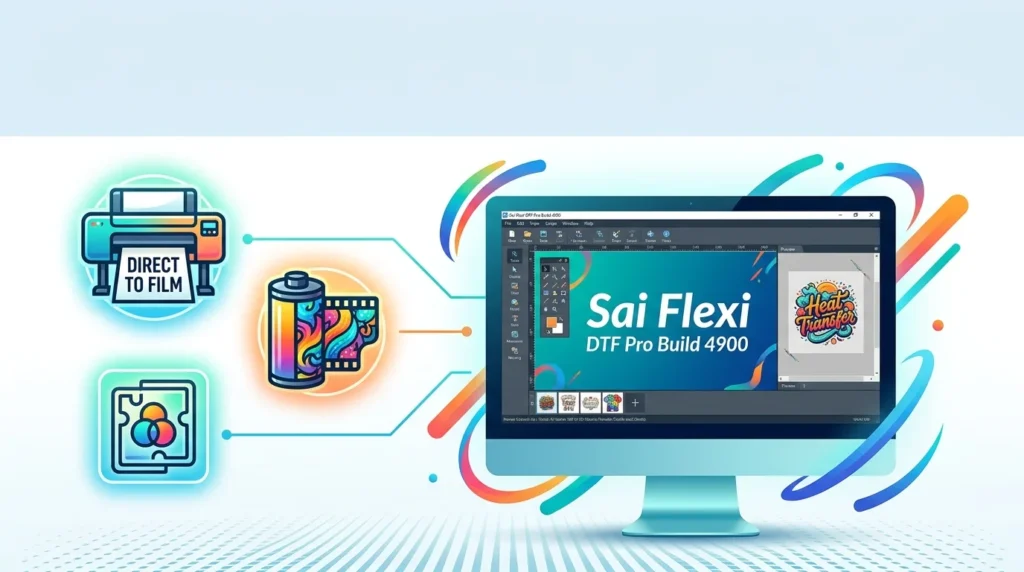
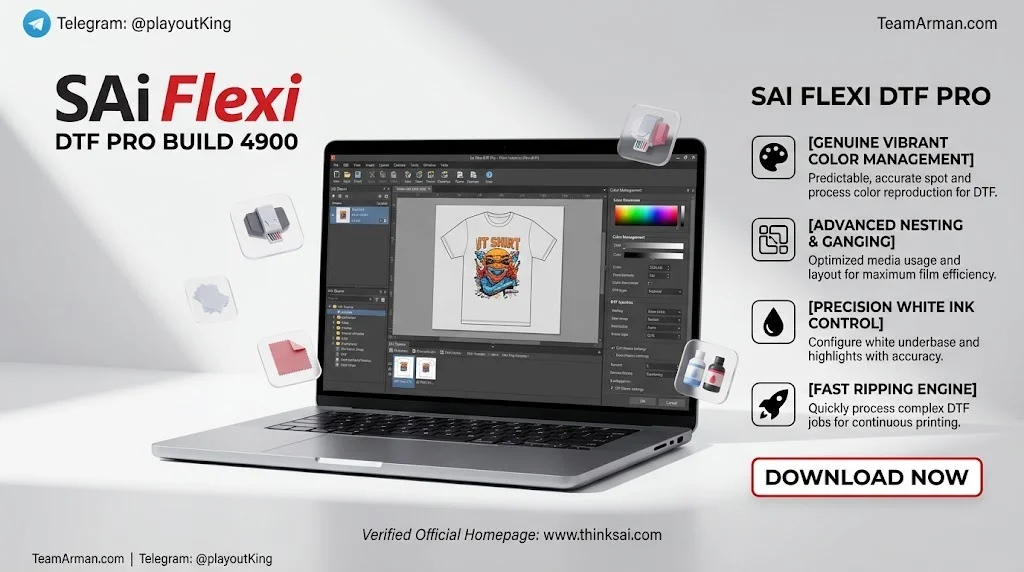
Sai Flexi DTF Pro Build 4900 is a purpose-built DTF RIP software solution developed by SAi (Scanvec Amiable) for professional Direct-to-Film and Direct-to-Garment production. Unlike generic RIP tools retrofitted for DTF workflows, Flexi DTF Pro combines design, print preparation, and output control into a single streamlined interface that saves both time and ink. This specialized software is designed for garment decorators, DTF transfer shops, and apparel production teams who need precise white ink management, clean halftones, and efficient gang sheet production.
SAi has been a trusted name in the sign-making and wide-format printing industry for decades, and Flexi DTF Pro represents their focused entry into the rapidly growing DTF printing segment. Build 4900 is a specific iteration within the Flexi DTF Pro product line, incorporating the latest updates and refinements based on user feedback.
Key Features
Flexi DTF Pro Build 4900 offers a comprehensive suite of tools designed specifically for DTF and DTG workflows. The software’s core strengths lie in its intelligent automation and precise control over critical printing variables.
Smart Color Knockout Technology
The Smart Color Knockout feature automatically removes overlapping color data to maintain sharp, accurate edges and consistent colors across every layer. This automated function delivers professional results without requiring manual editing, significantly reducing preparation time for complex designs.
Advanced White Ink Control
The software provides complete control over the white underbase layer. Users can visualize and adjust white ink density, choke, and bleed settings directly within the RIP environment. The White Density Slider offers improved control with real-time preview, ensuring perfect coverage and clean edges on every transfer.
Professional Halftone Creation
Flexi DTF Pro’s advanced halftoning engine simulates soft fades and shadows without requiring extra steps or plugins. This eliminates harsh edges and white haze that plague inferior DTF outputs, enabling seamless gradients and ink savings with one-click operation.
Dedicated DTF Toolbar
A specialized toolbar consolidates all DTF-specific tools in one convenient location, including:
-
Rasterize Button: Quickly convert vector elements to raster format
-
White Underbase Options: Apply underbase with customizable parameters
-
Garment Color Preview: Preview artwork on different garment colors
-
Make Transparent Tool: Quick selection of areas requiring transparency
Gang Sheet and Nesting Tools
Built-in gang sheet builders and nesting options help maximize film usage and improve production efficiency. These tools are essential for shops that need to optimize material costs while maintaining high throughput.
What’s New in Build 4900
Build 4900 represents an incremental refinement of the Flexi DTF Pro platform. While SAi’s release notes for this specific build are distributed through their help center, the Flexi DTF Pro product line has seen continuous improvements including enhanced halftone and garment color removal capabilities, improved white density controls, and the introduction of the new DTF toolbar.
Recent updates across the Flexi platform have also introduced features like white offset X and Y adjustments within the DTF/Transparency tab, which are saved per printer to compensate for white head alignment variations. Users with active subscriptions receive automatic updates, ensuring they always have access to the latest features and bug fixes.
System Requirements
Flexi DTF Pro Build 4900 has specific hardware requirements to ensure optimal performance. The software is available for both Windows and Mac platforms.
Windows Requirements
| Component | Minimum | Recommended |
|---|---|---|
| Operating System | Windows 10 64-bit | Windows 11 (X64) |
| RAM | 16 GB | 32 GB |
| CPU | 3 GHz Intel i5 equivalent | 3 GHz Intel i7 equivalent |
| Screen Resolution | 1920 x 1080, 24-bit color | 1920 x 1080, 24-bit color |
| Working Disk Space | 256 GB SSD | 500 GB HDD |
Mac Requirements
| Component | Specification |
|---|---|
| Operating System | macOS Catalina 10.15 or later |
| RAM | 16 GB |
| CPU | 3 GHz Intel i5 or i7 equivalent |
| Screen Resolution | 1920 x 1080, 24-bit color |
| Working Disk Space | 512 GB working disk space |
A dedicated graphics card and SSD storage are strongly recommended for production environments where large gang sheets and high-resolution artwork are common.
Installation Guide
Installing Flexi DTF Pro Build 4900 follows a standard software installation process with specific steps for license activation.
Step-by-Step Installation
-
Verify System Compatibility: Confirm your computer meets the minimum requirements listed above before beginning.
-
Download the Installer: Obtain the official installer from the SAi website or your authorized reseller. Avoid third-party download sources.
-
Run the Installer: Launch the executable file and follow the on-screen prompts. Administrator privileges may be required.
-
Activate Your License: Enter your license key when prompted. Flexi DTF Pro is available in 1-Year, 2-Year, 3-Year, and 5-Year timed license options. Note that timed licenses do not automatically renew.
-
Configure Your Printer: After installation, set up your DTF or DTG printer within the software. Flexi DTF Pro supports a wide range of DTF and DTG printers with white ink channels.
-
Install ICC Profiles: Load the appropriate ICC color profiles for your printer and ink combination to ensure accurate color reproduction.
-
Test Print: Create a small test design to verify white ink density, halftone settings, and color output before beginning production runs.
SAi provides comprehensive onboarding resources, including step-by-step guides, video tutorials, and access to their global support team through live chat, phone, and email.
How to Use the Software
Flexi DTF Pro Build 4900 organizes the DTF workflow into three logical phases: Create, Prepare, and Produce.
Phase 1: Create or Import Artwork
Use the built-in design tools to create artwork from scratch, or import existing files in common formats. The DTF toolbar provides quick access to essential functions like rasterizing and transparency cleanup. DesignCentral allows users to manipulate file transparency, sizes, and object properties with precision.
Phase 2: Prepare the Print Job
This phase involves critical DTF-specific adjustments:
-
Set Halftones: Configure halftone frequency, angle, and tone to achieve smooth gradients and natural fades.
-
Configure White Underbase: Use the White Density Slider to fine-tune ink coverage. Adjust choke and bleed settings to prevent white edges from showing around the design perimeter.
-
Apply Color Knockout: Let the Smart Color Knockout tool automatically remove overlapping color data for cleaner edges.
-
Preview on Garment Colors: Use the Garment Color Preview to simulate how the design will appear on different colored garments before printing.
Phase 3: Produce and Output
Build gang sheets by nesting multiple designs to maximize film usage. Configure output queues and send the job to your printer. The 64-bit RIP engine processes jobs quickly and reliably, ensuring consistent output across production runs.
For optimal results, perform a soft proof before final output. This preview shows exactly how white layers, halftones, transparency, and color knockouts will appear on the finished transfer.
Best Use Cases
Flexi DTF Pro Build 4900 is designed for a range of production environments:
-
Direct-to-Film Transfer Production: The primary use case, where transfers are printed on film and later applied to garments using a heat press.
-
Direct-to-Garment Printing: The software’s white ink controls and halftone tools are equally applicable to DTG workflows.
-
Apparel Decoration Businesses: Shops producing custom t-shirts, uniforms, and promotional apparel benefit from efficient gang sheet production.
-
Promotional Goods and Décor: The software supports printing on various substrates for promotional products and decorative applications.
-
Traffic Signage and Specialty Graphics: Flexi’s sign-making heritage means the software handles specialty print applications with ease.
-
Print Providers with Mixed Workflows: Shops that handle both DTF and traditional sign-making benefit from Flexi’s integrated design and cutting capabilities.
Advantages and Limitations
Advantages
-
Purpose-Built for DTF: Unlike generic RIP software, every feature is designed with DTF and DTG production in mind.
-
Time and Ink Savings: Automated knockout, halftone generation, and white ink management reduce manual preparation time and material waste.
-
Integrated Design Tools: No need to switch between multiple applications for artwork creation and RIP processing.
-
Print and Cut Workflow: Full integration of printing and cutting workflows, a unique advantage for shops that also produce vinyl graphics.
-
World-Class Support: SAi offers 24/7 support through multiple channels, including live chat, phone, email, and remote access.
-
Flexible Licensing: Timed licenses are available in 1, 2, 3, and 5-year terms, providing a non-recurring license path.
Limitations
-
Learning Curve: While designed for ease of use, the software’s comprehensive feature set may require time to master, especially for users new to RIP software.
-
Subscription Model: The monthly subscription model (approximately €84.99 per month or $899.99 per year) may not suit all budgets, though timed licenses offer an alternative.
-
Hardware Requirements: The 16 GB RAM minimum and SSD recommendation mean older computers may need upgrades.
-
Windows and Mac Only: Linux users are not supported, unlike some alternatives like Caldera Direct-to-Film which runs on Linux as well.
Alternatives to the Software
Several DTF RIP software options compete with Flexi DTF Pro. The right choice depends on your specific workflow needs, budget, and whether you require sign-making integration.
| Software | Best For | Key Strength |
|---|---|---|
| SAi Flexi DTF Pro | Shops needing DTF + cutting/sign-making | Integrated design, RIP, and cutting workflow |
| AcroRIP | New and small shops | Easiest starting point, budget-friendly |
| CADlink Digital Factory | Growing production shops | Strong color control and workflow tools |
| neoStampa | Large-scale textile production | Built specifically for textile/DTF color accuracy at scale |
| Caldera Direct-to-Film | Multi-platform environments | Runs on macOS, Windows, and Linux; extensive printer support |
| Wasatch SoftRIP | Automation-focused shops | Hot folders and production automation |
For shops that already use Flexi for sign-making or vehicle wraps, Flexi DTF Pro provides a seamless extension of an existing workflow. For pure DTF shops without cutting needs, AcroRIP or CADlink Digital Factory may offer a more focused and cost-effective solution.
Frequently Asked Questions
What is Sai Flexi DTF Pro Build 4900 used for?
Sai Flexi DTF Pro Build 4900 is professional DTF RIP software used for Direct-to-Film and Direct-to-Garment printing. It handles design, print preparation, white ink management, halftone creation, and gang sheet production in a single integrated workflow.
Does Flexi DTF Pro work on Mac computers?
Yes. Flexi DTF Pro supports both Windows 10/11 and macOS Catalina 10.15 or later. The Mac version requires 16 GB RAM and 512 GB of working disk space.
How much does Flexi DTF Pro cost?
Flexi DTF Pro is available on a subscription basis at approximately €84.99 per month or $899.99 per year, with pricing varying by region. Timed licenses are also available in 1-Year, 2-Year, 3-Year, and 5-Year options.
Can Flexi DTF Pro handle both DTF and DTG printing?
Yes. The software is explicitly designed for both Direct-to-Film and Direct-to-Garment workflows. Its white ink controls, halftone tools, and color knockout features are applicable to both production methods.
What file formats can I import into Flexi DTF Pro?
Flexi DTF Pro supports common graphic file formats including PNG, PSD, PDF, AI, TIFF, and JPEG, along with native Flexi design files.
Does Flexi DTF Pro include design tools, or do I need separate design software?
Flexi DTF Pro includes built-in design tools, eliminating the need for separate applications. You can create artwork from scratch or import existing files and edit them within the same software environment.
Is there a free trial available?
Yes. SAi offers a 7-day free trial of Flexi DTF Pro, allowing you to test the software’s features and compatibility with your printer before purchasing.
Can I use Flexi DTF Pro for cutting vinyl as well as DTF printing?
Yes. Flexi DTF Pro includes fully integrated print and cut workflow support, making it suitable for shops that produce both DTF transfers and vinyl graphics.
Final Thoughts
Sai Flexi DTF Pro Build 4900 represents a mature, purpose-built solution for DTF and DTG production workflows. Its combination of intelligent automation, precise white ink control, and integrated design tools addresses the specific pain points that generic RIP software leaves unaddressed. The software’s print-and-cut integration makes it a compelling choice for shops that handle multiple production types, while the 7-day trial and flexible licensing options lower the barrier to entry.
For garment decorators, DTF transfer producers, and print shops looking to streamline their workflow while improving output quality, Flexi DTF Pro Build 4900 is a strong contender in the growing DTF software market. The investment is justified for production environments where time savings, ink efficiency, and consistent print quality directly impact profitability.
Our Paid Service
“We do not sell or provide any software. We only offer professional support services. If any software on your system is not working properly, or you are facing installation errors, crashes, or any other technical issue — just contact us. We will help you fix the problem quickly and remotely via AnyDesk. No software will be provided from our side — only expert troubleshooting and support.”