
Overview of the Software
Table of Contents
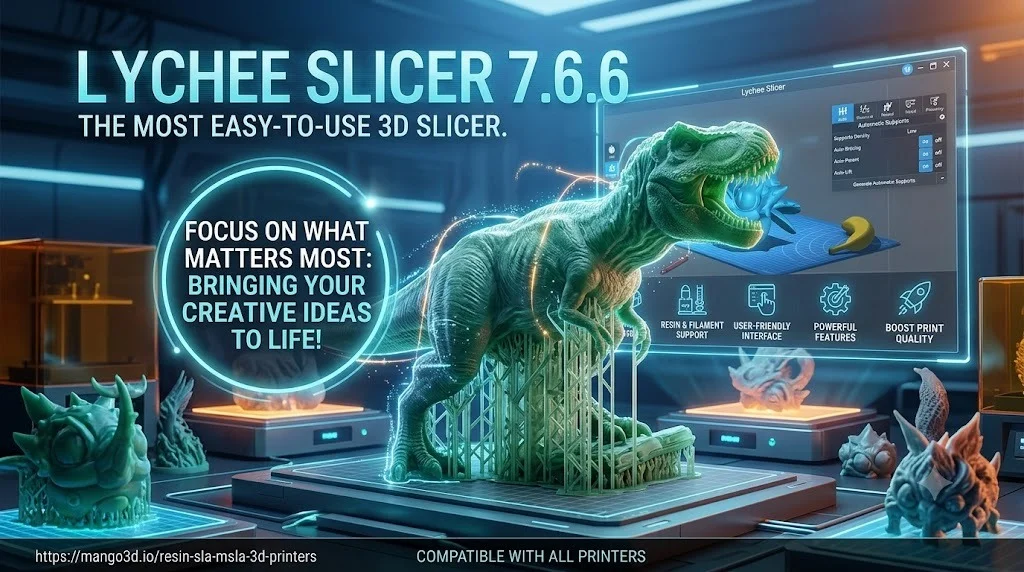
Lychee Slicer is a comprehensive 3D printing tool that transforms 3D models into printable files for resin and filament printers. It combines a user-friendly interface with powerful tools for model preparation, making it suitable for both beginners and professionals.
The software is developed by Mango3D and is available for Windows, macOS, and Linux. While it supports FDM printing, its real strength lies in resin printing workflows. Lychee uses intelligent support generation to place supports more precisely than traditional algorithms, reducing print failures and support marks on the model.
The software caters to hobbyists and professionals in fields like product design, prototyping, jewelry design, and figurine creation. With regular updates and GPU optimization, Lychee Slicer ensures access to the latest slicing technologies and smooth operations.
Key Features
Lychee Slicer comes packed with features designed to streamline the 3D printing workflow:
-
Smart Automatic Support Generation: Uses AI-assisted algorithms to analyze model geometry and place supports precisely where needed, reducing over-support and keeping delicate surfaces clean. This is the standout feature that differentiates Lychee from other slicers.
-
User-Friendly Interface: Combines simplicity with powerful tools for intuitive model preparation. The minimalistic design makes it accessible for beginners while offering advanced controls for professionals.
-
Advanced Support Tools: Includes features like Support Painting and Projection for optimal print stability.
-
Multi-Printer Compatibility: Works seamlessly with various printer types including Elegoo, Anycubic, Phrozen, Bambu Lab, Prusa, Creality, and many more.
-
High-Resolution Slicing: Delivers detailed prints suitable for both hobbyists and professionals.
-
Scene Organization Tools: Arrange multiple models efficiently with smart plate filling, rotations, and collision avoidance.
-
Advanced Hollowing: Hollow complex shapes with multiple drain holes, and preview the internal cavity to verify wall thickness before printing.
-
GPU Optimization: Enhances performance for smoother operations.
-
Cloud Slicing and Repair (Pro): Offload slicing computation to the cloud for large scenes, and access advanced mesh repair tools.
What’s New in Lychee Slicer 7.6.6
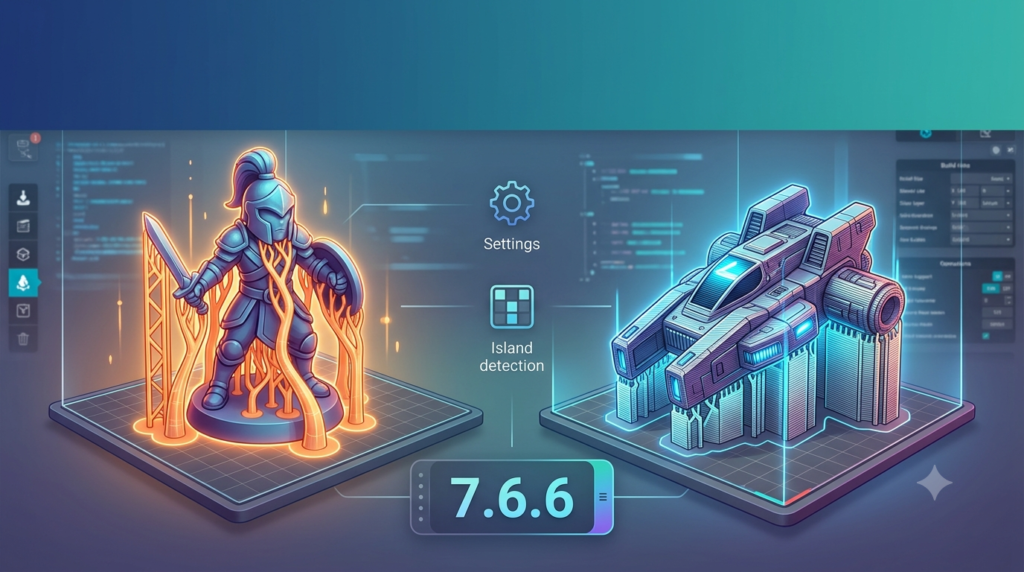
Version 7.6.6 is a minor but significant update that focuses on making your projects more resilient to corruption and fixing several file-loading issues.
Automatic Recovery of Corrupted Files
If a .lys or .lyt file becomes corrupted, Lychee Slicer now recovers it automatically from your most recent valid auto-save. When automatic recovery isn’t possible, a dedicated window lets you browse every available backup and pick one to restore yourself, ensuring you stay in control even in the worst cases.
File Integrity Check on Save
Lychee Slicer now verifies that your file was written correctly every time you save. If something goes wrong, you’re warned immediately and prompted to try again—preventing corrupted files before they happen.
Bug Fixes
-
File Opening & Loading Issues: Fixed several cases where files would fail to open or stay stuck on the loading screen, including specific models that wouldn’t load. Opening projects is now more reliable.
-
Incorrect Screen Size—Phrozen Sonic Mighty Revo 16K: Corrected the screen dimensions for this printer, so slices map accurately to the printer’s display.
System Requirements
To run Lychee Slicer efficiently, your computer should meet the following minimum and recommended specifications:
Minimum Requirements
-
Operating System: Windows 10 64-bit, macOS 10.13+, or Linux Debian/AppImage
-
RAM: 8 GB minimum, 16 GB recommended
-
Screen Resolution: 1200 x 800, 4K recommended
-
Graphics: WebGL2 support required
Note: The quality of your experience will depend on your computer’s ability to display the scene, model, and all features. Lower computer performance will lead to longer computing and rendering processes.
Installation Guide
Downloading the Software
-
Visit the official Lychee Slicer website
-
Choose the version compatible with your system:
-
Windows →
.exefile -
Mac →
.dmgfile -
Linux →
.AppImageor.tar.gzfile
-
Installation Steps
-
Launch the Installer: Open the downloaded file and follow the setup wizard instructions
-
Authorize Installation (if necessary):
-
Windows: If a security message appears, click “Run Anyway”
-
Mac: If installation is blocked, go to System Preferences > Security and allow the application
-
-
Start Lychee After Installation: Open Lychee Slicer and accept the terms and conditions
Setup Wizard
-
Connect to Lychee Account: Sign in with your email and password, or create a new account if you don’t have one. You can also change the language at this stage
-
Choose Printer Type: Select “Resin 3D Printer” for SLA/MSLA printing
-
Select Your Printer: Choose the brand and model from the available list. Lychee Slicer comes with pre-configured profiles for most popular printers
How to Use the Software
Basic Workflow
-
Import Your Model: Load an STL, OBJ, or AMF file into the workspace
-
Orient and Position: Use the intuitive interface to rotate and position your model for optimal printing. Smart plate filling and collision avoidance tools help arrange multiple models efficiently
-
Add Supports: Use Lychee’s AI-assisted auto-support generation, or manually place supports using Support Painting and Projection tools. The intelligent algorithm analyzes model geometry to place supports precisely where needed
-
Hollow the Model (if needed): For larger prints, use the advanced hollowing feature with multiple drain holes. Preview the internal cavity to verify wall thickness before printing
-
Slice the Model: The software converts your 3D model into layers, defining exposure parameters and generating instructions for your printer. The free version includes a brief ad pause before slicing begins
-
Export and Print: Save the sliced file and transfer it to your 3D printer
Tips for Beginners
-
Start with the default profiles for your printer model—they’re optimized for good results
-
Use the auto-support feature initially, then learn manual support placement for better control
-
Watch Lychee’s official video tutorials to master advanced features
-
Join the community forums for tips and troubleshooting
Best Use Cases
Resin 3D Printing
Lychee Slicer excels at preparing models for resin printers. Its intelligent support system, hollowing tools, and precise slicing make it ideal for detailed prints like figurines, jewelry, dental models, and miniatures.
Professional Prototyping
Product designers and engineers benefit from Lychee’s advanced scene organization and precise control over print parameters. The software’s compatibility with a wide range of printers makes it versatile for different workshop setups.
Hobbyist and Maker Projects
Beginners and hobbyists appreciate Lychee’s clean interface and quick setup. The software’s tutorials and community support help new users achieve successful prints without overwhelming complexity.
Advantages and Limitations
Advantages
-
Intuitive Interface: Minimalistic and easy to understand, ideal for users without prior experience
-
Smart Support Generation: AI-assisted algorithms create more reliable supports with fewer print failures
-
Wide Compatibility: Works with most SLA/MSLA/DLP 3D printers from brands like Elegoo, Anycubic, Phrozen, and more
-
Regular Updates: Frequent updates with new features, improvements, and printer profiles
-
Cross-Platform: Available for Windows, macOS, and Linux
-
Excellent Print Quality: Delivers high-resolution slicing and fast print times
Limitations
-
Subscription Model: While a free version is available with numerous features, some advanced features require a paid subscription. Some users find this less ideal compared to fully free alternatives
-
Advanced Feature Learning Curve: Although the basic interface is user-friendly, mastering advanced features requires time and practice
-
Free Version Ads: The free version includes a brief ad pause before slicing starts, which some users find disruptive
-
Limited Advanced Customization: Compared to some competitors, options for advanced customization can feel limited
-
Performance Issues: Some users report occasional slow processing times and software crashes when handling large or complex files
Alternatives to the Software
Orca Slicer
A free, open-source G-code generator for 3D printers that works with Bambu, Prusa, Voron, Creality, and other popular printers. A strong choice for users who prioritize open-source software.
Cura
An open-source slicer from Ultimaker that’s highly customizable and compatible with most FDM printers. Great for beginners and advanced users alike.
Chitubox
Another leading slicer for resin-based printers, offering more comprehensive features and customization options. Users often compare Chitubox and Lychee Slicer for resin printing workflows. However, Chitubox requires higher system specifications (32 GB RAM recommended) compared to Lychee’s 16 GB.
PrusaSlicer
An open-source, feature-rich tool compatible with various printers, including resin models. Frequently updated and known for its robust feature set.
Bambu Studio
An open-source slicing software with project-based workflows, optimized slicing algorithms, and an easy-to-use graphical interface. Suitable for users with Bambu Lab printers.
Frequently Asked Questions
Is Lychee Slicer free to use?
Yes, Lychee Slicer offers a free version with numerous features, including auto-support generation, basic slicing, and compatibility with most printers. However, some advanced features like cloud slicing and advanced mesh repair are locked behind a paid subscription.
Is Lychee Slicer better than Chitubox?
Lychee Slicer is often preferred for its smarter automatic support generation and more intuitive interface. Chitubox offers more comprehensive features and customization but requires more system resources (32 GB RAM recommended) and has a steeper learning curve. The choice between the two often comes down to personal preference and specific needs.
Can I use Lychee Slicer with any 3D printer?
Lychee Slicer is compatible with a wide range of resin printers (SLA, MSLA, DLP) and supports many popular brands including Elegoo, Anycubic, Phrozen, Bambu Lab, Prusa, and Creality. It also offers some support for FDM printers, though its primary strength is in resin printing.
What file formats does Lychee Slicer support?
Lychee Slicer supports STL, OBJ, and AMF file formats for importing 3D models. It saves projects in .lys (scene) and .lyt (printer settings) formats, and exports sliced files compatible with your specific 3D printer.
Does Lychee Slicer work on Linux?
Yes, Lychee Slicer is available for Linux through AppImage and tar.gz packages. Many users run it successfully on Ubuntu and other Linux distributions.
How do I recover a corrupted Lychee Slicer file?
In version 7.6.6 and later, Lychee Slicer automatically attempts to recover corrupted .lys or .lyt files from your most recent valid auto-save. If automatic recovery isn’t possible, a dedicated window lets you browse available backups and restore one manually.
What causes Lychee Slicer to run slowly?
Slow performance can result from insufficient system resources, particularly GPU capacity and RAM. Older computers or those with lower specifications may experience lag and freezing. The recommended configuration includes 16 GB RAM and WebGL2 graphics support for optimal performance.
What are the best alternatives to Lychee Slicer for resin printing?
The top alternatives for resin printing include Chitubox (comprehensive features), Orca Slicer (open-source), and Photon Workshop (optimized for Anycubic printers). For FDM printing, popular options include Cura, PrusaSlicer, and Bambu Studio.
Final Thoughts
Lychee Slicer 7.6.6 represents a robust and reliable choice for resin 3D printing, combining an intuitive interface with powerful features like AI-assisted support generation and advanced hollowing tools. The latest update’s focus on file integrity and recovery demonstrates Mango3D’s commitment to stability and user experience.
Whether you’re a beginner just starting with resin printing or a professional looking for efficient, high-quality slicing, Lychee Slicer offers a compelling balance of accessibility and power. Its regular updates ensure you stay current with the latest 3D printing technologies and printer profiles.
While the subscription model for advanced features may not suit everyone, the free version provides substantial value for most users. For those needing more advanced control or preferring open-source alternatives, options like Orca Slicer, Cura, or PrusaSlicer are worth exploring.
Ultimately, Lychee Slicer’s intelligent support system, wide printer compatibility, and user-friendly design make it a valuable addition to any resin 3D printing workflow.