
Overview of the Software
Table of Contents
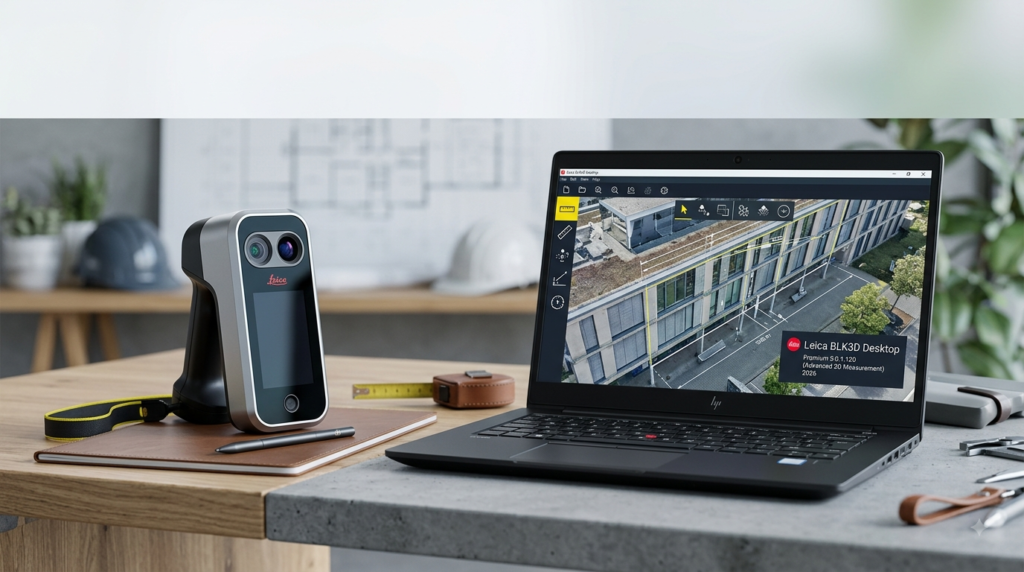
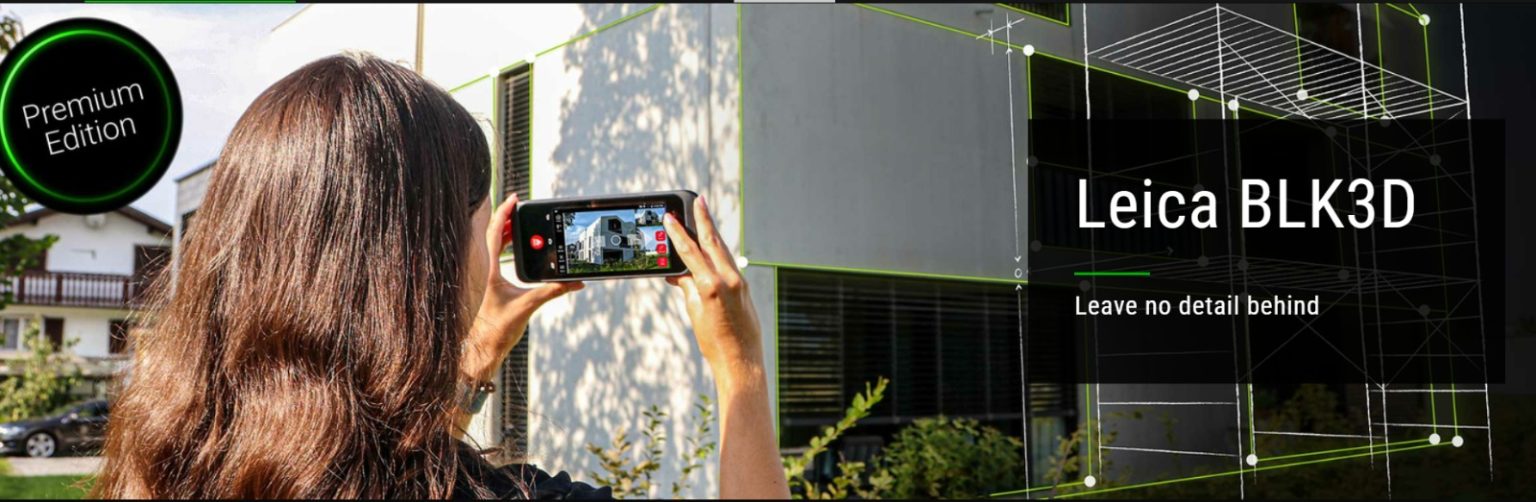
The Leica BLK3D Desktop software is a cornerstone of the BLK3D ecosystem, designed to transform how professionals capture and document spatial measurements. The software operates on a simple yet powerful premise: each photograph captured with the BLK3D imager contains complete 3D measurement data, including height, width, and depth information. This approach enables users to create accurate measurements on-site with the handheld device or later in the office using the desktop software.
BLK3D Desktop serves as an essential office extension of the BLK3D Mobile App, enabling users to organize, back up, and measure from their 3D images. The software supports multiple subscription tiers including Base, 3D Model, and Publisher options, allowing users to select the capabilities that best match their workflow requirements. The Premium version includes advanced features such as 3D model creation, CAD file export, and collaborative publishing tools.
Key Features
3D Image Measurement and Documentation
The core functionality of BLK3D Desktop Premium centers on extracting precise measurements from 3D images. Users can measure distances, areas, and volumes directly within photographs without needing physical access to the site. The software features automatic snap-to-edge and corner detection, enabling accurate point selection and measurement within images. Measurements can be created at any point within a captured image, making the software invaluable for documenting hard-to-reach areas or objects that would be difficult to measure using traditional laser distance meters.
Project Organization and Management
BLK3D Desktop provides robust file management capabilities through its Organizer module. Users can organize 3D images into project folders, tag files for easy retrieval, and create favorites for frequently accessed content. The software supports project locking to prevent unauthorized modifications and enables efficient file handling through batch operations.
3D Model Creation and Visualization
The 3D Model subscription add-on enables users to visualize measured points and lines in three-dimensional space. This feature creates comprehensive 3D models from measurement data, allowing professionals to view site conditions from any angle. The 3D modeling capability supports construction progress documentation, remote site verification, and accurate as-built modeling.
CAD and File Export Capabilities
BLK3D Desktop Premium supports extensive export options for integration with professional workflows. Users can export plans and 3D images in multiple formats:
-
2D formats: DXF, DWG, PDF, JPG
-
3D formats: DXF 3D, DWG 3D, CMI
-
Documentation formats: PDF reports with embedded measurement data
These export capabilities ensure seamless data transfer to CAD programs, BIM software, and documentation systems.
Publisher and Collaboration Tools
The Publisher subscription enables users to share measurable 3D images with collaborators via BLK3D Web. Users can generate unique hyperlinks from within BLK3D Desktop, allowing recipients to access, view, and measure images through any web browser without requiring additional licenses. This feature transforms how teams collaborate on projects, enabling remote stakeholders to participate in site analysis and verification.
Plan Integration and Navigation
The software supports working with imported plans in PDF and JPG formats, allowing users to attach 3D images to floor plans and organize them spatially. This feature enables virtual site visits and comprehensive project documentation, with all measurement data accessible from within the plan context.
What’s New in Version 5.0.1.120
Leica BLK3D Desktop version 5.0.1.120 represents a significant update in the software’s evolution. While specific release notes for this version are limited in the available documentation, version 5.0 represents a major milestone in the BLK3D Desktop software family. Key improvements and capabilities of the 5.x release include:
-
Enhanced performance and stability across Windows operating systems
-
Expanded Windows 11 support alongside existing Windows 8.1 and 10 compatibility
-
Refined export workflows for CAD and documentation formats
-
Improved 3D modeling and visualization capabilities for better project representation
-
Updated licensing and subscription management integration with Leica’s CLM system
The version 5.0.1.120 update likely incorporates stability improvements and minor feature refinements based on user feedback from the initial 5.0 release.
System Requirements
Before installing Leica BLK3D Desktop Premium 5.0.1.120, ensure your system meets the following minimum requirements:
-
Operating System: Windows 8.1, Windows 10, or Windows 11 (64-bit versions only)
-
RAM: 6 GB minimum
-
Architecture: 64-bit processor
These requirements are essential for smooth operation of the 3D measurement and modeling features. Users processing large projects or extensive 3D models may benefit from systems exceeding these minimum specifications.
Installation Guide
Product Registration
Before downloading the software, you must register your BLK3D Desktop subscription:
-
Access myWorld portal: Navigate to https://myworld.leica-geosystems.com
-
Create or sign in to account: Use existing credentials or create a new user account
-
Navigate to myProducts: Access the product registration section
-
Add Product: Select the software option
-
Enter EID: Input your Entitlement ID number, which is provided on your BLK3D invoice
Software Download and Installation
-
Download installer: After registration, locate the BLK3D Desktop software in your myWorld account and download the installation file
-
Run installer: Execute the downloaded setup file on your Windows computer
-
Follow on-screen instructions: Complete the installation wizard steps
-
License activation: Launch the software and follow the license activation prompts, which connect to Leica’s CLM licensing system
For users requiring assistance, Leica provides tutorial videos and support documentation covering installation and licensing procedures. The BLK3D Desktop installer is available in multiple languages including English, German, Spanish, French, Japanese, Italian, Russian, Chinese, and Korean.
How to Use the Software
Working with 3D Images
Opening a 3D Image: Double-click on a 3D image in the Organizer to open it in Measure mode. Alternatively, right-click on the file and select Open from the context menu.
Performing Measurements: Use the automatic snap-to-edge and corner detection by positioning the cursor over the 3D image and holding it for approximately one second. This feature ensures accurate point selection and measurement. Distance, area, and volume measurements can be created from any point in the image.
Enhancing Accuracy: The software includes a function to increase the accuracy of existing measurements when multishot 3D images have been loaded.
Project Organization
Creating and Managing Projects: Organize 3D images into project folders, assign tags, and create favorites for frequently accessed files.
Working with Plans: Double-click on a Place to add a 3D image, or use the Add 3D Image button from the Place content window. Select the desired 3D image and confirm the addition.
File Protection: Use the Lock function to protect selected projects from modifications. Unlock projects using the same function.
Data Export
Export files through the Export option in the toolbar or via the right-click context menu. Projects can only be exported in CMI format, while plans and 3D images support multiple formats for flexibility in downstream workflows.
Plan Export Formats: CMI, JPG, PDF Plan, PDF Plan+3D Images, DXF 2D, DWG 2D, DXF 3D, DWG 3D
3D Image Export Formats: CMI, PDF, JPG (JPG export is available in Measure and 3D Model mode)
3D Model Visualization
When the 3D Model subscription is active, users can switch to 3D view within the Plan. Use the left mouse button to rotate the 3D model of the room for comprehensive visualization. This capability enables detailed site analysis and remote progress verification.
Sharing and Collaboration
For Publisher subscription users, generate a sharing link by right-clicking on a 3D image in the Organizer and selecting the publish option. The generated link can be shared or embedded for access by collaborators through any web browser.
Best Use Cases
Construction Progress Documentation
BLK3D Desktop Premium excels at documenting construction progress and verifying site conditions remotely. Project managers can capture detailed visual records with embedded measurements, enabling stakeholders to confirm progress without physical site visits. This capability streamlines communication between field teams and office-based decision-makers.
As-Built Verification
The software enables professionals to verify as-built conditions against design specifications using accurate measurements derived from photographs. This application is valuable for quality control, punch list documentation, and handover processes.
Facility Management
Facility managers can document building conditions, capture measurements for maintenance planning, and create comprehensive visual records of facility assets. The ability to measure past objects and hard-to-reach areas makes the software particularly valuable for maintenance planning.
Forensic and Accident Investigation
The BLK3D Desktop software supports forensic documentation by enabling precise measurements from scene photographs. Investigators can revisit image data to verify measurements and support detailed analysis.
Surveying and Civil Engineering
Surveyors can augment traditional measurement methods with photographic documentation, creating measurable images that support accurate planning and design work. The software’s integration with CAD systems streamlines the transition from field data to technical documentation.
Advantages and Limitations
Advantages
-
Remote measurement capability: Enables measurement of hard-to-reach areas and objects without physical access
-
Comprehensive documentation: Each captured image serves as a complete measurement record
-
CAD integration: Extensive export options support professional engineering workflows
-
Collaborative capabilities: Publisher features enable team collaboration without requiring all parties to have licenses
-
Project organization: Robust file management features support complex project workflows
-
Accuracy enhancement: Advanced snapshot technology improves measurement precision
-
Platform compatibility: Works with standard Windows systems, avoiding proprietary hardware requirements
Limitations
-
Subscription model: Requires ongoing subscription payments rather than one-time purchase
-
Windows-only: Currently supports only Windows operating systems, excluding macOS and Linux users
-
Hardware dependency: Full functionality requires BLK3D imager hardware for image capture
-
Learning curve: Advanced features may require training for optimal utilization
-
Performance requirements: 3D modeling features require systems meeting specific hardware specifications
Alternatives to the Software
Leica BLK3D Mobile App
The mobile companion application offers core measurement functionality for on-site use. While more portable, it lacks the advanced organization, export, and publishing features of the desktop version.
Traditional Laser Distance Meters
While not offering photographic documentation, laser distance meters provide immediate distance measurements without software requirements. They are more suitable for simple, on-the-spot measurements but lack the documentation and collaboration capabilities of BLK3D Desktop.
Cloud-Based Reality Capture Platforms
Services like Matterport and similar platforms offer alternative approaches to 3D documentation and measurement. These may offer different pricing models but often require different capture hardware and present varying integration capabilities.
BIM and CAD Software with Measurement Tools
Many BIM and CAD applications include measurement tools for imported images or models. However, these typically lack the specialized stereophotogrammetry capabilities and workflow integration that BLK3D Desktop provides.
Frequently Asked Questions
What is Leica BLK3D Desktop Premium 5.0.1.120 used for?
Leica BLK3D Desktop Premium 5.0.1.120 is professional software for measuring, documenting, and exporting 3D measurements from photographs. It supports construction progress documentation, as-built verification, facility management, and survey work through advanced stereophotogrammetry technology.
What are the system requirements for BLK3D Desktop 5.0.1.120?
The software requires Windows 8.1, Windows 10, or Windows 11 (64-bit versions) and a minimum of 6 GB RAM. For optimal performance, especially when working with 3D models, more powerful systems are recommended.
How does BLK3D Desktop enable 3D measurements from photos?
The software uses stereophotogrammetry and edge computing technology to extract 3D coordinates from 2D photographs. Each captured image contains complete 3D measurement data, including height, width, and depth information. The software provides measurement accuracy through automatic snap-to-edge and corner detection features.
Can I export measurements to CAD software?
Yes, BLK3D Desktop supports comprehensive export options including DXF 2D, DWG 2D, DXF 3D, DWG 3D, and PDF formats. This enables seamless integration with CAD programs for professional engineering and design workflows.
Do I need a BLK3D imager to use the desktop software?
Yes, the BLK3D Desktop software is designed to work with 3D images captured using the BLK3D imager hardware. While you can organize, measure, and export existing BLK3D files, the software cannot capture new images without the hardware.
What subscription options are available?
BLK3D Desktop offers several subscription tiers including Base, 3D Model, and Publisher options. The Base subscription provides core organization and measurement capabilities, while the 3D Model add-on enables 3D visualization and CAD export. The Publisher option adds collaborative sharing features through BLK3D Web.
Can I share my BLK3D Desktop images with collaborators?
Yes, with the Publisher subscription option, you can publish 3D images to BLK3D Web and share them via unique hyperlinks. Recipients can access and measure images in any web browser without requiring additional licenses.
Is BLK3D Desktop available for Mac computers?
Currently, BLK3D Desktop supports only Windows operating systems including Windows 8.1, Windows 10, and Windows 11 (64-bit versions). Users requiring Mac support should consider alternative solutions or running Windows through virtualization.
Final Thoughts
Leica BLK3D Desktop Premium 5.0.1.120 represents a sophisticated solution for professionals requiring precise 3D measurement and documentation capabilities. The software successfully bridges the gap between field capture and office-based analysis, providing comprehensive tools for measurement, organization, and collaboration.
The subscription-based model, while representing an ongoing investment, ensures users always have access to the latest features and improvements. For construction professionals, surveyors, facility managers, and investigators, the combination of accurate measurement technology and intuitive workflow tools makes BLK3D Desktop a valuable addition to their software toolkit.
The ability to revisit captured images and generate new measurements at any time, combined with extensive export options and collaborative features, positions BLK3D Desktop Premium as a versatile solution for modern measurement and documentation challenges. For organizations already using Leica measurement hardware, the software provides essential capabilities that maximize the value of their investment in the BLK3D ecosystem.
Our Paid Service