
Overview of eTools Software
Table of Contents
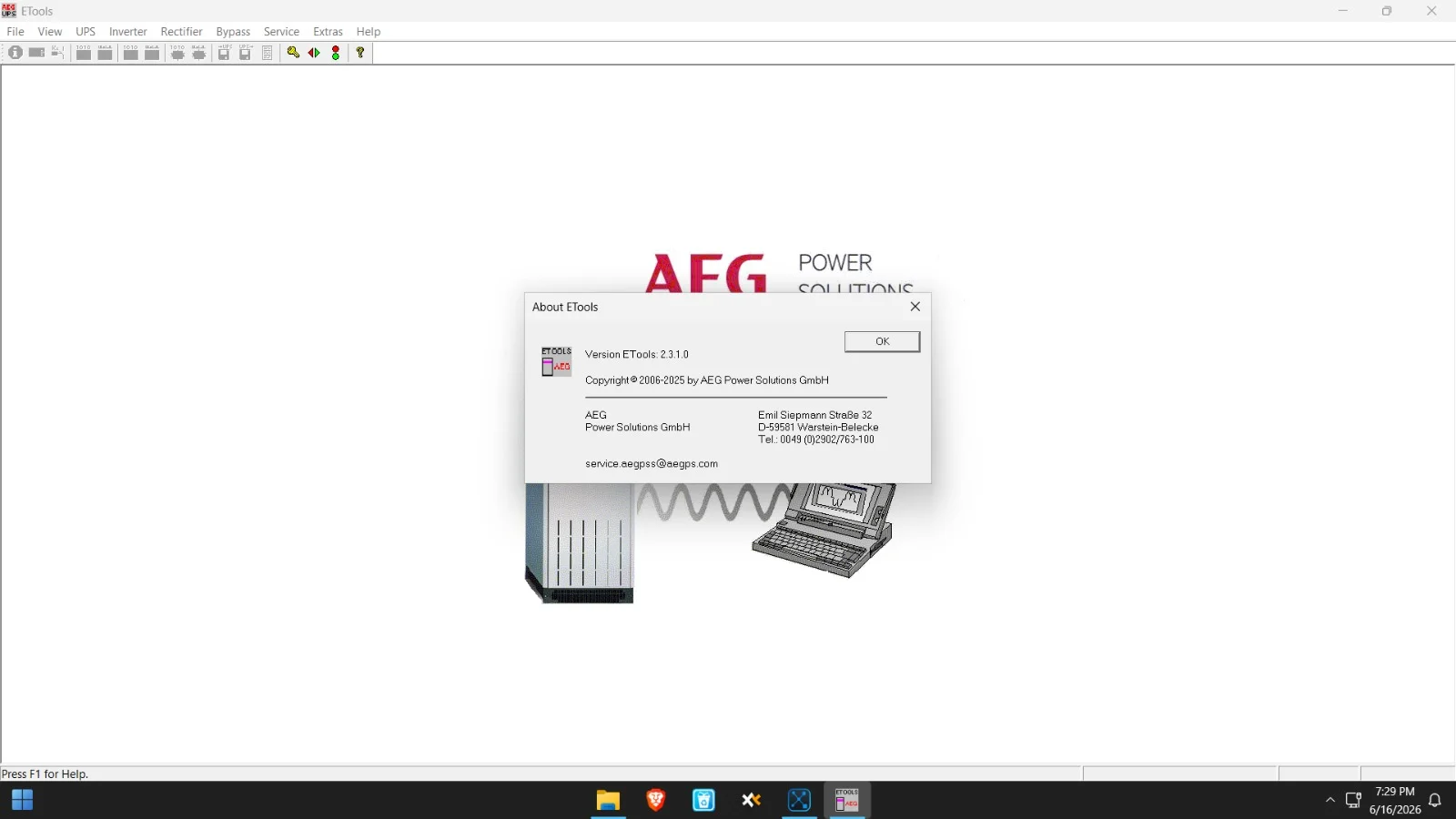
eTools is a powerful software suite designed for the configuration, monitoring, and management of power conversion systems. The latest iteration, eTools V2.3.10, continues to build on the legacy of AEG Power Solutions by offering enhanced diagnostics and real-time data visualization. This application serves as a central hub for users managing critical power infrastructure, allowing for seamless interaction with AEG’s industrial rectifiers and power supplies.
This version focuses on improving user experience through a refined interface and robust communication protocols. By providing detailed system analytics, eTools helps engineers and plant managers ensure maximum uptime and operational efficiency. Whether deployed in a telecommunications base station or a heavy industrial plant, the software provides the necessary telemetry to optimize power usage and predict maintenance needs.
Key Features of eTools V2.3.10
The software is packed with features to facilitate advanced power management. These capabilities make it an indispensable asset for system integrators and facility managers.
Real-Time Data Monitoring
The application provides a live dashboard that displays current, voltage, and temperature readings across connected devices. This allows for immediate identification of anomalies or performance dips, facilitating rapid response to potential issues.
Configuration Management
Users can remotely configure and adjust parameters for connected power devices. The system supports bulk configuration, which saves significant time when deploying updates across multiple units.
Advanced Alarm Handling
eTools V2.3.10 features an intelligent alarm system that logs events and provides notifications. It allows operators to set thresholds for critical metrics, ensuring that warning flags are raised before a system failure occurs.
Data Logging and Reporting
The software stores historical performance data. Users can generate detailed reports on energy consumption and system health. These reports are essential for compliance audits and operational reviews.
What’s New in the Latest Version
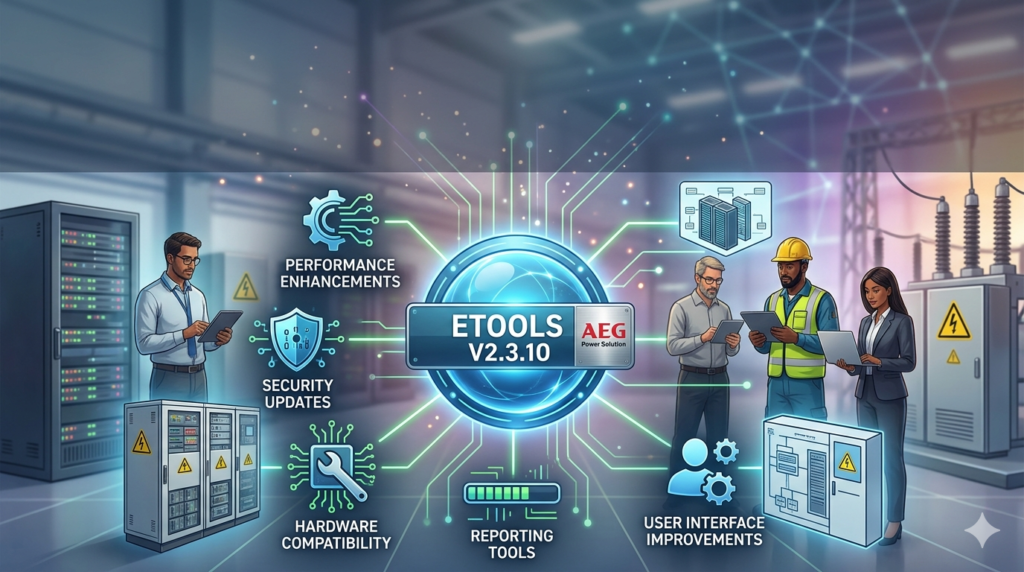
The eTools V2.3.10 update introduces critical improvements over its predecessors. The focus has been on security and performance enhancements to meet the demands of modern industrial networks.
-
Improved Security Protocols: Updated to support newer TLS standards for encrypted communication between the software and hardware, enhancing data integrity.
-
Enhanced Stability: Fixes for rare memory leaks that could cause system slowdowns in previous versions ensure a more reliable user experience.
-
UI Refinements: A cleaner, more intuitive interface reduces the learning curve for new operators while improving navigation for experienced users.
-
Broader Hardware Compatibility: Expanded support includes the latest generation of AEG rectifiers, ensuring users with new equipment can integrate them seamlessly.
System Requirements
To run eTools V2.3.10 effectively, your hardware must meet specific system specifications. Ensuring your system is compatible prevents performance bottlenecks.
-
Operating System: Windows 10, Windows 11, or Windows Server 2019/2022 (x64 architecture recommended).
-
Processor: Intel Core i5 or equivalent (minimum); i7 recommended for heavy data processing.
-
RAM: 8 GB (minimum), 16 GB recommended for handling large datasets.
-
Storage: 2 GB of free disk space for installation.
-
Connectivity: Ethernet port for network communication with power devices.
Installation Guide
Installing the eTools software is a straightforward process. Follow these steps carefully to ensure a successful deployment.
-
Download the Executable: Visit the official AEG Power Solutions portal to obtain the verified V2.3.10 installer package.
-
Run as Administrator: Right-click the installer file and select “Run as Administrator” to ensure the application has the necessary permissions.
-
Accept License Terms: Review the end-user license agreement (EULA) and accept the terms to proceed.
-
Select Installation Directory: Choose the default location (usually
Program Files) or specify a custom folder for the installation. -
Configure Network Settings: During the wizard, you may be prompted to select the network interface used to communicate with your devices.
-
Complete the Installation: Click “Install” and wait for the process to finish. Restart your computer if prompted.
How to Use the Software
Once installed, mastering the eTools workflow is essential for efficient power management. Here is a quick primer on how to use the software.
Connecting to Devices
To get started, you must establish a communication link between the software and your hardware. Navigate to the “Device Manager” and select “Add New Device.” Input the IP address of your AEG power supply and the specific communication protocol to initiate the handshake.
Navigating the Dashboard
The main dashboard provides a high-level overview of your connected systems. You can customize the widgets to display the metrics most critical to your operations, such as load capacity or battery voltage.
Generating Reports
Utilize the “Report Generator” tool located in the main menu. Select the date range and specific devices you wish to analyze. The software will compile the data into a readable PDF or CSV file for distribution.
Best Use Cases
eTools is a versatile tool, but it excels in specific scenarios where power integrity is non-negotiable.
-
Telecommunications (BTS): Monitoring battery health and rectifier output in base transceiver stations.
-
Industrial Automation: Ensuring stable voltage supplies for PLCs and motor drives in factories.
-
Data Centers: Managing redundancy and power distribution units (PDUs) to prevent server downtime.
-
Energy Storage Systems: Overseeing charge/discharge cycles in industrial-scale battery banks.
Advantages and Limitations
Advantages
-
Comprehensive Control: Provides granular control over sophisticated power systems.
-
Reliable Diagnostics: Exceptional logging capabilities make troubleshooting faster.
-
Scalability: Easily manages numerous devices simultaneously across large networks.
Limitations
-
Operating System Dependency: Currently limited to Windows environments, restricting use for Linux-based server administrators.
-
Licensing Cost: The professional enterprise features require a paid license, which may be prohibitive for small operations.
-
Learning Curve: New users may require initial training to fully utilize the advanced configuration options.
Alternatives to eTools
While eTools is a leading solution in the AEG ecosystem, other monitoring platforms offer similar functionality. These alternatives serve as viable substitutes or complements to the eTools software.
Siemens SENTRON
Focused on power distribution and energy management. It provides a cloud-based interface but may require more complex hardware integration to achieve the same level of device-specific control found in eTools.
Schneider Electric EcoStruxure
Offers a broader IoT platform, ideal for users who need to monitor power alongside HVAC and lighting systems. However, it may be “overkill” for smaller, rectifier-focused installations.
GE Digital APM
A strong alternative for asset management, focusing heavily on predictive analytics. It is more analytics-focused rather than active configuration management.
Frequently Asked Questions (FAQ)
Q: Is eTools V2.3.10 a free software?
A: The software is available for download; however, to unlock advanced features and enterprise capabilities, you must purchase a valid commercial license from AEG Power Solutions.
Q: Can this software run on a Mac?
A: Officially, it is only supported on Windows operating systems. However, some users report success running it on macOS using Parallels Desktop or Boot Camp.
Q: How do I update to the latest version of the software?
A: You can check for updates within the application under the “Help” menu. You will need an active internet connection to download patches and the V2.3.10 update from the secure server.
Q: What communication protocols does eTools support?
A: The software primarily uses Modbus RTU and TCP/IP for connectivity, alongside proprietary AEG-specific protocols for enhanced diagnostics.
Q: How do I retrieve a lost password for the software?
A: Use the “Forgot Password” option on the login screen. If you cannot reset it using your recovery email, you must contact AEG’s technical support with your system ID.
Q: Is it possible to monitor devices remotely?
A: Yes. eTools supports remote monitoring via network connections, provided the device is connected to the company’s network or accessible via a VPN.
Q: Can I integrate this application with a SCADA system?
A: Yes, eTools supports data export and integration capabilities that allow it to forward data to larger SCADA or DCS systems within your organization.
Final Thoughts
eTools V2.3.10 stands as a robust and essential application for maintaining the health and efficiency of power systems. With its latest updates focusing on security and usability, it reaffirms its position as a critical tool for professionals in the energy and telecommunications industries. By following the installation guide and understanding its core features, users can leverage the software to significantly reduce downtime and optimize power usage. While it has limitations regarding platform support, its specificity and depth of control make it an unmatched solution for AEG Power Solutions hardware.
Our Paid Service
“We do not sell or provide any software. We only offer professional support services. If any software on your system is not working properly, or you are facing installation errors, crashes, or any other technical issue — just contact us. We will help you fix the problem quickly and remotely via AnyDesk. No software will be provided from our side — only expert troubleshooting and support.”