Overview of DollarERP
Table of Contents
DollarERP is an integrated business management software that centralizes core business functions into a single, user-friendly platform. It is engineered to help SMEs and MSMEs automate daily tasks, improve efficiency, and gain valuable insights into their financial health and operational performance.
By combining modules for accounting, inventory, sales, purchasing, and human resources, DollarERP eliminates data silos. This gives business owners a real-time, holistic view of their company, enabling them to make more informed decisions. The software is designed to be affordable, scalable, and adaptable to a wide variety of industries, from retail and trading to manufacturing and services.
Key Features of DollarERP v3.0
DollarERP v3.0 is packed with powerful features to manage every aspect of your business.
Financial Management & Accounting
-
General Ledger: Manage all your financial transactions with a comprehensive chart of accounts.
-
Accounts Payable & Receivable: Efficiently handle vendor bills and customer invoices.
-
Bank Reconciliation: Automatically reconcile your bank statements with your accounting records.
-
Financial Reporting: Generate standard reports like Profit & Loss, Balance Sheet, and Cash Flow statements.
-
Multi-Currency Support: Conduct business with international clients and vendors by managing multiple currencies.
Inventory & Supply Chain Management
-
Real-Time Inventory Tracking: Monitor stock levels across multiple warehouses and locations.
-
Purchase Management: Create and track purchase orders, receive goods, and manage vendor relationships.
-
Sales Management: Process customer orders, manage quotations, and generate invoices seamlessly.
-
Inventory Valuation: Use methods like FIFO (First-In, First-Out) and Average Cost for accurate costing.
-
Stock Adjustments: Easily manage write-offs, transfers, and inventory reconciliation.
Customer Relationship Management (CRM)
-
Customer Database: Maintain a centralized repository of all customer information and interaction history.
-
Sales Pipeline Management: Track leads and opportunities through the entire sales cycle.
-
Service Management: Manage customer support tickets and service requests effectively.
What’s New in DollarERP v3.0?
Version 3.0 represents a significant leap forward in the evolution of this business management software. Here are the key enhancements:
-
Revamped User Interface: A modern, intuitive, and responsive dashboard provides quick access to key business metrics and modules.
-
Enhanced Reporting Engine: New customizable dashboards and advanced analytics offer deeper insights into your business performance.
-
Improved Inventory Management: Advanced features like batch tracking, expiry date management, and enhanced lot control for specific industries.
-
Automated Workflows: New automation features for tasks like invoice generation, inventory reordering, and payment reminders.
-
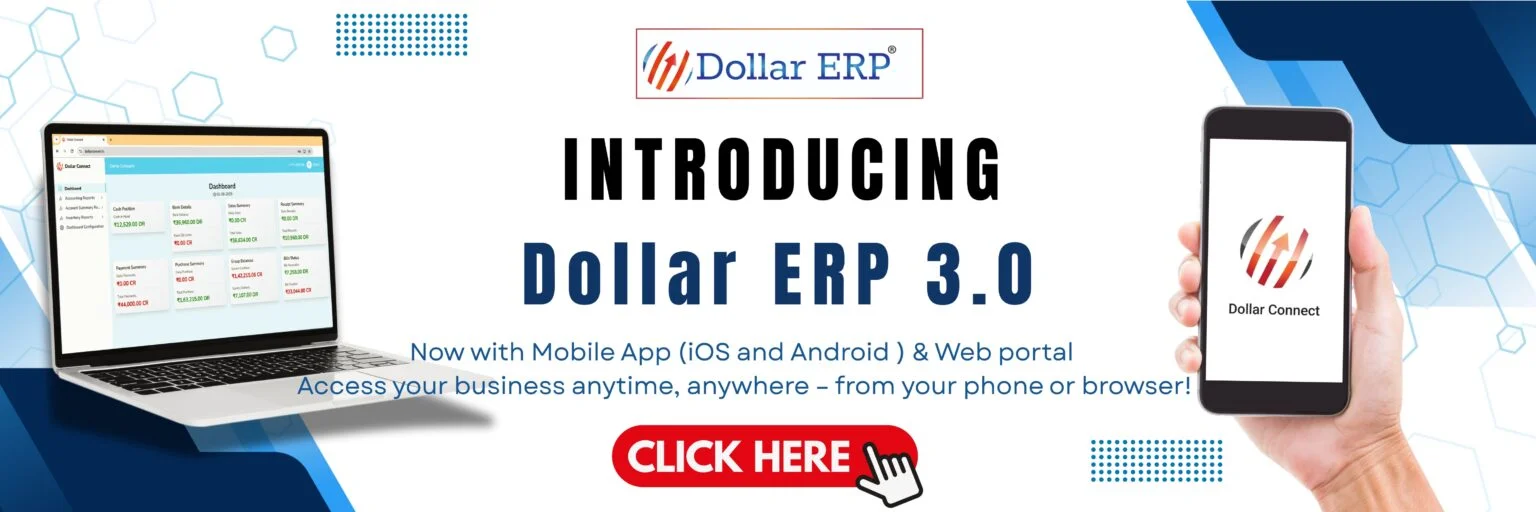
Mobile App Compatibility: A companion mobile application allows you to manage critical tasks on the go.
-
Enhanced Security: Improved data encryption and user access controls ensure your business data is secure.
System Requirements for DollarERP v3.0
Before downloading and installing DollarERP, ensure your system meets the following requirements for optimal performance:
-
Operating System: Windows 10, 11 (or later versions), Windows Server 2019 or 2022. (macOS and Linux support via web interface).
-
Processor: Intel Core i5 or equivalent/AMD Ryzen 5 or higher.
-
RAM: A minimum of 8 GB is recommended for multiple concurrent users.
-
Hard Disk Space: At least 10 GB of free space for the application and database.
-
Database: Microsoft SQL Server 2019 Express (or higher) is recommended.
-
Web Browser: The latest versions of Google Chrome, Mozilla Firefox, or Microsoft Edge.
Step-by-Step Installation Guide
Setting up DollarERP v3.0 is a straightforward process. Follow these steps to get started:
-
Download the Installer: Obtain the official installation file from the authorized vendor’s portal or a trusted download link.
-
Check System Requirements: Before beginning the installation, confirm that your computer or server meets the minimum system requirements.
-
Run the Installer: Right-click on the downloaded
DollarERP_Setup.exefile and select “Run as administrator.” -
Accept License Agreement: Read the End-User License Agreement (EULA) and accept the terms to proceed.
-
Choose Installation Directory: Select the folder where you want to install the software, or use the default location.
-
Select Components: You can choose to install specific modules or perform a complete installation.
-
Configure Database: The installer will prompt you to configure the database connection with your SQL Server.
-
Install and Launch: Click “Install” and wait for the process to complete. Once done, launch the application and log in with the provided credentials.
How to Use DollarERP: A Quick Start Guide
This guide provides a basic overview of the core workflows within DollarERP.
Getting Started
-
Creating a New Company Profile: Upon your first login, you’ll be prompted to set up your company profile, including its name, address, tax information, and financial year.
-
Setting Up User Accounts: Administrators can create user accounts and assign specific roles and permissions (e.g., Accountant, Sales Manager, Inventory Clerk) to control access to sensitive data.
Recording a Transaction
-
Sales: Navigate to the Sales module to generate a new sales invoice. Enter customer details, add items from your inventory, apply taxes, and finalize the transaction.
-
Purchase: Use the Purchase module to create a purchase order, receive inventory, and record vendor bills.
Generating Reports
-
Access the “Reports” dashboard to view financial statements, inventory summaries, sales analyses, and purchase reports. You can filter these by date, customer, or product to generate valuable insights for your business.
Best Use Cases for DollarERP v3.0
DollarERP’s versatility makes it an ideal solution for a diverse range of businesses:
-
Retail Businesses: Manage multi-store inventory and sales efficiently. Connect with Point of Sale (POS) systems for quicker checkouts.
-
Trading and Distribution Companies: Optimize inventory levels, manage complex supply chains, and handle multiple vendors and customers.
-
Manufacturing Companies: Monitor production costs, track materials, and optimize the manufacturing process.
-
Service-Based Businesses: Manage projects, track billable hours, and handle client invoicing and subscriptions.
-
Startups and Growing Businesses: The scalable architecture allows small teams to start with essential modules and expand as the company grows.
Advantages and Limitations of DollarERP
Like any business software, DollarERP has its strengths and areas for consideration.
Advantages
-
Cost-Effective: A budget-friendly alternative to expensive ERP solutions, making it accessible for SMEs and MSMEs.
-
All-in-One Solution: Integrates all core business functions, eliminating the need for multiple disparate software systems.
-
User-Friendly Interface: Designed with business professionals in mind, it has a clean and intuitive interface that reduces the learning curve.
-
Scalable: Can grow with your business, offering the flexibility to add more users and modules as needed.
-
Local Support: Backed by local support and customization options tailored to regional business practices.
Limitations
-
Customization Depth: While flexible, extensive customizations may require the assistance of a certified partner.
-
Internet Dependency for Some Features: Certain features, like the mobile app, require an active internet connection.
-
Initial Setup Time: A comprehensive ERP implementation requires a well-planned data migration and initial setup effort.
Alternatives to DollarERP v3.0
Depending on your specific needs, several alternatives may also be suitable.
| Software | Primary Function | Best For | Key Difference |
|---|---|---|---|
| DollarERP v3.0 | All-in-One Business Management | SMEs and MSMEs | Modular, scalable, and affordable |
| Odoo ERP | Comprehensive Open-Source ERP | Tech-savvy businesses | Highly customizable, full open-source |
| QuickBooks | Cloud-Based Accounting | Small businesses | Powerful accounting focus |
| SAP Business One | Full-Scale ERP | Larger Enterprises | Enterprise-level features and pricing |
| Zoho Books & Inventory | Integrated Business Suite | Sales-driven teams | Strong CRM integration with Zoho suite |
Frequently Asked Questions
1. What is DollarERP v3.0?
DollarERP v3.0 is comprehensive, smart business management software designed for SMEs and MSMEs. It integrates accounting, inventory, CRM, and more into a single, user-friendly platform to streamline business operations.
2. Is there a free trial or demo version available?
Yes, many authorized vendors offer a free trial or demo version of DollarERP. This allows you to test its features and assess its suitability for your business needs before making a purchase commitment.
3. What are the basic system requirements?
To run DollarERP v3.0, you typically need a Windows 10/11 operating system, an Intel Core i5 processor or better, 8GB of RAM, and 10GB of free hard drive space. A Microsoft SQL Server database is also recommended.
4. What modules are included in DollarERP?
DollarERP includes a comprehensive suite of modules, including General Ledger, Accounts Payable/Receivable, Inventory Management, Sales and Purchase Management, CRM, and a variety of financial reporting tools.
5. How does DollarERP compare to other business management software?
DollarERP offers a cost-effective, all-in-one solution specifically tailored for SMEs. Unlike cloud-focused tools like QuickBooks or complex enterprise systems like SAP, it balances functionality, affordability, and local support to provide an ideal solution for growing businesses.
6. Can I access DollarERP from my mobile device?
Yes, with the latest version, you can access DollarERP’s core functionalities via a companion mobile application, allowing you to manage your business on the go.
Final Thoughts
DollarERP v3.0 presents a compelling value proposition for SMEs and MSMEs seeking to centralize their business operations. Its blend of affordability, comprehensive features, and a user-friendly interface makes it an excellent choice for businesses looking to move beyond spreadsheet-based management or disconnected software tools.
The software’s ability to scale with your business, combined with its robust financial and inventory management capabilities, positions it as a powerful engine for growth. By choosing DollarERP, you are not just investing in software but in a long-term strategy to enhance efficiency, improve decision-making, and ultimately, drive profitability.
Our Paid Service
“We do not sell or provide any software. We only offer professional support services. If any software on your system is not working properly, or you are facing installation errors, crashes, or any other technical issue — just contact us. We will help you fix the problem quickly and remotely via AnyDesk. No software will be provided from our side — only expert troubleshooting and support.”