
Overview of the Archelios PV Software
Table of Contents
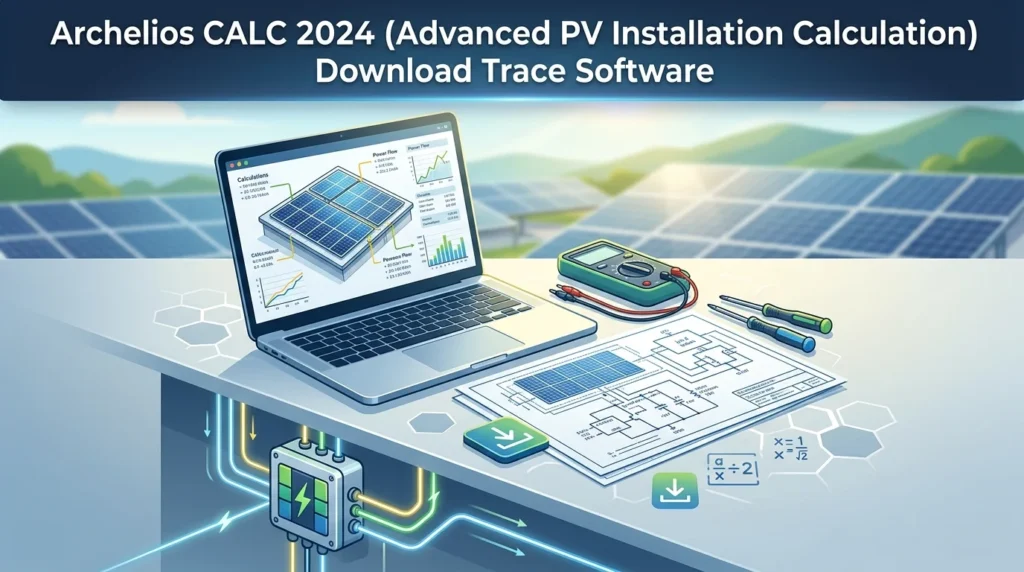
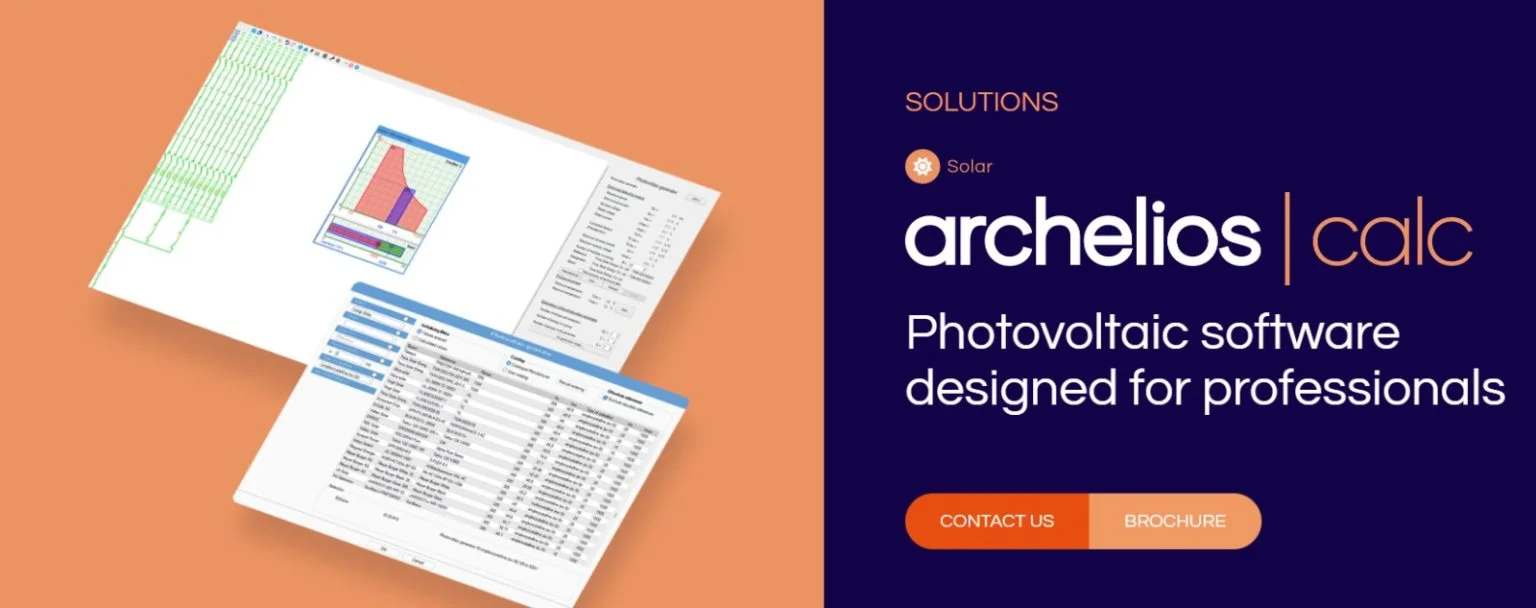
Archelios CALC, developed by the esteemed software publisher Trace Software, is an industry-standard application dedicated to the technical and economic optimization of photovoltaic projects. It is used worldwide for its powerful calculation engine, which performs precise simulations based on high-resolution meteorological data and comprehensive component databases. By inputting project specifics—from module types and inverter models to shading scenarios and on-site irradiation—users can quickly generate detailed reports that are essential for project planning and bankability.
The 2024 version of this PV system design software builds upon a legacy of innovation. It is engineered to handle complex, utility-scale installations, transitioning from simpler rooftop designs. Its core strength lies in its ability to model intricate systems, providing an unparalleled level of accuracy in production estimates, which is crucial for securing investment and grid integration.
Key Features of Archelios CALC
Archelios CALC 2024 is packed with features designed to streamline the design process and improve the accuracy of solar energy simulations. The software excels in delivering a seamless workflow from initial concept to final reporting, accommodating a wide variety of project sizes and complexities.
The software’s capabilities can be broken down into several key areas:
-
Advanced Energy Yield Simulation: The software’s core simulation engine models the entire system’s behavior over time. It factors in irradiance, temperature coefficients, inverter efficiency curves, and partial shading to deliver highly accurate energy yield predictions.
-
Integrated Solar Component Database: Users have access to an extensive, regularly updated database containing specifications for thousands of PV modules, inverters, cables, and other system components. This feature simplifies the selection process and ensures calculations are based on real-world product data.
-
PV String Sizing and MPP Tracking: The tool includes advanced algorithms for string sizing, automatically calculating the optimal number of modules per string to match the maximum power point tracking (MPPT) range of the selected inverters, ensuring maximum energy harvest.
-
3D Shading Analysis: The software can import and use 3D models to simulate the precise shading patterns from nearby objects like trees, buildings, and other modules. This solar shading simulation is critical for minimizing production losses and preventing hotspots.
-
Comprehensive Financial Analysis: Beyond technical specs, Archelios CALC integrates modules for economic evaluation. This allows users to calculate key financial metrics such as Levelized Cost of Energy (LCOE), Return on Investment (ROI), payback period, and profitability, based on local tariff structures and incentive schemes.
What’s New in the Latest Version
The 2024 iteration of Archelios CALC introduces significant enhancements over its predecessors, focusing on speed, user-friendliness, and advanced modeling capabilities for large-scale projects. It represents a notable step forward in renewable energy software.
-
Enhanced 3D Modeling: The new version offers improved 3D shading and positioning tools, allowing for more precise placement of tables and models. This is particularly beneficial for complex ground-mounted and building-integrated systems.
-
Performance Optimization: The simulation engine has been heavily optimized to handle larger projects with significantly faster calculation times. This increase in efficiency allows for the quick evaluation of multiple project scenarios.
-
Improved Electrical Calculation: The 2024 update refines its electrical calculations to more accurately reflect the latest cable sizing standards, ensuring safe and cost-effective wiring designs.
-
Automated Project Creation: New wizards and templates guide users through initial project setup, drastically reducing the time required for new installations.
System Requirements for Archelios CALC
Before downloading and installing, ensure your workstation meets the minimum specifications for optimal performance. The requirements are designed to handle intensive calculations and 3D graphics.
-
Operating System: Windows 10 (64-bit) or Windows 11 (64-bit). A compatible system is essential for the software to function correctly.
-
Processor: A multi-core Intel or AMD processor (e.g., Intel i7 or AMD Ryzen 7). A high clock speed (3.0 GHz+) significantly improves calculation times for large-scale projects.
-
RAM: 8 GB minimum. 16 GB or more is highly recommended for processing complex 3D scenes and large datasets.
-
Graphics Card: A dedicated graphics card is required for 3D rendering. The card should support OpenGL 4.0 and have at least 2 GB of VRAM.
-
Storage: 5 GB of available hard-disk space for the installation.
-
Display Resolution: A screen resolution of 1366 x 768 or higher is recommended.
Installation Guide: How to Download and Get Started
Installing Archelios CALC is a straightforward process. Follow these steps to download the software and begin your first project.
-
Download the Installer: Visit the official Trace Software website or an authorized reseller’s portal. Navigate to the Archelios CALC product page and download the latest setup file.
-
Run the Installer: Locate the downloaded
.exefile and run it. If prompted by Windows User Account Control, allow the application to make changes to your device. -
Select a Language: Choose your preferred language for the installation process.
-
Accept the License Agreement: Read and accept the End-User License Agreement (EULA) to proceed with the installation.
-
Choose Installation Type:
-
Express: Installs all components to the default folder on your system drive.
-
Custom: Allows you to change the installation directory or select specific components to install.
-
-
Start the Installation: Click “Next” to begin copying files to your system. This process may take a few minutes.
-
Launch the Software: Once the installation is complete, you can launch Archelios CALC from your desktop shortcut or Windows Start Menu.
-
Activate Your License: Upon first launch, enter the software license key or log in to your Trace Software account to activate the product.
How to Use the Software for a Basic PV Installation
Navigating the user interface is intuitive once you understand the fundamental workflow. This section provides a basic overview for designing a new photovoltaic system.
-
Create a New Project: Launch the application and select “New Project.” This is where you define the project’s general parameters, like its name, location, and time zone.
-
Enter Geographical Data: The program will prompt you to set the project location. This can be done by entering GPS coordinates or selecting a city from a built-in database. The software will automatically retrieve solar irradiation data for that site.
-
Define the PV Array: Select the photovoltaic modules you plan to use from the component library. Then, define the orientation (azimuth) and tilt angle of the solar panels. For a fixed-tilt system, you can use the software’s optimizer to find the optimal angle for maximum yearly yield.
-
Select the Inverter: Choose the inverter model from the library. The software will automatically check its compatibility with the selected PV modules regarding power and voltage limits.
-
String Sizing: Use the integrated wizard to automatically determine the optimal number of modules per string to stay within the inverter’s MPPT range.
-
Perform the Simulation: Click the “Simulate” or “Calculate” button. The solar energy calculation tool will process the data. It will consider the selected equipment, location, and climatic data to generate a comprehensive energy production forecast.
-
View and Export the Report: The software will compile your results into a professional report. This report typically includes energy output per month, system losses, a schematic, and financial summaries. You can export this report in various formats like PDF, DOCX, or XLSX for use in proposals or project submissions.
Best Use Cases for Archelios CALC
The versatility of Archelios CALC makes it an invaluable tool for a wide spectrum of solar PV projects.
-
Utility-Scale Solar Farms: The software’s enhanced 3D modeling and electrical calculation capabilities are ideal for large ground-mounted projects with complex layouts and high-voltage string inverters.
-
Commercial and Industrial (C&I) Rooftops: For warehouse and factory rooftops, the software can model complex roof structures, account for equipment, and optimize the solar array to maximize a project’s on-site consumption.
-
Complex Building-Integrated Photovoltaics (BIPV): Its 3D capabilities allow designers to accurately model and simulate the performance of PV systems integrated into a building’s façade or roof structure.
-
Project Bankability and Financing: The comprehensive financial reporting feature is essential for developers seeking project financing. The detailed and transparent yield predictions provide the confidence investors require.
-
Educational & R&D: The software is a powerful tool in academic settings for teaching PV system design and for researchers conducting performance analyses of new technologies.
Advantages and Limitations of Archelios CALC
Understanding the trade-offs is essential for any professional evaluating this software.
Advantages:
-
High Accuracy: The simulation engine is exceptionally reliable, generating some of the most accurate production estimates in the industry.
-
Comprehensive Component Database: The extensive, up-to-date library of international components saves significant time and improves confidence in the design.
-
Professional Reporting: The software produces polished, detailed reports that are crucial for presenting to clients, utilities, and financiers.
-
Powerful 3D Shading: The ability to model and analyze complex shading scenarios is a significant advantage over simpler tools.
Limitations:
-
Learning Curve: As a high-end professional tool, Archelios CALC has a steeper learning curve compared to simpler design tools.
-
Cost: It is a premium software solution with a significant licensing fee, which may be a barrier for individual installers just starting out.
Alternatives to Archelios CALC
While Archelios CALC is a market leader, several other software solutions compete in the PV design space.
| Software | Primary Focus | Best For | Key Differentiator |
|---|---|---|---|
| PVSyst | Research & Design | High-accuracy performance modeling for large projects | Renowned for its detailed hourly simulation and expert-level design |
| Helioscope | 3D Modeling & Layout | Rapid 3D design and utility-scale layout optimization | Intuitive cloud-based platform known for fast CAD-like modeling |
| SketchUp with Sefaira | Architectural Design | Integrating PV design into the building design process | Direct integration into the architectural design workflow |
| Sunny Design | System Sizing | Quick system sizing and inverter selection for SMA products | Free tool from inverter manufacturer SMA, ideal for quick proposals |
Frequently Asked Questions (FAQ)
What is the primary difference between Archelios CALC and Archelios Pro?
The primary distinction lies in their target audience. Archelios CALC is a comprehensive software for designing, simulating, and evaluating grid-connected PV systems. In contrast, Archelios Pro is specifically tailored for more complex, off-grid (stand-alone) PV systems with battery storage and generator backup.
Is Archelios CALC suitable for designing battery storage systems?
Yes, the latest versions of Archelios CALC include modules for simulating hybrid PV systems that incorporate battery energy storage systems (BESS). This allows designers to model self-consumption and peak-shaving strategies.
Can I import project data from other CAD software?
Absolutely. Archelios CALC supports the import of 2D and 3D files in various standard formats, including DXF, DWG, and IFC. This feature allows designers to use architectural site plans as a basis for their solar array layout.
How does the software handle partial shading?
The software uses an advanced 3D shading simulation model that analyzes the path of the sun across the sky. It calculates the shadows cast by obstacles in the model and applies the resulting loss factors to the relevant strings of PV modules, delivering a highly accurate production forecast.
Is there a free trial version available for Archelios CALC 2024?
Yes, Trace Software typically offers a 30-day free trial. Visit the official website to request a demo or trial license. This allows you to test the full functionality of the software on your own projects before committing to a purchase.
Final Thoughts: Investing in Precision
Archelios CALC 2024 stands as a powerful testament to the evolution of solar design tools. For professionals serious about delivering accurate, reliable, and bankable solar projects, the investment in this robust software is a strategic necessity. Its combination of an advanced calculation engine, comprehensive component database, and detailed 3D modeling sets a high standard for the industry.
While the learning curve and cost may be considerations, the value it delivers in terms of accuracy, time-saving, and professional reporting is unparalleled. Whether you are designing a massive utility-scale farm or a complex commercial rooftop, Archelios CALC provides the technical foundation to ensure your solar project is not only feasible but also optimally profitable. It is an essential asset for any engineer, installer, or developer aiming to be at the forefront of the photovoltaic industry.
Our Paid Service