
Overview of AlbumPoint Software
Table of Contents
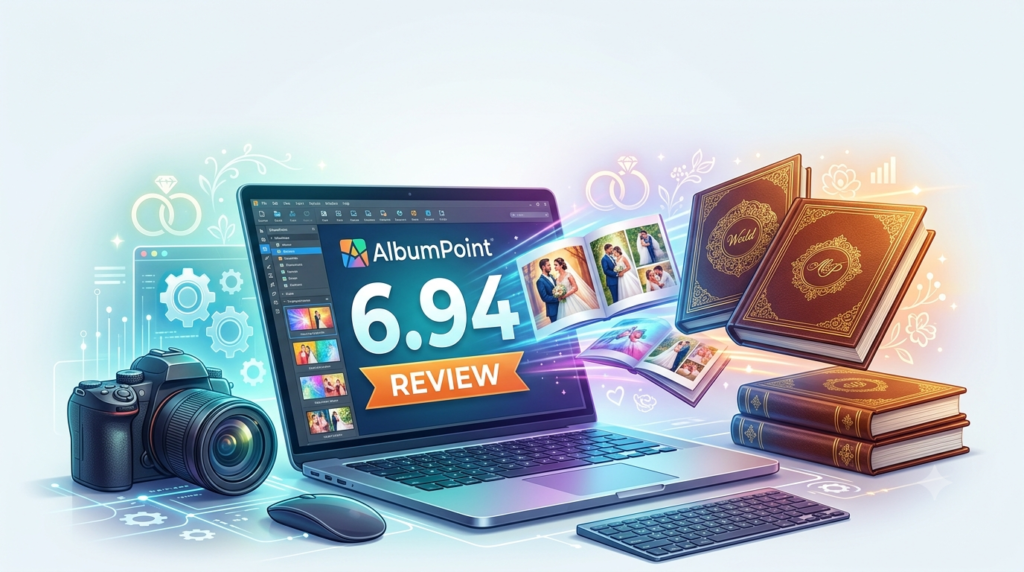
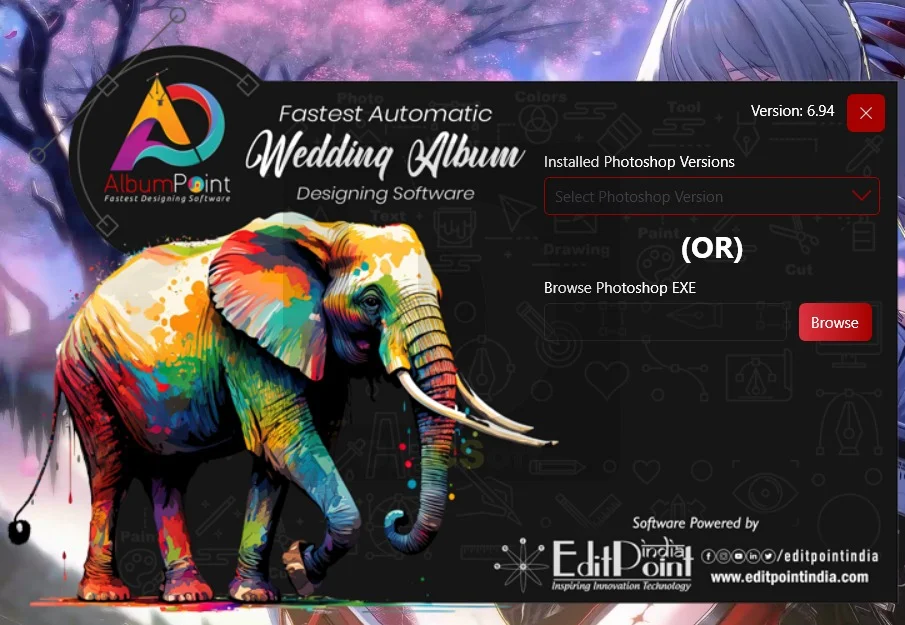
AlbumPoint 6.94 is a specialized wedding album design software created specifically for professional photographers who need to produce high-quality digital albums quickly and efficiently. This powerful tool integrates directly with Adobe Photoshop, functioning as an enhanced toolbar that streamlines the entire album creation workflow .
Unlike general-purpose photo editing tools, AlbumPoint focuses exclusively on album design automation, allowing photographers to transform hundreds of raw images into polished, professional albums in minutes rather than hours. The software is particularly well-suited for wedding photography studios, event photographers, and portrait professionals who handle large volumes of images requiring consistent, high-quality album layouts .
The software’s core philosophy centers on maximizing productivity without sacrificing creative control. By combining an extensive template library with intelligent automation features, AlbumPoint enables photographers to deliver stunning albums to clients faster than traditional design methods permit. This efficiency translates directly to improved profitability and the ability to take on more projects without expanding studio capacity .
Key Features
Photoshop Integration
AlbumPoint 6.94 operates as a Photoshop plugin that integrates seamlessly into the Adobe Photoshop workspace. This tight integration means photographers can leverage Photoshop’s powerful editing capabilities while benefiting from AlbumPoint’s specialized album design tools. The software appears as a dedicated toolbar within Photoshop, eliminating the need to switch between applications .
Automatic Template Selection
One of AlbumPoint’s most valuable features is its intelligent template selection system. The software automatically analyzes your images and suggests appropriate templates based on image orientation, quantity, and composition. This smart algorithm significantly reduces the time spent manually selecting and arranging layouts .
Template Resizing and Trim Guides
AlbumPoint automatically resizes any template to match your specified album dimensions. The software includes built-in trimming guides that ensure your images fit perfectly within the selected layout, maintaining proper proportions and eliminating guesswork .
Non-Destructive Image Manipulation
The software allows you to resize, rotate, and reposition pictures multiple times without any quality degradation. This non-destructive editing capability provides creative flexibility while protecting your original images .
Comprehensive Page Thumbnail Display
AlbumPoint displays thumbnails of all designed pages, making it easy to follow your album’s visual story. This overview helps maintain consistency and flow throughout the album .
PSD Conversion for Auto-Designing
The software includes a powerful PSD conversion feature that transforms your existing Photoshop designs into auto-design templates. This functionality allows you to build a personalized library of layouts that maintain your unique style .
Extensive Template Library
AlbumPoint comes pre-loaded with over 3,000 ready-to-use templates, providing an extensive foundation for album design. Users can also add their own custom designs to the library, creating a personalized collection .
Multiple Output Formats
The software supports multiple output formats including PSD, JPG, and TIF. This versatility ensures compatibility with various printing services and client delivery preferences .
Smart Album Automatic Filling
For maximum efficiency, AlbumPoint offers an automatic album filling feature that places selected pictures into templates with minimal manual intervention. This batch processing capability is ideal for handling large wedding or event photo collections .
What’s New in AlbumPoint 6.94
As a specialized tool focused on studio efficiency, AlbumPoint continues to evolve. Version 6.94 builds upon the established feature set of the 6.x series, offering refinements to its core automation capabilities. The software maintains its position as a dedicated solution for photographers who prioritize speed and workflow integration.
Key improvements in recent updates include enhanced template resizing algorithms for better handling of varied image aspect ratios and improved stability when processing large image batches. The software’s PSD conversion feature has also been refined for greater accuracy when transforming existing designs into reusable templates.
System Requirements
AlbumPoint is designed for Windows-based systems and requires:
-
Operating System: Windows 7, 8, 10, or 11
-
RAM: Minimum 2 GB
-
Processor: Intel or AMD processor with adequate performance for image processing
-
Storage: Sufficient space for software installation and project files
-
Additional Software: Adobe Photoshop CS3 through CC (required for integration)
The software is desktop-only and designed for single-computer use, with licensing tied to individual workstations .
Installation Guide
Step 1: System Preparation
Before installing AlbumPoint, ensure Adobe Photoshop is properly installed and functioning on your computer. AlbumPoint requires Photoshop to operate as an integrated plugin.
Step 2: Run the Installer
Download the AlbumPoint setup file from an authorized source. Run the installer with appropriate administrative privileges on your Windows system.
Step 3: Follow Installation Prompts
The installation wizard will guide you through the setup process. Accept the license agreement and choose your installation directory.
Step 4: Activate Your License
Enter your license key when prompted. AlbumPoint licenses are typically purchased as lifetime licenses for a single computer .
Step 5: Launch Photoshop
After installation completes, launch Adobe Photoshop. AlbumPoint should appear as a toolbar within the Photoshop interface.
Step 6: Configure Settings
Access AlbumPoint’s settings to customize your preferred template directory, default output formats, and other preferences.
How to Use AlbumPoint
Getting Started
-
Launch Adobe Photoshop and ensure the AlbumPoint toolbar is visible.
-
Create a new album project by selecting your desired album size and specifications.
-
Import your images by selecting the photos you wish to include in your album.
Basic Workflow
Load Images and Select Templates:
AlbumPoint can automatically suggest templates based on your imported images, or you can manually browse the extensive template library .
Assign Images to Templates:
The software offers multiple methods for image assignment:
-
Auto-fill: Let AlbumPoint automatically populate templates with your images
-
Drag-and-drop: Manually place specific images into desired layouts
-
Smart album automatic filling: Batch process large image collections quickly
Customize Layouts:
Once images are placed, you can:
-
Resize, rotate, and reposition individual images
-
Add backgrounds, clipart, and styles
-
Apply Photoshop effects and filters
-
Create masks for creative compositions
Save Your Designs:
When satisfied with your layout, save your work. You can save individual pages as PSD files for further Photoshop editing or export the complete album in your preferred output format.
Export for Printing:
Export your completed album using the appropriate settings for your printing service. AlbumPoint supports PSD, JPG, and TIF output formats .
Best Use Cases
Wedding Photography Studios
Wedding photographers represent AlbumPoint’s primary user base. The software excels at creating elegant wedding albums efficiently, helping studios handle the large volume of images typical of wedding shoots. Studios can maintain consistent quality across multiple albums while significantly reducing design time .
Portrait and Event Photographers
Portrait studios and event photographers benefit from AlbumPoint’s rapid design capabilities. Whether creating family portrait albums, event memory books, or corporate event portfolios, the software’s automation features help deliver professional results quickly .
Photography Studios Offering Print Products
Studios that offer print products as part of their service can use AlbumPoint to streamline album creation. The software’s professional output options ensure print-ready files that satisfy client expectations .
Photography Professionals Seeking Efficiency
Photographers who want to increase their productivity without compromising quality will find AlbumPoint valuable. By automating repetitive design tasks, the software allows professionals to focus on creative decisions that truly impact final results .
Advantages and Limitations
Advantages
Exceptional Speed and Efficiency:
AlbumPoint enables photographers to create complete albums in minutes rather than hours. This efficiency represents a significant competitive advantage for busy studios .
Photoshop Integration:
The direct integration with Adobe Photoshop means users don’t need to learn an entirely new application. This seamless workflow leverages existing Photoshop expertise and provides access to Photoshop’s powerful editing features .
Extensive Template Library:
With over 3,000 ready-to-use templates, AlbumPoint provides an immediate, comprehensive design foundation. Users can quickly find appropriate layouts for various album styles and client preferences .
Non-Destructive Editing:
The ability to resize, rotate, and reposition images without quality loss provides creative flexibility while protecting original image quality .
Value for Money:
AlbumPoint is positioned as a cost-effective solution with a positive return on investment. The software is often described as providing significant value, particularly for studios that produce multiple albums .
Limitations
Limited Platform Support:
AlbumPoint is designed exclusively for Windows and requires Adobe Photoshop. Mac users need to look for alternative album design solutions .
No Free Updates:
The software does not include free updates; nominal charges apply for newer versions. This means users should budget for periodic upgrade costs to access new features .
Limited Technical Support Window:
Technical support is provided for a limited period (typically 90 days) from the purchase date. Extended support requires additional arrangements .
Learning Curve:
While designed to be user-friendly, photographers unfamiliar with Photoshop may need time to adapt to the integrated workflow.
Dependence on Photoshop:
Because AlbumPoint functions as a Photoshop plugin, users must maintain a valid Photoshop installation and subscription to use the software effectively.
Alternatives to AlbumPoint
jAlbum PRO
jAlbum PRO offers a different approach to album creation, focusing primarily on web-based and digital galleries. It provides professional photographers with advanced features including commercial usage rights, white-label branding, and access to premium skins. This alternative is particularly suited for photographers who need to create online portfolios and client galleries .
Maqueteer
Maqueteer is a professional album design software designed exclusively for Mac. It offers a drag-and-drop interface that generates up to 100 layout solutions instantly. The software features powerful editing tools with gap-aware capabilities, text editing, and comprehensive export options. Maqueteer offers both a free Basic version and a Pro subscription version with higher resolution and larger page size capabilities .
Other Considerations
When evaluating alternatives, photographers should consider:
-
Platform compatibility (Windows vs. Mac)
-
Integration with existing tools (Photoshop integration vs. standalone)
-
Pricing model (one-time purchase vs. subscription)
-
Target use case (print albums vs. digital/web albums)
-
Template library size and customization options
Frequently Asked Questions
What is AlbumPoint software used for?
AlbumPoint is a wedding album design software used by photographers to create professional digital albums quickly. It integrates with Adobe Photoshop to provide automated template selection, image placement, and album layout capabilities .
Is AlbumPoint compatible with the latest version of Photoshop?
AlbumPoint supports Adobe Photoshop CS3 through CC versions. Users with current Photoshop subscriptions should verify compatibility with their specific version .
What are the system requirements for AlbumPoint 6.94?
AlbumPoint 6.94 requires Windows 7 or newer, at least 2 GB RAM, and Adobe Photoshop CS3 through CC. The software is desktop-only and designed for single-computer use .
How many templates does AlbumPoint include?
AlbumPoint comes with over 3,000 ready-to-use templates, providing a comprehensive foundation for album design. Users can also add their own custom templates to the library .
Can I use AlbumPoint without Adobe Photoshop?
No, AlbumPoint operates as an integrated Photoshop plugin and requires Adobe Photoshop to function. It essentially works as a specialized toolbar within the Photoshop workspace .
Is AlbumPoint available for Mac?
No, AlbumPoint is currently available only for Windows systems. Mac users seeking similar functionality might consider alternatives like Maqueteer, which is designed specifically for macOS .
How does AlbumPoint improve album design workflow?
AlbumPoint streamlines album design through automation features including automatic template selection, smart image placement, PSD conversion for custom templates, and non-destructive image manipulation. These features can reduce album creation time from hours to minutes .
Final Thoughts
AlbumPoint 6.94 stands as a specialized solution for wedding photographers and studio professionals who need to produce high-quality albums efficiently. Its deep integration with Adobe Photoshop, extensive template library, and automation features make it particularly valuable for photographers handling high-volume projects.
The software’s primary strength lies in its ability to dramatically reduce album creation time while maintaining professional quality. For studios where album production represents a significant portion of revenue, this efficiency translates directly to improved profitability .
However, potential users should consider the platform limitations (Windows only, Photoshop required) and the lack of free updates when evaluating AlbumPoint against alternatives. For photographers already committed to the Windows and Photoshop ecosystem, AlbumPoint offers a compelling solution that addresses the specific demands of professional album design.
Our Paid Service
“We do not sell or provide any software. We only offer professional support services. If any software on your system is not working properly, or you are facing installation errors, crashes, or any other technical issue — just contact us. We will help you fix the problem quickly and remotely via AnyDesk. No software will be provided from our side — only expert troubleshooting and support.”