

Overview of the Software
Table of Contents
Akshar is an input method editor (IME) built specifically for the multilingual reality of India. Developed by independent Bengaluru-based developer Krishna Permi, the app began as a practical solution for helping his son practise Kannada on an iPhone. The core problem was simple: existing keyboards either sent keystrokes to remote servers, supported only a narrow set of Indian languages, or buried transliteration under layers of unrelated features.
Akshar solves this by running AI4Bharat’s IndicXlit transliteration model and IndicConformer speech model entirely on-device. There is no server round-trip, no account requirement, and no data collection. The app is free to download and use; optional tips support development, but every typing and dictation feature remains accessible without payment.
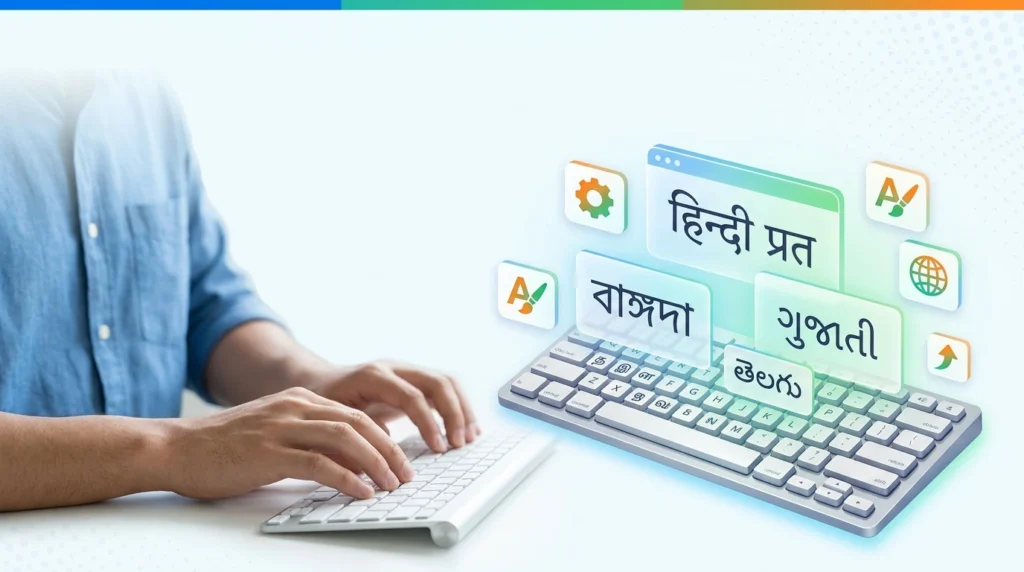
For SEO and software-discovery purposes, the primary keyword Akshar Pro IME and the secondary phrase Indian language typing software describe the same tool: a keyboard-layer utility that lets users type in English letters and see Devanagari, Tamil, Telugu, Kannada, Bengali, Gujarati, and other Indic scripts in real time.
Key Features
Akshar’s feature set is deliberately narrow and deep. It does not try to be a full word processor or a social keyboard with stickers; it focuses on accurate transliteration, private dictation, and multilingual note-taking.
-
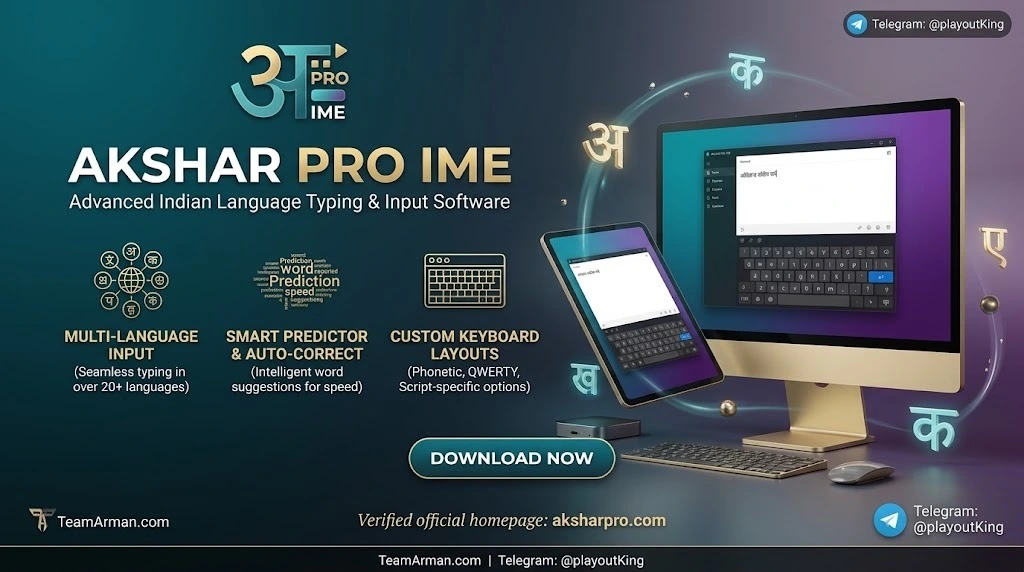
Real-time transliteration across 23 languages
Typenamasteand the keyboard immediately offersनमस्तेin the suggestion bar. A single tap or the spacebar accepts the conversion. The toolbar lets you switch scripts without leaving the keyboard. -
On-device dictation in 22 Indian languages
Introduced in version 4.0, dictation uses a single speech model that covers 22 languages. After a one-time model download, voice input works entirely offline. The microphone key is available inside any app that uses the Akshar keyboard. -
Dedicated Notes tab with offline editing and export
The built-in notes area supports auto-save, searchable history, favourites, and export to CSV or shareable artwork cards. This makes Akshar usable for drafting longer texts, poems, or social posts without switching between apps. -
Two-way clipboard converter
Paste English text to receive Indic-script output, or paste Indic text to read it back in Latin transliteration. This is useful for proofreading and for moving content between language contexts. -
Privacy architecture: zero server dependency
Transliteration and dictation run on Apple Core AI frameworks. The developer’s App Store privacy label states “Data Not Collected,” and the app explicitly does not send keystrokes or voice data to any server. -
Accessibility and Apple ecosystem integration
Support includes VoiceOver, Dynamic Type, Dark Mode, Reduced Motion, Home Screen and Lock Screen widgets, Control Center tiles, Siri Shortcuts, and a share extension for transliterating text from other apps.
What’s New in the Latest Version (4.0)
The 4.0 release is the most significant update in Akshar’s lifecycle because it adds voice input to what was previously a transliteration-only keyboard.
-
Dictation in 22 Indian languages
A single speech model handles all supported dictation languages. The model downloads once, after which voice input works without an internet connection. Automatic punctuation (full stops, commas, question marks) is applied as you speak. -
Improved voice-model accuracy and download transparency
The updated model offers better recognition, and the app displays the download size and progress before the speech model is installed. -
Foldable and multi-window refinements
For iPhone Duo and foldable devices, the Home screen now supports a two-page layout, with side-by-side script and Latin reading modes and a two-page converter. -
Performance and accessibility updates
The App Store listing notes faster installation, VoiceOver improvements, contrast enhancements, and translation refinements.
System requirements for dictation: iOS 26.4 or later. The base app requires iOS 18.0 or later.
System Requirements
Akshar is an Apple-platform keyboard. It does not currently offer a native Android or Windows version. The requirements below are based on the official App Store compatibility information.
| Device | Minimum OS | Notes |
|---|---|---|
| iPhone | iOS 18.0+ | Dictation requires iOS 26.4+ |
| iPad | iPadOS 18.0+ | Keyboard and Notes work across iPad apps |
| Mac (Apple silicon) | macOS 15.0+ with M1 or later | Runs as a compatible app |
| Apple Vision | visionOS 2.0+ | Compatible |
| Storage | Up to ~238.5 MB | Base app size; speech model adds additional space |
| Connectivity | None required after setup | Initial download from App Store; dictation model downloads once |
If you are looking for a desktop Indian language input method, the open-source Akshar IME project on GitHub targets Linux IBus and currently focuses on Nepali transliteration. It is a separate codebase and should not be confused with the iOS keyboard.
Installation Guide
Installing Akshar is a two-part process: first add the app, then enable the keyboard in iOS Settings.
-
Download from the App Store
Search for “Akshar: Indic Voice Keyboard” or use the direct App Store link. The app is free with optional tip-based in-app purchases. -
Add the Akshar keyboard
Open Settings → Apps → Akshar (or Settings → General → Keyboard → Keyboards → Add New Keyboard on older iOS builds). Select Akshar from the third-party keyboard list. -
Enable Full Access (recommended for full functionality)
To use dictation and the keyboard across all apps, enable Allow Full Access. The developer states that no data is collected or transmitted, and the privacy label reflects this. -
Set up dictation (optional)
Open the Akshar app, tap Set Up Dictation, and allow the speech model to download. The app shows the download size and progress. After the model is installed, the microphone key appears on the keyboard. -
Switch to Akshar in any app
Hold the globe key on the iOS keyboard and select Akshar. Choose your target language from the keyboard toolbar, then type in English letters or tap the microphone to dictate.
How to Use the Software
Akshar supports two primary input modes: transliteration (typing in English letters) and dictation (speaking). Both are designed to work inside any app that accepts text input.
Transliteration workflow
-
Switch to the Akshar keyboard using the globe key.
-
Select your language from the toolbar (e.g., Hindi, Tamil, Kannada, Bengali).
-
Type the word phonetically in English. For example, type
bharatto seeभारतin the suggestion bar. -
Tap the correct suggestion or press the spacebar to accept it.
-
Continue typing; the keyboard maintains the selected script until you switch languages.
Dictation workflow
-
Ensure the dictation model has been downloaded in the Akshar app.
-
Tap the microphone key on the Akshar keyboard inside any app.
-
Speak naturally in your chosen language. The on-device model converts speech to text in the selected script.
-
Automatic punctuation is inserted where appropriate. You can edit the text afterward using the same keyboard.
Notes and converter workflows
-
Notes tab: Use this space for drafting longer content. Notes auto-save, support search, and can be exported to CSV or shared as artwork cards.
-
Clipboard converter: Copy English text, open the converter, and paste it to receive Indic-script output. The reverse direction converts Indic text back to Latin transliteration.
Best Use Cases
Akshar is not designed for every typing scenario, but it excels in several specific, high-value situations.
-
Students and parents supporting Indian-language homework
The app’s origin story is exactly this: a parent helping a child with Kannada practice. The transliteration model lets users who are comfortable with an English keyboard produce accurate Indic script without learning a new layout. -
Writers, poets, and social-media creators working in their mother tongue
The Notes tab and script-switching toolbar make it practical to draft short-form or long-form content directly on an iPhone, without copying text between apps. -
Multilingual families and professionals who value privacy
Because transliteration and dictation run entirely on-device, users can type OTPs, passwords, and personal messages without exposing keystrokes to a cloud service. This is a meaningful differentiator for security-conscious users. -
Speakers of languages underserved by mainstream keyboards
Akshar supports languages that Gboard and Apple’s built-in keyboard do not fully cover for transliteration, including Konkani, Bodo, Dogri, Kashmiri, Maithili, Manipuri, Sanskrit, and Sindhi. For these language communities, Akshar fills a real gap. -
Accessibility-focused users
VoiceOver, Dynamic Type, Reduced Motion, and hardware-keyboard shortcuts make the app usable for people who rely on assistive technologies.
Advantages and Limitations
Advantages
-
Broadest language coverage among iOS transliteration keyboards
Akshar supports 23 languages across 12 scripts directly in the keyboard. Apple’s built-in keyboard supports 11 Indic languages for transliteration and restricts pairing, while Gboard’s transliteration coverage is narrower. -
Genuine offline privacy
The transliteration and speech models run on-device. No keystrokes, voice recordings, or notes are sent to a server. The App Store privacy label explicitly states that no data is collected. -
Free core functionality
Typing, dictation, Notes, and the converter are all available without a subscription. Optional tips support the developer but do not unlock essential features. -
Thoughtful Apple ecosystem integration
Widgets, Siri Shortcuts, share extensions, and Control Center tiles make Akshar feel like a native part of iOS rather than an isolated utility.
Limitations
-
iOS-only
There is no official Android, Windows, or web version. Users on non-Apple platforms cannot access the same tool. The developer has indicated interest in Android but has not announced a release timeline. -
Dictation requires a recent iOS version
Voice input needs iOS 26.4 or later. Users on older devices can still use transliteration, but the headline 4.0 feature is gated behind a newer OS. -
No full desktop IME parity
The iOS app is a keyboard and notes tool, not a system-wide desktop input method. Desktop users seeking a comparable transliteration workflow must look at separate projects such as the Linux-oriented Akshar IME, which has different language coverage and a command-line installation process. -
Smaller language-model footprint than cloud giants
Because everything runs on-device, the models are compressed. In practice, transliteration accuracy is strong for common words, but highly specialized vocabulary or mixed-script input may occasionally require manual correction.
Alternatives to Akshar Pro IME
The Indian-language keyboard market includes several established players. The comparison below focuses on iOS transliteration and privacy characteristics, which are the dimensions where Akshar differentiates most clearly.
| Tool | Indian language support | Transliteration | On-device processing | Ads / data collection | Pricing |
|---|---|---|---|---|---|
| Akshar Pro IME (Akshar: Indic Voice Keyboard) | 23 languages, 12 scripts; 22 dictation languages | Yes, real-time, in-keyboard | Yes, fully on-device | No ads; Data Not Collected | Free + optional tips |
| Apple built-in keyboard | 11 Indic languages for transliteration; pairing limited to two Indian languages with English | Yes, but limited language pairing | Varies by feature; some data may route through Apple services | No third-party ads; system-level telemetry | Included with iOS |
| Gboard (Google) | Broad language list; transliteration support is narrower than Akshar’s transliteration set | Yes, but buried under extra features | Partial; some features rely on cloud services | Google data practices apply | Free |
| Microsoft SwiftKey | Supports several Indian languages; transliteration depth varies by language | Yes, for supported languages | Partial; cloud sync and prediction features | Microsoft data practices apply | Free |
| Open-source Akshar IME (Linux) | Currently Nepali-focused (earlier multi-language build retired) | Yes, phonetic Devanagari | Yes, local model | Open source; no telemetry by design | Free (open source) |
When to choose Akshar over Gboard or Apple’s keyboard: if you need transliteration for a language outside the mainstream set (Konkani, Bodo, Dogri, Kashmiri, Maithili, Manipuri, Sanskrit, Sindhi), if you want dictation without sending voice to a server, or if you prefer a keyboard with no ads and no subscription prompts.
When Gboard or SwiftKey may be preferable: if you need Android support, deep Google/Microsoft ecosystem integration, or extensive theme and gesture customisation. Those tools are broader platforms; Akshar is a focused Indian-language input specialist.
Frequently Asked Questions
Is Akshar Pro IME free to use?
Yes. The app is free to download and use. Optional in-app tips support development, but all typing, dictation, and Notes features remain accessible without payment.
Does Akshar work without an internet connection?
Yes. Transliteration and dictation run on-device after the initial app download and the one-time dictation-model download. After that, no network connection is required for input.
Which Indian languages does Akshar support?
The keyboard supports 23 languages across 12 scripts, including Hindi, Bengali, Marathi, Telugu, Tamil, Gujarati, Kannada, Urdu, Odia, Malayalam, Punjabi, Assamese, Maithili, Kashmiri, Nepali, Sindhi, Konkani, Meitei (Manipuri), Bodo, Sanskrit, Sinhala, Dogri, and Santali. Dictation is available in 22 of these languages.
Does Akshar collect or send my keystrokes or voice data?
No. The App Store privacy label states “Data Not Collected,” and the developer explicitly states that transliteration and dictation run entirely on-device with no server communication.
What iOS version do I need for dictation?
Dictation requires iOS 26.4 or later. The base app and transliteration features require iOS 18.0 or later.
Can I use Akshar on Android or Windows?
There is currently no official Android or Windows version of the iOS Akshar app. The separate open-source Akshar IME on GitHub targets Linux and focuses on Nepali; it is a different project with a different installation process.
How is Akshar different from Gboard for Indian language typing?
Akshar supports a wider set of Indian languages for transliteration, including several that Gboard does not fully cover (Konkani, Bodo, Dogri, Kashmiri, Maithili, Manipuri, Sanskrit, Sindhi). It also runs transliteration and dictation entirely on-device, whereas Gboard’s feature set includes cloud-dependent components.
Is Akshar safe for typing OTPs and personal information?
Because the keyboard does not send keystrokes to a server and the app’s privacy label indicates no data collection, it is architecturally designed for sensitive input. As with any third-party keyboard, users should review the privacy policy and decide whether on-device processing meets their security requirements.
Final Thoughts
Akshar Pro IME—distributed as Akshar: Indic Voice Keyboard—is one of the most technically focused Indian-language input tools available on iOS. Its core value proposition is not feature breadth but architectural integrity: 23 languages, real-time transliteration, offline dictation, and a strict on-device privacy model, all without ads or a subscription.
The tool is not a universal replacement for Gboard or SwiftKey, particularly for Android users or those who need deep cloud-ecosystem integration. But for iPhone and iPad users who type in Indian languages regularly—especially languages underserved by mainstream keyboards—Akshar offers a rare combination of linguistic depth, privacy, and practical usability. The 4.0 dictation update strengthens that position further, provided users are on a recent iOS version.
For readers evaluating Indian language typing software, the decision comes down to platform and priorities: if you are on iOS and value offline privacy plus broad Indic-script coverage, Akshar deserves a place on your keyboard list. If you need cross-platform parity or Android support, Gboard or SwiftKey remain the practical alternatives, with the trade-off of different privacy and language-coverage profiles.
Our Paid Service