

Overview of QPS Qimera
Table of Contents
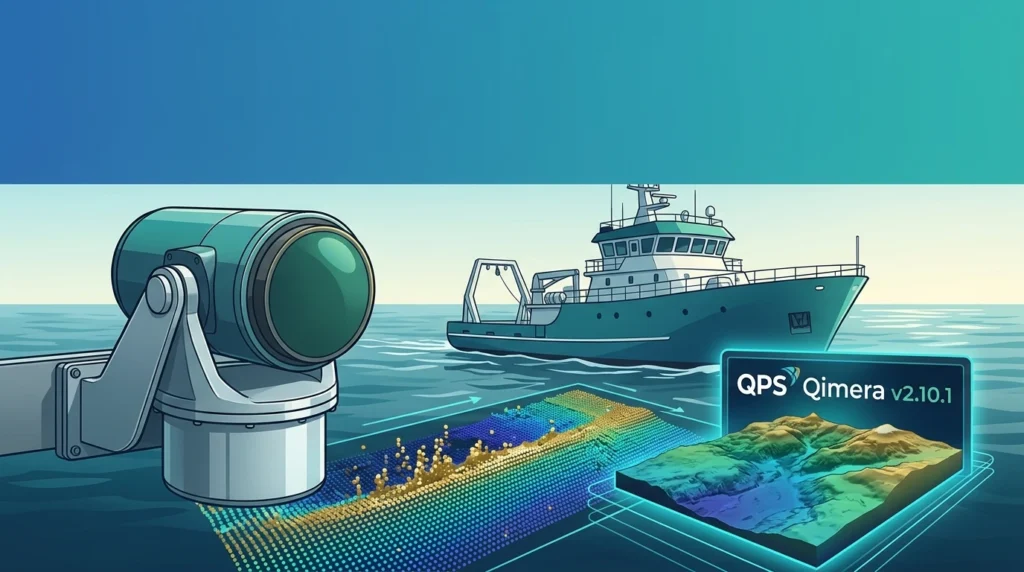
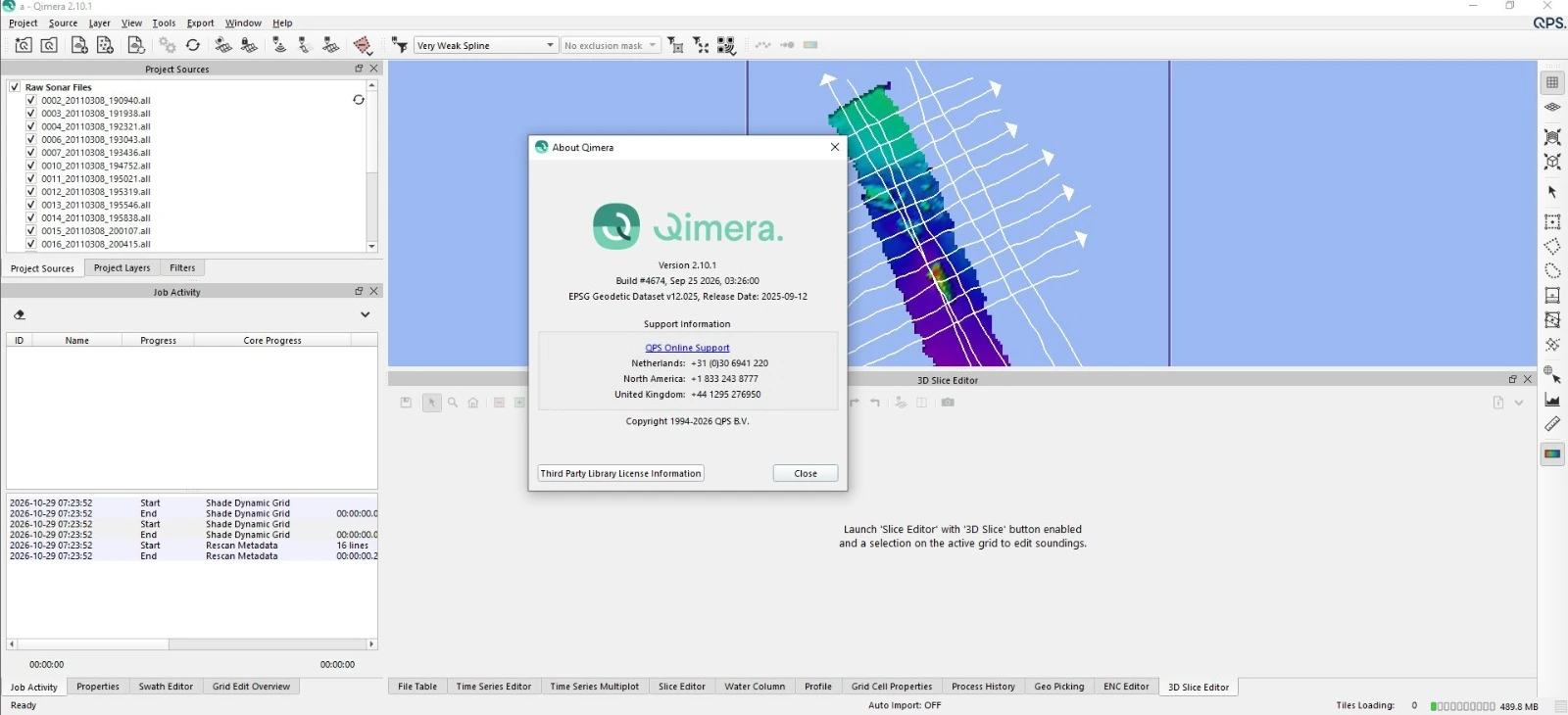
QPS Qimera is a specialized software application developed by Quality Positioning Services (QPS), a company renowned for its expertise in maritime surveying and positioning software. Qimera is specifically engineered to address the complexities of multibeam echosounder (MBES) data. It provides a comprehensive environment for hydrographers and surveyors to clean, filter, and analyze sonar data with unprecedented ease and speed.
Unlike traditional, cumbersome processing tools, Qimera is built on a modern, 64-bit, multi-threaded architecture. This allows it to handle massive datasets from the latest high-resolution sonar systems without performance bottlenecks. The software’s core philosophy is to make complex data processing tasks—such as sound velocity correction, tide application, and data cleaning—more automated and intuitive, thereby reducing project turnaround times and minimizing human error.
The software is a key component of the modern hydrographic workflow, bridging the gap between raw sonar acquisition and final deliverables like charts, reports, and 3D models. Its intuitive interface and powerful processing engine make it accessible to new users while offering the depth and control required by seasoned professionals.
Key Features
QPS Qimera is packed with features designed to enhance productivity and data quality. Key capabilities include:
-
Dynamic Workflow: A guided, visual workflow that helps users track their progress from project creation to final output.
-
Automated Cleaning Tools: Advanced algorithms for automatic spike and noise filtering, significantly reducing manual cleaning time.
-
3D Visualization: Real-time, interactive 3D editing and visualization of sonar data, allowing for immediate feedback and precise cleaning.
-
Multi-Source Data Support: Ability to import and process data from a wide range of multibeam sonar systems and file formats.
-
Sound Velocity Profile (SVP) Management: Tools to manage and apply sound velocity profiles to correct for variations in the water column.
-
Tide and Ellipsoid Handling: Robust support for applying tidal reductions and managing different vertical datums.
-
Gridding and Surface Generation: Powerful gridding engine to create high-resolution bathymetric surfaces (DTMs) for analysis and export.
-
Quality Control (QC) Tools: Comprehensive QC features to validate data integrity and ensure compliance with survey specifications.
What’s New in Qimera v2.10.1?
Version 2.10.1 represents a significant update focused on performance, stability, and user-driven enhancements. While specific release notes should be consulted for a complete list, users can expect improvements in the following areas:
-
Enhanced Processing Speed: Optimized algorithms for faster data loading, cleaning, and gridding, particularly for large, high-density datasets.
-
Improved 3D Performance: Smoother navigation and interaction within the 3D visualization environment, even with complex projects.
-
New Automation Scripts: Additional scripting options to automate repetitive tasks, further streamlining the processing pipeline.
-
Refined User Interface: Minor UI/UX tweaks and bug fixes based on user feedback to improve overall workflow efficiency.
-
Expanded Format Support: Potential updates to ensure compatibility with the latest sonar data formats and third-party software.
System Requirements
To ensure optimal performance, your computer system should meet or exceed the following recommended specifications:
-
Operating System: Windows 10 or Windows 11 (64-bit).
-
Processor: Intel Core i7 or AMD Ryzen 7 (or better), with a high core count for multi-threaded processing.
-
Memory (RAM): 32 GB minimum, 64 GB or more recommended for large projects.
-
Graphics Card: A dedicated NVIDIA or AMD GPU with at least 4 GB of VRAM and OpenGL 4.5 support.
-
Storage: A solid-state drive (SSD) is highly recommended for the operating system and project data to ensure fast read/write speeds.
-
Display: A high-resolution monitor (1920×1080 or greater) is recommended for detailed data inspection.
Installation Guide
Installing QPS Qimera is a straightforward process. To ensure a successful installation:
-
Obtain the Installer: Download the official Qimera v2.10.1 installer from the official QPS website or your authorized distributor. You will typically need a valid license or dongle to run the software.
-
Run the Installer: Double-click the downloaded
.exefile to launch the installation wizard. -
Follow On-Screen Prompts: Accept the license agreement and choose the destination folder for the installation.
-
License Activation: During or after installation, you will be prompted to activate your license. Follow the instructions provided by QPS, which may involve connecting a hardware dongle or entering a software license key.
-
Complete Installation: Once the process is complete, launch Qimera from the Start Menu or desktop shortcut.
How to Use Qimera
Getting started with Qimera involves a logical, project-based workflow. Here is a simplified guide:
-
Create a New Project: Start by creating a new project and defining its coordinate reference system (CRS) and vertical datum.
-
Import Raw Data: Import your raw multibeam sonar files (e.g.,
.all,.kmall,.s7k) into the project. Qimera will begin building a dynamic surface. -
Apply Corrections: Use the workflow pane to apply sound velocity profiles and tide data to correct the sonar data for environmental factors.
-
Clean the Data: Utilize the 2D and 3D views to identify and clean noise, spikes, and other artifacts. Use automated filters for an initial pass, then manually edit as needed.
-
Generate a Surface: Once the data is clean, generate a final, high-resolution bathymetric surface (grid).
-
Analyze and Export: Analyze the final surface for quality control and export it in various formats (e.g., GeoTIFF, XYZ, BAG) for use in GIS or charting software.
Best Use Cases
QPS Qimera is an indispensable tool for a variety of maritime applications:
-
Hydrographic Surveying: The primary use case, where Qimera is used to process survey data for nautical charting and safety of navigation.
-
Marine Construction: For pre- and post-construction surveys of ports, harbors, and offshore infrastructure like wind farms and pipelines.
-
Dredging Operations: To calculate dredge volumes, monitor progress, and ensure precise excavation.
-
Environmental Monitoring: For mapping seabed habitats and conducting environmental impact assessments.
-
Scientific Research: To create detailed bathymetric maps for geological and oceanographic studies.
Advantages and Limitations
Advantages:
-
User-Friendly Interface: Intuitive and modern, reducing the learning curve for new users.
-
High-Performance Engine: Fast processing of large datasets saves significant time.
-
Powerful Automation: Automated tools for cleaning and processing boost efficiency.
-
Excellent Visualization: Best-in-class 3D visualization for data interpretation and QC.
-
Strong Industry Support: Backed by QPS, a trusted name in the hydrographic community.
Limitations:
-
Licensing Cost: As a professional-grade software, Qimera represents a significant investment.
-
Hardware Demands: Requires a powerful computer to run smoothly, especially on large projects.
-
Windows-Only: Currently, the software is only available for the Windows operating system, limiting users on macOS or Linux.
Alternatives to QPS Qimera
While Qimera is a top-tier choice, other software exists in the market:
-
Hypack: A comprehensive suite for survey design, data acquisition, and processing, known for its broad feature set but often considered to have a steeper learning curve.
-
EIVA NaviSuite: An integrated suite of software for offshore and shallow-water surveying, offering strong acquisition and processing capabilities.
-
Teledyne CARIS: A powerful and established brand in the hydrographic software space, offering products like HIPS and SIPS for robust, enterprise-level processing.
-
Open-Source Options (e.g., MB-System): While free, these tools are command-line-based and require significant technical expertise, making them less suitable for most commercial applications.
Frequently Asked Questions (FAQ)
Q1: What is the latest version of QPS Qimera?
The latest version is QPS Qimera v2.10.1, which includes performance enhancements and stability improvements over previous releases.
Q2: Can I use Qimera on a Mac or Linux computer?
No, Qimera is a native Windows application and is designed for the Windows 10 and 11 operating systems.
Q3: What kind of data can I process with Qimera?
Qimera is specifically designed for multibeam echosounder (MBES) data from a wide variety of sonar manufacturers and file formats.
Q4: Does Qimera offer a free trial?
QPS occasionally offers trial versions or demonstrations. It is best to check the official QPS website or contact their sales team for the latest information on trials and licensing.
Q5: Where can I download the official installer for Qimera v2.10.1?
The official installer should always be downloaded directly from the QPS website or an authorized distributor to ensure you are getting the legitimate, safe, and fully functional software.
Q6: How does Qimera handle coordinate systems?
Qimera has robust support for coordinate reference systems (CRS) and vertical datums, allowing users to define project-specific settings and transform data as needed.
Final Thoughts
QPS Qimera v2.10.1 stands out as a premier sonar data processing software for hydrographic professionals. Its blend of an intuitive workflow, powerful automation, and high-performance visualization makes it an invaluable asset for any organization serious about efficiency and accuracy in bathymetric data handling. By significantly reducing the time spent on data cleaning and processing, Qimera empowers surveyors to focus on delivering high-quality results for their clients. For those in the market for a sophisticated, reliable, and legally licensed software solution, Qimera is undoubtedly a top contender to consider.
Our Paid Service
“We do not sell or provide any software. We only offer professional support services. If any software on your system is not working properly, or you are facing installation errors, crashes, or any other technical issue — just contact us. We will help you fix the problem quickly and remotely via AnyDesk. No software will be provided from our side — only expert troubleshooting and support.”