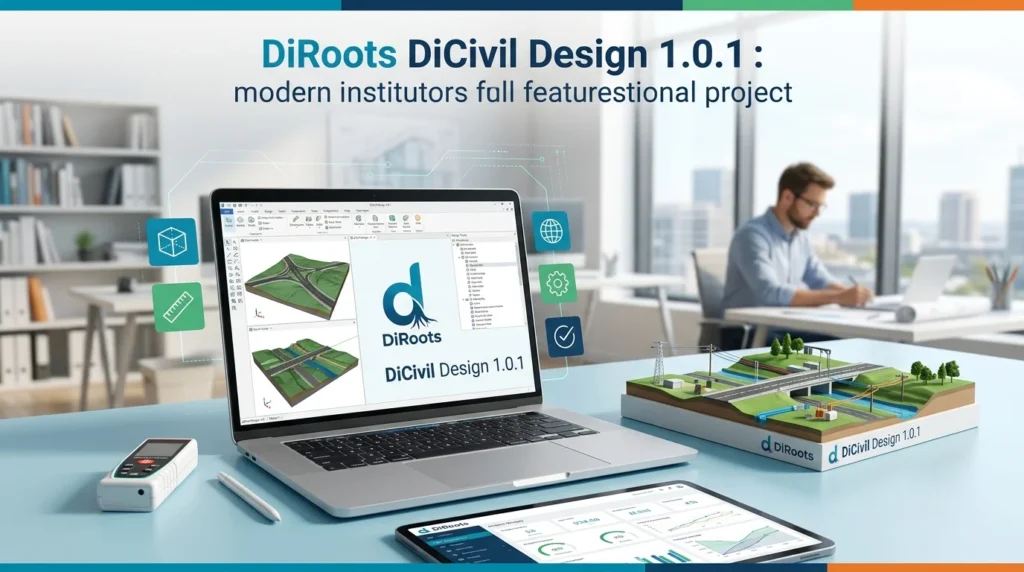

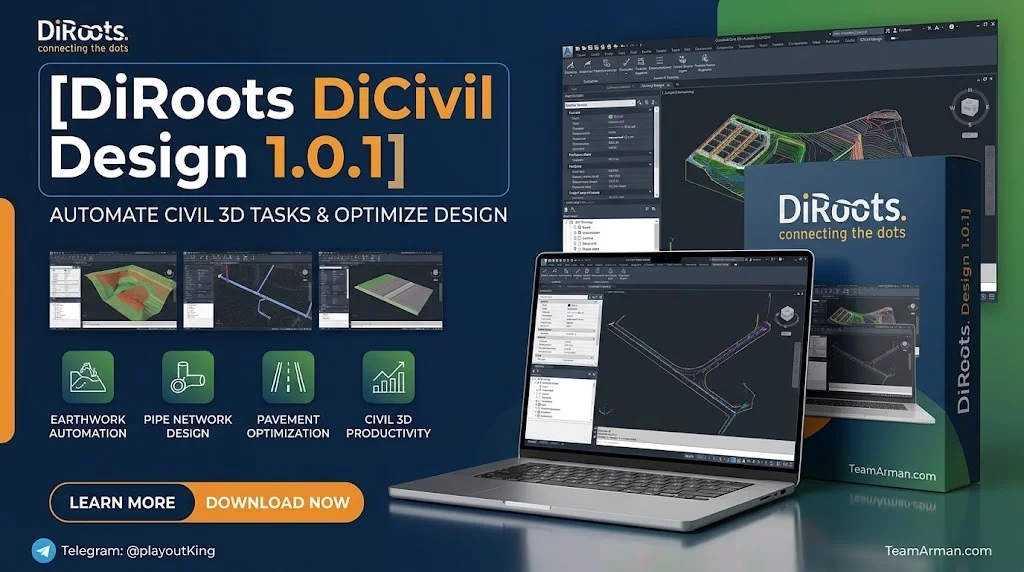
Overview of DiRoots DiCivil Design 1.0.1
Table of Contents
DiRoots DiCivil Design 1.0.1 is a productivity plugin suite built for Autodesk Civil 3D that streamlines civil infrastructure design workflows. Developed by DiRoots, a company known for creating high-quality add-ins for Autodesk Revit and Civil 3D, DiCivil Design brings together four specialized tools: Auto Annotation, Grading Pro, Earthwork Tool, and Piping Engineer. This plugin is designed for civil engineers, infrastructure designers, and BIM professionals who want to reduce repetitive manual tasks and improve design accuracy.
The DiCivil Design plugin integrates directly into the Civil 3D ribbon, providing a unified interface for grading, earthwork calculations, pipe network design, and automated annotation. It supports Civil 3D versions 2022 through 2027 and runs on Windows 7, 8, 10, and 11. DiRoots positions DiCivil Design as part of a larger DiCivil Suite, which also includes DiCivil Manage for style and template management.
This article covers everything you need to know about DiRoots DiCivil Design 1.0.1, including its key features, system requirements, installation process, practical use cases, and how it compares to alternatives.
Key Features of DiRoots DiCivil Design 1.0.1
DiCivil Design 1.0.1 includes four core tools, each targeting a specific phase of the civil design workflow.
Auto Annotation
Auto Annotation automates the labeling of Civil 3D elements using advanced filter logic and existing label styles. You can create reusable smart annotation templates that apply to multiple element categories at once. This feature significantly reduces the time spent on manual labeling and ensures consistency across drawings.
Grading Pro
Grading Pro generates and edits design surfaces using reusable section templates, predefined Feature Lines, and stored setups for sections and stations. It supports nested sections, pipe trench grading, and alignment stations that start at negative or positive values. This tool is ideal for site grading and surface modeling in infrastructure projects.
Earthwork Tool
The Earthwork Tool calculates cut and fill volumes with support for subgrade and topsoil stripping. It handles full and regional surface calculations and updates volume units dynamically. The tool supports multiple closed hatches for region selection, making it easier to define calculation areas accurately.
Piping Engineer
Piping Engineer enables the design, editing, and validation of pipe networks with smart elevation and slope controls. It supports part swapping, bulk multi-property editing for pipes and structures, and quick network profile creation. You can also export and import extended data on structures to and from Excel.
What’s New in DiCivil Design 1.0.1
Version 1.0.1 builds on the public beta releases with several stability improvements and new capabilities. Key updates include:
-
Multilingual support: The interface is now available in English, Spanish, Portuguese, French, and Chinese.
-
Enhanced Piping Engineer: Quick network profile creation and optimized performance for larger pipe networks.
-
Grading Pro improvements: New point method for nested sections at section points, plus support for pipe trench and ditch grading.
-
Auto Annotation refinements: Added parcel annotation clock direction input and improved reporting when no elements match a filter.
-
Bug fixes: Resolved issues with non-English Civil 3D versions, elevation design errors, and earthwork unit calculations.
These changes make 1.0.1 a more stable and feature-complete release, particularly for international teams and complex infrastructure projects.
System Requirements for DiCivil Design 1.0.1
Before installing DiCivil Design, verify that your system meets the following requirements:
-
Operating System: Windows 7, 8, 10, or 11
-
Autodesk Civil 3D: Versions 2022, 2023, 2024, 2025, 2026, and 2027
-
Disk Space: Sufficient space for the installer and plugin files
-
Permissions: Administrative rights may be required for installation
DiCivil Design is designed to work alongside other DiRoots plugins for Revit and Civil 3D. It does not require additional runtimes beyond what Civil 3D already uses.
Installation Guide for DiCivil Design 1.0.1
Installing DiCivil Design is straightforward and follows a standard Windows installer workflow.
Standard Installation Steps
-
Download the installer from the official DiRoots website or the DiRoots GitHub releases page.
-
Run the DiCivil installer as an administrator.
-
Select the Civil 3D versions you want to install the plugin for.
-
Click “Install” and wait for the process to complete.
-
Click “Finish” to close the installer.
Silent Installation via WinGet
For IT administrators and deployment scenarios, DiCivil can be installed silently using WinGet:
winget install --id DiRoots.DiCivil --exact --silent --accept-package-agreements --accept-source-agreements
This method is useful for deploying the plugin across multiple workstations without user interaction.
Uninstallation
To uninstall DiCivil Design, run the installer again, select “Remove,” and follow the prompts. Alternatively, use Windows Control Panel > Programs and Features to uninstall the plugin.
How to Use DiRoots DiCivil Design 1.0.1
After installation, DiCivil Design adds a DiRoots tab to the Civil 3D ribbon. Each tool is accessible from this tab.
Using Auto Annotation
-
Open a drawing with elements you want to label.
-
Click Auto Annotation in the DiRoots tab.
-
Select or create an annotation template using filter logic.
-
Apply the template to label multiple element categories at once.
Using Grading Pro
-
Open a grading or surface design project.
-
Launch Grading Pro from the DiRoots tab.
-
Load a reusable section template or create a new one.
-
Define Feature Lines and station setups.
-
Generate or update the design surface.
Using Earthwork Tool
-
Select the surfaces for cut and fill calculation.
-
Configure subgrade and topsoil stripping parameters.
-
Choose full or regional calculation mode.
-
Click Calculate to generate volume results.
-
Export the results to Excel or create Civil 3D tables for reporting.
Using Piping Engineer
-
Open a pipe network in Civil 3D.
-
Launch Piping Engineer.
-
Edit pipe elevations and slopes using smart controls.
-
Swap parts or bulk-edit multiple properties.
-
Validate the network and export data as needed.
For detailed guidance, DiRoots provides a comprehensive user guide and video tutorials on the official documentation site.
Best Use Cases for DiCivil Design
DiCivil Design is built for civil engineering and infrastructure professionals. Here are the most common scenarios where it delivers value.
Site Grading and Surface Design
Grading Pro helps civil engineers create accurate design surfaces for residential, commercial, and industrial sites. Reusable section templates reduce the time spent on repetitive grading tasks.
Earthwork Volume Calculation
The Earthwork Tool is ideal for projects that require accurate cut and fill calculations, such as road construction, land development, and trench excavation. Its support for subgrade and topsoil stripping improves accuracy in volumetric reporting.
Pipe Network Design and Validation
Piping Engineer is used in stormwater, sanitary sewer, and utility projects. Its elevation and slope controls help designers validate pipe networks quickly, while bulk editing saves time when adjusting multiple pipes.
Automated Drawing Annotation
Auto Annotation benefits any project that requires consistent labeling of alignments, profiles, pipes, and surfaces. It is especially useful for large-scale infrastructure drawings where manual annotation would be time-consuming.
Template and Standards Management
Although DiCivil Manage handles style and template management, DiCivil Design’s tools integrate with existing Civil 3D styles and templates, making it easier to maintain project standards across teams.
Advantages and Limitations of DiRoots DiCivil Design
Advantages
-
Time savings: Automates repetitive tasks like annotation, grading, and earthwork calculation.
-
Accuracy improvements: Reduces manual errors in volume calculation and pipe network editing.
-
Reusable workflows: Section templates and annotation templates can be reused across projects.
-
Broad compatibility: Supports Civil 3D 2022–2027 and Windows 7–11.
-
Multilingual interface: Available in five languages for international teams.
-
Affordable pricing: DiCivil Design costs 200€ / $240 per user per year, or $360 for the full DiCivil Suite.
Limitations
-
Requires Autodesk Civil 3D: The plugin is not standalone software and requires a valid Civil 3D license.
-
Windows only: There is no macOS or Linux support.
-
Limited to Civil 3D workflows: It does not extend to Revit or other Autodesk products (though DiRoots offers separate Revit plugins).
-
No free version: Unlike some DiRoots Revit plugins, DiCivil Design is a paid product with no free tier.
Alternatives to DiRoots DiCivil Design
Several other plugins and tools compete with DiCivil Design in the Civil 3D productivity space.
DiCivil Manage
DiCivil Manage is the companion product to DiCivil Design. It focuses on style management, template cleanup, and survey/layer transfers. It includes Style Helper, Drawing Layers, Transfer Object Layers, Transfer Survey Standards, and Template Inspector. Teams that need both design and management tools can purchase the DiCivil Suite at a discount.
Symetri Naviate Suite
Naviate Suite for Autodesk Civil 3D offers productivity tools for alignment, profile, and corridor design. It is a well-established alternative for firms already using Symetri products.
Carlson Civil Suite
Carlson Civil Suite provides a range of civil design tools that integrate with AutoCAD and Civil 3D. It is a long-standing competitor in the civil engineering software market.
Autodesk Civil 3D Built-in Tools
Civil 3D itself includes grading, pipe network, and earthwork tools. However, DiCivil Design adds automation and batch-editing capabilities that are not available in the base product.
Free DiRoots Revit Plugins
DiRoots offers several free plugins for Autodesk Revit, such as DiRootsOne, ProSheets, and DiStem. While these are not alternatives to DiCivil Design, they demonstrate DiRoots’ broader ecosystem for AEC professionals.
Frequently Asked Questions
What is DiRoots DiCivil Design 1.0.1?
DiRoots DiCivil Design 1.0.1 is a productivity plugin suite for Autodesk Civil 3D that includes Auto Annotation, Grading Pro, Earthwork Tool, and Piping Engineer. It automates repetitive design tasks and improves accuracy in civil infrastructure projects.
Which versions of Civil 3D are supported?
DiCivil Design supports Autodesk Civil 3D 2022, 2023, 2024, 2025, 2026, and 2027.
How much does DiCivil Design cost?
DiCivil Design costs 200€ / $240 per user per year. The full DiCivil Suite (including DiCivil Manage) costs 300€ / $360 per user per year.
Is there a free trial available?
Yes, DiRoots offered a free 6-month full trial during the initial launch of DiCivil. Check the official DiRoots website for current trial availability.
Can I install DiCivil Design silently?
Yes, DiCivil Design can be installed silently using WinGet with the command: winget install --id DiRoots.DiCivil --exact --silent.
What is the difference between DiCivil Design and DiCivil Manage?
DiCivil Design focuses on design workflows: annotation, grading, earthwork, and pipe networks. DiCivil Manage focuses on data management: styles, layers, templates, and survey standards.
Does DiCivil Design work with non-English versions of Civil 3D?
Yes, version 1.0.1 includes support for English, Spanish, Portuguese, French, and Chinese interfaces, and bug fixes for non-English Civil 3D versions.
Where can I find documentation and tutorials?
Official documentation and video tutorials are available at docs.dicivil.diroots.com.
Final Thoughts
DiRoots DiCivil Design 1.0.1 is a well-crafted productivity plugin for Autodesk Civil 3D that addresses real pain points in civil infrastructure design. Its four core tools—Auto Annotation, Grading Pro, Earthwork Tool, and Piping Engineer—automate time-consuming tasks and help engineers work more accurately. The plugin’s broad compatibility with Civil 3D versions and Windows operating systems makes it accessible to a wide range of AEC teams.
For firms already using DiRoots Revit plugins, DiCivil Design extends the DiRoots ecosystem into the civil engineering space. While it requires a paid license and a Civil 3D installation, the time savings and accuracy improvements often justify the investment. Teams that need both design and management capabilities should consider the DiCivil Suite bundle for the best value.
If you are a civil engineer, infrastructure designer, or BIM coordinator working with Civil 3D, DiRoots DiCivil Design 1.0.1 is worth evaluating for your workflow.
Our Paid Service
“We do not sell or provide any software. We only offer professional support services. If any software on your system is not working properly, or you are facing installation errors, crashes, or any other technical issue — just contact us. We will help you fix the problem quickly and remotely via AnyDesk. No software will be provided from our side — only expert troubleshooting and support.”