
Overview of the Software
Table of Contents
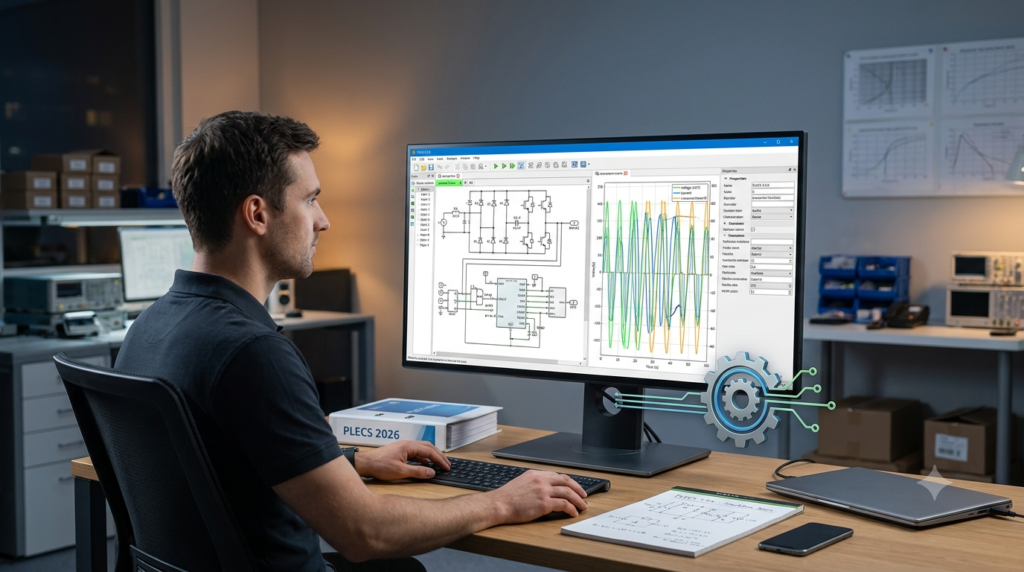
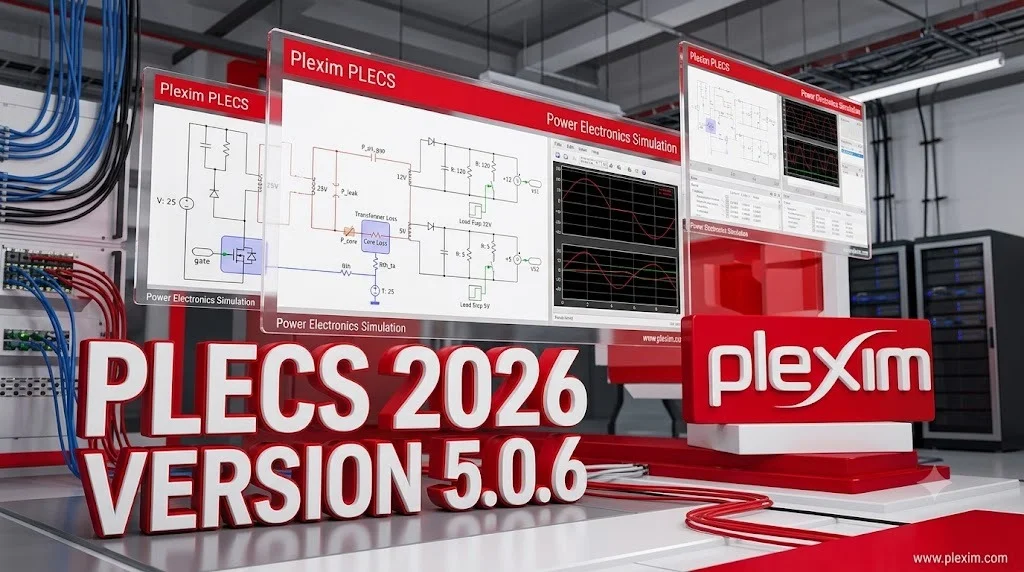
Plexim PLECS is a specialized simulation environment for power electronics systems. The software provides two primary versions: PLECS Standalone, an independent simulation environment, and PLECS Blockset, which integrates with MATLAB/Simulink. The Standalone version offers a self-contained workflow with a highly optimized solver that delivers rapid simulation speeds, making it particularly valuable for iterative design processes.
The software excels at simulating complex power electronic systems, including thermal and magnetic domains. Engineers can model everything from basic converters to complete electric vehicle drivetrains using the extensive component library and customizable modeling options.
Key Features
PLECS 5.0.6 includes powerful features that distinguish it from general-purpose simulation tools:
Core Simulation Capabilities
-
Optimized Solver: Proprietary algorithms deliver simulation speeds significantly faster than general-purpose tools, with frequency sweep analysis completing in seconds rather than minutes
-
Thermal Simulation: Import loss curves directly from manufacturer datasheets to generate junction temperature curves without complex physical modeling
-
Magnetic Domain Modeling: Simulate magnetic components including transformers and inductors with high accuracy
Flexible Modeling Options
-
Custom component creation using subsystems and configurable subsystems
-
C-Script and DLL blocks for implementing custom algorithms
-
State machine blocks for control logic implementation
-
XML-RPC interface for controller design integration with Python
Integration Capabilities
-
MATLAB integration through the Blockset version
-
Support for TI C2000, STM32, and Infineon XMC microcontroller code generation
-
SPICE integration for circuit-level analysis
What’s New in PLECS Version 5.0.6
The 5.0.6 release represents the latest stable version of PLECS, building upon the significant improvements introduced in version 5.0. Key enhancements include:
-
Expanded component library with updated manufacturer models
-
Improved solver performance for complex systems
-
Enhanced support for the latest microcontroller families
-
Updated thermal loss models for modern semiconductor devices
Version 5.0 introduced major architectural improvements that continue to benefit users in this maintenance release.
System Requirements
PLECS 5.0.6 supports multiple operating systems to accommodate diverse engineering environments.
Supported Platforms
| Platform | System Requirements |
|---|---|
| Windows 64-bit | Windows 10 64-bit or higher; Intel-compatible processor with SSE2 or x86-64 extensions |
| macOS (Intel) | macOS 10.15 or higher |
| macOS (ARM) | macOS 12 or higher |
| Linux 64-bit | Kernel 2.6 64-bit/glibc 2.15/libX11 6.2.1 or higher; libncurses5.x |
PLECS Blockset Additional Requirements
For users choosing the Blockset version integrated with MATLAB/Simulink, the following are required:
-
Windows 64-bit, Mac, or Linux 64-bit platform
-
MATLAB version 9.2 through 25.2
-
Compatible operating system for the respective MATLAB version
Administrator privileges are not required for PLECS installation, simplifying deployment on corporate workstations.
Installation Guide
Downloading and installing PLECS 5.0.6 follows a straightforward process:
Downloading the Package
-
Visit the official Plexim download page at www.plexim.com/download[citation:6]
-
Select the appropriate package for your operating system:
-
Windows:
plecs-standalone-5-0-6_win64.exe(371.6 MB) -
macOS Intel:
plecs-standalone-5-0-6_maci64.dmg(347.7 MB) -
macOS ARM:
plecs-standalone-5-0-6_maca64.dmg(329.9 MB) -
Linux:
plecs-standalone-5-0-6_linux64.tar.gz(359.3 MB)
-
Installation Steps
-
Windows: Run the
.exeinstaller and follow the prompts. No administrator privileges required. -
macOS: Open the
.dmgfile and drag PLECS to the Applications folder. -
Linux: Extract the
.tar.gzarchive to your preferred installation directory. -
License Activation: Your license file determines which PLECS products are enabled (Standalone, Coder, or Spice).
-
Documentation Access: Download the PLECS User Manual from the Plexim website or access it online at docs.plexim.com.
How to Use the Software
Getting started with PLECS 5.0.6 involves learning the core workflow. The software provides a comprehensive tutorial system to guide users through various simulation scenarios.
Basic Workflow
-
Model Creation: Build circuits using the schematic editor and component library. Drag components from the library onto the schematic canvas.
-
Component Configuration: Double-click components to set parameters such as resistance, inductance, capacitance, and switching characteristics.
-
Simulation Setup: Configure simulation parameters including time span, solver options, and output variables.
-
Analysis Tools: Utilize built-in analysis tools for frequency response, steady-state analysis, and parameter sweeps.
-
Results Visualization: View waveforms through the integrated scope viewer or export data for external analysis.
Key Capabilities for Engineers
Thermal Analysis: Simulate thermal behavior by importing loss curves from manufacturer datasheets. The simulation automatically generates junction temperature curves, eliminating the need for complex physical thermal models.
Controller Design: Implement control algorithms using the state machine block, C-Script blocks, or integrate with Python through the XML-RPC interface.
Custom Component Creation: Build custom subsystems and configurable subsystems to hide underlying schematic complexity and create reusable components.
Best Use Cases
PLECS 5.0.6 excels in several specific engineering applications:
Power Electronics Design and Validation
Engineers use PLECS to design and validate converters, inverters, and rectifiers. The software’s speed advantage is particularly notable for frequency sweep analysis, where complex topologies simulate in seconds compared to minutes in general-purpose tools.
Electric Vehicle Development
The mechanical domain modeling capabilities support electric vehicle drivetrain simulation. Engineers can model the complete system including electrical, thermal, and mechanical interactions.
Hardware-in-the-Loop Testing
PLECS supports Power Hardware-in-the-Loop (PHIL) and controller hardware-in-the-loop testing, enabling validation of real hardware against simulated models. This approach helps verify control strategies before deployment.
Thermal Management Studies
The thermal simulation features allow engineers to evaluate cooling requirements and predict junction temperatures for semiconductor devices, improving reliability and performance.
Academic Research and Education
Universities and research institutions employ PLECS for power electronics education and research. The intuitive interface and extensive library make it suitable for both teaching and advanced research applications.
Advantages and Limitations
Advantages
-
Superior Simulation Speed: The optimized solver delivers much faster simulation times than general-purpose tools like Simulink for power electronics applications
-
Integrated Thermal Simulation: Directly import manufacturer loss curves to generate temperature data without complex modeling
-
Cross-Platform Support: Available on Windows, macOS, and Linux with consistent functionality
-
MATLAB Integration: Both Standalone and Blockset versions provide different levels of MATLAB compatibility, from workspace access to full Simulink integration
-
Comprehensive Component Library: Includes extensive passive components, semiconductor models, and specialized thermal and magnetic elements
-
No Administrator Rights Required: Simple installation process suitable for corporate environments
Limitations
-
Specialized Focus: Primarily designed for power electronics, not a general-purpose simulation environment
-
Learning Curve: While intuitive for power electronics engineers, users without domain knowledge may find certain features challenging
-
Cost Considerations: Professional licensing may represent a significant investment for individual users or small organizations
-
MATLAB Dependency for Blockset: The Blockset version requires MATLAB, adding complexity and cost compared to the Standalone version
Alternatives to the Software
Several alternatives serve similar power electronics simulation needs:
| Software | Key Differences | Best For |
|---|---|---|
| MATLAB/Simulink | General-purpose with specialized toolboxes; can be slower for power electronics | Users requiring broad simulation capabilities beyond power electronics |
| PSIM | Power electronics focused; similar capabilities to PLECS | Engineers preferring a dedicated power electronics tool with different workflow |
| SIMPLIS | Specialized for switching power supplies; excels at simulation of switching converters | Power supply designers requiring highly accurate switching simulations |
| Saber | Comprehensive multi-domain simulation; steeper learning curve | Complex automotive and aerospace systems requiring multi-domain simulation |
The choice between PLECS and alternatives often depends on specific requirements such as simulation speed, thermal modeling needs, MATLAB integration, and budget considerations.
Frequently Asked Questions
Q: What is the difference between PLECS Standalone and PLECS Blockset?
PLECS Standalone operates independently of MATLAB, offering faster simulation speeds and a dedicated environment. PLECS Blockset integrates with MATLAB/Simulink, allowing users to access MATLAB workspace and Simulink libraries. The choice depends on whether MATLAB/Simulink integration is needed for the workflow.
Q: Can PLECS 5.0.6 simulate thermal effects in power electronics?
Yes, PLECS includes comprehensive thermal simulation capabilities. Users can import loss curves from manufacturer datasheets, and the software generates junction temperature curves directly after simulation completion.
Q: Is PLECS available for Linux operating systems?
Yes, PLECS 5.0.6 supports Linux 64-bit platforms with kernel 2.6 and glibc 2.15 or higher. A dedicated .tar.gz package is available for download.
Q: Do I need administrator rights to install PLECS?
No, PLECS does not require administrator privileges for installation, making it suitable for use on corporate-managed workstations.
Q: What is the official source for downloading PLECS?
The official download page is available at www.plexim.com/download. Current version 5.0.6 package files are available for Windows, macOS (Intel and ARM), and Linux platforms.
Q: Can PLECS interface with external code or tools?
Yes, PLECS provides several integration options including C-Script blocks, DLL blocks, XML-RPC interface for Python integration, and support for running PLECS Standalone from MATLAB.
Q: What microcontroller support is available in PLECS 5.0.6?
PLECS provides code generation support for TI C2000, STM32, and Infineon XMC microcontrollers through Target Support Packages. The Infineon XMC Support Package requires PLECS 4.9.5 or newer and the Segger J-Link software pack.
Q: Is there documentation available for PLECS 5.0.6?
The PLECS User Manual is available as a PDF download from the Plexim website and can also be viewed online at docs.plexim.com.
Final Thoughts
Plexim PLECS 5.0.6 represents a mature, specialized simulation solution for power electronics engineers and researchers. Its optimized solver delivers substantial performance advantages for power electronics simulations, while the integrated thermal and magnetic modeling capabilities address key design challenges in the field.
The software’s cross-platform support, flexible deployment options, and integration with other tools make it suitable for diverse engineering environments, from academic research to industrial product development. For professionals requiring rapid, accurate simulation of power electronic systems, PLECS provides a compelling combination of speed, functionality, and ease of use.
Our Paid Service
“We do not sell or provide any software. We only offer professional support services. If any software on your system is not working properly, or you are facing installation errors, crashes, or any other technical issue — just contact us. We will help you fix the problem quickly and remotely via AnyDesk. No software will be provided from our side — only expert troubleshooting and support.”