
Overview of CYMTCC 4.5 R7 Software
Table of Contents
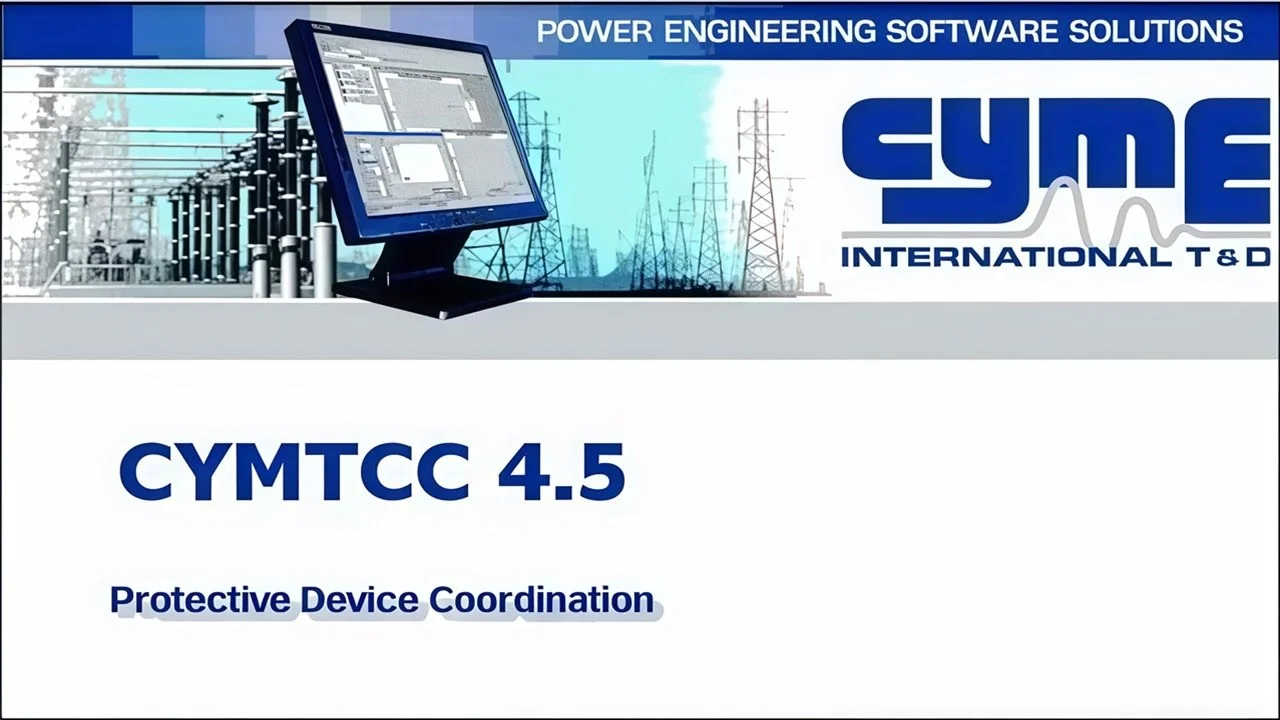
CYMTCC, developed by CYME International Inc. (now part of Eaton), is a leading protective device coordination software for analyzing overcurrent protection in electrical networks . The software enables engineers to produce time-current characteristic curves, evaluate device settings, and verify coordination between protective elements throughout a power system.
The CYMTCC software platform is built on a user-friendly graphical interface that allows engineers to construct one-line diagrams by dragging and dropping device symbols directly onto the drawing workspace . This intuitive design, combined with powerful analytical capabilities, has made CYMTCC a standard tool for power system protection studies across various sectors including utility companies, industrial facilities, consulting firms, and educational institutions .
The software provides instant access to an extensive device database containing more than 15,000 protective devices from over 100 manufacturers, making it a comprehensive resource for engineers performing protective coordination studies .
Key Features of CYMTCC 4.5 R7
One-Line Diagram Editor
CYMTCC includes a powerful editor for building network one-line diagrams. Users can quickly construct system representations by clicking and dragging device symbols into the drawing area . This visual approach streamlines the process of creating system models for coordination studies.
Extensive Device Library
The software comes with an integrated device library management program that contains over 15,000 protective devices from manufacturers worldwide . The library includes:
-
Low-voltage circuit breakers (electromechanical, solid-state, and molded case)
-
Fuses
-
Relays (electromechanical and electronic)
-
Reclosers (hydraulic and electronic)
The device library is regularly updated, and users can perform online updates directly through the software when connected to the internet .
Time-Current Curve Generation
CYMTCC generates high-quality time-current characteristic curves that can be:
-
Displayed on-screen for immediate analysis
-
Printed on log-log paper or plain paper
-
Exported to PDF, JPG, AutoCAD DWG/DXF, SVG (XML), and other formats
Analytical Capabilities
The software offers extensive analytical tools including:
-
Curve dragging functionality for coordination adjustment
-
Cable and conductor damage curves
-
Motor starting curves and transformer withstand curves
-
Inrush current and thermal point analysis
-
Interactive analysis reports
-
Separation time measurement between device pairs
-
Automatic relay time dial selection based on desired operating time
Study Benchmark Generation
CYMTCC can generate all necessary study benchmarks including:
-
Cable and conductor damage curves
-
Motor starting characteristics
-
Transformer withstand curves
-
Inrush current points
-
Thermal protection points
What’s New in CYMTCC 4.5 R7
The CYMTCC 4.5 R7 version introduced improved flexibility for Arc Flash output, enhancing the software’s utility for arc flash hazard analysis . This version also included various refinements to the user interface and analytical capabilities.
Users should note that CYMTCC has continued to evolve, with version 5.x later becoming the current release . However, version 4.5 R7 remains in use in many organizations that have established workflows based on this stable release.
System Requirements
For CYMTCC 4.5 R7, typical system requirements include:
Operating System
-
Windows XP, Vista, 7, 8, 10, and 11 (32-bit versions supported)
Storage
-
Approximately 11.68 MB of disk space for the core application files
Additional Requirements
-
Access to C:\ProgramData\CYME\CYMTCC directory for software operation
-
Internet connection for device library online updates
Note: These requirements reflect the software’s design for older Windows systems. For the latest version of CYMTCC, please check the manufacturer’s website for current system requirements.
How to Install CYMTCC 4.5 R7
Step 1: Verify System Compatibility
Before installation, ensure your system meets the minimum requirements. CYMTCC 4.5 R7 is designed for Windows-based systems .
Step 2: Obtain the Software
CYMTCC is a professional software tool distributed by Eaton/CYME International Inc. Users should obtain the software through:
-
The official Eaton/CYME website
-
Authorized distributors
-
Licensed software packages
Step 3: Run the Installation
-
Launch the installer as an administrator
-
Follow the on-screen prompts for installation
-
The default installation directory is typically: C:\Program Files (x86)\CYME\CYMTCC
Step 4: Device Library Setup
After installation, connect to the internet and use the “Online Update” feature to ensure your device library is current .
How to Use CYMTCC 4.5 R7 for Protective Device Coordination
Building the One-Line Diagram
Start by constructing your system’s one-line diagram using the drag-and-drop editor. Add devices from the library by:
-
Selecting the appropriate device type from the library
-
Dragging the device symbol to the desired location
-
Connecting devices to represent the system topology
Setting Device Parameters
For each protective device in the diagram:
-
Select the device to open its properties
-
Configure settings such as time dial, pickup current, and curve characteristics
-
The software can also suggest settings through its coordination wizard
Generating Time-Current Curves
-
Run the analysis to generate time-current curves
-
Verify curve spacing to ensure proper coordination
-
Use the curve dragging feature to adjust coordination as needed
Exporting Reports and Curves
Reports and curves can be exported in multiple formats including:
-
PDF for documentation
-
JPG for image inclusion
-
AutoCAD DWG/DXF for integration with design workflows
-
SVG (XML) for web-based applications
Best Use Cases for CYMTCC 4.5 R7
Industrial Power Systems
CYMTCC is widely used in industrial facilities for designing and verifying protection schemes for motors, transformers, feeders, and other critical equipment .
Commercial Electrical Distribution
Commercial buildings utilize the software to coordinate circuit breakers and fuses, ensuring selective coordination to limit outages during faults .
Utility Distribution Networks
Utility companies use CYMTCC for distribution feeder protection coordination, helping maintain system reliability for thousands of customers .
Arc Flash Hazard Analysis
When combined with the optional Arc Flash Hazards Analysis module, CYMTCC supports incident energy calculations and arc flash boundary determination .
Consulting and Engineering Services
Engineering consulting firms rely on CYMTCC to provide protection coordination studies as part of electrical system design and safety services .
Advantages and Limitations
Advantages
-
Extensive Device Database: Over 15,000 protective devices from 100+ manufacturers
-
User-Friendly Interface: Drag-and-drop one-line diagram editor
-
High-Quality Output: Professional-grade plotting and export capabilities
-
Comprehensive Analytical Tools: Cable damage curves, motor starting curves, and more
-
Regular Library Updates: Online update capability ensures current device data
-
Format Versatility: Export to PDF, JPG, DWG/DXF, SVG, and other formats
Limitations
-
Radial System Focus: Primarily designed for radial systems rather than complex networked configurations
-
Legacy Version: Version 4.5 R7 is an earlier release; the latest features are in more recent versions
-
Windows-Only: Designed exclusively for Windows operating systems
Alternatives to CYMTCC 4.5 R7
While CYMTCC is a leading solution for protective device coordination, several alternatives exist for electrical system analysis:
SKM Systems Analysis (PowerTools)
A comprehensive electrical engineering analysis software package that includes protective device coordination features.
EasyPower
Provides integrated electrical system analysis tools, including coordination studies and arc flash analysis.
ETAP
A widely-used power system analysis platform with robust protective coordination capabilities.
Other CYME Software Modules
-
CYMDIST: Distribution system analysis software
-
CYMCAP: Cable ampacity calculation software
-
CYMGRD: Grounding system analysis software
Frequently Asked Questions
What is CYMTCC software used for?
CYMTCC is professional software for protective device coordination in electrical power systems. It helps engineers design overcurrent protection schemes for industrial, commercial, and distribution networks using time-current curve analysis .
Is CYMTCC 4.5 R7 still the latest version?
No, CYMTCC has been updated to newer versions. Version 5.x is currently available from the developer. However, version 4.5 R7 remains in use in many organizations that have established workflows based on this stable release .
How many protective devices are in the CYMTCC database?
The CYMTCC device library contains over 15,000 protective devices from more than 100 manufacturers across North America, Europe, and Asia .
Can I export time-current curves from CYMTCC?
Yes, CYMTCC supports exporting time-current curves and one-line diagrams to multiple formats including PDF, JPG, AutoCAD DWG/DXF, and SVG (XML) .
What operating systems support CYMTCC 4.5 R7?
CYMTCC 4.5 R7 supports 32-bit versions of Windows XP, Vista, 7, 8, 10, and 11 .
How do I update the device library in CYMTCC?
The software includes an integrated Device Library Manager with an “Online Update” feature that allows users to update their library directly from the software when connected to the internet .
Final Thoughts
CYMTCC 4.5 R7 represents a stable, well-established protective device coordination software solution trusted by electrical engineers worldwide. Developed by CYME International Inc. and now part of Eaton’s power engineering software portfolio, CYMTCC provides comprehensive tools for analyzing time-overcurrent protection in industrial, commercial, and distribution power systems .
The software’s extensive device database, user-friendly interface, and high-quality output capabilities make it a valuable asset for protection studies, arc flash analysis, and system reliability assessments. While later versions offer additional features, CYMTCC 4.5 R7 continues to serve its purpose effectively for many professionals.
For organizations seeking to perform protective device coordination studies, CYMTCC remains a proven, capable solution. When used in conjunction with Eaton’s professional support and regular device library updates, the software provides the foundation for reliable power system protection design .
Our Paid Service
“We do not sell or provide any software. We only offer professional support services. If any software on your system is not working properly, or you are facing installation errors, crashes, or any other technical issue — just contact us. We will help you fix the problem quickly and remotely via AnyDesk. No software will be provided from our side — only expert troubleshooting and support.”