
Overview of the Software
Table of Contents
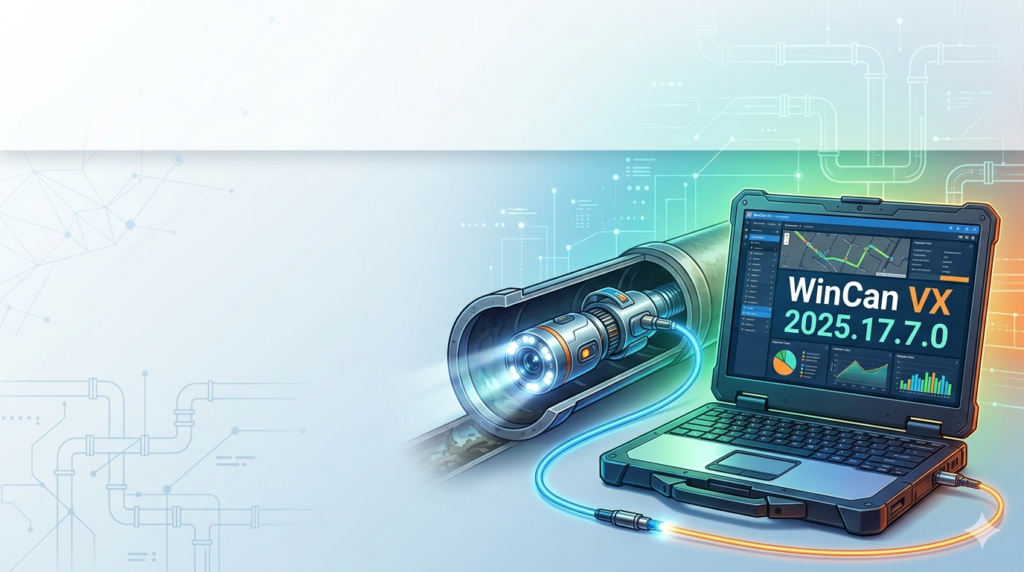
WinCan VX serves as the industry standard for municipal engineers, pipeline inspection contractors, and asset managers. Unlike basic video review tools, this software operates as a centralized Geographic Information System (GIS) for underground assets.
The platform standardizes inspection data according to international protocols such as PACP (Pipeline Assessment Certification Program) , LACP (Lateral Assessment Certification Program) , and MACP (Manhole Assessment Certification Program) . Users can import video inspection logs, generate automated defect reports, and plan predictive maintenance schedules. This version (2025.17.7.0) specifically focuses on bridging the gap between field collection trucks and cloud-based asset management platforms.
Key Features
WinCan VX distinguishes itself through a modular architecture that supports both basic review and complex network analysis.
Core Inspection Tools:
-
Multi-format Video Synchronization: Supports MP4, AVI, and proprietary inspection crawler formats.
-
Automated Defect Coding: Uses OCR and pattern recognition to identify pipe joints, laterals, and structural anomalies.
-
Interactive GIS Mapping: Overlays inspection routes onto satellite imagery or CAD drawings.
Advanced Condition Assessment:
-
PACP/LACP/MACP Grading Engine: Automatically calculates severity scores for cracks, deformation, and sediment buildup.
-
Longitudinal Profile Generation: Creates 2D and 3D models of pipe interior surfaces.
-
Rehabilitation Cost Estimator: Integrates material pricing to forecast lining or replacement budgets.
Data Management:
-
SQL Database Core: Handles projects with over 100,000 inspection records without lag.
-
Cloud Synchronization: Direct upload to WinCan Cloud for multi-stakeholder review.
What’s New in WinCan VX 2025.17.7.0
This maintenance and feature release focuses on interoperability and reporting speed.
-
AI Denoising Module: Reduces visual noise in low-light inspection videos, improving defect visibility.
-
Batch Report Exporter: Generate 500+ PDF inspection reports in a single queue.
-
Enhanced PACP 10th Edition Support: Fully compliant with the latest 2024-2025 PACP coding updates.
-
API Bridge for ESRI ArcGIS: Direct feature class synchronization without intermediate shapefiles.
-
UI Performance Boost: 40% faster loading times for large diameter pipe profiles.
System Requirements
To run WinCan VX 2025.17.7.0 efficiently, your workstation or field laptop must meet the following specifications.
Minimum Requirements (Basic Review):
-
Operating System: Windows 10 Pro (64-bit) or Windows 11 Pro.
-
Processor: Intel Core i5 (8th Gen) or AMD Ryzen 5.
-
RAM: 8 GB (16 GB recommended for multi-threaded processing).
-
Graphics: Dedicated GPU with 2 GB VRAM (NVIDIA Quadro or GTX 1600 series).
-
Storage: 10 GB free SSD space (SQL database files require NTFS format).
-
Display: 1920 x 1080 resolution.
Recommended Requirements (Heavy Analysis & 3D):
-
Processor: Intel Core i7 (12th Gen) or AMD Ryzen 7.
-
RAM: 32 GB DDR4.
-
Graphics: NVIDIA RTX 3060 or higher (for 3D profile rendering).
-
Storage: 512 GB NVMe SSD.
Supported Data Sources:
-
Cameras: IBAK, Envirosight, CUES, Rausch, Mini-Cam.
-
Databases: Microsoft SQL Server, SQLite, Oracle.
Installation Guide
Installing WinCan VX requires administrative privileges and a valid license key (USB dongle or software license file). Follow this procedure for a clean setup.
Step 1: Pre-Installation Preparation
-
Uninstall any previous WinCan VX beta versions via Windows Settings.
-
Disable real-time antivirus temporarily (the installer writes registry keys for database drivers).
-
Ensure your user account has “Full Control” over the target installation directory.
Step 2: Running the Installer
-
Download
WinCanVX_2025.17.7.0_Setup.exefrom the official WinCan portal. -
Right-click the executable and select Run as Administrator.
-
Accept the End-User License Agreement (EULA).
Step 3: Component Selection
-
Standard Installation: Includes core inspection, reporting, and PACP grading.
-
Custom Installation: Allows deselection of legacy database drivers (e.g., DBF support).
Step 4: License Activation
-
Launch WinCan VX.
-
Select Hardware Key (Sentinel) if you have a USB dongle.
-
Select License File and browse to the
.licfile provided by your system administrator. -
Click Activate.
Step 5: Post-Installation
-
Run Windows Update to ensure .NET Framework 4.8 components are current.
-
Configure your database connection under
Tools > Database Manager.
How to Use the Software
This workflow guide covers the standard pipeline assessment cycle from import to report generation.
H3: Importing Inspection Data
-
Connect your inspection crawler’s USB or SD card.
-
Navigate to
File > Import > Video Log. -
Select the manufacturer profile (e.g., “IBAK POSEIDON”).
-
Enable Auto-Detect Defects to apply AI coding during import.
H3: Coding Defects with PACP
-
Open a video log in the Review Panel.
-
Pause the video at a structural anomaly (e.g., crack or joint offset).
-
Press
Ctrl + Dto open the Defect Coding Dialog. -
Select the Observation Type: Structural, O&M (Operations & Maintenance), or Construction.
-
Choose the defect code (Example: “CL” for Longitudinal Crack).
-
Enter measurements (Clock position, length, percentage of perimeter).
-
Click Save Observation.
H3: Generating a Maintenance Report
-
Filter inspections by project ID using the Query Builder.
-
Click the Reports tab.
-
Choose template:
NASSCO PACP SummaryorDetailed Manhole Report. -
Select Export to PDF or Export to Excel.
-
Use the new Batch Exporter for multiple files.
Best Use Cases
WinCan VX is not a general-purpose video editor. It thrives in specific, high-stakes infrastructure scenarios.
1. Municipal Sewer Condition Assessment
Cities use WinCan VX to prioritize which pipes to replace first. By grading defects as Grade 1 (minor) to Grade 5 (imminent collapse), the software creates risk-based renewal budgets.
2. Pre-Construction Lateral Survey
Contractors inspecting laterals before fiber optic or water main installation rely on the LACP module to certify that existing pipes can support new utility boring.
3. Post-Rehabilitation Verification
After applying cured-in-place pipe (CIPP) lining, engineers run the crawler again. WinCan VX compares the post-lining video against the baseline to verify that all cracks were sealed and no new defects (like pinholes) formed.
4. Insurance Claim Documentation
When a pipe collapse damages property, the software’s timestamped, geolocated reports serve as forensic evidence of the pipe’s condition before and after the incident.
Advantages and Limitations
Advantages
-
Industry Compliance: The only software natively supporting all NASSCO PACP, MACP, and LACP updates.
-
Scalability: SQL backend handles city-wide networks (50,000+ pipes) without splitting databases.
-
Automated Efficiency: AI defect pre-coding reduces manual review time by an estimated 60%.
-
Interoperability: Exports to AutoCAD, GIS, and Excel without data loss.
Limitations
-
Learning Curve: New users require 3-5 days of training to master PACP coding conventions.
-
Hardware Dependency: Requires a dedicated NVIDIA GPU for smooth 3D rendering of large-diameter pipes.
-
License Cost: Full network licensing is prohibitive for single-contractor operations (see alternatives below).
-
No Native Mac Support: Must use Parallels or Boot Camp on Apple Silicon Macs.
Alternatives to the Software
Depending on your project scale and budget, consider these legitimate alternatives.
| Software | Best For | Platform | PACP Support |
|---|---|---|---|
| ITpipes | Field-to-office speed | Windows, iOS | Full |
| Granite XP | Basic lateral inspections | Windows | Limited |
| OpenPipe (Qinys) | Open-source budget projects | Web-based | None |
| ArcGIS Pipeline Referencing | Large utility networks | Windows, Cloud | Via Plugin |
-
ITpipes is the closest direct competitor. It offers faster mobile uploads but weaker longitudinal profiling.
-
Granite XP is suitable for a single camera user, but it lacks the advanced SQL database required for network analysis.
-
Qinys OpenPipe is free but requires manual CSV editing for defect coding (error-prone for PACP).
Frequently Asked Questions
Q1: Is WinCan VX 2025.17.7.0 backward compatible with WinCan V8 projects?
Yes. Use the File > Import > Legacy Project converter. Note that old custom report templates may require font adjustments.
Q2: How do I obtain a trial license for WinCan VX?
Visit the official WinCan website and request a 14-day demo license. You must provide a corporate email address and intended use case. No activation bypass tools exist; the trial is fully functional but watermarks reports.
Q3: Does WinCan VX support 4K inspection video?
Yes, version 2025.17.7.0 adds H.265 codec support for 4K at 30fps. Ensure your workstation has a dedicated GPU for smooth scrubbing.
Q4: Can I run WinCan VX on a tablet in the field?
Only on rugged Windows tablets (e.g., Panasonic TOUGHBOOK) meeting the system requirements. Android and iPadOS are not supported due to database driver limitations.
Q5: How does WinCan VX handle data privacy for municipal networks?
All data remains on your SQL server unless you explicitly enable WinCan Cloud Sync. The software is GDPR and CCPA compliant for asset location anonymization.
Q6: What is the difference between WinCan VX and WinCan Web?
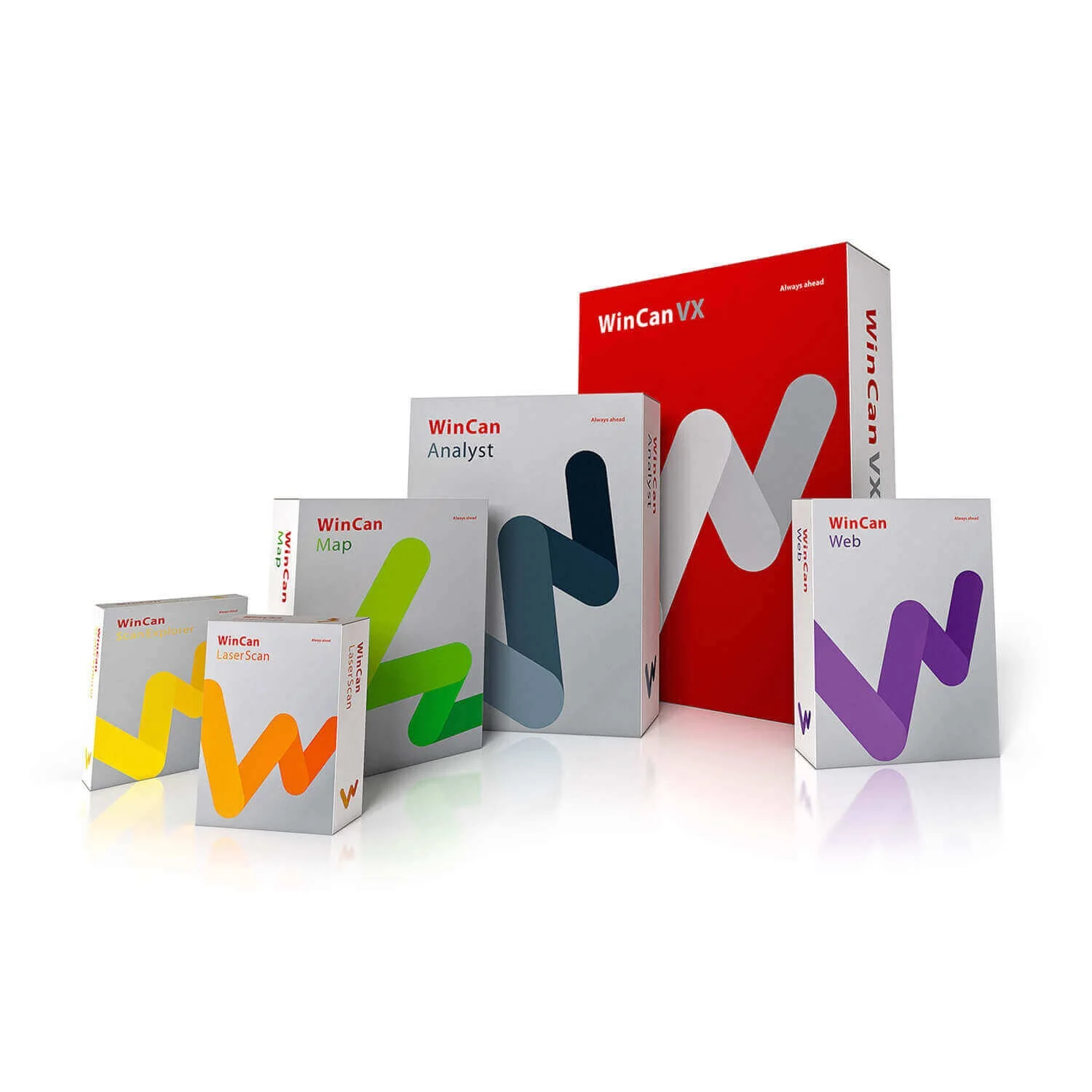
WinCan VX is the desktop application for heavy editing and reporting. WinCan Web is a lightweight viewer for stakeholders who only need to review reports without modifying code data.
Final Thoughts
WinCan VX 2025.17.7.0 remains the gold standard for professional pipeline inspection management. Its strict adherence to NASSCO PACP protocols makes it non-negotiable for municipalities seeking grant funding (which requires standardized data). While the learning curve is steep and the licensing cost significant, the 2025.17.7.0 release’s improvements in AI denoising and batch reporting deliver a strong return on investment for any organization managing more than 50 kilometers of pipeline annually.
For small contractors performing occasional lateral inspections, the cost and complexity may be overkill. However, for asset managers needing defensible, auditable condition data, WinCan VX is the definitive tool.
Our Paid Service
“We do not sell or provide any software. We only offer professional support services. If any software on your system is not working properly, or you are facing installation errors, crashes, or any other technical issue — just contact us. We will help you fix the problem quickly and remotely via AnyDesk. No software will be provided from our side — only expert troubleshooting and support.”