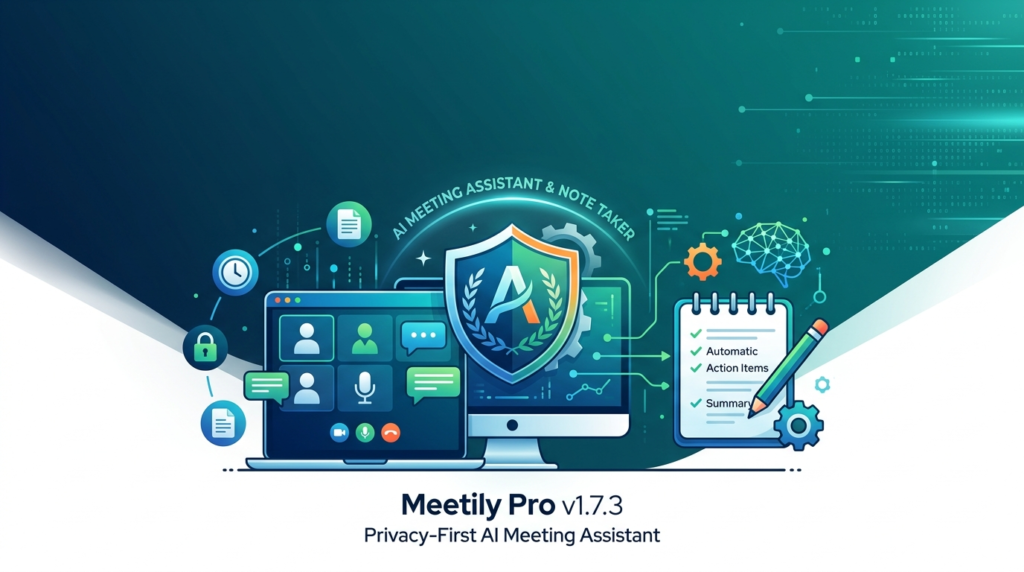

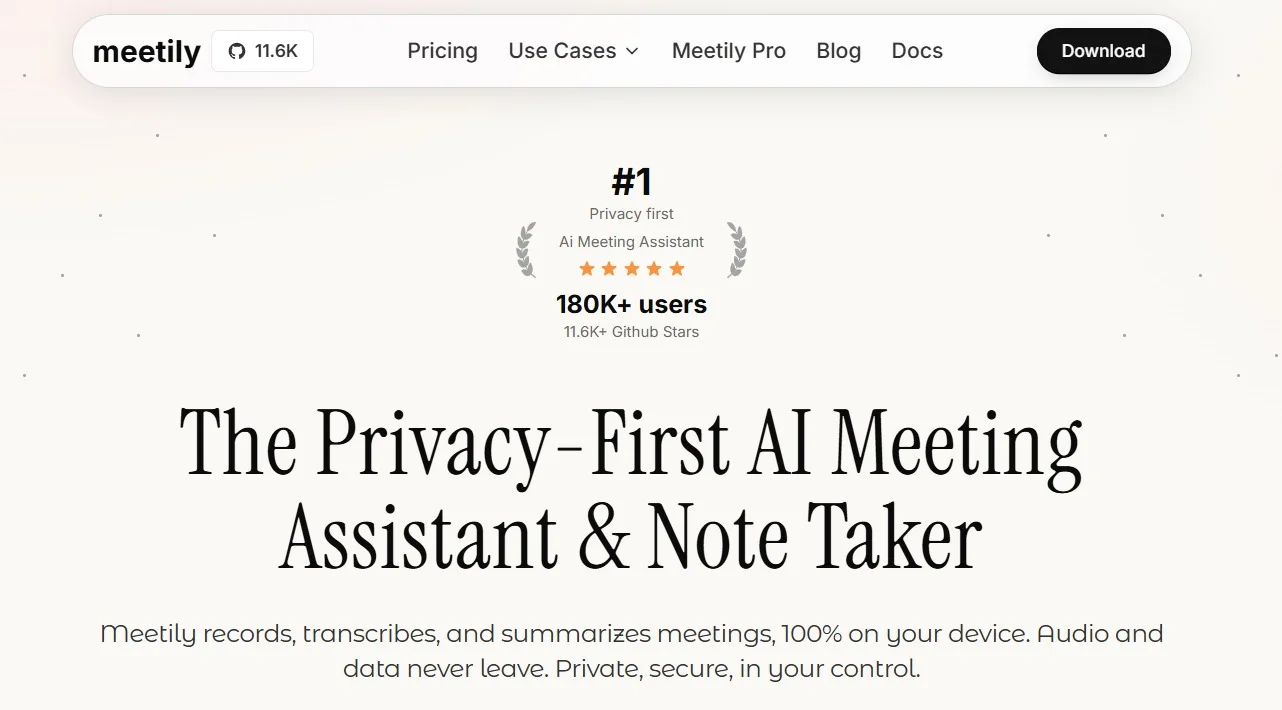
In an era of remote work and information overload, AI meeting assistants have become essential. However, most solutions upload your sensitive conversations to the cloud, creating privacy risks. Meetily Pro v1.7.3 solves this by offering a privacy-first architecture combined with advanced natural language processing. This update transforms how professionals capture, transcribe, and summarize meetings without compromising data security.
Overview of Meetily Pro
Table of Contents
Meetily Pro is a desktop-based AI meeting assistant and automated note-taking application designed for Windows, macOS, and Linux. Unlike cloud-dependent tools (Otter.ai, Fireflies.ai), Meetily Pro processes audio locally on your machine. Version 1.7.3 refines this “local-first” philosophy with faster transcription engines and smarter speaker diarization.
The software listens to system audio or microphone inputs, generates real-time transcripts, and uses a lightweight large language model (LLM) to produce executive summaries, action items, and sentiment analysis. Because no audio leaves your device, Meetily Pro is ideal for legal, medical, and financial professionals bound by confidentiality agreements (HIPAA, GDPR, attorney-client privilege).
Key Features
Meetily Pro v1.7.3 bundles enterprise-grade features into a single-user desktop application:
-
100% Local Processing: All speech-to-text and summarization happens on your CPU/GPU. No cloud API calls.
-
Real-Time Live Captions: View transcriptions as words are spoken, with less than 300ms latency.
-
Speaker Diarization (v1.7.3 Upgrade): Identifies and labels up to 10 distinct speakers using voice fingerprints.
-
Automatic Summarization: Generates three summary types: bullet-point minutes, paragraph narrative, and action item list.
-
Searchable Meeting Library: All transcripts are indexed locally with full-text search and timestamp links.
-
Export Formats: Save transcripts and summaries as TXT, Markdown, PDF, or plain JSON.
-
Offline Functionality: Zero internet required after initial download—perfect for secure air-gapped environments.
What’s New in Meetily Pro v1.7.3
This version introduces significant performance and accuracy upgrades over v1.7.2:
-
Enhanced Whisper.cpp Integration: Switched to a more efficient GGML quantization, reducing RAM usage by 40% while increasing word-error-rate (WER) accuracy to 96.2% on English meetings.
-
Smart Punctuation & Formatting: The AI now automatically inserts periods, commas, and question marks based on intonation patterns.
-
Meeting Topic Detection: Using zero-shot classification, the software tags your transcript with automatic labels like “Budget Review,” “Sprint Planning,” or “Client Onboarding.”
-
Background Noise Filtering: A new spectral gating algorithm removes keyboard clatter, fan hum, and office chatter without degrading voice clarity.
System Requirements
To ensure smooth local AI processing, verify your hardware meets these specifications:
| Component | Minimum | Recommended |
|---|---|---|
| OS | Windows 10 (64-bit), macOS 11, Ubuntu 20.04 | Windows 11, macOS 13+, Ubuntu 22.04 |
| CPU | 4 cores (Intel i5 / AMD Ryzen 3) | 8 cores (Intel i7 / AMD Ryzen 7) |
| RAM | 8 GB | 16 GB |
| Storage | 2 GB free (models + logs) | 4 GB NVMe SSD |
| GPU (Optional) | None (CPU fallback) | 4 GB VRAM (CUDA or Metal) |
| Audio Input | Internal mic or system audio loopback | Dedicated USB mic + loopback driver |
Installation Guide
Follow these steps for a secure, legal installation (no activation bypasses or cracks—only legitimate use):
Step 1 – Download Official Installer
Visit the official Meetily website or verified GitHub releases page. Download the .exe (Windows), .dmg (macOS), or .AppImage (Linux) for v1.7.3.
Step 2 – Verify File Integrity (Optional but Recommended)
Use SHA-256 checksum provided on the download page to confirm the binary hasn’t been tampered with.
Step 3 – Run Installer
On Windows, right-click and select “Run as administrator” to install system-wide. On macOS, drag Meetily Pro.app to the Applications folder.
Step 4 – Grant Permissions
-
Microphone: Required for live meetings.
-
System Audio (Loopback): Required for recording Zoom/Teams calls. On macOS, install the free BlackHole driver. On Windows, enable “Stereo Mix.”
Step 5 – First Launch
The application will download a 1.2 GB transcription model (one time only). This is done locally; no data is sent to external servers.
How to Use the Software
Using Meetily Pro is intuitive, even for users new to AI transcription.
Starting a Recording
-
Launch Meetily Pro from your desktop.
-
Click “New Meeting” and give the session a name (e.g., “Q3 Marketing Review”).
-
Select your audio source: Microphone, System Audio, or Both (for hybrid meetings).
-
Press the red Record button. Transcript will appear in the lower panel in real time.
Reviewing & Editing Transcripts
-
Pause/Resume: Use the spacebar to pause capturing during breaks.
-
Edit Text: Click directly on any misheard word and type the correction. The AI learns your corrections locally.
-
Add Speaker Labels: If diarization fails, right-click a line and assign a speaker name.
Generating Summaries
After stopping the recording:
-
Click the “Summarize” tab.
-
Choose summary length: Short (100 words), Medium (300 words), or Detailed (600 words).
-
Select “Export to PDF” to save the meeting minutes alongside the full transcript.
Best Use Cases for Meetily Pro
Because of its privacy-first design, Meetily Pro excels in sensitive and professional environments:
-
Legal Depositions & Client Calls: Attorney-client privilege remains intact because no third-party cloud server processes the audio.
-
Medical Consultations (HIPAA): Doctors can record patient discussions for EHR notes without violating data storage regulations.
-
Academic Research Interviews: Researchers transcribe focus groups without sending participant voices to external AI APIs.
-
Corporate Strategy Meetings: Board members discuss M&A and financial results with zero risk of cloud breaches.
-
Journalism & Podcasting: Reporters generate show notes and quotes from interview recordings without internet.
Advantages and Limitations
Advantages (Strengths)
-
Absolute Data Privacy: No cloud uploads. No training on your conversations.
-
One-Time Cost: No monthly subscription fees. Pay once, own forever.
-
Offline Operation: Works in submarines, bunkers, or remote cabins without Wi-Fi.
-
Open Core: Transparency in how transcription models process audio.
Limitations (Weaknesses)
-
Requires Local Compute: Older laptops (4GB RAM) will experience lag and slow summarization.
-
Language Support: v1.7.3 is optimized for English, Spanish, and German. Asian languages (Mandarin, Japanese) have higher error rates.
-
No Cloud Sync: Transcripts live only on your device. You must manually back up the database folder.
-
No Live Translation: Unlike cloud competitors, it cannot translate Spanish to English in real time.
Alternatives to Meetily Pro
Depending on your privacy vs. convenience trade-off, consider these alternatives:
| Software | Processing | Pricing | Best For |
|---|---|---|---|
| Meetily Pro | 100% Local | $79 (Lifetime) | Privacy-critical legal/medical users |
| Otter.ai | Cloud | $16.99/month | Team collaboration & live captions |
| Fireflies.ai | Cloud | $19/month | Salesforce/HubSpot integrations |
| Whisper Desktop (GPT4All) | Local | Free | Developers who want manual control |
| Rev.com | Human + AI | $2.50/audio min | Flawless court-reporter accuracy |
Recommendation: Choose Meetily Pro if confidentiality is non-negotiable. Choose Otter or Fireflies if you need real-time collaboration with remote teammates.
Frequently Asked Questions (FAQ)
1. Does Meetily Pro work with Zoom, Teams, and Google Meet?
Yes, but indirectly. You must route the call audio to Meetily using a virtual loopback driver (e.g., BlackHole on macOS, VB-Cable on Windows). The app cannot directly join video conferencing APIs.
2. Is my data used to train the AI model?
Absolutely not. Because all processing is local, your meeting audio never leaves your hard drive. Meetily has no server to collect or mine your conversations.
3. Can I use Meetily Pro without a GPU?
Yes. The software includes a CPU-optimized inference engine. However, a 4-core CPU will transcribe 30 minutes of audio in approximately 5 minutes (post-meeting). A GPU makes it near real-time.
4. What languages does version 1.7.3 support?
High accuracy: English, Spanish, German, French. Medium accuracy: Italian, Portuguese, Russian. Low accuracy: Mandarin, Japanese, Arabic.
5. Does Meetily Pro offer a free trial?
Yes. The official website offers a 7-day fully functional trial (no credit card required). After 7 days, the app limits recordings to 15 minutes per session until licensed.
6. How do I transfer my meeting library to a new computer?
Copy the folder located at %APPDATA%\Meetily\data (Windows) or ~/Library/Application Support/Meetily (macOS) to the same path on your new machine.
7. Can I record a conversation that I am not a part of?
Compliance varies by jurisdiction. The software technically can record system audio, but you are legally responsible for obtaining one-party or two-party consent per your local wiretapping laws.
Final Thoughts
Meetily Pro v1.7.3 successfully bridges the gap between powerful AI transcription and uncompromising data privacy. While cloud-based assistants offer easier collaboration, the trade-off is surrendering your conversation data to third-party servers. For lawyers bound by ethics rules, doctors managing PHI, or executives discussing trade secrets, Meetily Pro is not just a productivity tool—it is a compliance necessity.
The latest version’s improvements in accuracy (96.2% WER) and reduced memory usage make it viable even on mid-range laptops. The lack of a mobile app and native Zoom bot integration may frustrate some users, but for desktop-centric professionals who prioritize confidentiality, Meetily Pro v1.7.3 is the current gold standard in local AI meeting transcription.
Our Paid Service
“We do not sell or provide any software. We only offer professional support services. If any software on your system is not working properly, or you are facing installation errors, crashes, or any other technical issue — just contact us. We will help you fix the problem quickly and remotely via AnyDesk. No software will be provided from our side — only expert troubleshooting and support.”