
Overview of HypsoCad Mascagni
Table of Contents
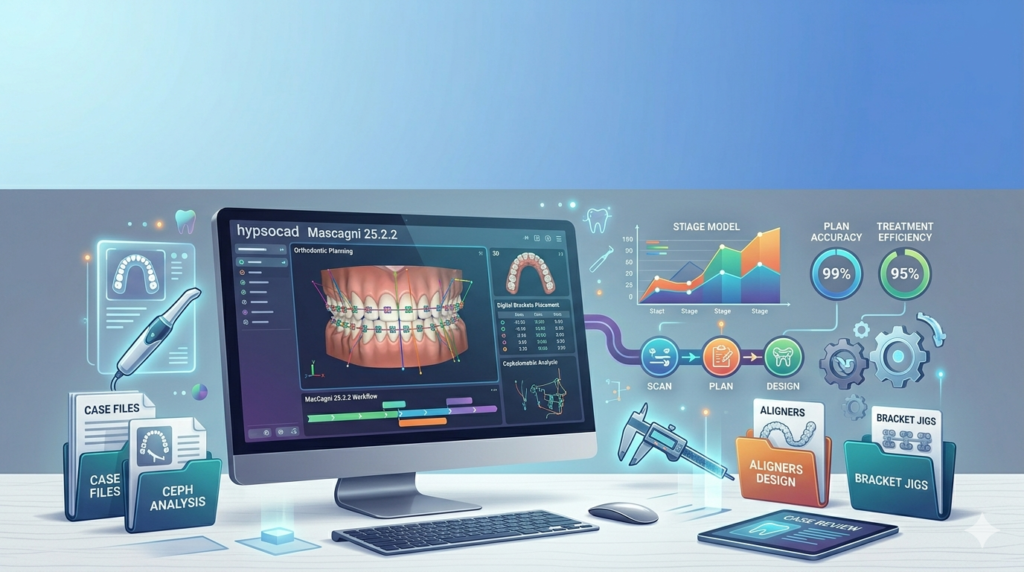
HypsoCad Mascagni 25.2.2 is a specialized computer-aided design (CAD) software built specifically for orthodontists, dental lab technicians, and maxillofacial specialists. Unlike general-purpose CAD tools, HypsoCad focuses exclusively on digital dental workflow, offering precise tools for diagnosing malocclusions, simulating tooth movements, and designing orthodontic appliances.
The software bridges the gap between intraoral scanning data and 3D-printed orthodontic devices. Dental professionals use HypsoCad Mascagni to improve treatment accuracy, reduce manual adjustments, and create customized appliances faster than traditional methods.
This latest version (25.2.2) introduces smarter AI-assisted segmentation and enhanced mesh editing tools, making it a strong contender in the growing field of digital orthodontics software.
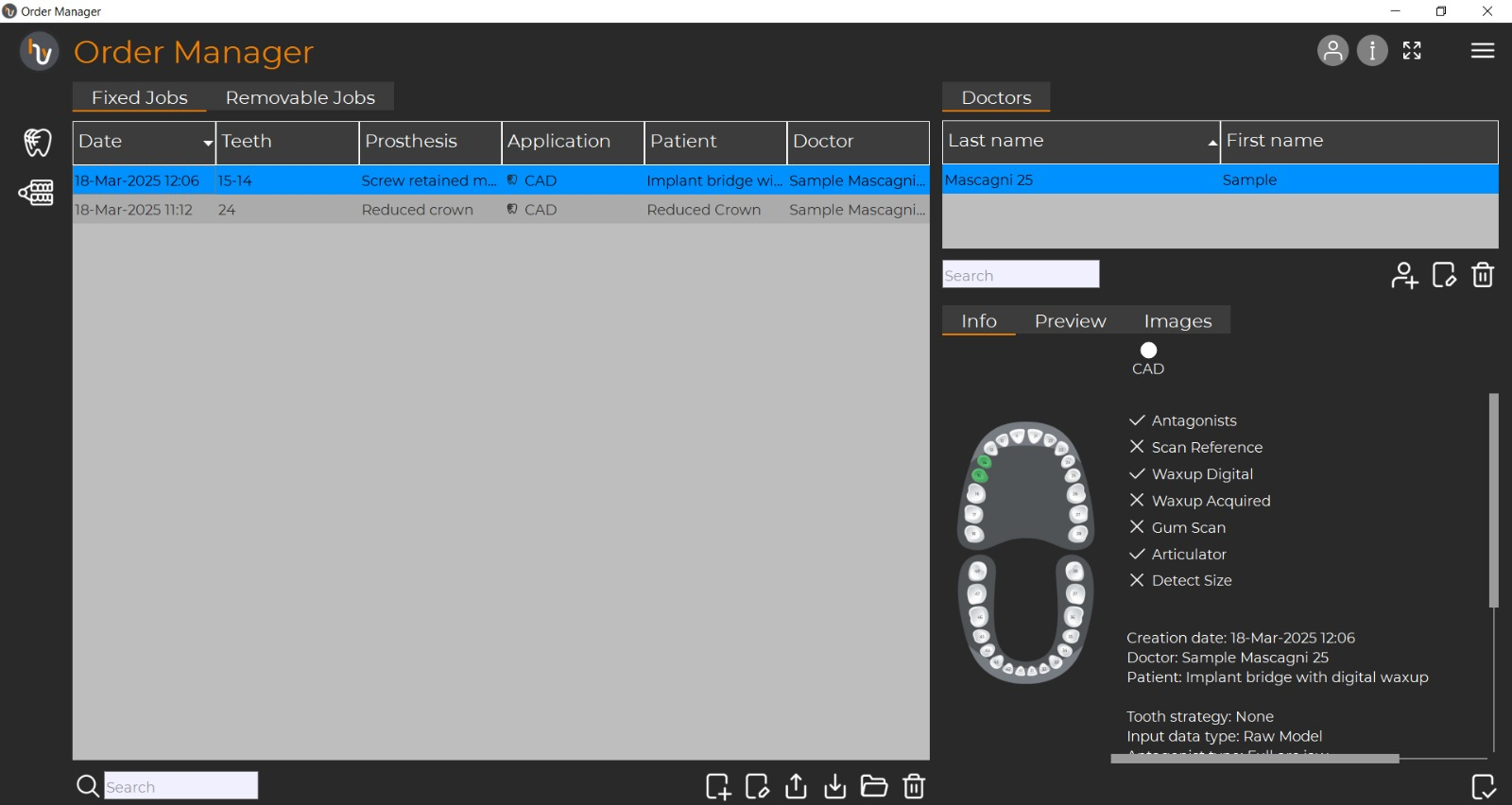
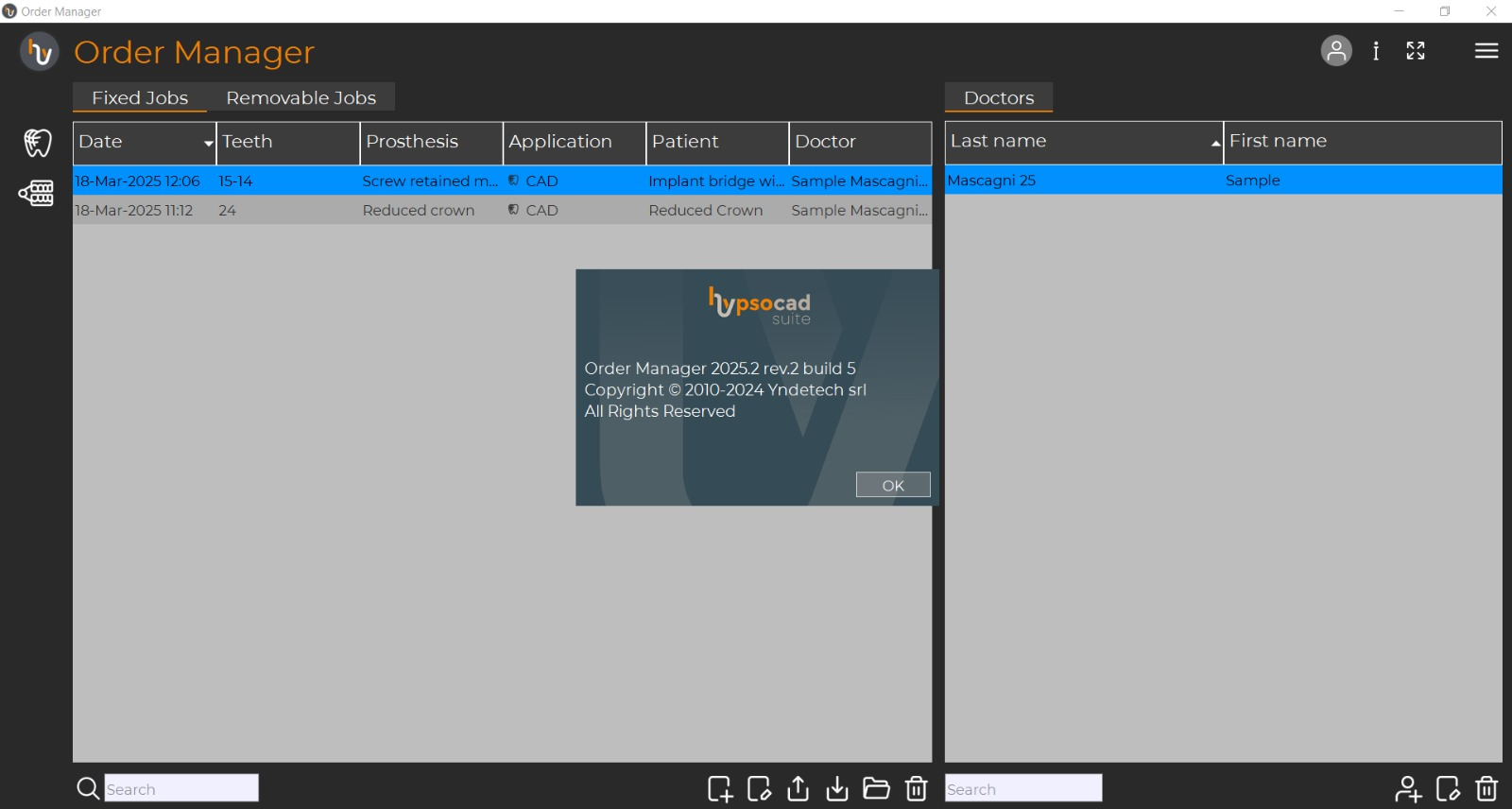
Screenshot
Key Features of HypsoCad Mascagni 25.2.2
HypsoCad Mascagni delivers a comprehensive set of features tailored to modern orthodontic practices:
-
Intelligent Tooth Segmentation – Automatically separates individual teeth from intraoral scan data using AI-driven algorithms.
-
Orthodontic Setup Simulation – Visualize planned tooth movements in 3D, including rotations, tipping, and torque adjustments.
-
Digital Wax-Up & Bite Splint Design – Design diagnostic wax-ups directly on digital models without physical plaster casts.
-
Aligner & Bracket Placement Tools – Precisely position orthodontic brackets or map out clear aligner attachment points.
-
Surgical Planning Module – Plan orthognathic surgeries by simulating jaw repositioning and analyzing bone contact points.
-
Mesh Repair & Optimization – Automatically detect and fix holes, non-manifold edges, or overlapping triangles in STL/OBJ files.
-
Export for 3D Printing – Generate ready-to-print files (STL, 3MF, PLY) compatible with dental 3D printers from Stratasys, Formlabs, or SprintRay.
-
Measurement & Analysis Toolkit – Measure arch length, tooth size discrepancies, Bolton ratios, and curve of Spee.
These features position HypsoCad Mascagni as an all-in-one orthodontic CAD platform, reducing the need to switch between multiple software tools.
What’s New in HypsoCad Mascagni 25.2.2
Version 25.2.2 introduces several updates that enhance usability and automation:
-
AI-Assisted Root Estimation – Predicts root positions from crown data, helping with complex impaction or root proximity cases.
-
Faster Boolean Operations – Up to 40% quicker cutting, merging, and splitting of 3D objects during appliance design.
-
New Bite Registration Tool – Simplifies the alignment of upper and lower arches using occlusal contact points.
-
Improved STL Import Speed – Large intraoral scan files (500MB+) now load in seconds, not minutes.
-
Cloud Project Backup – Optional automatic saving to secure cloud storage (GDPR compliant for EU practices).
These improvements make the latest HypsoCad version more responsive and reliable for daily clinical use.
System Requirements for HypsoCad Mascagni 25.2.2
To run HypsoCad Mascagni effectively, your workstation should meet these specifications:
| Component | Minimum | Recommended |
|---|---|---|
| OS | Windows 10 (64-bit) | Windows 11 Pro (64-bit) |
| CPU | Intel Core i5 (8th gen) / AMD Ryzen 5 | Intel Core i7 (12th gen) / AMD Ryzen 7 |
| RAM | 16 GB | 32 GB |
| GPU | NVIDIA GTX 1060 (4GB VRAM) | NVIDIA RTX A2000 or better (6GB+) |
| Storage | 20 GB free SSD | 512 GB NVMe SSD |
| Display | 1920×1080, DirectX 11 compatible | 2560×1440 or 4K with color accuracy |
| Input | 3-button mouse | 3D mouse (e.g., 3Dconnexion SpaceMouse) |
Note: HypsoCad does not currently offer native macOS or Linux versions. Users on Apple Silicon Macs require Parallels or BootCamp.
Installation Guide for HypsoCad Mascagni
Follow this step-by-step guide to install HypsoCad Mascagni 25.2.2 legally and safely:
Before You Install
-
Uninstall any older versions of HypsoCad to avoid conflicts.
-
Temporarily disable real-time antivirus (re-enable after install).
-
Ensure you have a valid license key or trial request code.
Installation Steps
-
Download the installer from the official HypsoCad website or authorized dental software distributor.
-
Run the setup file as administrator (
HypsoCad_Mascagni_25.2.2_Setup.exe). -
Accept the license agreement – this is standard proprietary software.
-
Choose installation type:
-
Typical – Installs all core modules.
-
Custom – Select only orthodontic modules if you don’t need surgical planning.
-
-
Select the installation folder (default:
C:\Program Files\HypsoCad\). -
Allow the installer to install Visual C++ Redistributables if prompted.
-
Complete installation and restart your computer.
-
Activate your license using the provided serial key or USB hardware dongle.
How to Use HypsoCad Mascagni for Orthodontic Planning
This practical guide helps both beginners and experienced users get started.
Step 1 – Import Intraoral Scan Data
-
Supported formats: STL, OBJ, PLY, 3MF, DICOM (from CBCT).
-
Drag and drop files directly into the workspace.
Step 2 – Segment Individual Teeth
-
Click Segmentation > AI Auto-Segmentation.
-
Manually adjust boundaries using the Split/ Merge brush.
HStep 3 – Perform Orthodontic Setup
-
Navigate to Treatment Simulator.
-
Select a tooth, then use the 6‑axis transformation tool to rotate, translate, or tilt.
-
The software shows collision detection (overlapping teeth) in red.
Step 4 – Design Appliances
-
For clear aligners: Generate pressure points and attachment templates.
-
For retainers: Use the Offset tool to create a 0.5–1.0 mm shell.
-
For bite splints: Draw a cutting curve on the occlusal surface.
Step 5 – Export for 3D Printing
-
Go to File > Export > 3D Print Package.
-
Choose resolution (fine = slower print, high detail).
-
Add support structures automatically.
Pro tip: Use the Measurement tool frequently to verify arch symmetry and intercanine width against your treatment goals.
Best Use Cases for HypsoCad Mascagni
HypsoCad Mascagni excels in specific orthodontic and dental lab scenarios:
-
Clear aligner therapy planning – From Invisalign-style setups to in-house aligner production.
-
Indirect bonding tray fabrication – Design precise trays for lingual or labial bracket placement.
-
Digital smile design (DSD) – Combine facial photos with 3D dental models for aesthetic planning.
-
Orthognathic surgery simulation – Predict post-op facial changes and occlusal contacts.
-
Removable partial denture framework – Design metal frameworks with undercut analysis.
-
Research & education – Universities use HypsoCad to teach digital orthodontics without consumable materials.
Each use case benefits from the software’s specialized orthodontic toolset, not just generic CAD features.
Advantages and Limitations of HypsoCad Mascagni
Advantages (Strengths)
-
Orthodontic-specific – Not a repurposed engineering CAD tool.
-
AI‑powered segmentation – Saves hours compared to manual masking.
-
Direct 3D printing integration – Supports major dental printer slicers.
-
Offline functionality – Works without internet (unlike some cloud-only platforms).
-
Fast technical support – Responsive team of dental CAD engineers.
Limitations (Weaknesses)
-
Windows‑only – No native macOS or iPad version.
-
Steep initial learning curve – Two to three weeks for full proficiency.
-
No built‑in patient management – Requires separate DICOM/PACS or practice management software.
-
Premium pricing – Less affordable for solo practitioners starting out.
-
Limited training resources – Fewer YouTube tutorials compared to mainstream CAD.
Understanding these trade-offs helps you decide if HypsoCad fits your practice or lab.
Alternatives to HypsoCad Mascagni
Here is a comparison of similar orthodontic CAD software options:
| Software | Best For | Platform | Starting Price (USD) | AI Segmentation |
|---|---|---|---|---|
| 3Shape Ortho System | Large labs (high throughput) | Windows | $12,000+ | Yes |
| Meshmixer | Free mesh editing (hobbyist use) | Win/Mac | Free | No |
| Blender (with plugins) | Budget orthodontic modeling | Win/Mac/Linux | Free (open source) | Via add-ons |
| OnDental | Cloud-based clear aligner design | Browser | Subscription (~$200/mo) | Yes (limited) |
| DentalCAD (exocad) | Restorative + ortho combo | Windows | $8,000+ | Yes |
| HypsoCad Mascagni | Pure orthodontics & surgery | Windows | Contact vendor | Yes (advanced) |
If you need a free alternative, Meshmixer offers basic tooth movement but lacks orthodontic metrics. For professional use, HypsoCad sits between exocad (general dental) and 3Shape (lab-scale workflows).
Frequently Asked Questions (FAQ)
1. Is HypsoCad Mascagni suitable for beginners in digital dentistry?
Yes, but only if you have basic 3D modeling familiarity. Complete beginners should take the official 2-day training course. The software includes guided workflows for common tasks like aligner setup.
2. What file formats can HypsoCad Mascagni import and export?
Imports: STL, OBJ, PLY, 3MF, DICOM, NIfTI. Exports: STL, OBJ, 3MF, PLY, CSV (measurements). No CAD exchange formats like STEP are supported.
3. Can I use HypsoCad Mascagni without an internet connection?
Yes. Only cloud backup and license validation (weekly check-in) require internet. The core design modules work fully offline.
4. Does HypsoCad Mascagni support multi-user collaboration?
Not natively. One license equals one concurrent user. However, you can share project files via network drives or cloud storage (OneDrive, Google Drive).
5. How often is HypsoCad Mascagni updated?
Major feature updates every 6 months (e.g., 25.2 → 25.3). Security and bug fixes are released monthly. Version 25.2.2 is the current stable release.
6. What is the difference between HypsoCad Mascagni and HypsoCad Professional?
Mascagni is the orthodontic & surgical edition. Professional is for general dental restoration (crowns, bridges, inlays). They are separate products with different tool sets.
7. Is there a free trial or student version available?
Yes. A 30‑day fully functional trial is available for orthodontic residents and faculty. Student licenses (12 months) are offered through university partnerships.
8. Can I design surgical guides for implant placement in HypsoCad Mascagni?
No. That requires HypsoCad Professional or dedicated implant planning software like coDiagnostix. Mascagni focuses on tooth movement and jaw surgery, not implantology.
Final Thoughts
HypsoCad Mascagni 25.2.2 stands out as a purpose-built orthodontic CAD software that respects the unique geometry and biomechanics of tooth movement. While it lacks the ecosystem of larger competitors like 3Shape, its focused toolset, AI segmentation, and strong offline performance make it a reliable choice for orthodontic practices ready to transition to a fully digital workflow.
For clinicians already using intraoral scanners and desktop 3D printers, HypsoCad eliminates the bottleneck of manual model analysis and wax-ups. The learning investment pays off in reduced lab fees, faster case turnover, and more predictable orthodontic outcomes.
If your practice treats more than 50 new orthodontic cases per month, request a demo to compare throughput against your current software. For smaller practices, the 30‑day trial offers a risk‑free way to test whether HypsoCad Mascagni aligns with your digital strategy.
Our Paid Service
“We do not sell or provide any software. We only offer professional support services. If any software on your system is not working properly, or you are facing installation errors, crashes, or any other technical issue — just contact us. We will help you fix the problem quickly and remotely via AnyDesk. No software will be provided from our side — only expert troubleshooting and support.”