
Overview of PROKON Prodesk
Table of Contents
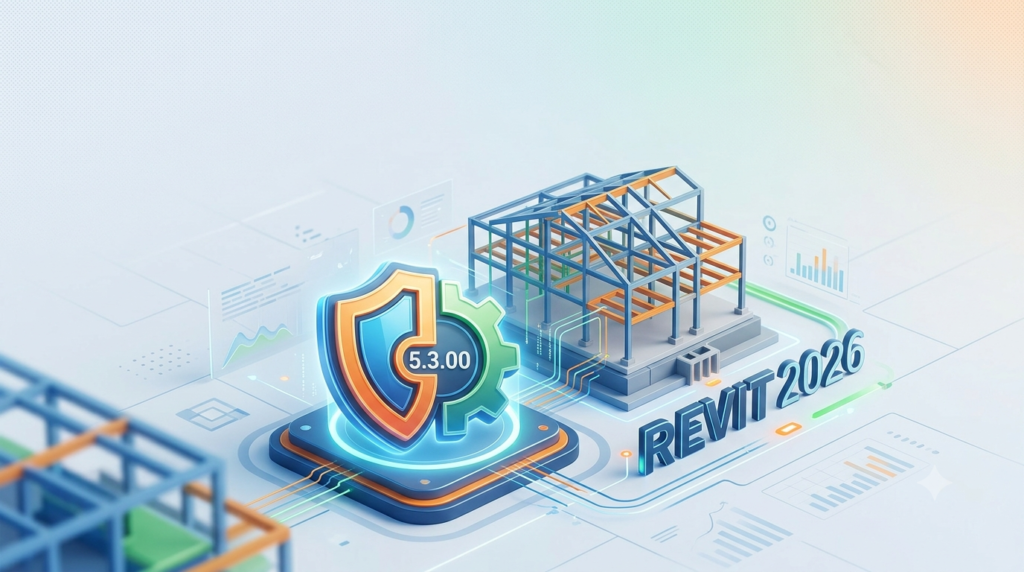
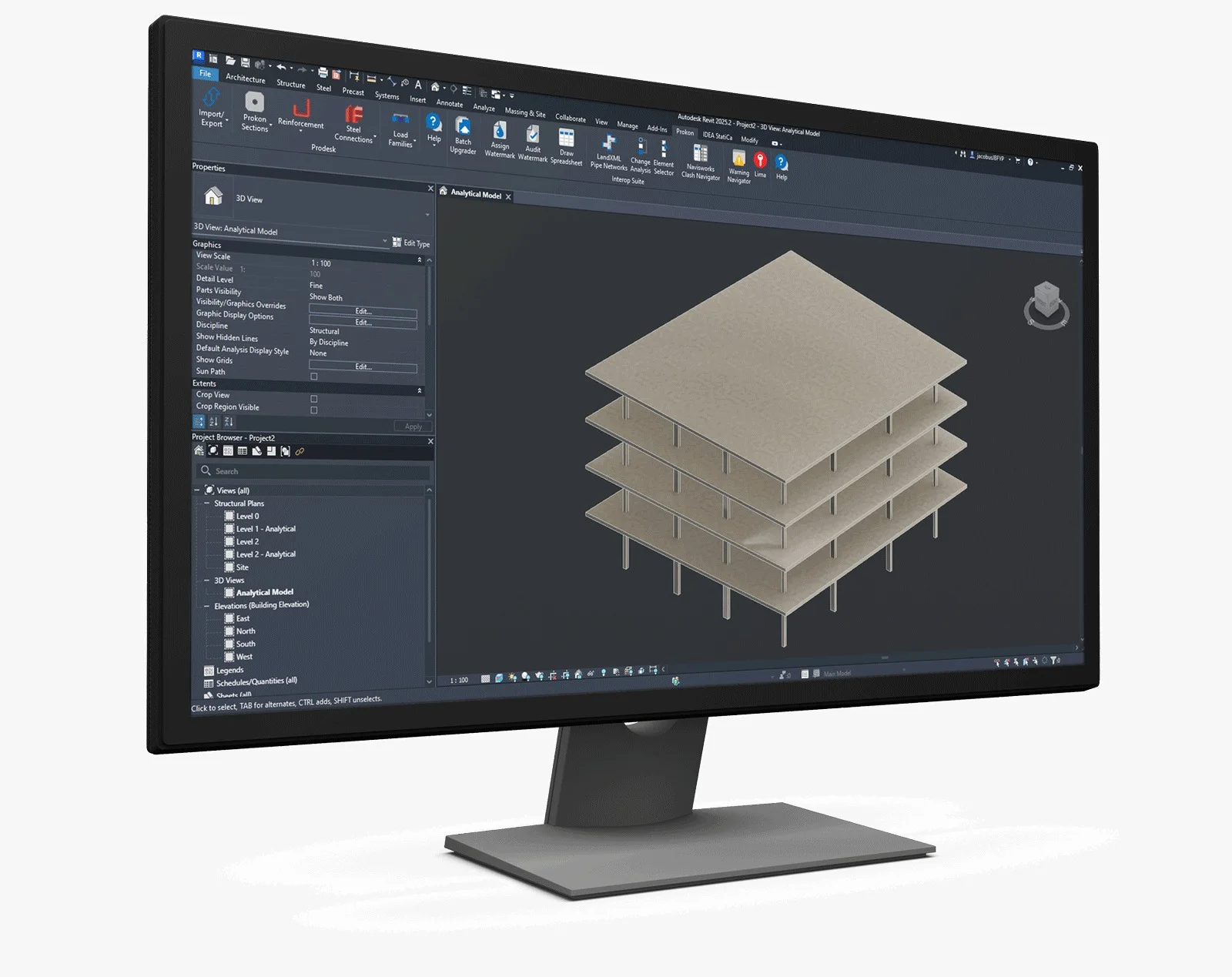
PROKON Prodesk is a powerful BIM integration tool that enables seamless bi-directional data exchange between PROKON Sumo and Autodesk Revit. Developed by Prokon Software Consultants, this structural engineering software eliminates the need for manual data re-entry, ensuring model consistency across platforms. Whether you are a Structural Engineer, BIM Coordinator, or Architect, PROKON Prodesk 5.3.00 for Revit 2026 enhances collaboration by allowing synchronised model transfer, reducing errors and saving valuable project time.
The latest version, PROKON Prodesk 5.3.00, is designed to work with Revit 2026, leveraging new capabilities introduced in the PROKON 5.3 release to improve workflow efficiency and BIM coordination .
Key Features of PROKON Prodesk
Bi-Directional Model Exchange
One of the standout features of PROKON Prodesk is its bi-directional integration. You can transfer 3D structural models between PROKON Sumo and Revit 2026 in both directions. This ensures that design modifications are synchronised instantly, eliminating redundant rework and maintaining model fidelity .
BIM Coordination and Model Intelligence
PROKON Prodesk significantly strengthens BIM workflows. By ensuring that structural data from PROKON Sumo integrates into the Revit environment, it allows teams to work from a shared, data-rich model. This reduces miscommunication and versioning issues while supporting smarter decision-making from concept to construction .
Custom Section Import
The ability to import custom profiles and non-standard sections from PROKON Sumo directly into Revit 2026 is another key advantage. This feature provides greater design flexibility while maintaining the integrity of structural specifications within the BIM environment .
Streamlined Data Transfer for Analysis and Design
By automating data transfer, PROKON Prodesk eliminates time-consuming manual input. It supports the transfer of not just geometry but also analytical models, loads, and support conditions, enabling efficient structural analysis and design .
What’s New in PROKON 5.3.00 for Revit 2026
The PROKON 5.3.00 release brings significant enhancements to the entire PROKON ecosystem, directly benefiting the Prodesk integration. Key updates include :
-
IDEA StatiCa Integration in PROKON Sumo: Streamlines the steel design workflow by allowing the export of model geometry and forces to IDEA StatiCa for connection design.
-
Enhanced Reporting: Export reports in rich text format (RTF) for easier editing in word processors like Microsoft Word or Apple Pages.
-
Updated Design Codes: Support for ASCE 7-22 wind loading, seismic loads, and load combinations.
-
Improved User Interface: Refinements to the user interface across PROKON applications, including the Calcpad and Padds modules, making for a more intuitive experience.
These updates ensure that PROKON Prodesk 5.3.00 for Revit 2026 is more powerful and user-friendly than previous versions.
System Requirements
To use PROKON Prodesk 5.3.00 effectively, your system must meet the requirements for both PROKON and Autodesk Revit 2026.
Minimum System Requirements for PROKON
According to Prokon’s official documentation, the minimum system requirements are :
-
Operating System: 64-bit Microsoft Windows 11 or Windows 10.
-
Processor: 2.5–2.9 GHz processor (base).
-
Memory: 16 GB of RAM or higher is recommended.
-
Display Card: 1 GB GPU with 29 GB/s Bandwidth and OpenGL compliant.
-
Display Resolution: 1920 x 1080 with True Colour (supports up to 3840 x 2160 with a capable display card).
-
Internet: Active internet connection for license validation.
System Requirements for Autodesk Revit 2026
For Revit 2026, Autodesk recommends the following configuration for optimal performance, especially for large models :
-
Operating System: 64-bit Microsoft Windows 10 v1809 or later, or Windows 11.
-
CPU Type: Intel or AMD processor with 2 GHz or higher base core clock speed. A higher single-core clock speed is recommended for better performance.
-
Memory: 16 GB of RAM is the minimum, but 32 GB is recommended for professional workflows with models up to 600 MB .
-
Video Adapter: DirectX 11 capable graphics card with Shader Model 5 and a minimum of 4 GB of video memory.
-
Disk Space: 30 GB for installation, with 100 GB of free space recommended for temporary files.
Installation Guide
Installing PROKON Prodesk for Revit is a straightforward process. Follow this guide to get started:
-
Download the Setup Package: Visit the official Prokon client portal and download the Prodesk setup package specifically for Revit 2026 .
-
Run the Installer: Double-click on the
ProdeskSetup2026.exefile to launch the installation wizard . -
Follow the Prompts:
-
Click Next to proceed through the welcome screen.
-
Read and accept the license agreement.
-
Choose the installation directory for PROKON. Note that you do not need a full PROKON installation to use Prodesk; if the directory does not exist, the installer will create it .
-
Choose a directory for the PROKON Revit Families.
-
-
Complete Installation: Wait for the installation to finish and click Finish.
Once installed, Prodesk will appear as an add-in within the Revit 2026 interface, ready for use.
How to Use PROKON Prodesk
Using PROKON Prodesk to transfer models between Revit and PROKON Sumo is designed to be user-friendly .
Transferring a Model from Revit to PROKON
-
Open the Model: Open your structural model in Autodesk Revit 2026.
-
Launch Prodesk: Click the Prodesk (transfer to PROKON) button on the toolbar, or select it from the Prokon menu.
-
Configure the Transfer: Follow the prompts to convert the Revit information into a structural model for Sumo or Frame Analysis.
-
Beams and columns transfer directly with their correct section profiles.
-
Slabs and walls are meshed using quadrilateral shell finite elements .
-
You have the option to transfer the entire model or selected portions only .
-
Transferring a Model from PROKON to Revit
-
Build the Model in PROKON: Create your structural model in PROKON Sumo or Frame Analysis.
-
Export Using Prodesk: Use the Prodesk function to export the model data.
-
Import into Revit: The model will be imported into Revit 2026, where you can use the built-in family files for sections or create new ones on the fly using the PROKON Section Database .
Best Use Cases
PROKON Prodesk 5.3.00 for Revit 2026 is invaluable in several professional scenarios:
-
Complex Building Projects: For large-scale projects requiring close collaboration between structural engineers and architects, Prodesk ensures that changes made in Revit are accurately reflected in the structural analysis model and vice versa .
-
BIM Coordination: For BIM Coordinators, Prodesk maintains a consistent, data-rich model that reduces miscommunication and versioning issues across disciplines .
-
Reducing Manual Rework: Firms that want to eliminate the errors and time wasted by manual data re-entry can rely on Prodesk’s automated transfer to streamline workflows .
-
Design and Analysis Integration: When analysis in PROKON Sumo reveals necessary design adjustments, those changes can be pushed back to Revit, ensuring the design and analysis models stay synchronized .
Advantages and Limitations
Advantages
-
Seamless Integration: Provides a robust solution for bi-directional data transfer, eliminating manual rework .
-
Enhanced Collaboration: Bridges the gap between structural engineers and other stakeholders using Revit .
-
Error Reduction: Automated data transfer reduces the risk of human error inherent in manual model re-creation.
-
Time Savings: Significantly speeds up the workflow from design to analysis and back .
-
Custom Section Support: Allows for the import of unique profiles not found in standard libraries .
Limitations
-
Version Compatibility: As an add-in, Prodesk only supports the latest three versions of Revit. Users must ensure compatibility with their specific Revit version .
-
Licensing: Licensing may vary based on user needs, including single-user, multi-user, or enterprise solutions, which requires planning .
Alternatives to PROKON Prodesk
Several other tools provide similar integration between structural analysis software and Revit. Key alternatives include :
-
ETABS from CSI: Offers a bi-directional link with Revit for structural analysis.
-
RAM Structural System from Bentley: Provides integration for structural modelling and analysis.
-
RISA-3D from RISA Technologies: Supports bi-directional links for structural engineering workflows.
-
Robot Structural Analysis Professional from Autodesk: Autodesk’s own analysis software with native integration with Revit.
-
RFEM from Dlubal: Provides links for structural FEA software integration.
-
Scia Engineer from Nemetschek: Offers strong BIM integration for structural design.
Each alternative offers different strengths depending on the specific needs of the project and the existing software ecosystem.
Frequently Asked Questions
What is PROKON Prodesk used for?
PROKON Prodesk is an integration tool that facilitates seamless, bi-directional data transfer between PROKON Sumo (or Frame) and Autodesk Revit. It is used by structural engineers and BIM coordinators to synchronise 3D models and avoid manual rework .
Is PROKON Prodesk compatible with Revit 2026?
Yes, PROKON Prodesk 5.3.00 is specifically designed to be compatible with Autodesk Revit 2026 .
Can I transfer custom sections using PROKON Prodesk?
Yes, PROKON Prodesk allows you to import custom profiles and non-standard sections from PROKON Sumo directly into Revit, which is a key feature for maintaining design flexibility .
How do I install PROKON Prodesk for Revit?
You can install PROKON Prodesk by downloading the setup package from the official Prokon website and running the installer. The process is guided by an installation wizard .
What are the benefits of using PROKON Prodesk?
The main benefits include eliminating manual data re-entry, reducing errors, improving collaboration across disciplines, and ensuring model consistency from design through to analysis .
Final Thoughts
PROKON Prodesk 5.3.00 for Revit 2026 stands as a critical tool for modern structural engineering and BIM workflows. By offering seamless, bi-directional integration between PROKON and Revit, it addresses a core challenge in the industry: maintaining data consistency across powerful but disparate software platforms. The latest updates in PROKON 5.3.00 enhance this capability, ensuring engineers and BIM professionals can collaborate more effectively, reduce errors, and deliver projects more efficiently. For any firm looking to streamline their design and analysis processes, PROKON Prodesk is an essential investment.
Our Paid Service
“We do not sell or provide any software. We only offer professional support services. If any software on your system is not working properly, or you are facing installation errors, crashes, or any other technical issue — just contact us. We will help you fix the problem quickly and remotely via AnyDesk. No software will be provided from our side — only expert troubleshooting and support.”