
Overview of Tajima DG17 Software
Table of Contents
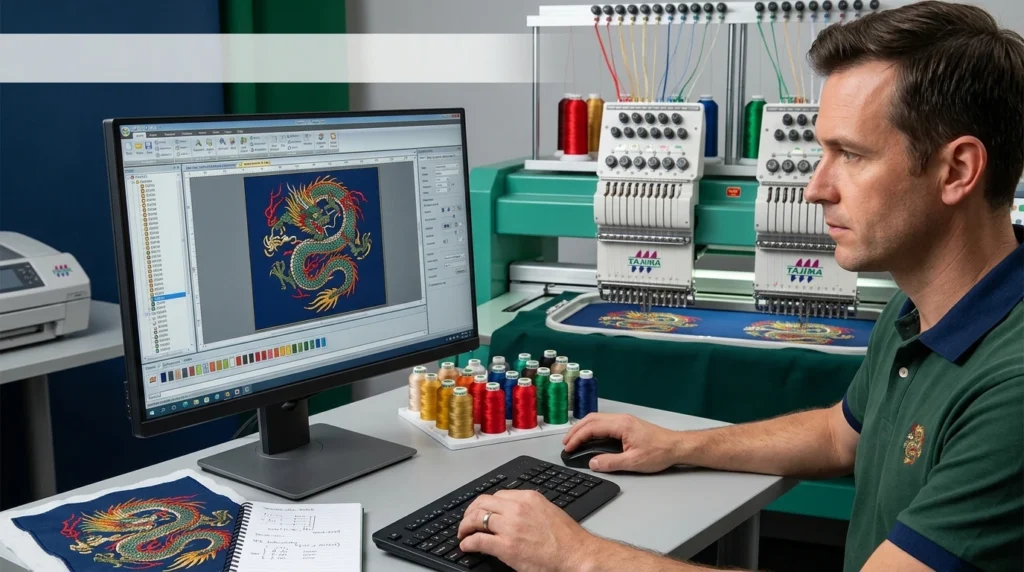
Tajima DG17, often referred to as DG17 by Pulse, is a Windows-based embroidery design suite available in five progressive levels. It is engineered to bridge the gap between creative design and industrial manufacturing. Unlike basic home embroidery editors, DG17 offers granular control over stitch parameters, machine optimization, and production reporting.
The software connects directly with a wide range of industrial embroidery machines, including Tajima, Barudan, Brother, SWF, and ZSK, via LAN or USB security devices. This makes it a central hub for both design creation and production floor management.
Who Is This Software For?
-
Professional Digitizers: Users who need precise control over stitch angles, densities, and underlay settings.
-
Embroidery Businesses: Shops managing multiple machines and requiring efficient file conversion and production tracking.
-
Apparel Designers: Creatives integrating embroidery into fashion prototypes and finished garments.
Key Features of Tajima DG17
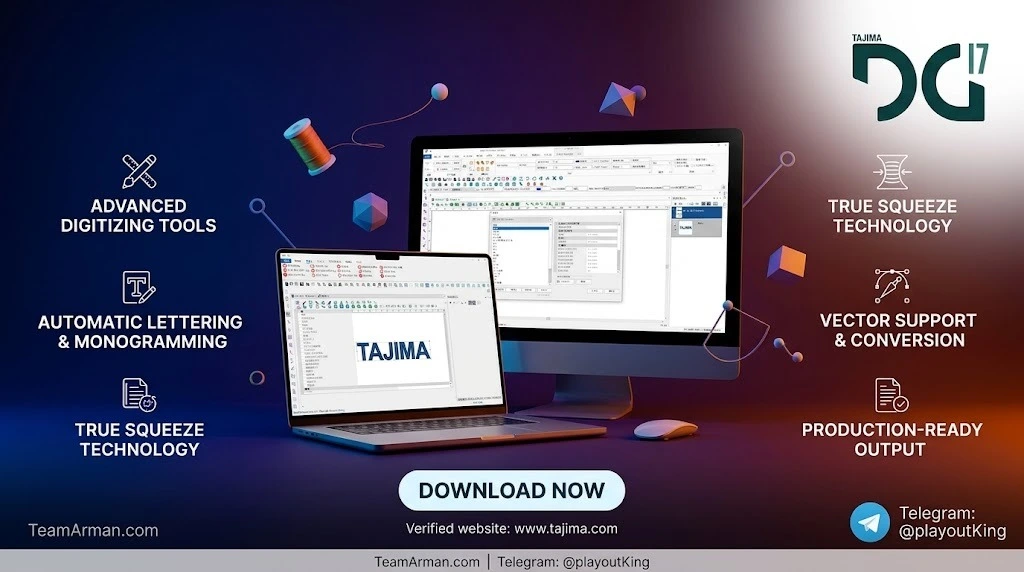
DG17 includes a robust set of standard and advanced tools across all license levels. The core feature set focuses on automation, precision, and creative flexibility.
Advanced Digitizing & Stitch Tools
-
Cascade Fill Tool: Automatically generates continuous, evenly spaced, machine-optimized stitch paths inside complex shapes, eliminating manual internal line creation.
-
Complex Fill with Holes: Allows digitizers to create filled shapes with negative space without manual path trimming.
-
Satin Capped Ends & Satin Path: Provides clean, professional finishes on satin columns and borders.
-
Variable Width Tool: Adjust stitch thickness dynamically along a path for varied texture effects.
-
Autotrace & Vector Import: Converts raster images or vector artwork into editable embroidery paths with adjustable color tolerance and hole recognition.
Lettering & Font Management
-
250+ Embroidery Fonts: Includes a large library of specially digitized alphabets with individual letter editing and closest-point connection.
-
Lock Stitch Settings for Text: Ensures lettering remains secure at the start and end of each segment.
-
Multi-Line Text Segments: Newer releases allow adding lines to text blocks for easier layout adjustments.
Production & Cloud Integration
-
PulseCloud Connectivity: Allows users to access designs, monitor machine status in real-time, and edit production reports from anywhere.
-
Quotation Estimator Wizard: Helps businesses generate accurate cost estimates based on stitch counts and material usage.
-
Garment Manager: Organizes production data by garment type, improving workflow tracking.
What’s New in the Latest Version of Tajima DG17
The most recent official release, DG17.1.2.8254, introduces several stability and productivity enhancements. This maintenance update focuses on refining existing tools and expanding language support.
Release 8254 Highlights
-
Auto Breakup for Complex Fill Segments: Automatically splits large fill areas into smaller, machine-friendly segments to reduce thread breaks and improve stitch quality.
-
Save & Print Improvements: Enhanced layout and export options for physical production documentation.
-
Updated Font Library: Refined kerning and glyph rendering for select embroidery fonts.
-
Korean Language Support: Added localization for Korean-speaking users.
-
New Security Device Update Wizard: Streamlines the process of updating USB license dongles.
Additional New Features in DG17
The DG17 generation also introduced a New 3D Drawing Method, Steil Thickness Setting for textured outlines, and Imported Artwork Opacity controls for easier tracing over reference images.
System Requirements for Tajima DG17
To ensure stable performance, Tajima Software provides both minimum and recommended hardware specifications. DG17 is a 64-bit Windows application and requires a physical USB security device for operation.
Recommended Specifications
-
Processor: Intel 3.0 GHz Quad-Core (64-bit) or faster
-
Operating System: Windows 10 or Windows 11 (64-bit)
-
RAM: 16 GB
-
Hard Disk Space: 4 GB available
-
Ports: At least one USB port (for security device)
-
Network: LAN connection for machine connectivity and PulseCloud access
Minimum Specifications
-
Processor: 2.5 GHz Quad-Core Intel (64-bit)
-
RAM: 4 GB
-
Hard Disk Space: 1 GB available
Important Note for Windows 11 Home Users: Windows 11 Home edition defaults to “S Mode,” which restricts installations to the Microsoft Store. Users must switch out of S Mode via the Microsoft Store settings before installing DG17.
Installation Guide: How to Install Tajima DG17
Installing DG17 requires an active license and the physical USB security device. The process is managed through the official PulseCloud download portal.
Step-by-Step Installation
-
Download the Installer: Navigate to the PulseCloud download page and download the latest DG17 release (e.g., DG17.1.2.8254) to your desktop or downloads folder.
-
Run Setup: Double-click the
setup.exefile. If prompted by Windows User Account Control, click Yes to allow changes. -
InstallAware Wizard: Follow the on-screen prompts in the InstallAware Wizard. If pre-requisite components are missing, the wizard will prompt you to install them.
-
Select Language: Choose your preferred installation language (English is default) and click OK.
-
Connect Security Device: During or after installation, insert your USB security device. The software will not launch without it.
-
Activate & Update: Launch DG17 and complete any prompted security device updates. Check for the latest maintenance releases to ensure all bug fixes are applied.
How to Use Tajima DG17: Core Workflow
DG17 follows a logical workflow from design import to machine output. While the depth of tools varies by license level, the core process remains consistent.
1. Design Creation & Import
-
Manual Digitizing: Use the Pencil tool or Brush tool to draw shapes freely, then apply stitch types such as Satin Path, Complex Fill, or Programmed Fills.
-
Auto-Digitizing: Import vector files (e.g., AI, EPS) or raster images. Use Autotrace to convert outlines into Bezier curves and then assign stitch types.
2. Stitch Optimization
-
Adjust Density & Underlay: Apply Extension Setting for Contour Underlay to stabilize stitches on stretchy fabrics.
-
Use Cascade Fill: For large, complex shapes, apply Cascade Fill to generate an internal stitch path without manual line creation.
-
Resequence Segments: Use right-click context menus to resequence stitching order for optimal machine pathing.
3. Production Preparation
-
Batch Convert Files: Convert designs to multiple formats (e.g., PXF, DST, EXP) simultaneously for different machine types.
-
Estimate Costs: Run the Quotation Estimator Wizard to calculate stitch counts and thread consumption.
-
Send to Machine: Connect via LAN to supported Tajima machines or export to a USB drive for standalone machines.
Best Use Cases for Tajima DG17
DG17 is versatile, but it excels in specific production environments.
Industrial Embroidery Production
Businesses running multi-head Tajima or Barudan machines benefit from DG17’s Garment Manager and PulseCloud integration, which allow real-time production monitoring and centralized design management.
Complex Appliqué & 3D Foam Designs
The Automatic Applique feature automatically generates run, tack-down, and border stitches for appliqué shapes. Combined with 3D foam settings, DG17 is ideal for creating textured, multi-layered designs.
High-Volume Lettering & Monogramming
With over 250 built-in fonts and Lock Stitch Settings, DG17 ensures consistent, secure lettering for uniforms, team apparel, and corporate branding.
Fashion Prototyping
Integration with Adobe Substance 3D and vector import capabilities allows designers to preview embroidery on digital garments before physical sampling, reducing material waste.
Advantages and Limitations of Tajima DG17
Advantages
-
Scalable Licensing: Five levels allow users to upgrade as their business grows.
-
Deep Automation: Tools like Cascade Fill and Autotrace significantly reduce manual digitizing time.
-
Strong Machine Compatibility: Direct LAN support for Tajima and other major industrial brands.
-
Cloud Production Management: PulseCloud offers real-time reporting and remote design access.
Limitations
-
Hardware Dependency: Requires a physical USB security device; the software cannot run without it.
-
Windows-Only: No native macOS or Linux support.
-
Learning Curve: While Creator level is accessible, advanced tools (Illustrator Extreme) require significant training to master.
-
Cost: Professional-grade licensing represents a significant investment for small businesses or hobbyists.
Alternatives to Tajima DG17
While DG17 is a market leader, other embroidery software packages offer different strengths.
Wilcom EmbroideryStudio
Wilcom is a direct competitor, often praised for its user-friendly interface and strong community support. It is widely used in the apparel decoration industry and offers robust lettering and sequin tools.
Hatch Embroidery
Hatch is a more affordable, subscription-based option aimed at small businesses and hobbyists. It provides a simplified workflow compared to DG17 but lacks the deep industrial production management features.
Brother PE-Design
For users primarily working with Brother home machines, PE-Design offers a lower-cost entry point. However, it does not support the same level of industrial machine connectivity or advanced digitizing automation as DG17.
Note on File Compatibility: DG17’s native
.pxfformat is proprietary to the Pulse/Tajima ecosystem. While DG17 can export to universal formats like.dst,.exp, and.pes, some advanced stitch attributes may not transfer perfectly to non-Pulse software.
Frequently Asked Questions About Tajima DG17
What is the latest version of Tajima DG17?
The most recent official release is DG17.1.2.8254, which includes Auto Breakup for Complex Fill, Korean language support, and various stability fixes.
Does Tajima DG17 work on Windows 11?
Yes, DG17 is compatible with Windows 11 (64-bit). However, Windows 11 Home users must switch out of S Mode before installing the software.
Can I use Tajima DG17 without the USB security device?
No. DG17 requires a physical USB security device to launch and operate. This is a hardware-based license enforcement mechanism.
What embroidery file formats does DG17 support?
DG17 supports all major industrial formats, including PXF (native), DST, EXP, PES, JEF, and many others. It also allows batch conversion between formats.
Does DG17 support direct connection to embroidery machines?
Yes. DG17 supports direct LAN connectivity for Tajima machines and can also connect to Barudan, Brother, SWF, and ZSK machines depending on the license level and machine configuration.
Is there a free trial or demo of Tajima DG17?
Tajima Software occasionally offers promotional upgrades and trial versions through authorized distributors. It is best to contact a local Tajima dealer for evaluation options.
Can I use standard Windows TTF fonts in DG17?
DG17 uses its own proprietary embroidery font objects. While you can import TrueType fonts, they are converted into stitch objects and will not appear as standard Windows text drop-down options.
How do I update Tajima DG17 to the latest release?
Updates are available through the PulseCloud download portal. You can download the latest installer and run it over your existing installation. Your security device will then prompt for any necessary firmware updates.
Final Thoughts
Tajima DG17 remains a benchmark for professional embroidery digitizing and production management. Its strength lies in the depth of its automation tools—Cascade Fill, Autotrace, and Automatic Applique—combined with genuine industrial machine connectivity. While the hardware dependency and learning curve may deter casual users, businesses serious about embroidery quality and production efficiency will find DG17 to be a reliable, scalable investment. As the software continues to receive maintenance updates like release 8254, it demonstrates Tajima Software’s ongoing commitment to stability and workflow refinement.
For teams already within the Tajima or Pulse ecosystem, DG17 is the natural upgrade path. For others, evaluating DG17 alongside Wilcom or Hatch based on specific production volume and machine compatibility is recommended.
Our Paid Service