
Overview of the Software
Table of Contents
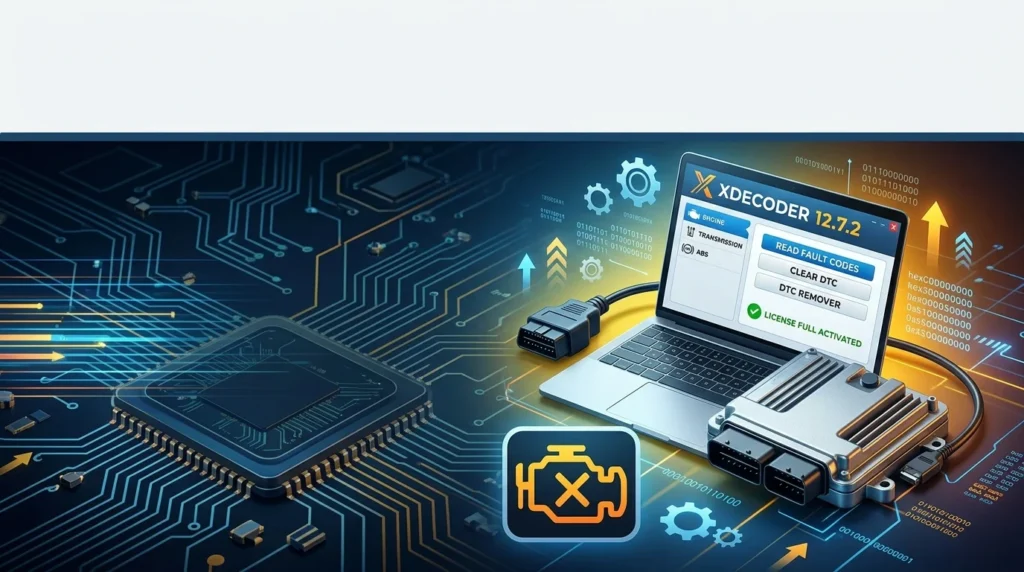
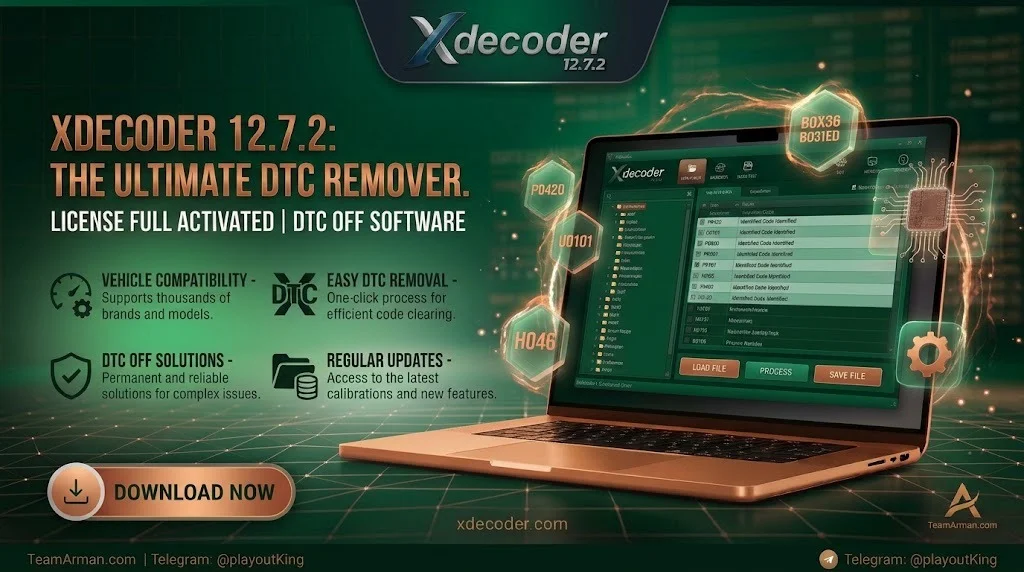
Xdecoder 12.7.2 is a professional-grade ECU file editing and diagnostic trouble code (DTC) removal tool designed for automotive technicians, chip tuning specialists, and ECU programmers. This offline software works directly with ECU flash and EEPROM binary files to permanently disable and remove diagnostic trouble codes from engine control unit firmware. Unlike basic OBD2 scanners that merely clear codes from temporary memory, Xdecoder operates at the firmware level, allowing selective removal of specific fault codes without affecting other diagnostic functions. The software is developed as a standalone Windows application that processes ECU dump files previously read using tools such as KESS, KTAG, PCMFlash, Autotuner, and similar ECU programming devices.
Key Features
Xdecoder 12.7.2 offers a focused set of capabilities for ECU file modification:
-
Selective DTC Removal: Disable specific diagnostic trouble codes while leaving the rest of the diagnostic system fully operational for future maintenance.
-
Multi-Brand ECU Support: Works with Bosch (EDC15, EDC16, EDC17, ME7, MED17, MD1, MG1), Continental/Siemens (SID202, SID208, SID807, SIMOS 18), Delphi (DCM3.7, DCM6.2), Denso common rail units, and Marelli Multijet series ECUs.
-
Automatic ECU Recognition: Automatically identifies ECU file formats and family types, reducing manual configuration.
-
Offline Operation: Processes files locally without requiring an internet connection, token systems, or subscription fees.
-
Checksum Correction: Integrated tools ensure the integrity of modified files before writing back to the ECU.
-
F1-F8 Shortcut Buttons: Customizable function buttons allow quick access to frequently used DTC lists saved as text files.
-
Wide File Format Support: Compatible with binary files from KESS, KTAG, MPPS, CMD, PCMFlash, and similar ECU reading tools.
What’s New in the Latest Version
Xdecoder 12.7.2 builds upon previous releases with expanded ECU coverage and refined processing algorithms. Notable additions include support for Bosch EDC17CP18 and extended compatibility with MED17 and EDC17 families used in Ford, Toyota, Honda, Hyundai/Kia, Renault, and Bentley vehicles. The software now handles Hyundai/Kia Bosch Kefico CPEGD2 units and PSA Siemens SID803A files. The automated DTC detection engine has been optimized for faster file scanning and more precise code identification, reducing processing time in high-volume workshop environments.
System Requirements
-
Operating System: Windows 7, Windows 10, or Windows 11 (32-bit and 64-bit compatible)
-
Processor: Modern Intel or AMD CPU (64-bit recommended)
-
RAM: 4 GB minimum, 6 GB recommended
-
Disk Space: At least 200 MB for software installation, plus additional space for ECU files
-
Internet: Not required for core operation (offline use)
The software does not run natively on macOS or Linux and requires a Windows environment.
Installation Guide
-
Obtain the official Xdecoder 12.7.2 installer from a licensed vendor.
-
Run the installer and follow the on-screen prompts to complete the installation.
-
Ensure Microsoft Visual C++ Redistributable packages are installed on your system.
-
Launch the activation utility provided with your license.
-
Enter your license credentials when prompted during the initial setup.
-
Connect to the internet only for the initial activation if required by your license type.
-
Once activated, the software can operate entirely offline.
How to Use the Software
Using Xdecoder 12.7.2 follows a straightforward file-based workflow:
-
Read the ECU: Use a compatible ECU programmer (KESS, KTAG, PCMFlash, etc.) to extract the full binary dump file from the vehicle’s ECU.
-
Load the File: Open Xdecoder 12.7.2 and load the ECU binary file into the software interface.
-
Scan for DTCs: The software automatically analyzes the file and displays available diagnostic trouble codes.
-
Select Codes: Choose the specific DTCs you wish to remove. The software allows selective deactivation without clearing the entire diagnostic memory.
-
Apply Modification: Confirm your selection and let the software apply the DTC removal algorithm.
-
Save the Modified File: Export the modified binary file with checksum correction applied.
-
Write Back to ECU: Use your ECU programming tool to flash the modified file back to the vehicle’s control unit.
For advanced users, the F1-F8 buttons can be configured with text files containing frequently used DTC lists for rapid batch processing.
Best Use Cases
Xdecoder 12.7.2 is designed for specific professional scenarios:
-
Post-Tuning Error Cleanup: After ECU remapping or hardware modifications, certain diagnostic codes may trigger incorrectly. Xdecoder removes these false positives without affecting engine performance.
-
Emission System Modifications: When physical emission components are removed or replaced, Xdecoder suppresses related fault codes where legally permitted in your jurisdiction.
-
ECU Repair and Testing: After replacing sensors or components, persistent stored codes can be permanently removed to restore proper diagnostic function.
-
Fleet Maintenance: Workshops servicing multiple vehicle brands can use Xdecoder’s broad ECU coverage to handle diverse diagnostic workflows with a single tool.
Advantages and Limitations
Advantages
-
Permanent Code Removal: Unlike OBD2 scanners that clear temporary codes, Xdecoder removes codes at the firmware level, preventing them from reappearing.
-
No Token Systems: Unlike many online tuning platforms, Xdecoder operates without usage tokens, credits, or subscription fees.
-
Broad ECU Compatibility: Supports major ECU manufacturers including Bosch, Siemens, Delphi, Denso, and Marelli.
-
Offline Security: All processing happens locally, keeping sensitive ECU files on your workstation.
-
User-Friendly Interface: Designed for professionals but accessible to technicians with basic ECU file experience.
Limitations
-
Windows-Only: Does not run on macOS or Linux without virtualization.
-
Requires ECU Reading Hardware: The software does not read ECUs directly; users must already possess a compatible ECU programmer.
-
License Binding: Activation is typically tied to a specific computer’s hardware ID, requiring reactivation if hardware changes occur.
-
Learning Curve for Beginners: While the interface is simple, understanding ECU file structures and DTC selection requires diagnostic experience.
Alternatives to the Software
Several other tools serve similar functions in the ECU diagnostic and tuning space:
-
DaVinci: A more comprehensive ECU tuning suite that includes DTC removal alongside remapping, EGR/DPF solutions, and performance tuning modules. It offers broader functionality but at a higher price point and with more complex operation.
-
WinOLS: A professional ECU editing platform with extensive map editing capabilities. WinOLS is more powerful for full remapping but requires deeper technical knowledge and does not offer the same level of automated DTC removal.
-
ECM Titanium: Another ECU tuning solution with DTC handling features, though with different ECU coverage and a separate pricing model.
-
IDecoder: A related DTC removal tool with overlapping functionality, often discussed alongside Xdecoder in tuning communities. Users report varying experiences with ECU-specific reliability.
Xdecoder distinguishes itself through its focused DTC removal workflow, offline operation, and accessible pricing compared to full tuning suites.
Frequently Asked Questions
What is Xdecoder 12.7.2 used for?
Xdecoder 12.7.2 is an offline Windows software tool that removes diagnostic trouble codes (DTCs) from ECU firmware files. It is used by automotive technicians and tuning specialists to permanently disable fault codes in binary ECU dumps before flashing them back to vehicles.
Does Xdecoder require an internet connection?
No. Xdecoder operates entirely offline. The only potential internet requirement is for initial license activation depending on your specific license type. Core DTC removal processing is performed locally on your PC.
Which ECU reading tools are compatible with Xdecoder?
Xdecoder works with ECU binary files generated by popular reading tools including KESS, KTAG, MPPS, CMD, PCMFlash, Autotuner, and similar devices. It is a file-based software and does not interface directly with vehicles.
Can Xdecoder remove specific DTCs without clearing all codes?
Yes. One of Xdecoder’s primary strengths is selective DTC removal. You can choose individual diagnostic trouble codes to deactivate while leaving the rest of the diagnostic system fully functional.
What Windows versions does Xdecoder 12.7.2 support?
Xdecoder 12.7.2 supports Windows 7, Windows 10, and Windows 11 in both 32-bit and 64-bit configurations.
Is Xdecoder legal to use?
Xdecoder is a diagnostic and file-editing tool. Its legality depends on how it is used. Removing DTCs related to legally required emission systems may violate local regulations. Always ensure your use complies with applicable laws in your jurisdiction.
How does Xdecoder differ from a standard OBD2 scanner?
A standard OBD2 scanner clears codes from temporary memory, and the codes often return. Xdecoder modifies the ECU firmware itself, permanently removing the DTC logic so the code does not reappear.
Can Xdecoder be used on trucks and commercial vehicles?
Yes. Xdecoder 12.7.2 includes support for heavy-duty vehicle ECUs, including certain Bosch EDC7 and EDC17 commercial vehicle variants.
Final Thoughts
Xdecoder 12.7.2 fills a specific but important niche in the automotive diagnostic toolkit: permanent, firmware-level DTC removal with broad multi-brand ECU support. For tuning shops and diagnostic technicians who regularly work with ECU binary files, it offers a focused, offline workflow that avoids token systems and subscription costs. The software is not a replacement for comprehensive tuning suites like WinOLS or DaVinci, but it excels at what it is designed to do. As with any ECU modification tool, users should possess appropriate technical knowledge and ensure all modifications comply with local emissions and vehicle regulations.
Our Paid Service
“We do not sell or provide any software. We only offer professional support services. If any software on your system is not working properly, or you are facing installation errors, crashes, or any other technical issue — just contact us. We will help you fix the problem quickly and remotely via AnyDesk. No software will be provided from our side — only expert troubleshooting and support.”