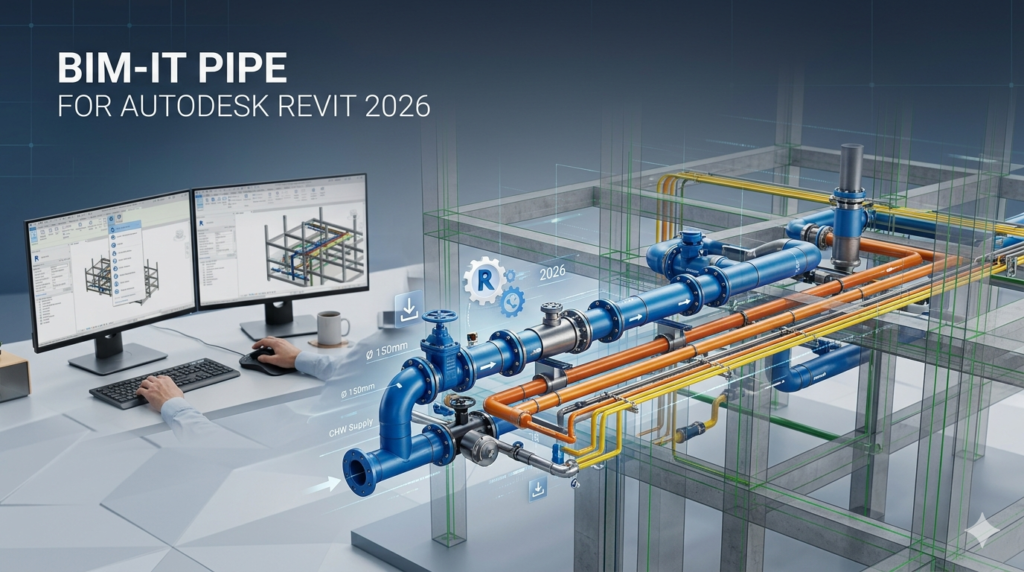

Download BIM-IT Pipe for Autodesk Revit 2026(Streamlining Plumbing Design Workflows) from this link…

Overview of BIM-IT Pipe
Table of Contents
In the fast-paced world of modern building design, efficiency is paramount. Engineers and MEP (Mechanical, Electrical, and Plumbing) designers frequently encounter repetitive, time-consuming tasks when modeling complex plumbing systems in Autodesk Revit. BIM-IT Pipe is a specialized Revit add-in engineered to address this exact challenge, transforming cumbersome manual processes into streamlined, automated workflows.
Developed from real-world industry challenges, BIM-IT Pipe acts as an intelligent assistant within the Revit environment. Its primary function is to drastically reduce the hours spent on routine plumbing design tasks, enabling professionals to focus on critical design decisions, coordination, and project quality. By automating the “busy work,” the software empowers teams to deliver projects faster and with greater accuracy.
A Philosophy of Customization
A core tenet of BIM-IT Pipe’s development is its deep commitment to customization. The developers recognize that no two engineering firms operate identically; each follows unique internal standards, project-specific requirements, and established design methodologies. Unlike generic, one-size-fits-all applications that force teams to adapt their processes, BIM-IT Pipe is designed to be tailored. It adapts to your company’s existing workflow, ensuring a natural integration that enhances productivity without disrupting established practices.
Key Features of BIM-IT Pipe
BIM-IT Pipe is packed with features designed to simplify and accelerate plumbing modeling in Revit. Its toolset focuses on practical, everyday challenges faced by plumbing designers.
-
Automated Pipe Routing: Significantly reduces the time needed to create complex pipe networks. The software can intelligently route piping between points, automatically calculating slopes and maintaining proper clearances based on predefined rules.
-
Intelligent Connection Management: Quickly and accurately create connections between pipes, fixtures, and equipment. The tool ensures connections are made according to project standards, reducing errors and coordination issues.
-
Customizable Component Libraries: Integrate and manage company-specific pipe families, fittings, and accessories. This ensures that all modeled elements adhere to your firm’s standards, promoting consistency across all projects.
-
Automated System Generation: Streamline the creation of entire plumbing systems. With a few commands, users can generate sanitary, vent, hot water, and cold water systems, complete with proper network logic and connectivity.
-
Sizing and Calculation Tools: Access integrated tools for pipe sizing based on flow rates, fixture units, and other engineering parameters, helping to ensure designs are both code-compliant and optimized.
-
Batch Editing and Modification: Apply changes to multiple elements simultaneously. This feature is invaluable for revising pipe sizes, elevations, or system types across a large selection, saving immense amounts of manual editing time.
-
Clash Detection Assistance: While not a replacement for full clash detection software, BIM-IT Pipe helps users model with coordination in mind, reducing the likelihood of interferences with structural or architectural elements.
What’s New in the Latest Version (2026 Update)
The 2026 release of BIM-IT Pipe focuses on enhanced performance, deeper Revit integration, and user-requested features to further refine the plumbing design experience.
-
Native Support for Revit 2026: Fully compatible with the latest Autodesk Revit 2026 version, ensuring stability and access to new platform features.
-
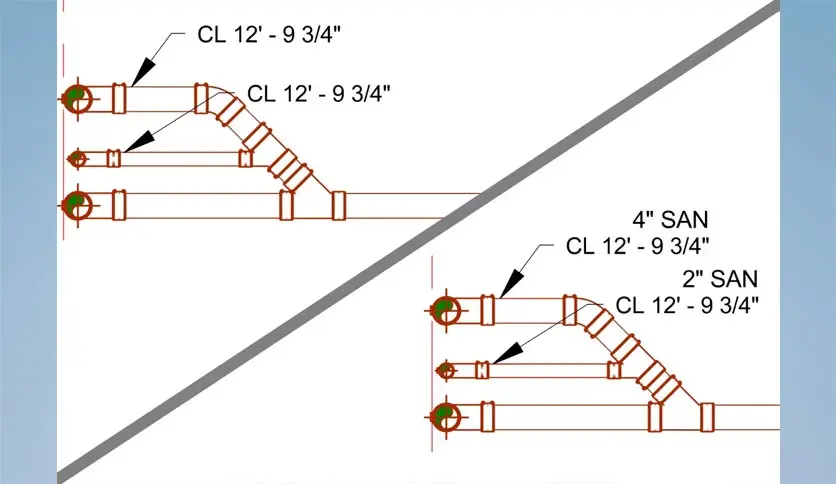
Enhanced Slope Management: Improved algorithms for automatically applying and adjusting slopes in sanitary drainage systems, with greater control over fittings and connections.
-
Expanded Customization API: The underlying framework for creating bespoke solutions has been strengthened, allowing for even deeper integration with a firm’s unique standards and external databases.
-
Performance Optimizations: Faster load times and more responsive automation tools, especially when working with large, complex building models.
-
Improved User Interface: Refined icons and menu placements within the Revit ribbon for a more intuitive and accessible user experience.
System Requirements
To ensure optimal performance and stability with BIM-IT Pipe, your system should meet the following requirements. It is always recommended to meet or exceed the preferred specifications.
| Component | Minimum Requirement | Recommended Specification |
|---|---|---|
| Operating System | Microsoft Windows 10 (64-bit) | Microsoft Windows 11 (64-bit) |
| Processor | 1 GHz (or faster) 64-bit processor | 2.5 GHz+ multi-core processor |
| RAM | 4 GB | 16 GB or more for complex models |
| Hard Disk Space | 500 MB of free space | Solid State Drive (SSD) with 1GB+ free |
| Software Platform | Autodesk Revit 2023, 2024, 2025, or 2026 | Latest version of Autodesk Revit |
Installation Guide
Installing BIM-IT Pipe is a straightforward process. As with any software add-in, it’s best practice to ensure Revit is closed before beginning the installation.
-
Download the Installer: Obtain the official BIM-IT Pipe installation file from the developer’s website or your authorized software provider.
-
Run the Installer: Locate the downloaded .exe or .msi file, right-click it, and select “Run as administrator” to ensure it has the necessary permissions to integrate with Revit.
-
Follow the Prompts: The installation wizard will guide you through the process. You may be asked to accept the license agreement and choose an installation directory. The default settings are typically correct for most users.
-
Select Revit Versions: If you have multiple versions of Revit installed, the installer will likely prompt you to select which versions you want the add-in to be available in.
-
Complete Installation: Click “Install” or “Finish” to complete the process. Once done, you can launch Autodesk Revit.
-
Locate the Add-In: Upon opening Revit, look for the BIM-IT Pipe tab or a new panel on one of the existing ribbon tabs. This is where all the tools will be accessible.
How to Use BIM-IT Pipe: A Practical Example
This guide demonstrates a common workflow: automatically creating a sanitary drainage network.
-
Prepare Your Model: Ensure your plumbing fixtures (toilets, sinks, floor drains) are placed in the model and have their connectors properly defined.
-
Access the Tool: In Revit, navigate to the BIM-IT Pipe tab and find the “Create Sanitary System” or “Auto-Route” tool.
-
Select Fixtures: The tool will typically prompt you to select the fixtures you wish to connect. You can pick them individually from the drawing area or use a selection window.
-
Set Parameters: A dialog box will appear, allowing you to define the system parameters. This includes:
-
System Type: Select “Sanitary” or “Waste.”
-
Pipe Type: Choose the appropriate pipe family from your project.
-
Slope: Enter the required slope (e.g., 1/8″ per foot).
-
Routing Preferences: Set rules for main lines versus branch lines, and preferred connection angles.
-
-
Execute the Command: Click “OK” or “Generate.” The BIM-IT Pipe add-in will then automatically calculate the optimal pipe paths, create the network with the correct slope, and connect all selected fixtures to a designated main line or stack.
-
Review and Modify: The generated system is fully editable Revit elements. You can use other BIM-IT Pipe tools to adjust pipe sizes, modify fittings, or add cleanouts as needed. The software simply performs the heavy lifting of initial creation, which you can then refine.
Best Use Cases for BIM-IT Pipe
While valuable for almost any plumbing project, BIM-IT Pipe provides exceptional value in specific scenarios:
-
Large-Scale Commercial Buildings: Hospitals, office towers, and shopping centers with thousands of fixtures benefit enormously from automated routing and system generation.
-
Multifamily Residential Complexes: Quickly model repetitive plumbing layouts across multiple floors or apartment units, ensuring consistency and saving significant time.
-
Industrial and Laboratory Facilities: These projects often involve complex pipe runs, specialized materials, and strict slope requirements, where the software’s precision and automation are invaluable.
-
Standardizing Firm-Wide Workflows: Engineering firms looking to enforce consistent modeling standards across all their projects can use BIM-IT Pipe’s customization capabilities to embed their specific rules and component libraries directly into the workflow.
Advantages and Limitations
Like any specialized tool, BIM-IT Pipe has its strengths and considerations.
Advantages
-
Significant Time Savings: Automates the most tedious and repetitive aspects of plumbing modeling, leading to faster project completion.
-
Enhanced Accuracy and Consistency: Reduces human error in routing, connections, and slope applications, resulting in cleaner, more reliable models.
-
Reduced Manual Errors: By automating routine tasks, the potential for costly mistakes in the design phase is minimized.
-
Seamless Revit Integration: Operates as a native part of Revit, requiring no extensive retraining or switching between applications.
-
Highly Customizable: Can be tailored to fit the specific standards and workflows of any engineering firm.
Limitations
-
Niche Focus: Its specialization in plumbing means it does not offer features for HVAC, electrical, or other disciplines, requiring teams to use other tools for those systems.
-
Learning Curve for Advanced Features: While basic tasks are intuitive, mastering the full suite of tools, especially customization options, requires dedicated learning and practice.
-
Dependency on Model Quality: The automation is only as good as the underlying Revit model. Poorly placed fixtures or incorrectly defined connectors will lead to errors.
-
Cost: As a specialized commercial add-in, it represents an additional software investment beyond the base cost of Autodesk Revit.
Alternatives to BIM-IT Pipe
The market for Revit MEP enhancements includes several other robust options. The best choice depends on a firm’s specific needs, budget, and preferred workflow.
| Software | Primary Focus | Key Differentiator |
|---|---|---|
| BIM-IT Pipe | Dedicated Plumbing Automation | Deep customization and tailored solutions for plumbing workflows. |
| SysQue | Detailed MEP Fabrication Modeling | Comprehensive toolset for creating fabrication-ready MEP models, including spooling and connection to estimation. |
| StrucSoft MWF | Structural and MEP Automation | Known for its powerful framing tools, it also offers MEP modules for modeling and detailing. |
| AGACAD | Multi-Discipline BIM Tools | A vast library of tools for architecture, structure, and MEP, useful for automating many different tasks across a project. |
| DiRoots | Data Management and Automation | Offers a suite of free and paid plugins focused on Excel integration, parameter management, and sheet duplication, which can complement modeling tools. |
| Manual Revit Tools | General-Purpose Modeling | The built-in Revit commands offer full control but are significantly slower for complex, repetitive plumbing tasks. |
Frequently Asked Questions
1. Is BIM-IT Pipe compatible with the latest version of Autodesk Revit?
Yes, BIM-IT Pipe is designed to be compatible with recent versions of Revit, including the 2026 release. Always check the official system requirements on the developer’s website for the most up-to-date compatibility list.
2. Can I customize the pipe families and fittings used by the software?
Absolutely. A core strength of BIM-IT Pipe is its high degree of customizability. It allows you to integrate your own company-standard Revit families, ensuring all generated content matches your project requirements.
3. Does BIM-IT Pipe help with pipe sizing based on plumbing codes?
Yes, the add-in includes tools that assist with pipe sizing. While you should always verify calculations against local codes, the software can automate sizing based on parameters like fixture unit counts and flow rates, which serves as a powerful starting point.
4. Will using this software make my Revit model slower or more unstable?
BIM-IT Pipe is optimized for performance. While it adds functionality, it does not inherently slow down Revit. However, as with any complex model, system performance depends on your computer’s hardware and the overall size and complexity of your Revit project.
5. I don’t just do plumbing. Are there similar tools for other disciplines?
BIM-IT Pipe is specifically focused on plumbing systems. For other disciplines, you would need to look at other specialized add-ins or broader MEP tool suites, such as those offered by SysQue for overall MEP fabrication or AGACAD for a multi-discipline approach.
6. Do I need to be a programming expert to customize the tool?
No. While deep customization may involve some configuration, the primary customization features are designed to be accessible through user-friendly interfaces, allowing you to map your existing Revit families and define standard rules without writing code.
Final Thoughts
BIM-IT Pipe stands out as a highly effective solution for plumbing engineers and designers who want to move beyond the constraints of manual Revit modeling. By intelligently automating the repetitive tasks that consume valuable project hours, it allows professionals to redirect their focus toward design innovation, coordination, and quality assurance. Its commitment to customization ensures it can mold to a firm’s unique processes rather than the other way around. For any team looking to significantly boost productivity and consistency in their plumbing design workflow, BIM-IT Pipe represents a smart, strategic investment in efficiency.
Premium Software Support Service
If you need professional help with software installation, setup, or technical configuration, our team is available to assist you.
Contact & Support
For quick assistance and latest updates, connect with us using the links below:
🔹 Direct Telegram Support
https://t.me/PlayoutKing
🔹 Official Telegram Updates Group
https://t.me/yourgroup
🔹 WhatsApp Community Group
https://chat.whatsapp.com/yourlink
Service Policy
- Remote testing available through AnyDesk before confirmation.
• Verify the setup and performance before completing the order.
• Support available for single or multiple systems.
• Step-by-step guidance to ensure smooth installation and working environment.
Our goal is to provide reliable technical assistance so your software runs smoothly without interruptions.