
Overview of the Software
Table of Contents
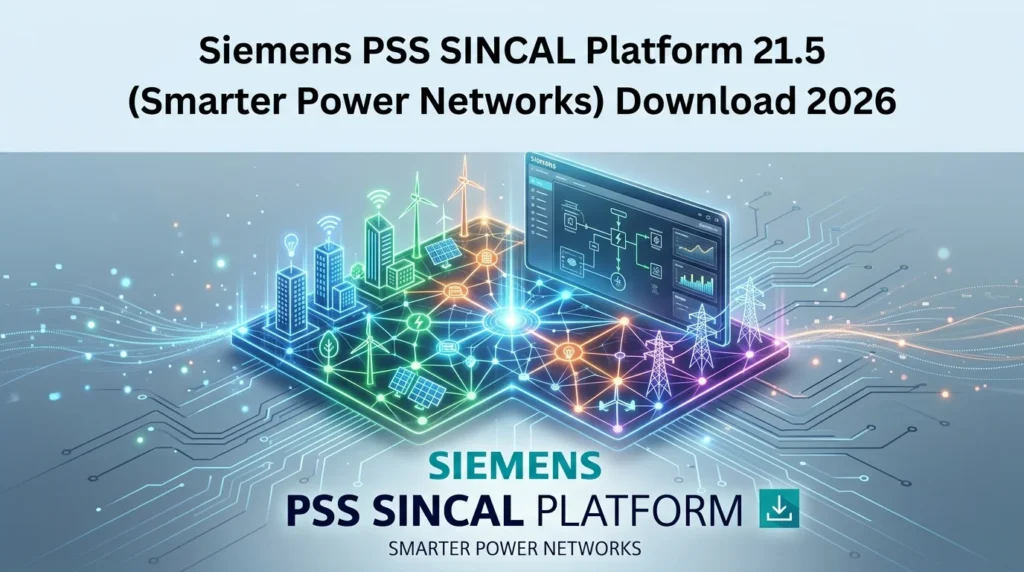
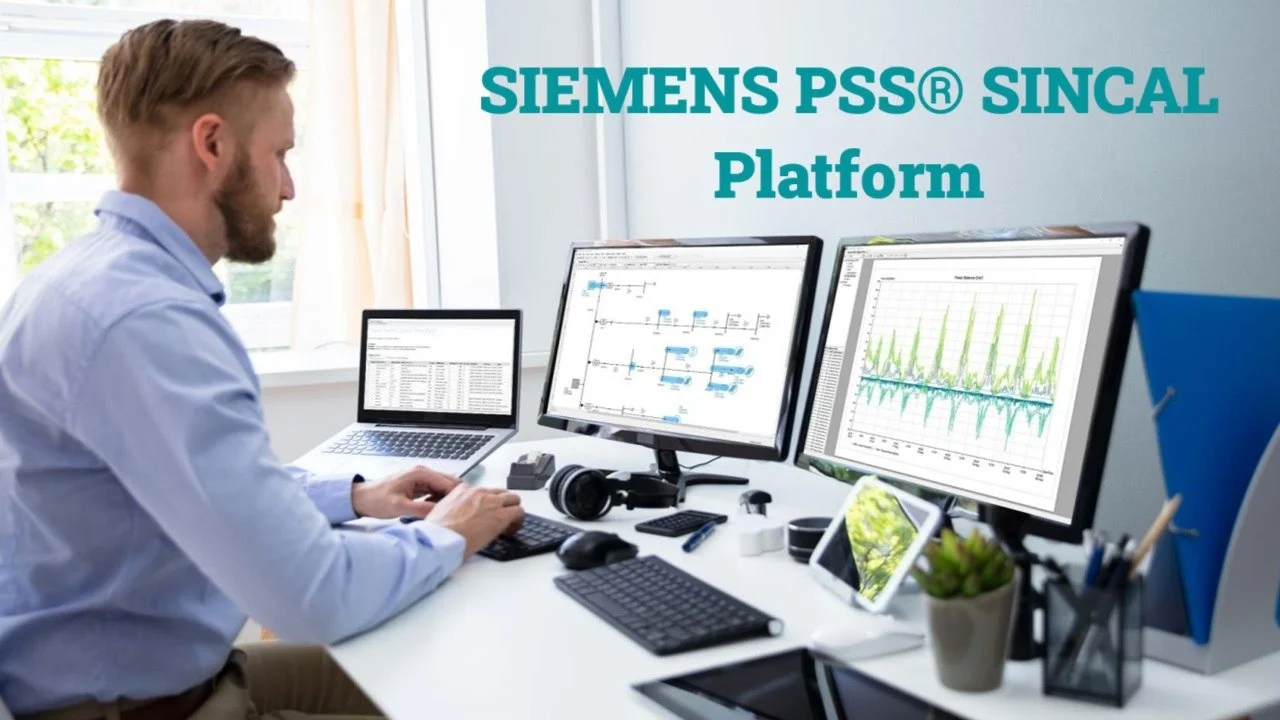
PSS SINCAL is an integrated network simulator from Siemens, purpose-built for the challenges of modern power systems . For over 20 years, it has enabled engineers to tackle a wide range of tasks across transmission, distribution, and industrial networks . As a power system planning tool, the platform is designed to manage the entire workflow, from data import and model creation to advanced simulation and analysis .
What sets PSS SINCAL apart is its modular architecture. Users can select the specific modules needed for their projects, making it a scalable solution for both basic calculations and highly specialized studies. Its open interfaces support seamless integration with GIS, SCADA, and other data management systems, helping to break down data silos . The platform’s ability to handle multi-domain networks—including electricity, gas, and water—allows for the study of inter-system impacts on a single, unified platform .
Key Features
Core Simulation and Analysis
At its heart, PSS SINCAL 21.5 excels in fundamental network analysis, providing a robust set of tools for engineers.
-
Power Flow Analysis: It can analyze both symmetrical and asymmetrical three-phase systems, including 4-wire networks, to determine the distribution of currents, voltages, and power. It handles complex load models and user-defined components .
-
Short Circuit Calculation: The software analyzes short-circuit currents, including asymmetric fault scenarios, with improved algorithms that support dynamic voltage support, crucial for networks with low short-circuit power .
-
Harmonics Analysis: It helps assess harmonic distortion limits and assists in the sizing of filters to maintain power quality .
-
Stability and Transient Analysis: Utilizing the PSS®NETOMAC engine, the platform can evaluate dynamic and transient stability, including electromagnetic transients (EMT) and RMS simulations. This is critical for analyzing the impact of grid-forming and grid-following converters in modern networks with high renewable penetration .
Advanced Modules for DER and Optimization
The 21.5 version has been significantly enhanced to address the challenges of the energy transition.
-
Distributed Energy Resources (DER) Integration: A “Maximal Hosting Capacity” module automates calculations for DER integration, covering load flow, short-circuit analysis, and voltage fluctuation studies. Time-series analysis and unbalanced RMS/EMT simulations for DERs are also supported .
-
Protection Coordination: The platform provides interactive tools for monitoring and managing protection devices. Engineers can perform stepped-event fault clearance analysis and dynamic fault sequence simulation to ensure system safety .
-
Optimization Modules: Advanced features include tools for optimal network structures, Volt/Var Optimization (VVO), and compensation optimization to enhance network efficiency and reduce costs .
Data Management and Usability
Efficient data management is a cornerstone of PSS SINCAL.
-
Master Database Concept: This feature enables multi-user project management. Multiple users can work on a network simultaneously, with conflict management and synchronization functions ensuring data consistency .
-
Open Architecture and Interfaces: The software offers a programming interface that supports automation using scripting languages like Python™, VBA, and C++. This allows for bespoke customizations and integration with other tools .
-
Geographical Visualization: The new tabular view and enhanced highlighting features improve usability, while the geographical visualization interacts like a GIS application, making network models more intuitive .
System Requirements
Ensuring your system is compatible is key for optimal performance. While the demands can vary based on the model size, the general requirements for PSS SINCAL 21.5 are as follows :
-
Hardware:
-
CPU: x64 architecture, >= 2 GHz, multi-core
-
RAM: >= 8 GB (more is recommended for large networks)
-
Hard Disk: >= 20 GB of available space
-
Graphics: Resolution >= 1920 x 1200, supporting true color
-
-
Operating Systems:
-
Windows 8, Windows 10, Windows 11
-
Windows Server 2008 R2, 2012 R2, 2016, 2019
-
-
Database Systems Support:
-
Local: SQLite 3.x, Microsoft Access
-
Enterprise: Oracle (9i, 10g, 11g, 12c, 19c), Microsoft SQL Server (2008, 2012, 2014, 2016, 2017, 2019)
-
Installation Guide
The typical process for installing PSS SINCAL involves a few key steps. It is important to note that the software is distributed through a secure access system .
-
Obtain Access: A unique access key is required for each version and update. This key can be obtained from the PSS SINCAL Platform Support team at
[email protected]. -
Download: Once you have your access key, you can download the installer from the official Siemens download portal or authorized partner sites .
-
Run Setup: Execute the downloaded installer and follow the on-screen instructions. This typically involves accepting the license agreement and selecting the installation directory.
-
License Activation: After installation, the software will require a valid license to operate. Official orders and test licenses have specific terms and conditions .
-
Database Setup: Configure the connection to your preferred database system (e.g., SQLite, Microsoft Access, Oracle, or SQL Server) to store your network models and data .
For the latest and most accurate steps, always refer to the official release notes provided with the software.
How to Use the Software
PSS SINCAL is designed to be a user-friendly platform for power system analysis. A typical workflow involves these key stages :
-
Model Building: Create your network model by adding components (buses, lines, transformers, generators, loads) from the toolbars. These resources are parameterized using data sheets and diagrams .
-
Parameter Input: Accurately input the properties of your network resources. Correct parameterization is crucial for achieving plausible results during simulation .
-
Run Calculation: Select the type of analysis you wish to perform, such as a power flow or short-circuit calculation. The software will calculate the state of the network based on your model and parameters .
-
Evaluate Results: Analyze the results. For a power flow, this includes evaluating voltages at each bus and power flow on each line to identify issues like overloads or under-voltage. A short-circuit calculation will provide information on the maximum thermal and mechanical stress on equipment .
-
Iterate and Optimize: Based on the analysis, you can modify the network model, add new components, or run optimization modules to plan for future system expansion or improve reliability .
Best Use Cases
PSS SINCAL is a versatile platform suitable for a wide range of applications across the energy sector.
-
Distribution and Transmission System Planning: It is ideal for utilities and consultants planning large-scale grid expansions and upgrades. Its powerful network analysis software capabilities help evaluate contingencies and ensure system reliability .
-
Integration of Renewable Energy: The DER integration tool and “Maximal Hosting Capacity” module are critical for assessing the impact of connecting wind, solar, and storage to the grid .
-
Industrial Network Analysis: Industrial facilities with complex internal power systems can use PSS SINCAL for motor-start studies, arc-flash hazard analysis, and optimizing their energy consumption .
-
Multi-Utility Planning: The platform’s ability to model electric, gas, water, and heating networks in a single environment is invaluable for studying the coupling between different energy sectors .
-
Academic Research and Training: It is also used in educational settings for training the next generation of engineers through practical courses on power flow and fault analysis .
Advantages and Limitations
Advantages
-
Comprehensive Capabilities: Covers everything from load flow to DER integration and stability studies, providing a single platform for diverse needs .
-
Modular and Flexible: Users can tailor the software to their specific project requirements by selecting only the necessary modules .
-
Open Architecture: Excellent data integration capabilities with GIS, SCADA, and other external databases, avoiding vendor lock-in .
-
Multi-Domain Simulation: Unique ability to model linked electrical and pipeline networks, allowing for holistic system analysis .
-
User-Friendly Interface: The visual network editor and geographical visualization make complex models more manageable .
Limitations
-
Cost and Licensing: As a high-end, enterprise-grade solution, the licensing costs can be significant, making it a major investment for smaller organizations.
-
Complexity: While user-friendly, its extensive capabilities require specialized training and a solid understanding of power systems theory to use effectively .
-
Resource Intensive: Analyzing large networks with complex simulations requires powerful hardware and substantial computing resources .
Alternatives to the Software
While PSS SINCAL is a leading solution, several other powerful tools exist in the market for power system analysis and planning.
-
PSS®E: Also from Siemens, PSS®E is a more specialized tool often used for transmission system planning and is highly regarded for its robust computational capabilities and extensive model library for bulk power system analysis .
-
PowerFactory: A widely used alternative from DIgSILENT, offering strong capabilities in transmission and distribution network analysis, including dynamic simulations .
-
Open-Source Frameworks: For researchers and organizations seeking a flexible, no-cost starting point, frameworks like PyPSA (Python for Power System Analysis) and pandapower are valuable alternatives. PyPSA is an open-source framework for optimizing and simulating modern power systems . Similarly, pandapower is an easy-to-use Python library for power system modeling, analysis, and optimization, which can be particularly effective for automating routine analysis tasks .
-
Emerging Platforms: New competitors are also entering the market. GE Vernova launched PlanOS in 2025, a unified software suite designed for integrated system planning .
Frequently Asked Questions
Can I request a free trial version of the PSS SINCAL Platform 21.5?
Yes, it is possible to request a free trial version. More information and the request process for a test license can be found on the official Siemens PSS SINCAL web pages or by contacting the sales team .
What is the difference between PSS SINCAL and PSS®E?
PSS SINCAL is a versatile, modular platform ideal for planning and analyzing distribution, transmission, and industrial networks. It supports multiple utility domains (electricity, gas, water). PSS®E, while also from Siemens, is a more specialized tool designed primarily for detailed transmission system planning and is recognized for its advanced modeling and bulk power system simulation capabilities .
Can I import data from GIS or SCADA systems into PSS SINCAL?
Yes, a key strength of the platform is its open architecture. It provides robust interfaces and supports the Common Information Model (CIM) standard, allowing for seamless data import and synchronization with GIS and SCADA systems .
What programming languages can I use to automate tasks in PSS SINCAL?
The software’s open architecture provides access to COM functions, which can be used by a wide variety of scripting and programming languages. Common choices include Python™, VBA, VBS, C++, and Java .
Does PSS SINCAL support the analysis of unbalanced networks?
Yes. The software can model and analyze both balanced and unbalanced electrical networks, including 4-wire systems, which is essential for accurately representing distribution networks and asymmetrical faults .
Final Thoughts
The Siemens PSS SINCAL Platform 21.5 represents a significant step forward in power system planning. It is not just an incremental update; it is a comprehensive software suite designed to handle the complexity and demands of the modern, decarbonized energy grid. By integrating advanced DER analysis, multi-domain network simulation, and an open, collaborative data management system, it empowers engineers to build smarter, more resilient power networks. Whether you are a transmission system operator, a distribution utility planner, or a consultant working on renewable energy integration, PSS SINCAL 21.5 provides the intelligent tools needed to navigate the energy transition with confidence.
Our Paid Service
“We do not sell or provide any software. We only offer professional support services. If any software on your system is not working properly, or you are facing installation errors, crashes, or any other technical issue — just contact us. We will help you fix the problem quickly and remotely via AnyDesk. No software will be provided from our side — only expert troubleshooting and support.”