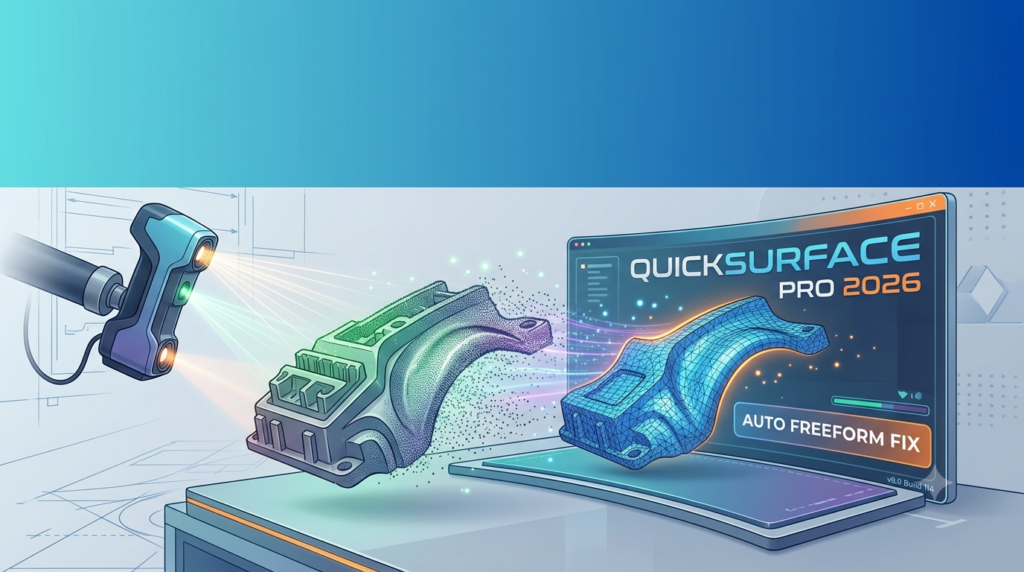

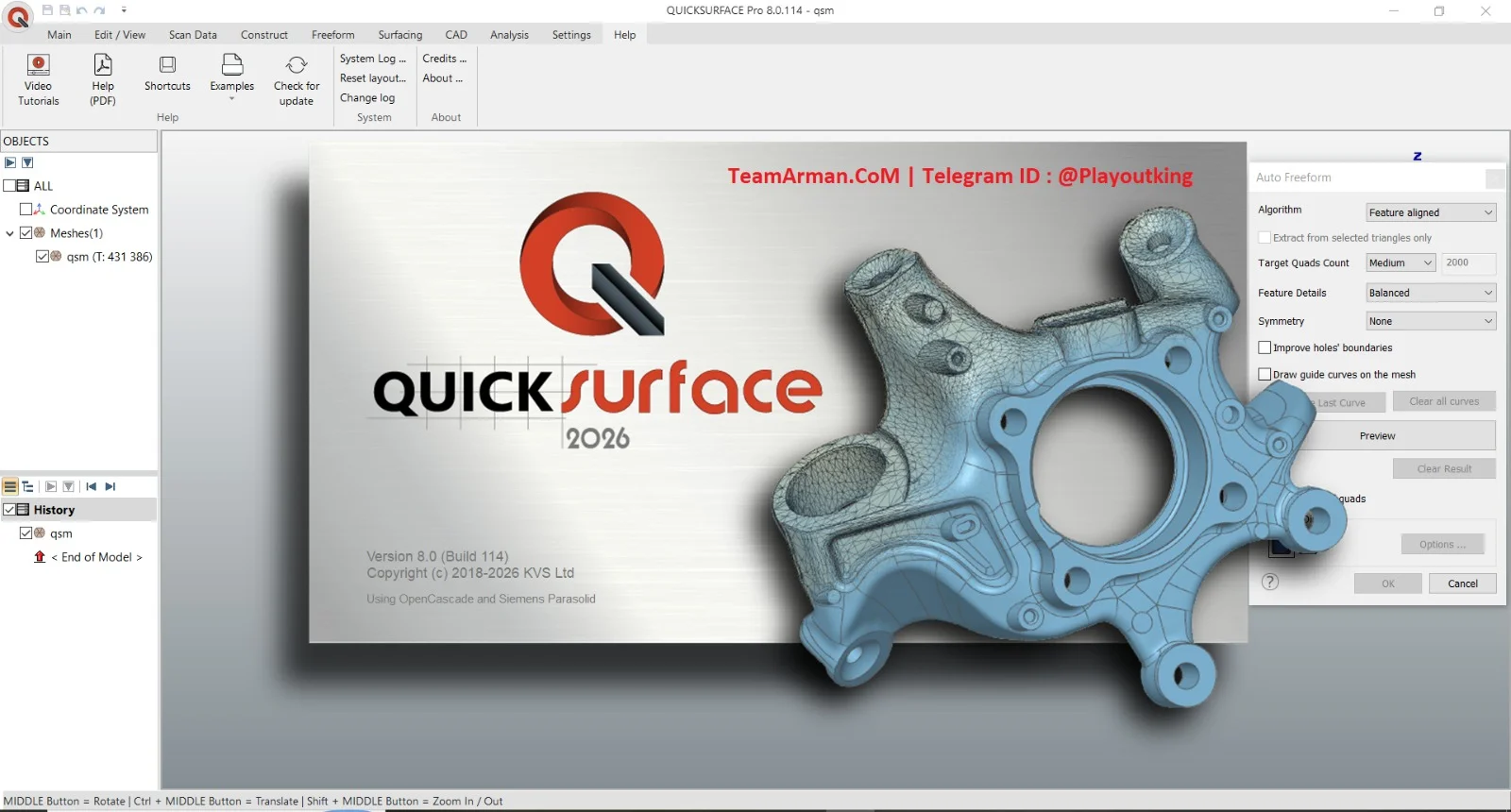
Overview of QUICKSURFACE Pro 2026
Table of Contents
QUICKSURFACE Pro is a standalone Windows 64-bit application built specifically for 3D reverse engineering. Unlike traditional CAD software that assumes ideal geometry, QUICKSURFACE is designed to handle the real-world imperfections found in 3D scan data—noise, gaps, and irregular surfaces.
The software converts mesh data from virtually any 3D scanner—importing industry-standard STL, OBJ, and PLY mesh files as well as PTX point cloud formats—into production-ready STEP or IGES CAD models. This output integrates seamlessly with major CAD/CAM systems including SOLIDWORKS, Fusion 360, Inventor, Creo, and NX.
Now powered by the Siemens Parasolid kernel, QUICKSURFACE 2026 delivers enhanced stability, speed, and advanced CAD functionality with greater reliability. The software is developed by KVS Ltd and offers both perpetual licenses and subscription options.
Key Features
QUICKSURFACE Pro combines parametric and freeform modeling in a single workflow, making it suitable for both mechanical parts and organic geometries.
Core Modeling Capabilities:
-
Hybrid Modeling – Combine structured CAD features with flexible freeform surfaces in one continuous workflow
-
Automatic Surfacing – AI-powered tools that generate surfaces following real curvature, not just triangle density
-
Parametric Design – Full dimension control, constraints, and editable features
-
Geometric Primitive Extraction – Fast reconstruction of planes, cylinders, cones, and spheres from scan data
-
2D and 3D Sketching – Draw directly on scan data to create reference geometry
Advanced Modeling Tools:
-
Loft, Sweep, and Pipe Surfacing – Create smooth, continuous surfaces with ultimate flexibility
-
Thickening and Shelling – Produce production-ready geometry with precise wall thickness
-
Draft and Move Face – Make manufacturability adjustments with precision and ease
-
Fillets – Variable and three-face options for seamless transitions in complex geometry
-
Surface Flattening – Generate outlines for decals, films, or flexible materials
-
Trim and Split – Solid splitting with sketches and 3D sketch-based cutting
Quality Assurance:
-
Live Deviation Analyzer – Get instant, dynamic feedback at every modeling stage with real-time accuracy checking against the scan
-
User-Controllable Accuracy – Balance precision with performance
Data Management:
-
Large Mesh Optimization – Work efficiently with dense scan data
-
Mesh Realignment – Align scan data by features or to the CAD coordinate system
What’s New in QUICKSURFACE 2026
Version 2026 represents the most comprehensive update to the software, introducing powerful CAD functionality powered by the Siemens Parasolid kernel.
| New Feature | Benefit |
|---|---|
| Selection-Based Symmetry Plane | Compensate for real-world imperfections while maintaining precision in critical regions |
| Advanced Lofting Tools | Create smooth, continuous surfaces with ultimate flexibility |
| Enhanced Thickening and Shelling | Produce production-ready geometry faster and more reliably |
| Draft and Move Face | Quick manufacturability adjustments with precision and ease |
| Advanced Fillets | Variable and three-face options for seamless transitions in complex geometry |
| Surface Flattening | Generate outlines for decals, films, or flexible materials |
| Live Deviation Analyzer | Instant dynamic feedback at every stage of the modeling process |
| Editable Fit Surface | Adjust NURBS patches after creation without rebuilding from scratch |
| Solid Splitting with Sketches | Divide solids using sketch-based cutting tools |
| Surface Extension | Extend surfaces with tangent or curvature continuity |
QUICKSURFACE 2026 also introduces 3D Sketch-based mesh splitting for isolating areas and preparing scan patches, plus interactive draft extrusion with live angle and depth preview.
System Requirements
QUICKSURFACE Pro 2026 is compatible with Windows 10 and Windows 11 64-bit operating systems. The software is a standalone application that does not require a separate CAD platform, though models can be exported for use in other systems.
For optimal performance when working with large scan meshes, the software requires a modern multi-core processor and sufficient RAM. The 64-bit architecture ensures that meshes of any size can be loaded while maintaining detail.
Installation and Licensing
Installation Process:
-
Download the QUICKSURFACE installer from an authorized reseller or the official website
-
Run the installation wizard as administrator
-
Enter your license activation code when prompted
-
Complete the installation and launch the software
Licensing Options:
-
Perpetual License – One-time purchase with 12 months of maintenance (updates and support)
-
Annual Subscription – 1-year subscription license with updates and support
-
Floating Network License – Optional conversion from fixed single-seat to cloud-based network access for multi-seat environments
A free 30-day trial of QUICKSURFACE Pro is available for evaluation purposes. Activation codes are typically delivered within 1 working day of purchase.
How to Use QUICKSURFACE Pro
The scan-to-CAD workflow in QUICKSURFACE follows a logical sequence from data import to final export.
Step 1: Import Scan Data
-
Launch QUICKSURFACE and create a new project
-
Import your scan data in STL, OBJ, PLY, or PTX format
-
The software handles meshes of any size through its 64-bit architecture
Step 2: Mesh Preparation
-
Remove noise and outliers using the automatic cleaning tools
-
Fill holes and gaps in the scan data where needed
-
Simplify the mesh if necessary to improve performance while maintaining accuracy
-
Align the scan data to the world coordinate system using extracted primitives
Step 3: Feature Extraction
-
Use the magic wand, brush, and freeform selection tools to identify areas of interest
-
Extract geometric primitives like planes, cylinders, cones, and spheres
-
Define relationships such as perpendicularity, parallelism, and coincidence
-
Create reference geometries like lines and points to support accurate alignment
Step 4: Modeling
-
Choose between parametric modeling for mechanical features or freeform surfacing for organic shapes
-
Use 2D and 3D sketching on the scan data to define profiles
-
Apply advanced tools like Loft, Sweep, Shell, and Thicken to build the model
-
Monitor accuracy in real-time using the Live Deviation Analyzer
Step 5: Export
-
Export your finished CAD model as STEP or IGES for integration with downstream systems
-
Models are production-ready for CNC machining or 3D printing
-
Alternatively, export for use in SOLIDWORKS, Inventor, Fusion 360, or other CAD platforms
Best Use Cases
QUICKSURFACE Pro excels in several industrial applications where scan-to-CAD conversion is critical.
Replacement Part Reconstruction
When original CAD data is unavailable for legacy equipment, QUICKSURFACE enables rapid reverse engineering of replacement parts. Import the scan of the broken part, rebuild the geometry with accurate features, and export a STEP file for manufacturing. The advanced filleting and shelling tools ensure the new part meets production standards.
Tooling and Mold Making
The 2026 version introduces draft angle analysis and move face tools that make models injection-molding ready. Create parting lines, cores, and cavities directly from scanned physical parts. The enhanced thickening and shelling features speed up the creation of production-ready tooling geometry.
Product Modification and Customization
Hybrid modeling allows engineers to modify existing designs based on scanned prototypes. Add or remove features, adjust dimensions, and improve manufacturability while maintaining the original design intent. The real-time deviation analysis ensures modifications stay within tolerance.
Prototype Development
Quickly convert physical prototypes to digital CAD models for further refinement and testing. The freeform surfacing capabilities handle sculpted organic shapes while parametric tools manage functional features like holes and mounting points.
Surface Flattening for Decals and Films
Generate accurate 2D outlines from complex 3D surfaces for creating decals, protective films, or flexible materials that must conform to compound curves. This feature is particularly valuable in automotive and consumer product design.
Advantages and Limitations
Advantages
-
Scanner Agnostic – Works with any 3D scanner that outputs STL, OBJ, or PLY data. No vendor lock-in—just bring your scan data and start modeling
-
Purpose-Built Interface – Designed for reverse engineering rather than general CAD, with a shallower learning curve than traditional CAD platforms
-
Live Deviation Control – Real-time accuracy feedback eliminates guesswork and reduces rework
-
Hybrid Modeling – One continuous workflow for both mechanical and organic geometries, no tool switching
-
Production-Grade Output – Clean STEP and IGES exports that behave correctly in CAM workflows and downstream CAD systems
Limitations
-
Not a Full CAD Platform – QUICKSURFACE focuses specifically on scan-to-CAD conversion. For comprehensive mechanical design from scratch, you will still need a dedicated CAD system
-
Not a Metrology Tool – While it provides deviation analysis, QUICKSURFACE is not designed for inspection or quality measurement workflows
-
Desktop Only – No mobile or cloud-based version currently available
Alternatives to QUICKSURFACE Pro
Several other software solutions exist for 3D reverse engineering and scan-to-CAD conversion. Here is how QUICKSURFACE compares:
| Alternative | Key Differences |
|---|---|
| Geomagic Design X | More comprehensive feature set but with higher cost and steeper learning curve. Supports more advanced point cloud processing |
| Fusion 360 (with Mesh Tools) | Offers mesh-to-solid conversion as part of a broader CAD platform. Less specialized for reverse engineering, with fewer dedicated scan-to-CAD features |
| PolyWorks | Focused primarily on metrology and quality inspection, with reverse engineering as a secondary capability |
| Rhino3D | Powerful freeform modeling but lacks dedicated reverse engineering workflows and parametric features. Does not include built-in deviation analysis against scan data |
QUICKSURFACE Pro occupies a unique position as a dedicated scan-to-CAD software that balances power with usability, making it accessible to both beginners and professionals without the complexity of traditional CAD-centric tools.
Frequently Asked Questions
1. What file formats does QUICKSURFACE Pro support?
QUICKSURFACE imports STL, OBJ, PLY mesh files, and PTX point clouds. It exports high-quality CAD models in STEP, IGES, and formats compatible with SOLIDWORKS and Inventor.
2. Can I try QUICKSURFACE before purchasing?
Yes. QUICKSURFACE offers a free 30-day trial of QUICKSURFACE Pro and QUICKSURFACE for SOLIDWORKS with no obligation.
3. What’s the difference between QUICKSURFACE Pro and Lite?
QUICKSURFACE Lite is a condensed subset of the Pro version offering entry-level reverse engineering features at a lower cost. Lite users can upgrade to Pro at a discount of the amount already paid.
4. Is QUICKSURFACE compatible with my 3D scanner?
QUICKSURFACE works with any 3D scanner that can export STL, OBJ, or PLY mesh data. This includes most handheld, desktop, and long-range scanning systems available today.
5. What are the system requirements for QUICKSURFACE 2026?
QUICKSURFACE 2026 runs on Windows 10 and Windows 11 64-bit operating systems. No separate CAD installation is required, as it is a standalone application.
6. What industries use QUICKSURFACE Pro?
QUICKSURFACE is widely used in automotive, industrial manufacturing, tooling, aerospace, product development, and education for scan-to-CAD workflows.
7. Does QUICKSURFACE offer a perpetual license option?
Yes. QUICKSURFACE Pro and QUICKSURFACE for SOLIDWORKS are available as perpetual licenses with 1 year of maintenance (updates and support). Annual subscriptions are also available from January 2026.
Final Thoughts
QUICKSURFACE Pro 2026 v8.0 represents a significant evolution in professional reverse engineering software. By combining the power of the Siemens Parasolid kernel with the purpose-built scan-to-CAD workflow, the latest version delivers greater reliability, speed, and manufacturing-ready results than ever before.
The software excels where other solutions struggle—handling real-world, imperfect scan data and converting it to editable, parametric CAD models without the months-long learning curve of traditional CAD platforms. Its hybrid modeling approach, live deviation analysis, and scanner-agnostic design make it a versatile tool for engineers across automotive, manufacturing, tooling, and product development industries.
For organizations looking to bridge the gap between physical objects and digital design, QUICKSURFACE Pro 2026 offers a compelling combination of professional power, usability, and production-grade output. The availability of both perpetual and subscription licensing provides flexibility for different business needs.
With the free 30-day trial available, engineers and designers can evaluate the software against their specific reverse engineering requirements before making a commitment.
Our Paid Service
“We do not sell or provide any software. We only offer professional support services. If any software on your system is not working properly, or you are facing installation errors, crashes, or any other technical issue — just contact us. We will help you fix the problem quickly and remotely via AnyDesk. No software will be provided from our side — only expert troubleshooting and support.”