
Overview of the Software
Table of Contents
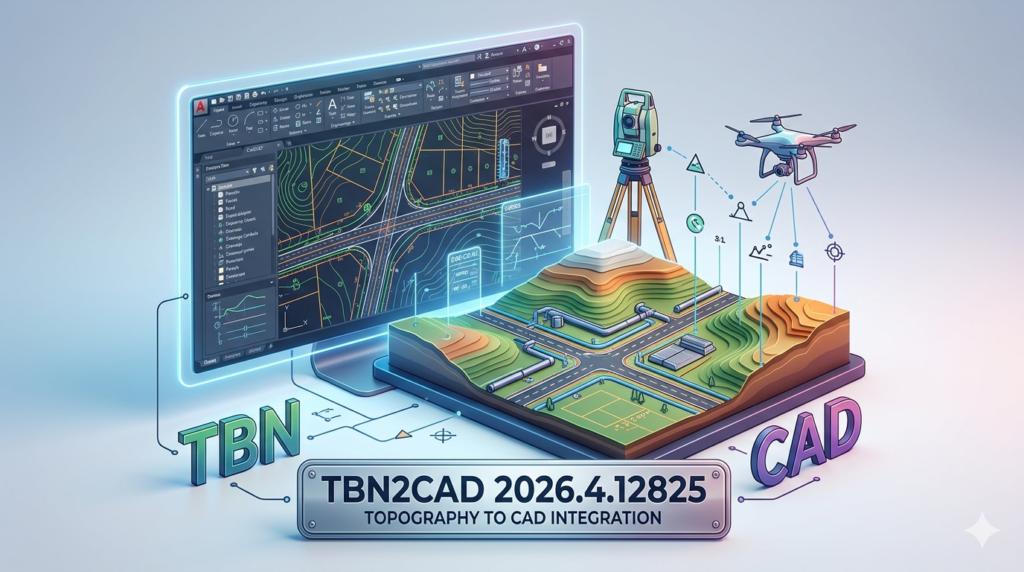
TBN2CAD 2026.4.12825 is a specialized engineering toolkit designed for seamless conversion between TBN (Tebis) project files and industry-standard DWG and DXF formats. In the competitive landscape of computer-aided design (CAD) , data exchange between platforms like Tebis and Autodesk AutoCAD often leads to data loss or geometric corruption. This software version bridges that gap, offering engineers and manufacturing specialists a reliable method to translate complex tooling data, 3D models, and 2D geometry without requiring native access to both source applications.
The latest iteration, version 2026.4.12825, focuses on preserving parametric integrity and layer structures during migration. For professionals managing legacy data or collaborating with external suppliers, this tool ensures that CAD file conversion remains accurate, legally compliant, and efficient.
Key Features
High-Fidelity Geometry Translation
Unlike generic converters, TBN2CAD maintains the mathematical precision of NURBS surfaces and solid bodies. Users experience minimal deviation in curvature continuity, which is critical for CNC machining and mold design.
Batch Processing Capabilities
The software allows users to convert entire directories of TBN files simultaneously. This batch processing functionality drastically reduces manual workload for engineering teams migrating large project archives.
Layer and Attribute Mapping
The tool intelligently maps Tebis layer structures to AutoCAD’s layer manager. Retaining color codes, line weights, and custom properties ensures that downstream drafting processes require zero rework.
Standalone Operation
TBN2CAD operates independently. You do not need a licensed copy of Tebis or AutoCAD to perform the conversion. This standalone CAD converter reduces software overhead costs for small machine shops.
What’s New in the Latest Version (2026.4.12825)
The development team has focused on stability and modern OS support. Key updates in this release include:
-
Full Windows 11 Compatibility: Optimized for the latest x64 architectures and security protocols.
-
Improved Mesh Handling: Enhanced algorithm for converting STL data embedded within TBN files to DXF polylines.
-
Unicode Support: Resolved previous errors regarding non-Latin characters in file paths and layer names.
-
Performance Boost: Up to 40% faster conversion speeds for complex 3D assemblies compared to version 2025.
System Requirements
To run TBN2CAD 2026.4.12825 effectively, your workstation should meet the following specifications:
Minimum Requirements
-
OS: Windows 10 (64-bit) or Windows 11
-
CPU: Intel Core i3 or AMD equivalent (2.5 GHz)
-
RAM: 4 GB
-
Storage: 500 MB free space
-
GPU: Integrated graphics with DirectX 10 support
Recommended Requirements
-
OS: Windows 11 Pro (64-bit)
-
CPU: Intel Core i7 / AMD Ryzen 5 or higher
-
RAM: 16 GB (for large assembly files)
-
Storage: 1 GB SSD
-
Display: 1920×1080 resolution
Installation Guide
Step-by-Step Setup
-
Download: Obtain the installer package from the official developer or authorized reseller.
-
Run as Administrator: Right-click the
.exefile and select “Run as Administrator” to ensure registry permissions. -
Accept License Agreement: Review the End-User License Agreement (EULA) . This software requires a valid license key; no piracy tools or keygens are supported.
-
Select Directory: Choose the installation path (default:
C:\Program Files\TBN2CAD). -
Activate: Launch the application and enter your purchased serial number to unlock conversion features.
How to Use the Software
Basic Conversion Workflow
-
Launch the Interface: Open the application to view the dual-panel explorer.
-
Load Source Files: Click “Add Files” to select
.tbnor.tbpproject files. -
Set Output Preferences: Choose the target format (DWG 2018, DXF 2013, or DXF 2021).
-
Configure Options: Enable “Preserve Layers” and “Explode Blocks” based on your project needs.
-
Execute Conversion: Hit the “Convert” button. The software will generate separate output files in the destination folder.
Expert Tip for Assembly Management
If converting a TBN assembly, check the “Flatten Hierarchy” option. This creates a single drawing sheet containing all components relative to a global origin, preventing parts from being scattered across coordinate spaces.
Best Use Cases
-
Vendor Collaboration: A mold maker using Tebis sends neutral DWG files to a client who only uses AutoCAD LT.
-
Data Archiving: Converting proprietary TBN files from 2015 into standard DXF to prevent software obsolescence.
-
Reverse Engineering: Extracting 2D wireframes from TBN scan data for use in light CAD editors or illustration software.
-
CAM Programming: Preparing TBN geometry in a format readable by older CNC control software that only accepts DXF.
Advantages and Limitations
Advantages
-
Cost-Effective: Cheaper than maintaining a full network license of Tebis for occasional data extraction.
-
Preserves Metadata: Retains original timestamps and author attributes during batch jobs.
-
No Cloud Uploads: All processing is local, ensuring sensitive industrial designs remain on-premise (Data sovereignty).
Limitations
-
No Reverse Conversion: Currently, the software does not convert DWG/DXF back into editable TBN toolpath logic.
-
Static Output: Converted 3D solids come in as “dumb solids” or meshes; parametric feature trees (history) are not retained.
-
Text Fonts: Some specialized Tebis font libraries may default to standard AutoCAD fonts like Simplex.shx.
Alternatives to the Software
While TBN2CAD is a niche tool, here are three alternative workflows:
| Alternative | Type | Best For | Key Limitation |
|---|---|---|---|
| Autodesk Inventor | Direct Import | Native reading of neutral formats | Requires Inventor license; slow on large TBN files |
| Okino PolyTrans | Professional Conversion | High-end graphics & rendering pipelines | Expensive; complex learning curve |
| Manual Re-Drafting | Manual | Single, simple 2D parts | Extremely time-consuming; human error risk |
For users needing a dedicated Tebis to AutoCAD bridge, TBN2CAD remains the most specialized solution on the market.
Frequently Asked Questions
Is TBN2CAD compatible with the latest Tebis 2026 format?
Yes. Version 2026.4.12825 is specifically patched to support the file header structures introduced in Tebis 2026.
Do I need to install AutoCAD to view the output files?
No. The software produces standard .DWG and .DXF files. You can view these using free tools like Autodesk Viewer (online) or DraftSight.
Does the software support 3D surface conversion?
Yes. It converts 3D surfaces, solids, and wireframes. However, it treats them as geometry only, not as editable parametric features.
How do I obtain a legitimate license for TBN2CAD?
You must purchase a license from the official software vendor. There are no free “cracks” or “keygens” available; using unauthorized versions violates copyright law and introduces malware risks.
The conversion fails on a specific file. Why?
This usually indicates file corruption or the presence of a feature format the converter does not recognize (e.g., specific point cloud data). Try isolating the problem layer in Tebis before export.
Can I convert multiple files at once?
Yes, the batch processing wizard supports queues of up to 500 files simultaneously.
Will the layers look exactly like they did in Tebis?
The layer names and colors are preserved. However, due to CAD engine differences, line type scales (LTSCALE) may require minor adjustment in AutoCAD.
Final Thoughts
TBN2CAD 2026.4.12825 is an essential utility for manufacturing engineers, mold designers, and data archivists who need reliable DWG conversion without Tebis licensing. While it does not offer parametric editing, its batch processing and high geometric accuracy make it superior to generic converters. For teams struggling with siloed CAD data, this tool restores workflow interoperability while maintaining strict software compliance. Always ensure you use the official version to protect your intellectual property and IT security.
Our Paid Service
“We do not sell or provide any software. We only offer professional support services. If any software on your system is not working properly, or you are facing installation errors, crashes, or any other technical issue — just contact us. We will help you fix the problem quickly and remotely via AnyDesk. No software will be provided from our side — only expert troubleshooting and support.”