
Overview of the Software
Table of Contents
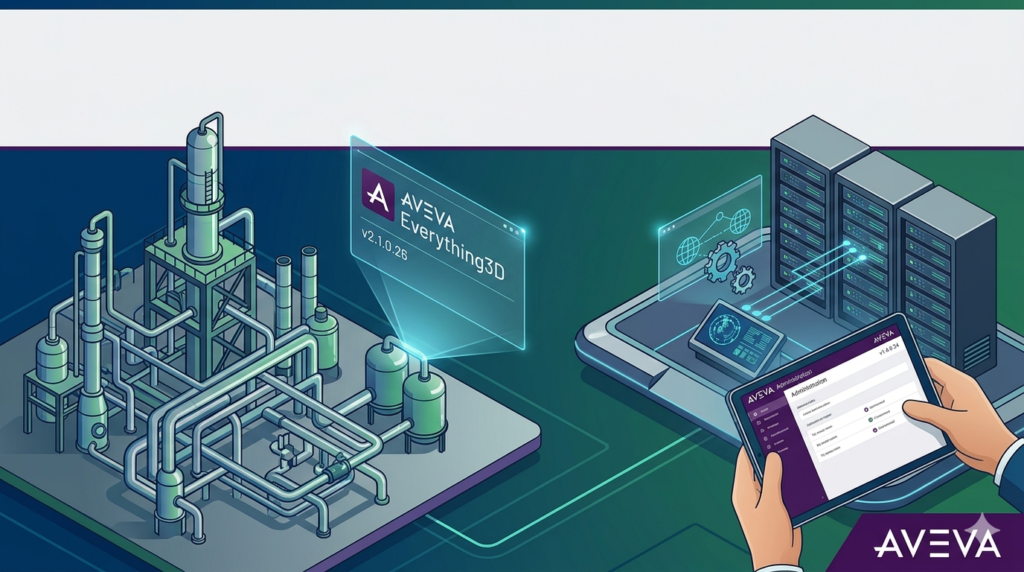
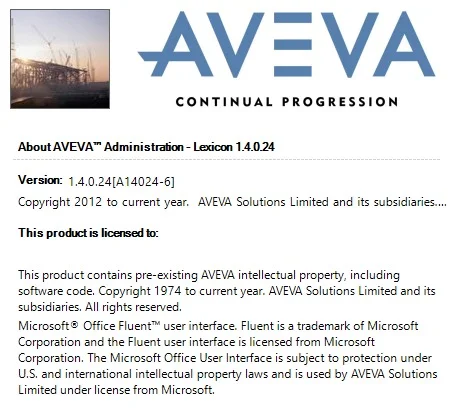
AVEVA E3D v2.1.0.26 is a flagship 3D design and modeling solution for the plant, power, and marine industries. Combined with Administration v1.4.0.24, this software suite provides engineering, procurement, and construction (EPC) companies with a unified environment for clash-free, data-centric design.
As a leading 3D CAD software in the industrial sector, AVEVA E3D enables teams to build intelligent, data-rich models that integrate directly with procurement, fabrication, and asset management systems. Unlike generic modeling tools, AVEVA E3D is purpose‑built for large‑scale infrastructure projects including oil refineries, chemical plants, and offshore platforms.
This version (v2.1.0.26) focuses on improving multi‑user collaboration, enhancing laser scan integration, and streamlining administrative controls through the dedicated Administration module (v1.4.0.24).
Key Features
AVEVA Everything3D v2.1.0.26 offers a robust set of features for engineering design:
-
Database‑driven 3D modeling – Every object contains real engineering data (material, size, weight, supplier codes).
-
Clash detection & avoidance – Real‑time clash detection between piping, structural steel, HVAC, and electrical trays.
-
Isometric and orthographic drawing extraction – Automatically generate production‑ready 2D drawings from the 3D model.
-
Laser scan integration – Overlay point cloud data to model retrofits or brownfield expansions with millimeter accuracy.
-
Multi‑user environment – Hundreds of designers work simultaneously on the same project without data corruption.
-
Administration v1.4.0.24 – Centralized user access, project configuration, catalog management, and audit logging.
What’s New in the Latest Version (v2.1.0.26 & Admin v1.4.0.24)
This release focuses on performance, security, and administrator control:
-
Faster database synchronization – Reduces latency for distributed teams by up to 40%.
-
Enhanced audit trail – The Administration module now logs every model change, user login, and export action for regulatory compliance.
-
Improved point cloud rendering – Smoother navigation of laser scan data without degrading model performance.
-
Role‑based access control (RBAC) – Administrators can assign granular permissions (view only, edit, delete, export) at the component level.
-
Automated backup scheduling – Native integration with the admin console for daily project backups.
System Requirements
Before installing AVEVA Everything3D v2.1.0.26 and Administration v1.4.0.24, ensure your hardware and OS meet these requirements:
| Component | Minimum | Recommended |
|---|---|---|
| Operating System | Windows 10 Pro (64‑bit) | Windows 11 Pro / Windows Server 2022 |
| Processor | Intel Core i7 (8th gen) or AMD Ryzen 7 | Intel Xeon / AMD Threadripper (16+ cores) |
| RAM | 16 GB | 32–64 GB |
| GPU | NVIDIA Quadro P2000 (4 GB) | NVIDIA RTX A4000 (8+ GB) |
| Storage | 50 GB free SSD (project files separate) | 1 TB NVMe SSD + network storage for projects |
| Database | Microsoft SQL Server 2019 Express | Microsoft SQL Server 2022 Standard |
| Network | 1 Gbps LAN | 10 Gbps LAN for multi‑user teams |
Installation Guide
Step 1 – Prepare the Environment
-
Install Windows Server or Windows 11 Pro on a dedicated machine or VM.
-
Install Microsoft SQL Server 2022 (mixed mode authentication).
-
Create a dedicated service account for AVEVA with administrative privileges.
Step 2 – Install Administration Module v1.4.0.24
-
Run
AVEVA_Admin_v1.4.0.24.exeas Administrator. -
Accept the license agreement.
-
Choose “Full Installation – with SQL database setup”.
-
Point to your SQL Server instance.
-
Complete installation and restart.
Step 3 – Install Everything3D v2.1.0.26 Client
-
Run
AVEVA_E3D_2.1.0.26_Client.exe. -
Select “Client Workstation Installation”.
-
Enter the hostname of the Administration server.
-
Complete installation.
Step 4 – Apply License (Legal Method Only)
-
Contact your AVEVA account manager for a network license file (.lic).
-
Place the license file in
C:\AVEVA\Admin\license\. -
Use the License Administration tool to validate.
How to Use the Software
This section provides a basic workflow for a new project.
Creating a New Project (Administrator)
-
Open AVEVA Administration v1.4.0.24.
-
Click Project → New.
-
Enter Project ID, name, and units (metric/imperial).
-
Assign database size (start with 10 GB).
-
Click Create.
Adding Users & Roles
-
In the Admin console, go to Security → Users.
-
Click Add Windows User or Add SQL User.
-
Assign a role: Designer, Checker, Project Manager, or Viewer.
-
Set permissions (e.g., allow export to STEP/IGES).
Basic 3D Modeling (Designer)
-
Launch AVEVA Everything3D v2.1.0.26.
-
Select your project and log in.
-
Use the Equipment tab to place vessels, pumps, or tanks.
-
Switch to Piping → Route Pipe to draw pipe runs.
-
Run Clash Detective periodically (Tools → Clash Detective).
Generating Drawings
-
Select the model area.
-
Go to Drawings → Extract Orthographic.
-
Choose views (Plan, Elevation, Section).
-
Export as DWG, PDF, or DXF.
Best Use Cases
-
Greenfield refinery design – Model from underground piping to flare stacks.
-
Brownfield plant retrofits – Use laser scan data to fit new equipment into existing space.
-
Offshore platform design – Manage complex cable trays, fireproofing, and weight control.
-
Power generation plants – Coordinate steam piping, condensers, and electrical raceways.
-
Mining process plants – Model crushers, conveyors, and slurry pipelines.
Advantages and Limitations
Advantages
-
Data integrity – No orphaned objects or mismatched revisions.
-
Scalability – Handles models with >100,000 equipment items and >500 km of pipe.
-
Interoperability – Native import/export of STEP, IGES, DGN, DWG, and IFC (BIM).
-
Audit readiness – Full traceability of who changed what and when.
Limitations
-
Steep learning curve – Requires 2–4 weeks of formal training for proficient use.
-
High hardware cost – Needs workstation‑class GPUs and SSDs.
-
No native Mac or Linux support – Windows only.
-
Expensive licensing – Typically 15,000–30,000 per concurrent user (annual).
Alternatives to the Software
| Software | Best For | Price Model | Key Difference |
|---|---|---|---|
| Hexagon Smart 3D | Large EPCs | Per‑seat license | Stronger in offshore/marine |
| Intergraph CADWorx | Mid‑size plants | Subscription | Easier learning curve |
| Autodesk Plant 3D | Integration with AutoCAD | Annual subscription | Less powerful for >50,000 objects |
| Trimble Tekla Structures | Structural concrete + steel | Per‑user | Weaker piping workflow |
| Bentley OpenPlant | Multi‑discipline BIM | Term license | Better for civil integration |
Frequently Asked Questions
Q1: Is AVEVA Everything3D v2.1.0.26 compatible with AutoCAD or Revit?
Yes. You can export models as DWG or IFC files. For live data exchange, AVEVA offers the AVEVA Connect bridge (separate license).
Q2: Can I run the Administration v1.4.0.24 on a virtual machine?
Yes. AVEVA officially supports VMware vSphere and Microsoft Hyper‑V, provided the VM has dedicated CPU cores and RAM (no oversubscription for production).
Q3: What is the difference between AVEVA E3D and AVEVA PDMS?
E3D is the modern replacement for PDMS. PDMS is legacy (no longer sold for new projects). E3D adds laser scanning, better UI, and improved database performance.
Q4: Does this version include cloud collaboration?
Native cloud hosting is not included. However, you can install the Administration server on a cloud VM (AWS EC2 or Azure) with a VPN or ExpressRoute for remote teams.
Q5: How do I get a legal trial license?
Contact AVEVA directly via their website → Products → Everything3D → Request a Demo. Educational institutions can apply for the AVEVA Academic program.
Q6: Can I convert my old PDMS projects to E3D v2.1.0.26?
Yes. The Administration module includes a PDMS Migration Tool. It converts projects, catalogs, and specifications without data loss.
Final Thoughts
AVEVA Everything3D v2.1.0.26 paired with Administration v1.4.0.24 represents a mature, enterprise‑grade solution for 3D plant design. It excels in data integrity, clash‑free design, and multi‑user scalability — making it the preferred choice for Fortune 500 EPC firms and owner‑operators.
For new users, the investment in training and hardware is substantial, but the return comes from reduced rework, fewer field errors, and faster project delivery. If your organization requires ISO 19650 compliance, audit trails, or brownfield laser scanning, this version is a strong upgrade.
Our Paid Service
“We do not sell or provide any software. We only offer professional support services. If any software on your system is not working properly, or you are facing installation errors, crashes, or any other technical issue — just contact us. We will help you fix the problem quickly and remotely via AnyDesk. No software will be provided from our side — only expert troubleshooting and support.”