
Overview of the Software
Table of Contents
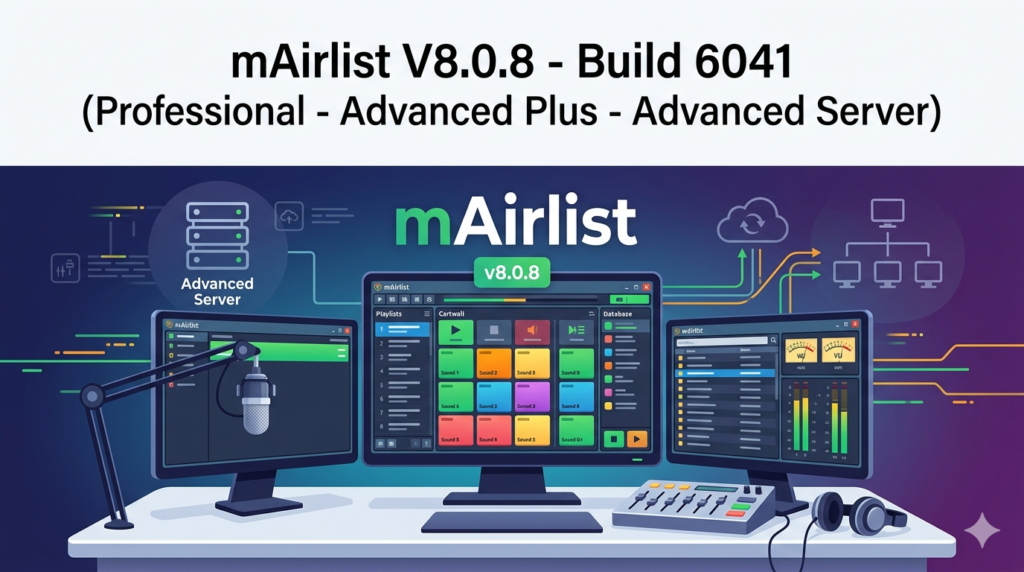
mAirlist V8.0.8 Build 6041 is a professional-grade radio automation and playout system designed for broadcasters, online radio stations, and audio content producers. This version is available in three specialized editions: Professional, Advanced Plus, and Advanced Server.
The software provides a complete solution for scheduling, playing, and managing audio content in real time. Unlike consumer audio players, mAirlist is built for 24/7 reliability, precise timing, and regulatory compliance—making it a trusted tool in the broadcast industry.
Designed for both Windows-based studio environments and remote operation, mAirlist V8.0.8 continues to serve as a backbone for many FM, DAB+, and internet radio stations worldwide. Its modular architecture allows users to scale from a single computer setup to a multi-studio networked system.
Key Features
The feature set varies slightly between the Professional, Advanced Plus, and Advanced Server editions. Below are the core capabilities common across the suite:
-
Multi-Player Architecture – Supports primary, secondary, and cue players for seamless transitions.
-
Audio Format Support – Handles MP3, AAC, WAV, FLAC, OGG, and broadcast-specific formats.
-
Automated Playlists – Rule-based scheduling with rotation, category, and time-based logic.
-
Live-Assist Mode – Allows presenters to override automation for live shows.
-
Remote Voice Tracking – Record and insert links between songs without being in the studio.
-
Cart Wall & Hot Keys – Instant playback of jingles, promos, and sound effects.
-
Logging & Compliance – Automatic playout logging for regulatory reporting.
-
Stream Encoding – Built-in encoders for Icecast and SHOUTcast.
-
GPIO Support – Hardware control for studio equipment (faders, cough buttons, etc.).
-
Database Backend – Uses SQLite or external MySQL/MariaDB for media management.
Edition-Specific Differences
| Feature | Professional | Advanced Plus | Advanced Server |
|---|---|---|---|
| Maximum audio channels | 4 | 8 | Unlimited |
| Networked studio sync | No | Limited | Full |
| Remote access via web | No | No | Yes |
| Advanced scheduling rules | Basic | Full | Full |
| Redundancy & failover | No | No | Yes |
What’s New in mAirlist V8.0.8 Build 6041
This update focuses on stability, performance, and workflow improvements. Key changes include:
-
Improved Database Performance – Faster media loading for libraries exceeding 500,000 tracks.
-
Updated Audio Engine – Lower latency for live input monitoring (ASIO improvements).
-
Enhanced Remote Voice Tracking – Better waveform visualization for precise cue point setting.
-
Security Patches – Updated network authentication for Advanced Server edition.
-
Bug Fixes – Resolved issues with crossfade logic and metadata writing to MP3 files.
No licensing or activation systems were altered in this build. The software remains fully compliant with standard software distribution models.
System Requirements
To run mAirlist V8.0.8 reliably, ensure your system meets or exceeds these specifications:
Minimum Requirements (Professional & Advanced Plus):
-
Windows 10 or Windows 11 (64-bit)
-
Intel Core i3 or AMD equivalent
-
4 GB RAM (8 GB recommended)
-
500 GB HDD for audio storage
-
DirectX compatible sound card
Recommended Requirements (Advanced Server):
-
Windows Server 2019/2022 or Windows 11 Pro for Workstations
-
Intel Xeon or AMD Ryzen 7
-
16 GB RAM
-
SSD for OS + separate HDD/SSD for audio library
-
Professional audio interface with ASIO drivers
-
Redundant network interfaces
Supported Operating Systems:
-
Windows 10 (20H2 and later)
-
Windows 11
-
Windows Server 2019 / 2022
Installation Guide
Follow these steps to install mAirlist V8.0.8 legally and safely. You will need a valid license key purchased from the official mAirlist website or an authorized reseller.
-
Download the installer from your official mAirlist account dashboard.
-
Verify the file hash (SHA-256) if provided to ensure integrity.
-
Temporarily disable antivirus (optional but recommended for studio machines).
-
Run the installer as administrator – right-click and select Run as administrator.
-
Accept the license agreement – this is a standard EULA prohibiting reverse engineering or redistribution.
-
Choose your edition – Professional, Advanced Plus, or Advanced Server during installation.
-
Select components – Database engine, encoder plugins, and network tools.
-
Complete the installation and reboot if prompted.
-
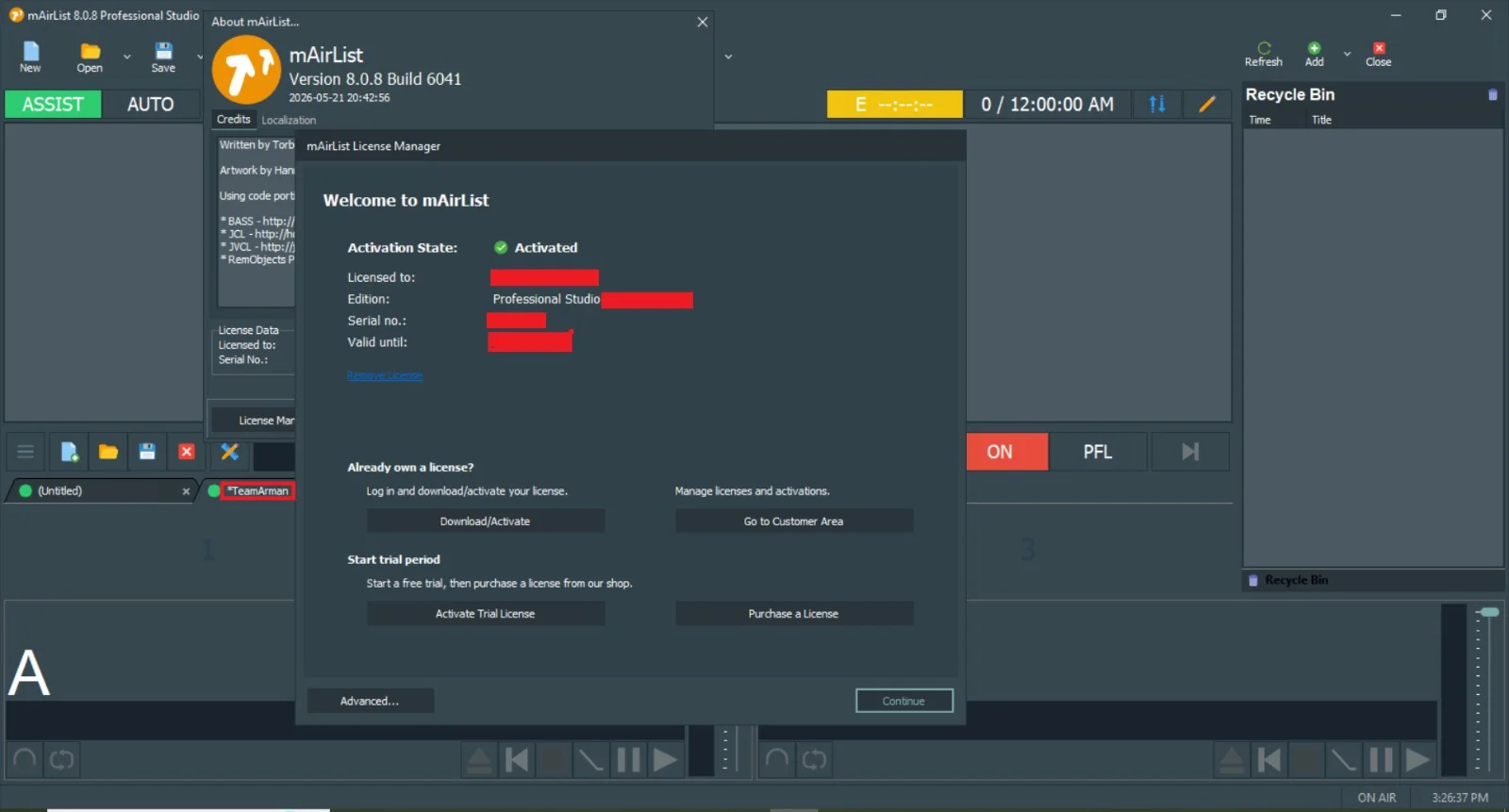
Activate your license by entering the 25-character product key.
How to Use the Software
Initial Setup for a Basic Radio Station
-
Configure audio devices – Go to Settings > Audio I/O. Assign main output, headphones, and microphone input.
-
Import media library – Use Database > Import Folder. mAirlist will scan ID3 tags and calculate BPM and loudness.
-
Create a playlist template – Define categories (e.g., Gold, Current, Sweeper) and rotation rules.
-
Set up stream encoding – Under Streaming, enter your Icecast or SHOUTcast server details.
-
Test manually – Drag songs to Player A. Press play. Monitor the output mixer.
-
Enable automation – Click the Auto button. The software will follow your schedule.
Advanced Server Edition: Remote Operation
-
Use the web-based interface (port 8080 by default) to manage playlists from any browser.
-
Role-based access – Create presenter, manager, and admin accounts.
-
Failover mode – Two servers can run in parallel; if one loses audio, the other takes over seamlessly.
Best Use Cases
mAirlist V8.0.8 excels in the following professional scenarios:
| Use Case | Recommended Edition | Why |
|---|---|---|
| Community FM radio (single studio) | Professional | Reliable playout with logging for regulator |
| Internet-only radio station | Advanced Plus | Stream encoding + remote voice tracking |
| Multi-studio commercial station | Advanced Server | Networked playout + failover |
| College radio training lab | Professional | Low cost, easy to learn |
| Religious or institutional broadcasting | Advanced Plus | Automated scheduled programs |
| Radio syndication service | Advanced Server | Central database + remote access |
Advantages and Limitations
Advantages
-
Highly customizable – Scriptable events and database queries.
-
Lightweight – Runs on modest hardware.
-
No subscription fees – Perpetual license model.
-
Excellent logging – Meets many national broadcast compliance requirements.
-
Active community forum – User-contributed scripts and plugins.
Limitations
-
Steep learning curve for non-technical users.
-
Outdated UI – Interface resembles early 2010s design.
-
Limited video support – Not suitable for TV or webcasting with video.
-
Windows only – No native macOS or Linux version.
-
Manual database optimization required for very large libraries (>1M tracks).
Alternatives to mAirlist
If mAirlist does not fit your workflow, consider these legitimate alternatives:
| Software | Best for | Platform | License Model |
|---|---|---|---|
| Rivendell | Full automation with hardware control | Linux | Open source (GPL) |
| RadioBOSS | Small to medium stations | Windows | Perpetual + subscription |
| Airtime Pro | Cloud-based internet radio | Web | Monthly subscription |
| PlayIt Live | Simple free playout | Windows | Free + paid Pro |
| StationPlaylist | Large libraries | Windows | Perpetual |
| Zenon Media | High-end broadcast automation | Windows | Perpetual |
Frequently Asked Questions
1. Is mAirlist V8.0.8 compatible with Windows 11?
Yes. Version 8.0.8 Build 6041 is fully tested on Windows 11 (22H2 and 23H2). Run the installer in Windows 10 compatibility mode if you encounter issues.
2. Can I try mAirlist before purchasing?
Yes. The official mAirlist website offers a fully functional 30-day trial. No feature restrictions apply during the trial. You only need to register with a valid email address.
3. What is the difference between Advanced Plus and Advanced Server?
Advanced Plus adds remote voice tracking and more audio channels. Advanced Server adds full network studio synchronization, web-based remote control, and hardware failover capabilities.
4. Does mAirlist support live remote broadcasting from a sports event?
Yes. Using the Live Input feature, you can route an external microphone or mixer signal through the software. Advanced Server allows remote contributors to connect via secure VPN or dedicated audio codec hardware.
5. Can mAirlist automatically comply with loudness regulations (e.g., EBU R128)?
Yes. The software includes a loudness normalization module. Enable it under Processing > Loudness and select your target standard (EBU R128, ATSC A/85, or custom).
6. How do I migrate from an older version (V7) to V8.0.8?
Back up your database and configuration files. Uninstall V7 (keep user data). Install V8.0.8. The installer will detect and convert the old database schema automatically. Do not skip the backup step.
7. Does mAirlist work with external audio hardware like the RME or Allen & Heath?
Yes. Any ASIO-compatible or Windows WDM audio device is supported. Many users run mAirlist successfully with RME Hammerfall DSP, Focusrite Scarlett, and Allen & Heath digital mixers.
8. Is there a version of mAirlist for macOS or Linux?
No. mAirlist is Windows-native. However, some users run it successfully on Linux using Wine, but this is not officially supported.
Final Thoughts
mAirlist V8.0.8 Build 6041 remains a solid choice for broadcasters who need reliable, scalable radio automation without recurring fees. The three editions—Professional, Advanced Plus, and Advanced Server—allow you to start small and grow into a multi-studio network.
While the user interface shows its age and the learning curve is real, the software compensates with deep customization, excellent logging for compliance, and a loyal community of users who share scripts and troubleshooting advice.
If you value ownership over subscription models and need Windows-based playout that can run unattended for days, mAirlist deserves a serious evaluation. Download the official trial, test it with your actual audio library and hardware, and decide based on real-world performance.
For legal and safe use, always obtain your license directly from the publisher. Avoid unofficial downloads that claim to offer “free activation” — they often contain malware and violate software copyright laws.
Our Paid Service
“We do not sell or provide any software. We only offer professional support services. If any software on your system is not working properly, or you are facing installation errors, crashes, or any other technical issue — just contact us. We will help you fix the problem quickly and remotely via AnyDesk. No software will be provided from our side — only expert troubleshooting and support.”