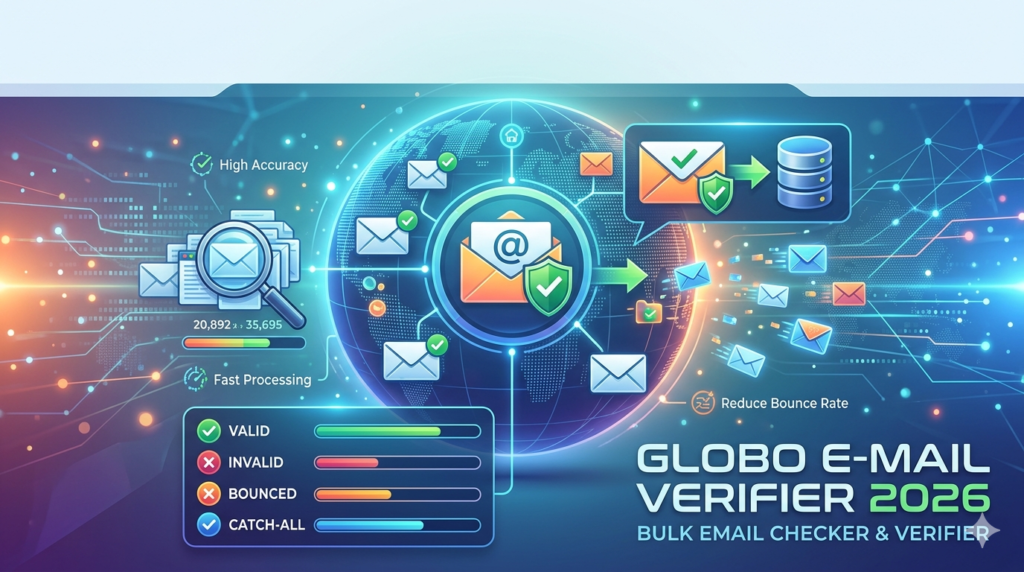

Email marketing success depends on one critical factor: list hygiene. Sending campaigns to invalid, outdated, or fake addresses damages sender reputation, increases bounce rates, and wastes resources. Globo E-Mail Verifier is a desktop-based bulk email verification tool designed to clean large mailing lists efficiently. This review covers its core functionality, 2026 updates, step-by-step usage, and how it compares to leading alternatives.
Overview of the Software
Table of Contents
Globo E-Mail Verifier is a Windows-compatible application that performs bulk email verification without requiring cloud credits or monthly subscriptions. It connects directly to mail servers using SMTP (Simple Mail Transfer Protocol) handshakes to determine if an email address exists and can receive messages. Unlike web-based verifiers that charge per thousand emails, this software operates on a one-time license model, making it suitable for agencies, e-commerce stores, and marketing teams handling high-volume lists.
The tool supports TXT and CSV file imports, processes millions of addresses per session, and delivers detailed reports categorizing each email as valid, invalid, unknown, or disposable. For organizations prioritizing data privacy, Globo E-Mail Verifier runs entirely on local hardware—no sensitive subscriber lists leave your network.
Key Features
The following capabilities define the software’s utility for professional email validation:
-
Bulk SMTP verification – Connects directly to recipient mail servers (Gmail, Outlook, custom domains) to verify mailbox existence without sending actual emails.
-
Syntax and domain validation – Checks for formatting errors, typo domains (e.g.,
gmal.com), and non-existent mail exchangers. -
Disposable email detection – Identifies temporary addresses from providers like Guerilla Mail and 10MinuteMail.
-
Catch-all server detection – Flags domains that accept all usernames, allowing you to decide whether to keep or remove such addresses.
-
Multi-threaded processing – Uses configurable connection threads to verify up to 100,000 emails per hour on standard broadband connections.
-
Export filters – Generate cleaned lists containing only valid addresses, ready for import into Mailchimp, ActiveCampaign, or any ESP.
-
Free email provider whitelisting – Prioritizes major domains (Gmail, Yahoo, Outlook) for faster verification.
What’s New in the 2026 Version
The 2026 release introduces several performance and usability improvements:
-
Improved SMTP timeout handling – Reduces false negatives when verifying addresses on slower international servers.
-
Updated disposable domain database – Now blocks over 8,000 temporary email domains, up from 5,000 in previous versions.
-
Dark mode interface – Full UI support for low-light work environments.
-
CSV mapping wizard – Automatically detects column headers (Email, First Name, Last Name) for seamless file imports.
-
Email syntax correction suggestions – Recommends fixes for common typos (e.g.,
hotmal.com→hotmail.com). -
Background processing queue – Allows multiple verification jobs to run sequentially without user intervention.
System Requirements
Before installing, ensure your Windows system meets these specifications:
| Component | Minimum | Recommended |
|---|---|---|
| Operating System | Windows 10 (64-bit) | Windows 11 |
| Processor | Intel Core i3 @ 2.0 GHz | Intel Core i5 or Ryzen 5 |
| RAM | 4 GB | 8 GB or more |
| Storage | 500 MB free space | 1 GB SSD |
| Internet | 10 Mbps (stable connection) | 25 Mbps for large batches |
| .NET Framework | Version 4.8 | Version 4.8 or newer |
Note: The software does not support macOS or Linux natively. However, Windows users can run it via virtualization software such as Parallels or VMware Fusion.
Installation Guide
Follow these steps to install Globo E-Mail Verifier on your Windows computer:
-
Download the installer from the official developer website. Avoid third-party download portals to prevent tampered files.
-
Right-click the setup file and select “Run as administrator” to ensure proper registry access.
-
Accept the license agreement after reading the terms. The software is legally distributed as shareware with a 30-day trial.
-
Choose installation path – Default
C:\Program Files\Globo E-Mail Verifieris recommended. -
Configure firewall exceptions – The installer will prompt you to allow outbound SMTP connections. Approve this for proper verification.
-
Complete installation and launch the application. Activate using the license key received upon purchase.
How to Use the Software
Using Globo E-Mail Verifier involves four main stages. Below is a practical walkthrough for first-time users.
Step 1: Import Your Email List
-
Click File → Import and select your TXT or CSV file.
-
If using CSV, map the column containing email addresses. Example:
col_A = "Email Address". -
The software displays a preview of the first 20 records.
Step 2: Configure Verification Settings
-
Threads: Start with 20 threads for a standard broadband connection. Increase to 100 for fiber optic.
-
Timeout per email: Set to 30 seconds for international domains. Lower to 10 seconds for regional lists.
-
Enable disposable detection: Toggle on to filter temporary addresses.
-
Catch-all handling: Choose “Mark as Valid” or “Mark as Unknown” based on your risk tolerance.
Step 3: Run the Verification Process
-
Click Start Verification. Progress is shown in real time with logs for each email.
-
You can pause or stop the job at any point. Results are saved automatically every 1,000 records.
-
A typical list of 50,000 emails completes within 45–60 minutes.
Step 4: Export Cleaned Results
-
After completion, go to File → Export.
-
Select filter: Valid only, Valid + Unknown, or All results.
-
Choose output format (CSV recommended for ESPs).
-
Save the cleaned list and upload directly to your email marketing platform.
Best Use Cases
Globo E-Mail Verifier excels in specific scenarios where local processing and bulk capacity are priorities.
| Use Case | Why It Works |
|---|---|
| E-commerce cart abandonment recovery | Removes fake addresses that trigger hard bounces, preserving sender score. |
| B2B lead list cleaning | Verifies corporate domains (e.g., @company.com) without sending test emails. |
| Newsletter list migration | Sanitizes legacy lists before importing to a new ESP like Brevo or ConvertKit. |
| Event invitation campaigns | Filters out role-based addresses (info@, admin@) that rarely convert. |
| Data privacy compliance | Keeps all subscriber data on-premises, supporting GDPR and CCPA requirements. |
Advantages and Limitations
Advantages
-
One-time payment with unlimited verifications – no recurring cloud fees.
-
No email sending required – prevents accidental spam reports.
-
Works offline after initial activation – ideal for secure environments.
-
Detailed SMTP logs help diagnose specific domain issues.
Limitations
-
Windows-only application (no native web or Mac version).
-
Requires stable SMTP port access (some ISPs block port 25).
-
Slower than cloud-based APIs for lists over 500,000 emails.
-
Limited reporting dashboard compared to SaaS alternatives (e.g., ZeroBounce).
Alternatives to the Software
For teams considering other email verification approaches, the following tools offer distinct advantages.
| Tool | Type | Pricing Model | Best For |
|---|---|---|---|
| ZeroBounce | Cloud API | Pay-as-you-go (from $0.008/email) | High-volume senders needing append data (name, location) |
| NeverBounce | Cloud API | Subscription + overage | Real-time verification at signup forms |
| Debounce | Cloud + Desktop | Monthly plans | Small to medium businesses on a budget |
| Email List Verify | Web-based | One-time credits | Occasional list cleaning without software install |
| BriteVerify | Cloud API | Per-verification pricing | Enterprise integrations with Salesforce and Marketo |
Recommendation: Choose Globo E-Mail Verifier for one-time large list cleanings or privacy-sensitive projects. Choose ZeroBounce or NeverBounce for ongoing real-time verification and advanced analytics.
Frequently Asked Questions
Is Globo E-Mail Verifier legal to use for email list cleaning?
Yes, the software is fully legal. It validates email addresses via public SMTP servers—the same method used by mail transfer agents worldwide. No unauthorized access or cracking is involved.
Does the 2026 version support Microsoft 365 and Google Workspace catch-all detection?
Yes. The updated SMTP handshake handles modern authentication requirements, though some domains with strict DMARC policies may return “unknown” status.
Can I verify email addresses without sending an email?
Absolutely. The software uses an SMTP RCPT TO command query, which checks mailbox existence without transmitting a message. No recipient ever receives an email from your verification process.
What file formats can I import?
The tool accepts plain text (.txt) with one email per line and comma-separated values (.csv) with optional headers. Excel (.xlsx) files require conversion to CSV first.
How accurate is the verification?
For standard domains (Gmail, Yahoo, Outlook, major ISPs), accuracy exceeds 98%. Catch-all domains reduce accuracy to approximately 75% because servers accept all usernames regardless of validity.
Will this software work behind a corporate firewall?
It requires outbound access on SMTP ports 25, 587, or 2525. Many corporate networks block port 25. In that case, configure your firewall to allow port 587 (submission port) instead.
Can I schedule automatic list cleaning?
No, the 2026 version does not include automation. You must manually import and export lists. For scheduled cleaning, consider a cloud API alternative.
Final Thoughts
Globo E-Mail Verifier remains a dependable choice for Windows users who need bulk email verification without monthly fees. Its one-time pricing model, local data processing, and high SMTP accuracy make it especially valuable for small to medium businesses, digital agencies, and data privacy-conscious organizations. However, teams requiring real-time API verification, advanced reporting, or macOS support should evaluate cloud-based alternatives.
For the best results, use Globo E-Mail Verifier as part of a broader email hygiene strategy: verify new signups at point of capture (using a real-time API) and run quarterly bulk cleaning sessions with this desktop tool to maintain list health and maximize deliverability.
Our Paid Service
“We do not sell or provide any software. We only offer professional support services. If any software on your system is not working properly, or you are facing installation errors, crashes, or any other technical issue — just contact us. We will help you fix the problem quickly and remotely via AnyDesk. No software will be provided from our side — only expert troubleshooting and support.”