

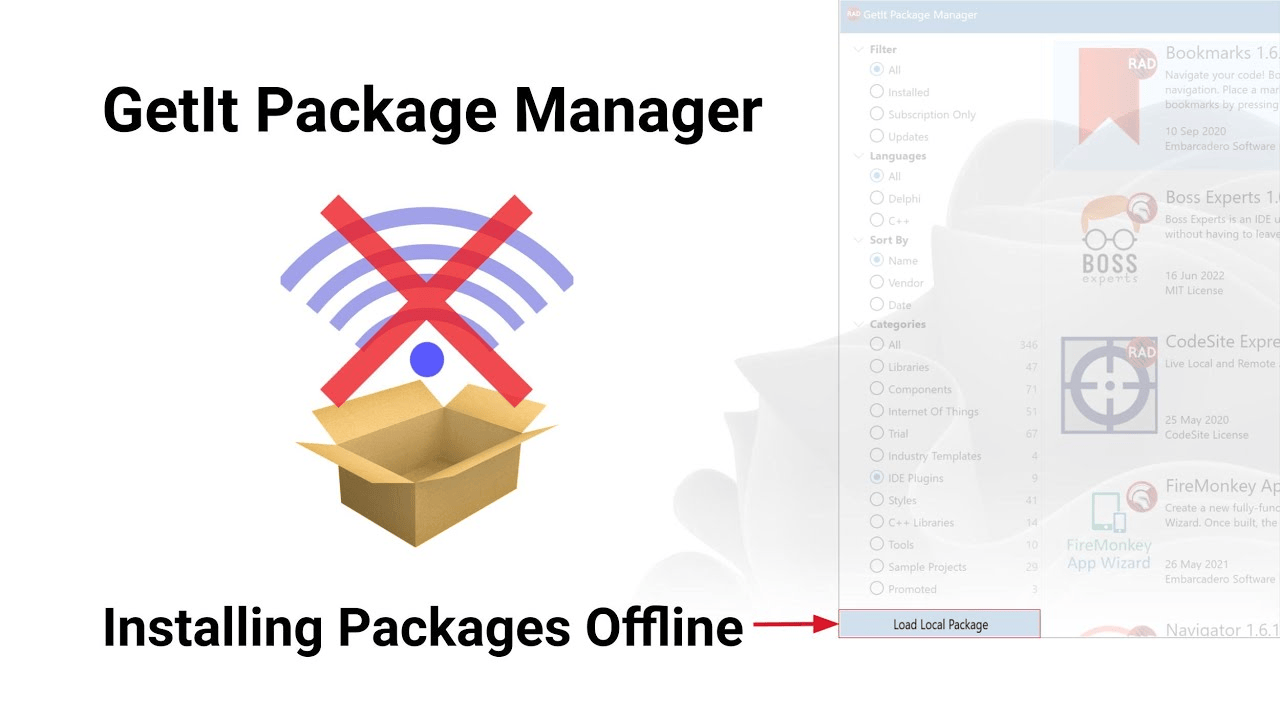
Download RAD Studio GetIt Package Manager (Content Refresh and Optimization for Berlin) from this link…

Overview of the GetIt Package Manager
Table of Contents
The GetIt Package Manager is the integrated package management system within RAD Studio, Embarcadero’s suite of application development tools. It serves as the primary gateway for developers to discover, download, and install plugins, components, libraries, and frameworks directly into their Integrated Development Environment (IDE). Instead of manually searching for third-party tools or libraries and configuring them, GetIt streamlines the process with a few clicks, ensuring compatibility and reducing setup time.
For developers using the Berlin version of RAD Studio, the GetIt Manager is essential for extending IDE functionality, accessing updated SDKs, and integrating UI controls. Recently, a significant effort has been made to overhaul the content within GetIt, specifically targeting users still operating on the Berlin release to ensure they have access to modern, stable, and updated packages.
Screenshot
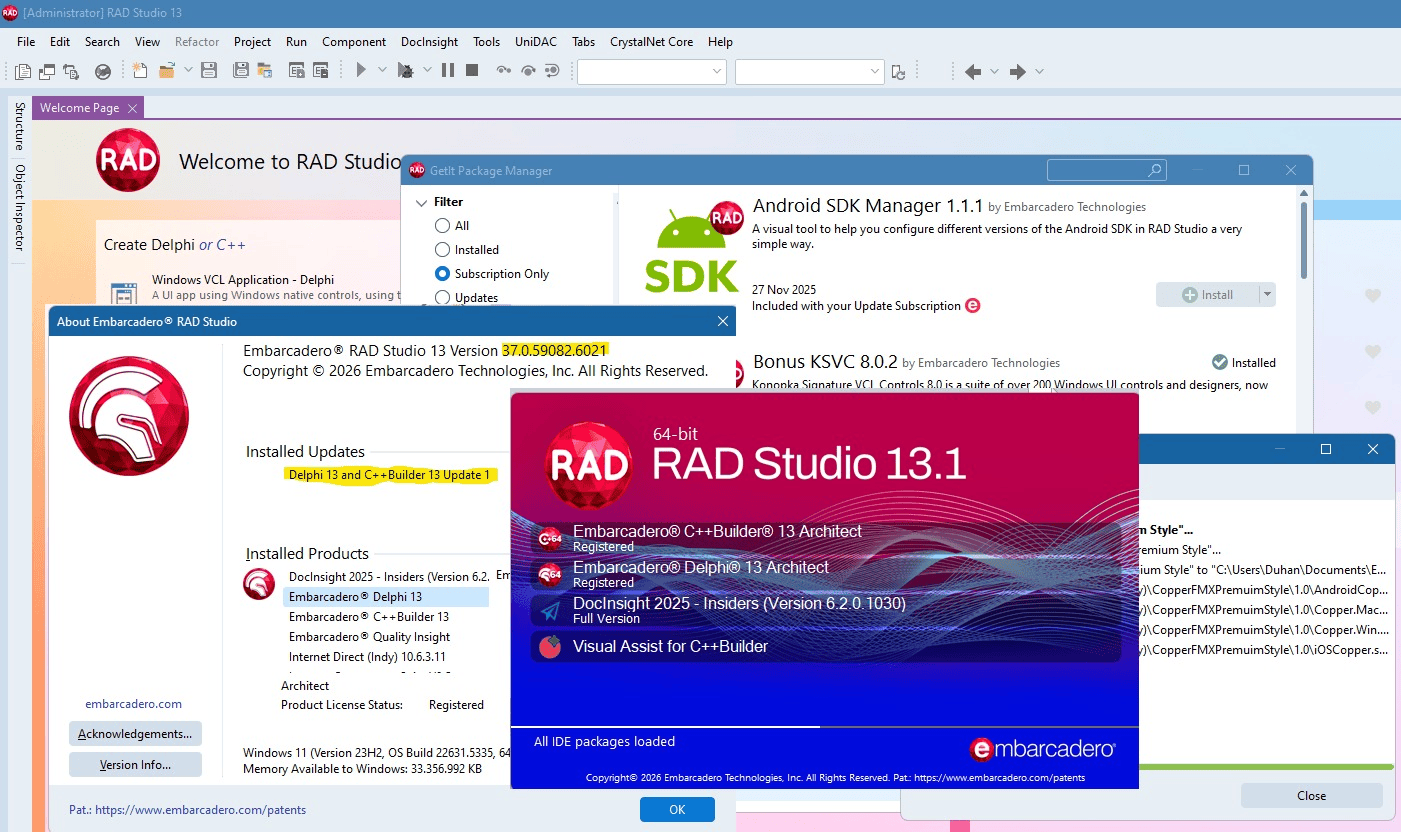
Key Features of the GetIt Package Manager
The GetIt Manager is designed to enhance developer productivity. Its core features include:
-
In-IDE Integration: Access and install packages without leaving the RAD Studio environment.
-
Centralized Repository: A single source for official Embarcadero patches, samples, and third-party vendor components.
-
Dependency Resolution: Automatically handles library dependencies, ensuring all required files are installed alongside the primary package.
-
Version Tracking: Maintains records of installed packages and allows for updates when newer versions are released by vendors.
-
Categorized Listings: Browse tools by category, such as “User Interface,” “Database,” “Cloud,” or “Internet of Things (IoT).”
What’s New in the GetIt Content for RAD Studio Berlin
In a recent initiative to support the RAD Studio community, the development team has refocused efforts on curating and expanding the GetIt repository. For users of RAD Studio Berlin, this means a revitalized library of components that were previously outdated or unavailable.
Here is what has been implemented in this latest content refresh:
Comprehensive Package Auditing and Updates
The GetIt catalog has undergone a thorough review. Packages that had fallen behind current standards have been identified and updated to their latest stable versions. This includes patching known issues and ensuring compatibility with the Berlin toolchain.
New and Revised Third-Party Tools
A significant portion of the update focuses on third-party integrations. Vendors have been contacted to provide the most recent builds of their libraries. Whether you need the latest charting components or advanced data visualization suites, the refreshed content aims to reduce the gap between the Berlin release and the current state of these external tools.
Dedicated Content Management
To ensure this does not become a one-time fix, a dedicated resource is now assigned to manage GetIt content. This means ongoing monitoring of library updates and vendor releases, allowing for a more timely and responsive update cycle for all supported RAD Studio versions, including Berlin.
System Requirements for Using GetIt in Berlin
Before utilizing the updated packages, ensure your system meets the necessary criteria to run RAD Studio Berlin and access the GetIt Manager.
-
Supported Operating Systems: Microsoft Windows 7 SP1, 8, 8.1, 10, or Windows Server 2008 R2 and later (Win32 only).
-
Hardware: 4 GB RAM minimum (8 GB+ recommended for complex component installations). 3 GB of free hard disk space for the base IDE and additional space for downloaded packages.
-
Network: An active internet connection is required to browse the repository and download packages.
-
RAD Studio Version: Embarcadero RAD Studio Berlin (version 10.1) with a valid license or trial version.
Installation Guide: How to Access Updated Packages
Accessing the newly updated content in GetIt Manager is straightforward. Follow this guide to refresh your package list:
-
Launch RAD Studio Berlin: Open your IDE.
-
Open GetIt Manager: Navigate to the
Toolsmenu and selectGetIt Package Manager.... The GetIt window will appear, usually docked or as a separate window. -
Refresh the Catalog: If you have had the IDE open for a while, click the
Refreshbutton (circular arrow icon) in the GetIt toolbar. This forces the manager to query the server for the latest metadata, including the recently updated packages. -
Browse or Search: Use the search bar or browse the updated categories to find specific tools.
-
Install: Select a package and click the
Installbutton. The manager will handle the download and integration process automatically.
How to Use the GetIt Package Manager Effectively
Once your packages are installed, managing them is simple. The GetIt Manager provides tools to keep your development environment optimized.
-
Updating Installed Packages: Go to the
Installedtab within the GetIt Manager. Here, you can see which packages have updates available. Selecting “Update All” or updating individually ensures you have the latest features and bug fixes. -
Reviewing Package Details: Before installing, click on any package to view its description, version number, publisher, license type, and dependencies.
-
Uninstalling: If a package is no longer needed, you can uninstall it directly from the GetIt Manager interface to keep your IDE clean.
Best Use Cases for GetIt Packages
The updated content in GetIt for Berlin opens up several powerful use cases for developers:
-
Rapid UI Prototyping: Quickly install component suites like TMS Software or DevExpress to add modern skins, grids, and ribbons to your VCL or FireMonkey applications without writing complex drawing code from scratch.
-
Cloud-Enabled Development: Integrate SDKs for cloud providers (like Amazon Web Services or Azure) to connect your desktop applications directly to cloud storage or databases.
-
Database Connectivity: Install updated database drivers and components to ensure your legacy applications can connect to modern SQL and NoSQL databases.
-
Open Source Integration: Access vetted open-source libraries that can add functionality such as JSON parsing, encryption, or image manipulation.
Advantages and Limitations of GetIt in RAD Studio Berlin
Understanding the strengths and weaknesses of the GetIt system helps developers integrate it effectively into their workflow.
Advantages
-
Time-Saving: Eliminates the manual process of downloading, configuring, and setting library paths.
-
Vendor-Vetted Content: Reduces the risk of downloading incompatible or malicious code.
-
Centralized Management: One interface to handle all third-party extensions.
-
Ongoing Support: With a dedicated content manager, the library is becoming more dynamic and up-to-date.
Limitations
-
Win32 Focus: As noted, the GetIt infrastructure and package delivery are primarily optimized for the Win32 platform within the IDE.
-
Content Maturity: While improving significantly, the content update is an ongoing process. Some niche or highly specialized libraries may still be pending updates.
-
Internet Dependency: An active connection is required to browse and download packages, which can be a constraint in secure, air-gapped development environments.
Alternatives to the GetIt Package Manager
While GetIt is the most convenient method, developers have other options for extending RAD Studio Berlin:
-
Manual Installation: Downloading components directly from vendor websites and manually adding the library paths to the IDE’s environment options. This offers maximum control but requires more technical overhead.
-
Open Source Repositories: Sourcing libraries from GitHub or SourceForge and compiling them locally. This is common for developers who need to modify the source code of the libraries themselves.
-
Commercial Vendor Sites: Purchasing components directly from vendors like Developer Express, Steema Software, or FastReports and using their standalone installers.
Frequently Asked Questions
Q: Is the GetIt Package Manager free to use?
A: The GetIt Manager itself is a free feature of the RAD Studio IDE. However, while many packages are free (open-source or freeware), some third-party commercial components require a purchase or are available as time-limited trials.
Q: How often is the GetIt content updated?
A: With the recent changes, updates are becoming more frequent. A dedicated team member now manages the content, aiming for timely updates coinciding with new library releases or major RAD Studio patches.
Q: Can I submit my own open-source library to GetIt?
A: Yes. Embarcadero welcomes contributions. The submission process has been streamlined to accept open-source libraries, trial versions, and add-on tools. If you have a library you wish to share with the RAD Studio community, you can reach out to the content management team via email.
Q: Why is this update specifically important for Berlin users?
A: As newer versions of RAD Studio are released, the focus of updates often shifts. This recent initiative ensures that developers who have not yet upgraded from Berlin are not left behind, providing them with access to modernized components and security patches.
Q: Does GetIt work with FireMonkey projects?
A: Yes. The GetIt Manager hosts packages for both VCL (Visual Component Library) and FireMonkey (FMX) frameworks. When searching for components, you can filter by framework to ensure compatibility with your project type.
Final Thoughts
The revitalization of the GetIt Package Manager content for RAD Studio Berlin is a significant step forward for the developer community. It bridges the gap between a mature IDE version and the fast-paced evolution of third-party libraries and tools. By assigning dedicated resources to curate and update the repository, Embarcadero is ensuring that developers have access to a stable, secure, and modern ecosystem.
Whether you are building enterprise database applications or experimenting with IoT devices, leveraging the updated GetIt catalog will save development time and introduce you to tools that enhance your code. We encourage developers to explore the refreshed content, submit feedback, and contribute to the growing library of resources available within RAD Studio.
Premium Software Support Service
If you need professional help with software installation, setup, or technical configuration, our team is available to assist you.
Contact & Support
For quick assistance and latest updates, connect with us using the links below:
🔹 Direct Telegram Support
https://t.me/PlayoutKing
🔹 Official Telegram Updates Group
https://t.me/yourgroup
Service Policy
- Remote testing available through AnyDesk before confirmation.
• Verify the setup and performance before completing the order.
• Support available for single or multiple systems.
• Step-by-step guidance to ensure smooth installation and working environment.
Our goal is to provide reliable technical assistance so your software runs smoothly without interruptions.