
Overview of the Software
Table of Contents
Odant45 V20260427 is a specialized 3D digital dentistry addon designed exclusively for Blender, the popular open-source 3D creation suite. This tool bridges the gap between general-purpose 3D modeling and specialized computer-aided design (CAD) workflows for dental professionals, lab technicians, and 3D artists working in the medical visualization niche.
Unlike traditional dental CAD software (such as exocad or 3Shape), Odant45 operates entirely within Blender’s node-based geometry system. This allows users to leverage Blender’s powerful mesh editing, sculpting, and rendering capabilities while accessing dentistry-specific tools like parametric tooth generation, crown preparation, and orthodontic alignment.
The V20260427 release marks a significant upgrade in stability, mesh processing speed, and compatibility with Blender 4.2 LTS and above.
Key Features
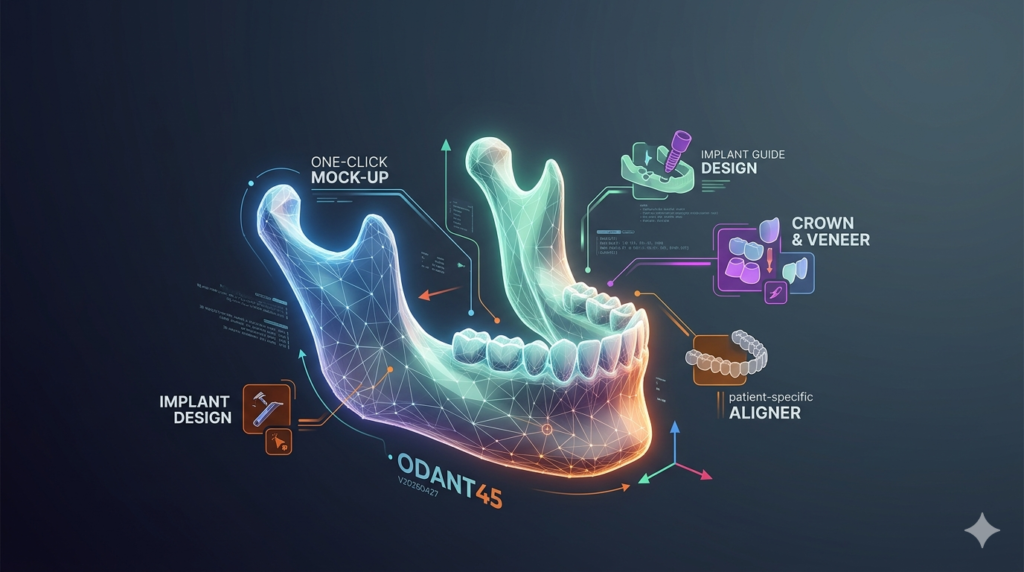
Odant45 provides a focused set of tools for digital dentistry workflows. Below are the core functionalities included in version V20260427:
-
Parametric Tooth Library: Access a full set of 32 permanent teeth (FDI & Universal numbering systems) with adjustable morphology sliders.
-
Crown & Bridge Preparation Tools: Automated margin line detection and preparation axis alignment.
-
Orthodontic Setup: Bracket placement guides and archwire path generation.
-
Implant Planning Overlay: Visualize implant axes and abutment emergence profiles.
-
Occlusal Analysis: Heatmap generation for contact points and interference detection.
-
STL/PLY Export Optimized for Printing: Direct export to dental 3D printers (Formlabs, Asiga, NextDent).
-
Blender Geometry Nodes Integration: Non-destructive parametric modifications.
What’s New in Odant45 V20260427
This version focuses on performance and workflow integration. Key updates include:
-
Blender 4.2 LTS Native Support – Full compatibility with the latest geometry nodes API.
-
Real-time Mesh Decimation – Optimize high-resolution intraoral scans (up to 5M polygons) without leaving edit mode.
-
Improved Margin Detection Algorithm – Reduces noise when working with wet-scan data.
-
Automated Thickness Visualization – Heatmap for crown and splint thickness diagnostics.
-
Batch STL Export for Multi-Unit Cases – Export individual retainers or crowns in one click.
System Requirements
To run Odant45 V20260427 effectively, ensure your system meets the following specifications:
Minimum Requirements:
-
Blender Version: 4.2 LTS or 4.3
-
Operating System: Windows 10 (64-bit), macOS 12 (Monterey), or Linux (Ubuntu 22.04)
-
RAM: 16 GB
-
GPU: DirectX 12 compatible with 4GB VRAM (OpenGL 4.5)
-
Storage: 500 MB free space for addon + 10 GB for project files
Recommended Requirements:
-
Blender Version: Latest stable release (4.3+)
-
RAM: 32 GB or more
-
GPU: NVIDIA RTX 3060 / AMD Radeon RX 6700 (8GB VRAM) for viewport occlusion
-
Storage: NVMe SSD with 50 GB free for high-resolution scan cache
Installation Guide
Odant45 installs like any standard Blender addon. No unauthorized modifications or license bypasses are required—only a valid license key from the official developer.
Step-by-step installation:
-
Download the official package from the authorized Odant45 distributor or Blender Market.
-
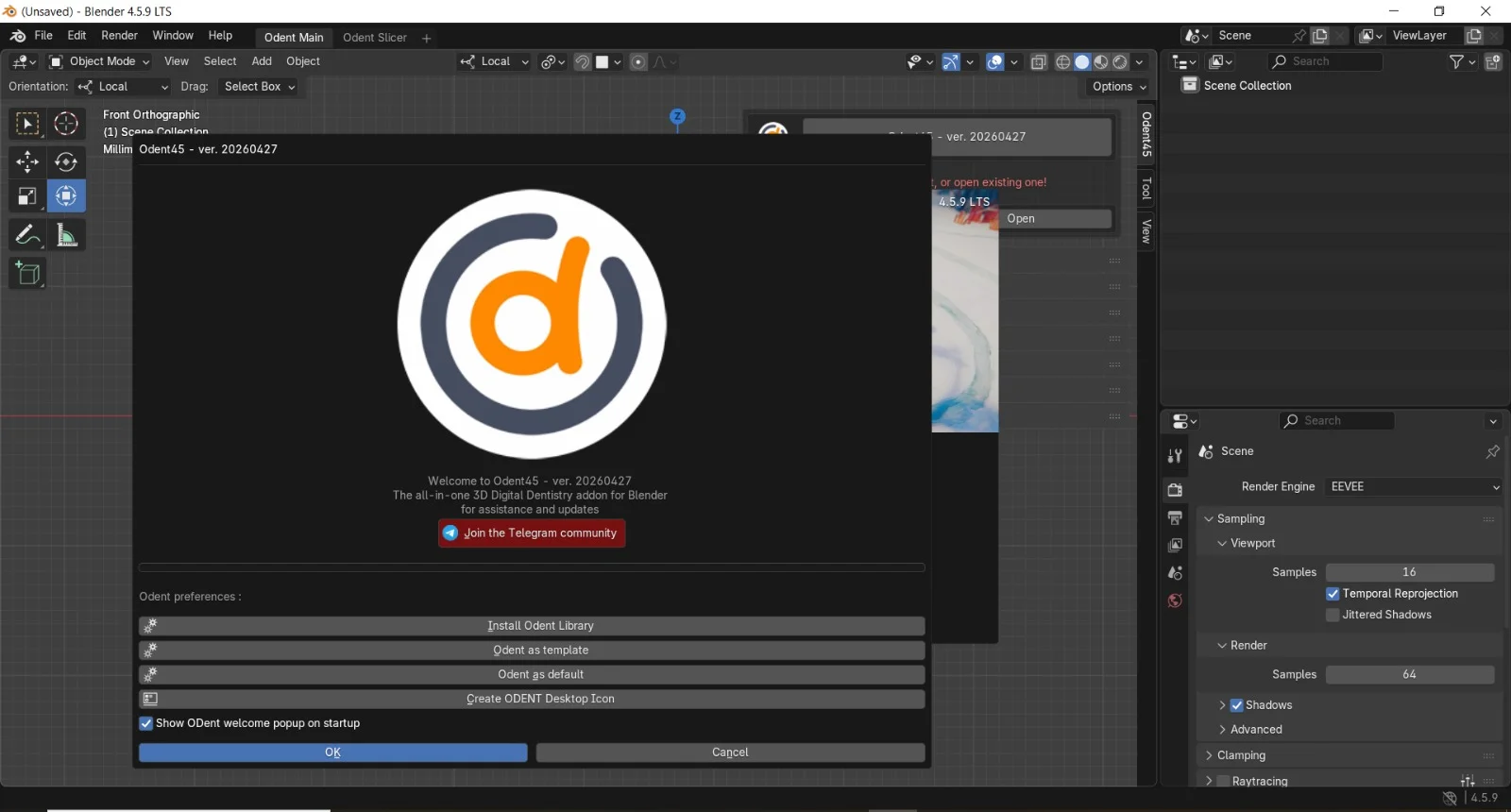
Open Blender and navigate to
Edit > Preferences > Add-ons. -
Click
Installand select the downloaded.zipfile (do not unzip it manually). -
Enable the addon by checking the box next to “Odant45: Dental Toolset”.
-
Locate the Odant45 panel in the 3D Viewport sidebar (press
Nto toggle, then find the “Dental” tab). -
Enter your valid license key when prompted.
Important: The addon requires an active internet connection for license validation every 30 days. Offline licenses are available for clinical environments upon request to the developer.
How to Use the Software
Odant45 is built for users familiar with Blender’s interface. Below is a basic workflow for generating a dental crown.
Step 1: Import an Intraoral Scan
-
Use
File > Import > STLto load a prepared tooth preparation scan. -
Ensure the mesh is manifold (no holes). Use Blender’s
3D Print Toolboxif needed.
Step 2: Select the Target Tooth
-
In the Odant45 panel, choose the FDI tooth number (e.g., 36 for lower left first molar).
-
The addon will overlay a parametric tooth model aligned to the scan.
Step 3: Margin Line Detection
-
Click “Detect Margin” – the algorithm highlights the preparation boundary in red.
-
Manually refine using the “Edit Margin” curve tool for complex preparations.
Step 4: Generate Crown
-
Adjust cement gap (default 50 microns) and occlusal thickness.
-
Click “Generate Crown” – the addon creates a non-destructive Geometry Nodes modifier.
Step 5: Export for Printing
-
Select the crown object.
-
Go to
Odant45 > Export > STL for Printing. -
Choose high-resolution (100 microns) for dental printers.
Best Use Cases
Odant45 is not a replacement for full CAD/CAM systems, but it excels in specific scenarios:
| Use Case | Why Odant45 Works |
|---|---|
| Orthodontic study models | Fast alignment of segmented teeth using Blender’s parenting system. |
| Surgical guide visualization | Overlay implant plans onto CBCT-derived meshes. |
| Removable prosthetics design | Parametric denture base generation with adjustable undercuts. |
| 3D rendering for patient education | Use Blender’s Cycles renderer for photorealistic tooth materials. |
| Research & morphology analysis | Access raw mesh data for scientific measurement (no proprietary lock-in). |
Advantages and Limitations
Advantages
-
Cost-effective compared to proprietary dental CAD (exocad, 3Shape).
-
Full creative control via Blender’s mesh editing toolkit (sculpt, retopo, UV).
-
No vendor lock-in – works with standard STL/PLY/OBJ files.
-
Active community of Blender artists adapting dental workflows.
Limitations
-
No CAM integration – cannot directly generate toolpaths for milling machines.
-
Steep learning curve requires Blender proficiency (non-intuitive for pure dental techs).
-
Limited implant library – only generic abutments, no brand-specific (Straumann, Nobel).
-
Manual margin refinement needed for subgingival preparations.
Alternatives to Odant45
If Odant45 does not meet your clinical or production needs, consider these alternatives:
| Software | Primary Use | Platform | Key Difference from Odant45 |
|---|---|---|---|
| Blender + Free Addons (DentalClinic) | Basic model alignment | Blender | Less automated, no parametric teeth |
| Meshmixer (Free) | Mesh repair & hollowing | Standalone | No dental-specific tooth library |
| exocad (Paid, $5k+) | Full CAD/CAM for labs | Windows | Includes CAM, implant libraries, FDA clearance |
| 3Shape Dental System | Clinical restorative design | Windows | Fully validated for crowns/bridges |
Recommendation: Use Odant45 for visualization, education, and research. For production crowns that require milling, export the STL and import into a CAM system like Millbox or HyperDENT.
Frequently Asked Questions
1. Is Odant45 compatible with Blender 4.3?
Yes. Version V20260427 is officially tested on Blender 4.2 LTS and 4.3. Early access builds for Blender 4.4 are available to beta testers only.
2. Can I use Odant45 for implant planning?
The addon provides visual overlay for implant axes and abutment emergence. It does not perform surgical navigation or FDA-approved planning. Always verify with dedicated software (e.g., coDiagnostiX, BlueSky Plan).
3. Does Odant45 support intraoral scanner files from iTero or Medit?
Yes. Import STL or PLY files directly. For 3MF files (used by some scanners), convert to STL using Blender or Meshlab first.
4. How accurate are the parametric teeth?
The tooth library is based on average anatomical data (Wheeler’s Dental Anatomy). For individual patient morphology, modify using Blender’s sculpting brushes.
5. Can I export a crown to a milling machine directly?
No. Odant45 lacks CAM toolpath generation. Export as high-resolution STL, then import into CAM software (DeskProto, Millbox, or Fusion 360 with CAM addon).
6. Is there a free trial or educational license?
The developer offers a 30-day feature-limited trial (export disabled). Educational licenses for accredited dental schools are available at 50% off upon verification.
7. Does Odant45 work on Linux (Ubuntu)?
Yes, fully supported on Blender’s Linux build. GPU acceleration requires NVIDIA proprietary drivers.
Final Thoughts
Odant45 V20260427 successfully addresses a niche but growing need: accessible 3D digital dentistry inside a free, open-source platform (Blender) . It is not a turnkey solution for production laboratories, but it is an exceptional tool for educators, students, 3D artists in medical animation, and dental technicians who want fine-grained mesh control without paying for expensive CAD seats.
The V20260427 update delivers meaningful stability improvements and real-time feedback loops that were missing in earlier versions. If your workflow involves crown visualization, orthodontic study models, or patient education renders, this addon provides excellent value.
For production crowns or surgical guides, use Odant45 as a pre-processing and visualization tool , then export to certified dental CAM software. Always verify final designs against clinical requirements.
Our Paid Service
“We do not sell or provide any software. We only offer professional support services. If any software on your system is not working properly, or you are facing installation errors, crashes, or any other technical issue — just contact us. We will help you fix the problem quickly and remotely via AnyDesk. No software will be provided from our side — only expert troubleshooting and support.”